Deliver an Email
We want to deliver an email to the visitor to confirm that someone from the Customer Care team will call back and to share the estimation of time.
Expand the Actions menu, drag & drop the Email action and link it to the Others transition, this way:
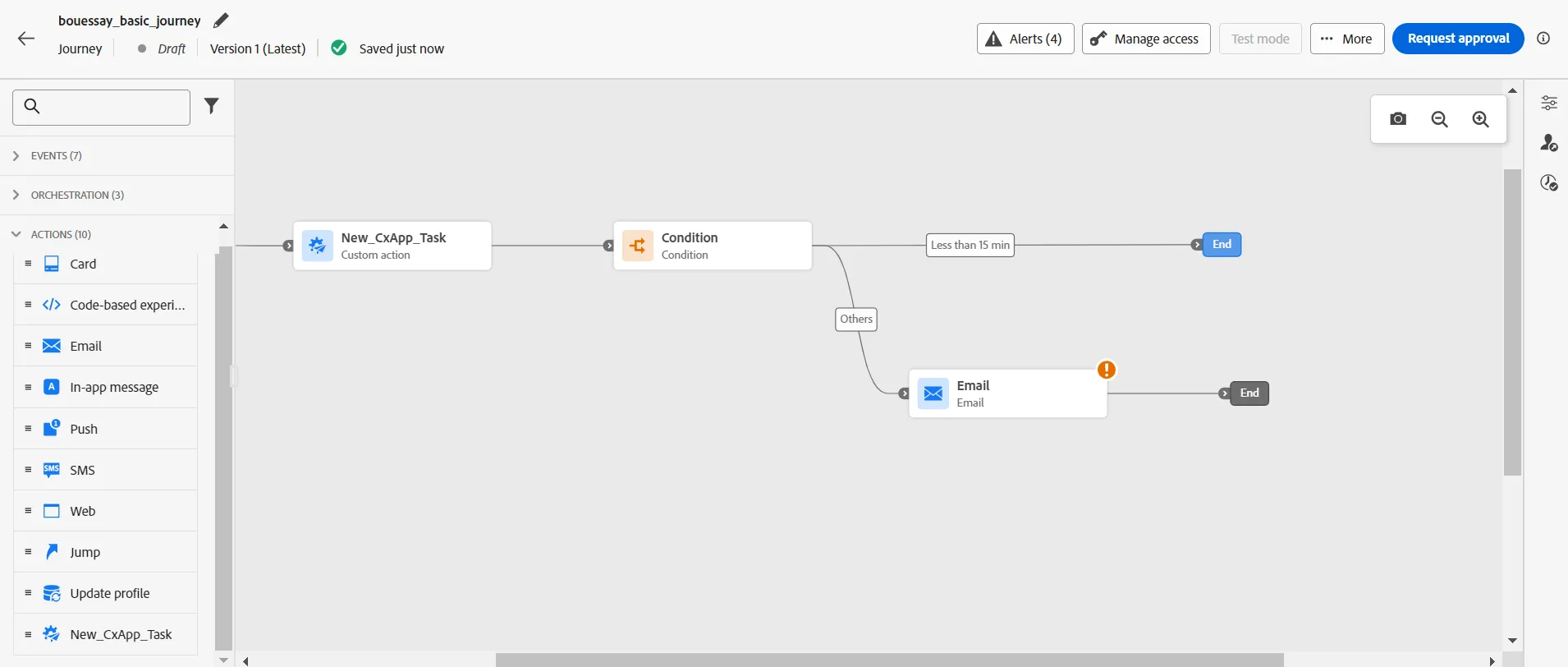
Then set a label, select the Transactional category, select the config-email-transactional surface.
Click on the Edit content button.
Go to the tab Saved templates and select the content template named CitiSignal - Transactional Template #01
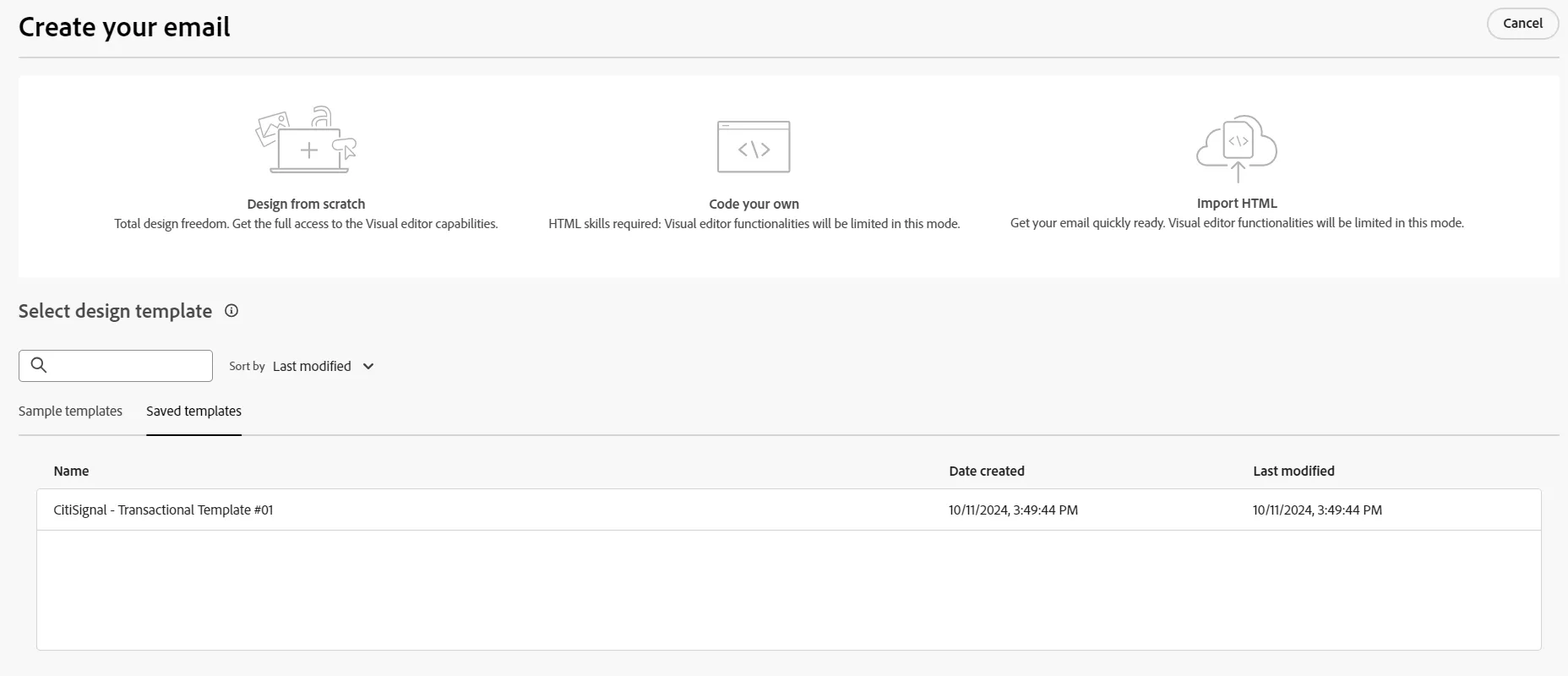
Then, we have to add the estimation of time:
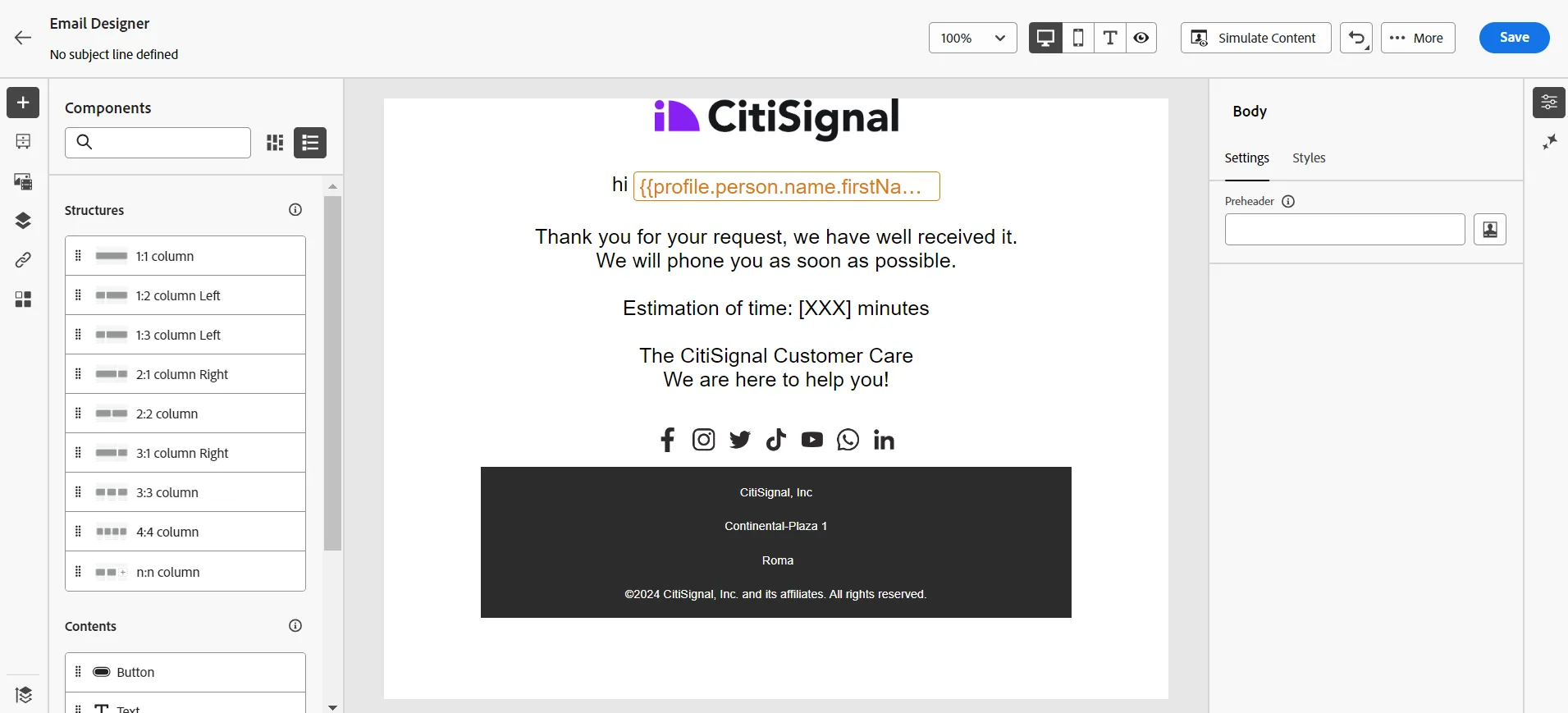
Replace the [XXX] string with the estimation of time that has been given by the Customer Care app:
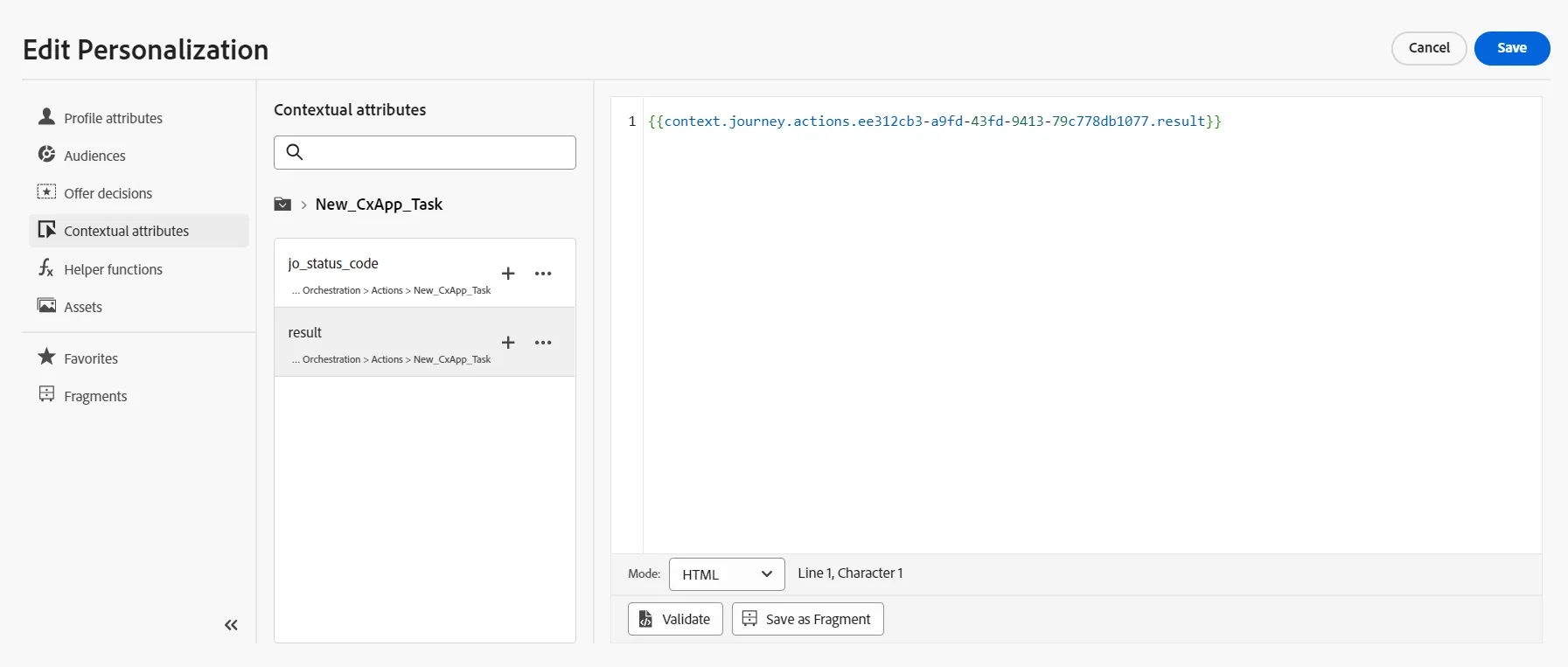
Save the content and go back.
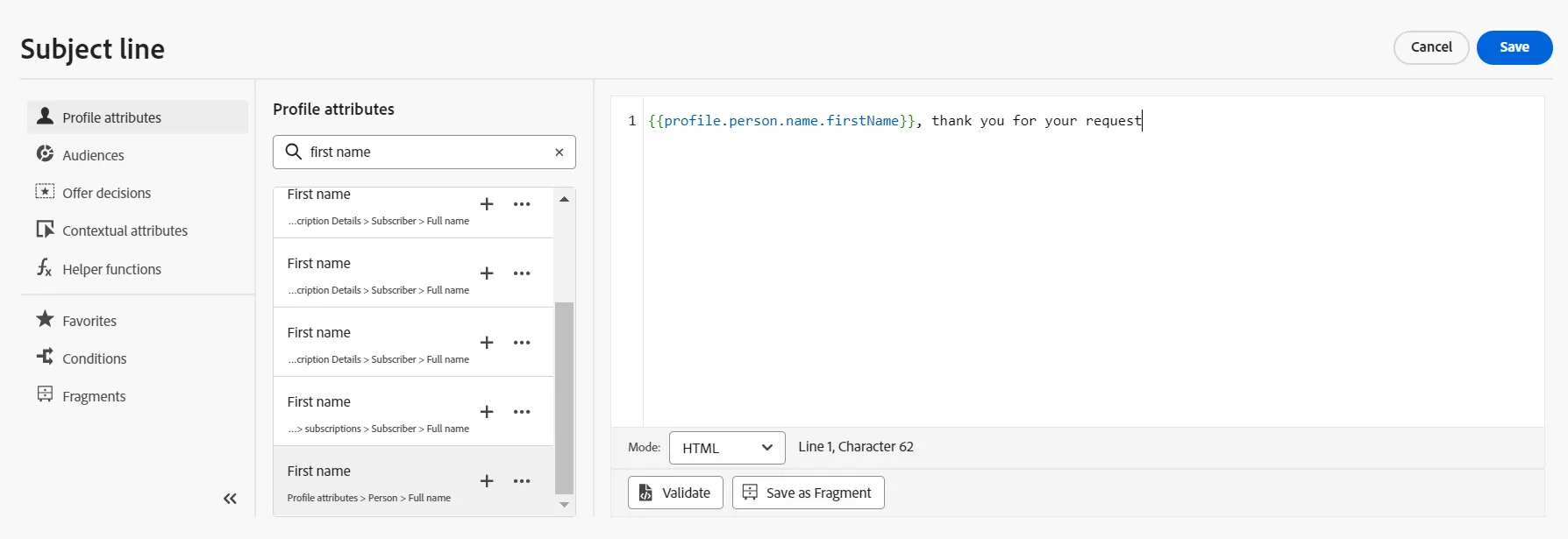
Set a Subject Line; for instance:
An action can be a message (Email, In-app message, Push, SMS, Web, Card...) or something else like updating the profile. It's also possible to define our own Custom Action to do just about anything we want.