Test mode
2 min
Click on the Test mode button to get this screen:
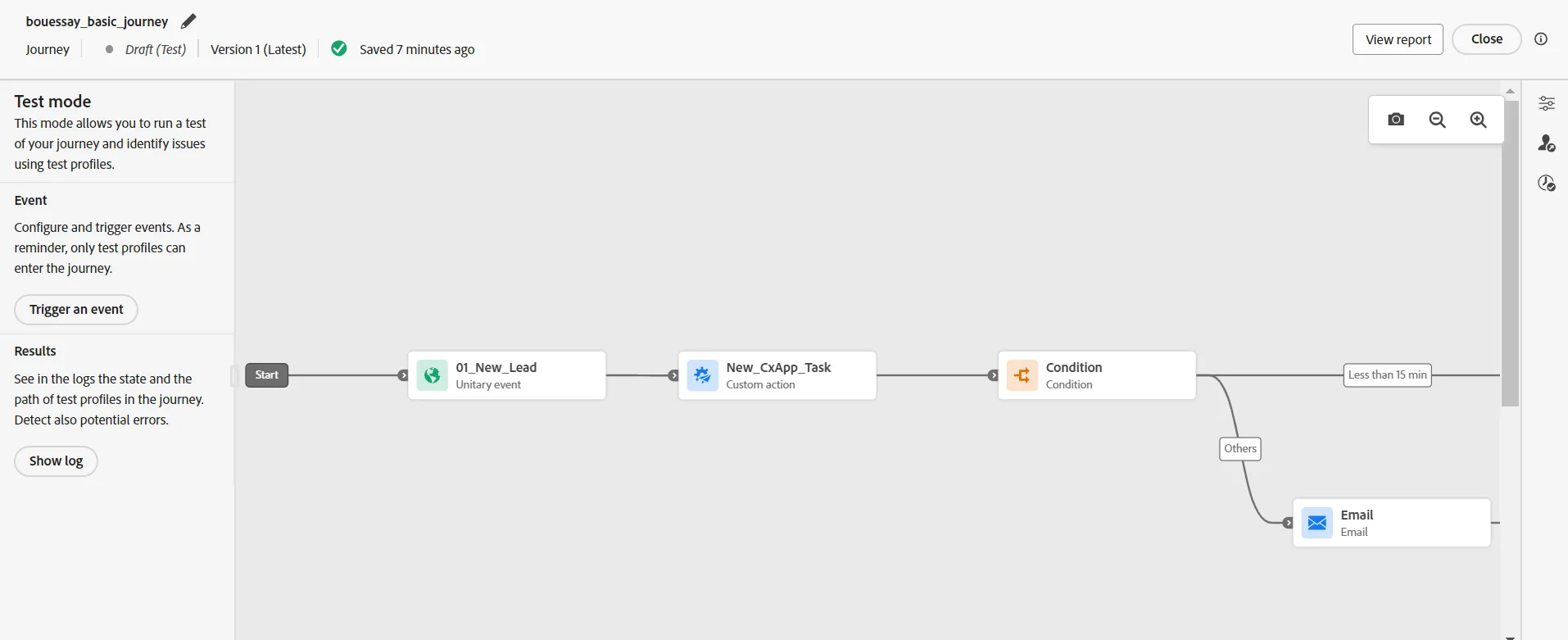
We have to find a "test profile" to use the "test mode"
Open a new browser tab and go to the menu CUSTOMER > Profiles
Go to the tab Browse
Set the identity namespace to Email, Set the identity value to [email protected], click on the View button
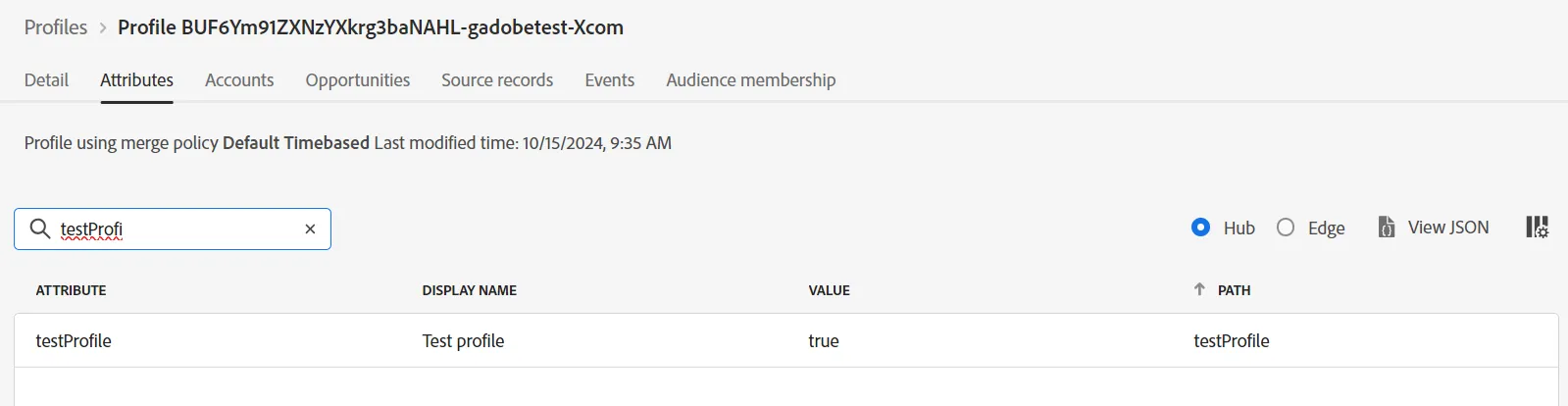
Click on the profile and look at the attributes, filter with the word testProfile and check that this attribute is equal to true
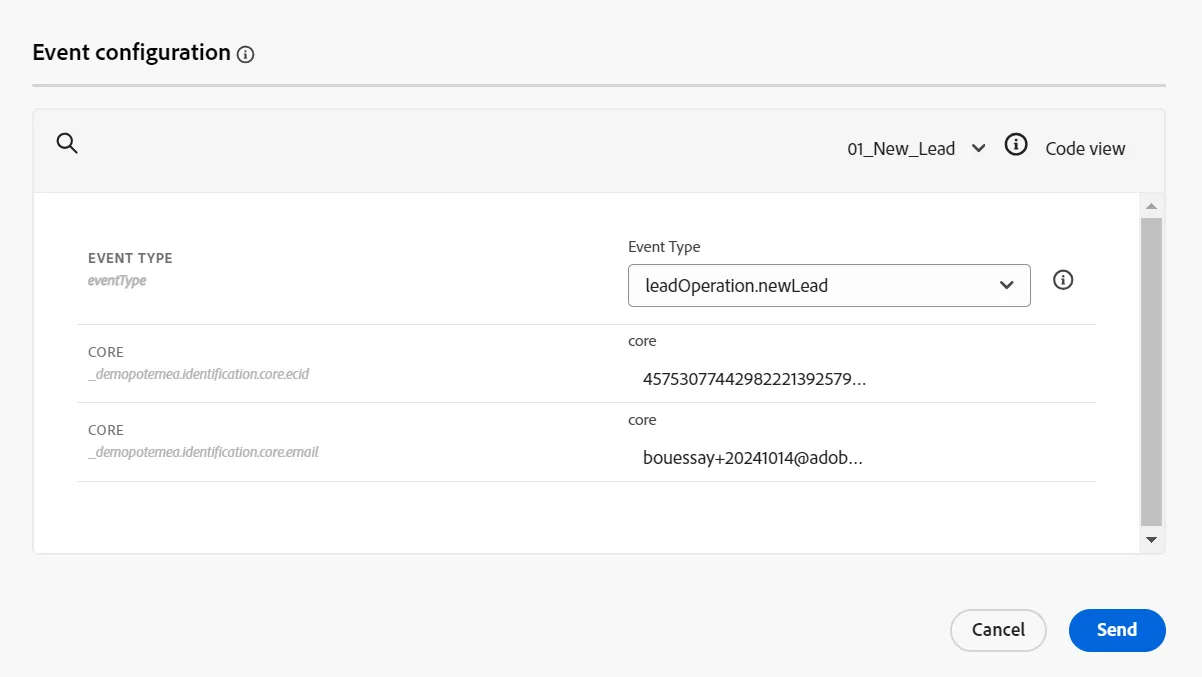
Click on the Trigger an event button and copy/paste identity values from the test profile:
Click on the Send button and transitions will become green to let you see what path is following the customer:
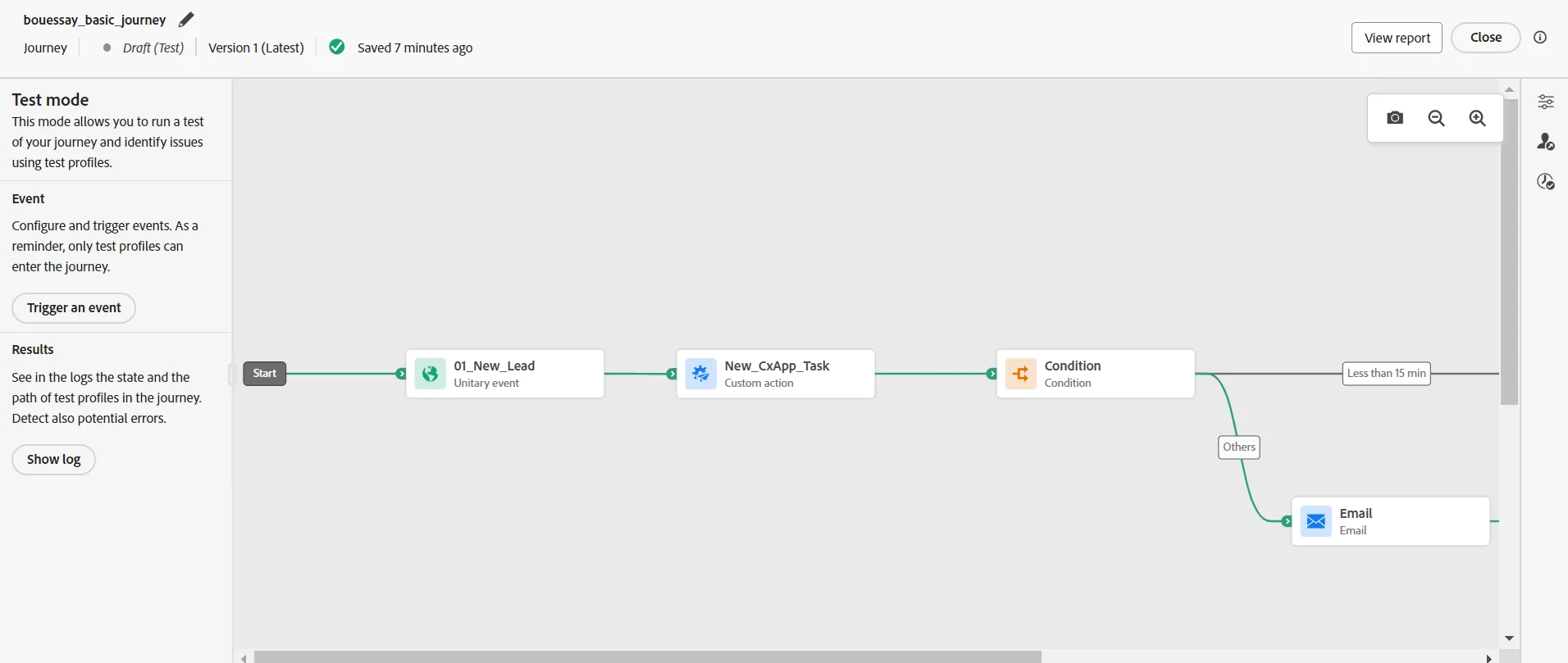
The test is good and now we can ask an approval to publish it!