Simulate content
1 min
Go to the email and click on Simulate content button to land to this screen:
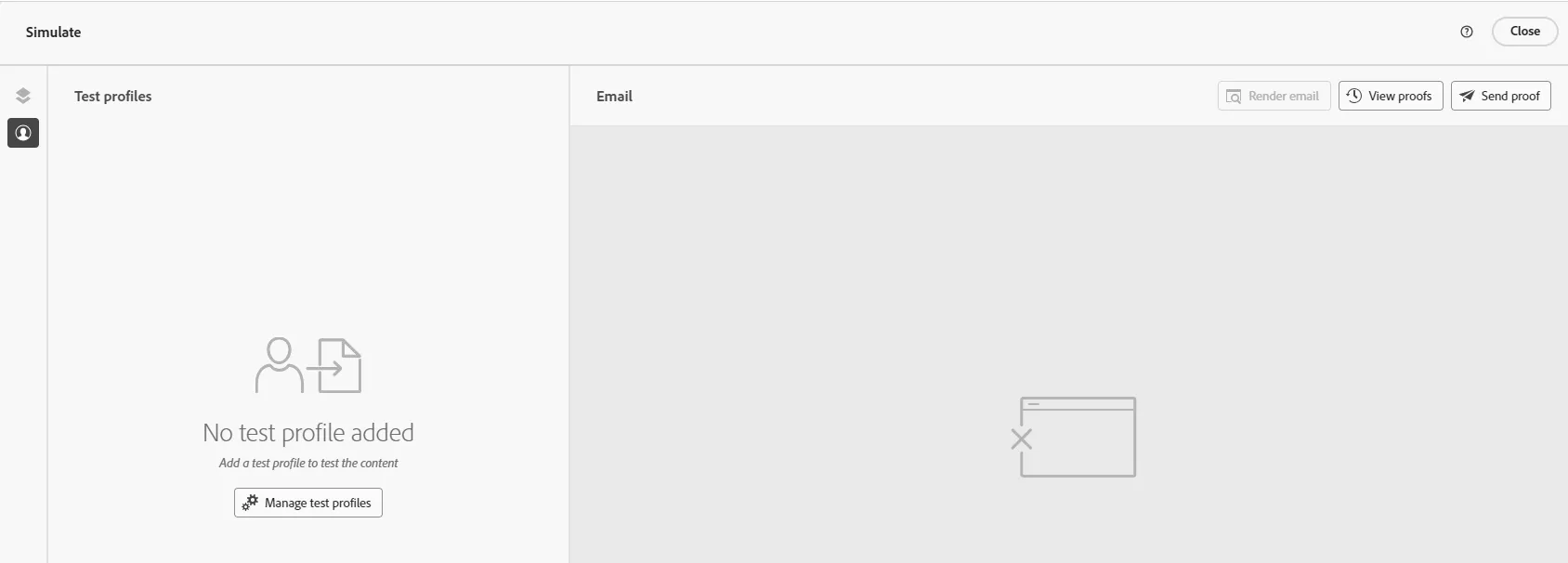
Click on the Manage test profiles button
Search for a profile by entering identity namespace and identity value: (for instance email = [email protected])
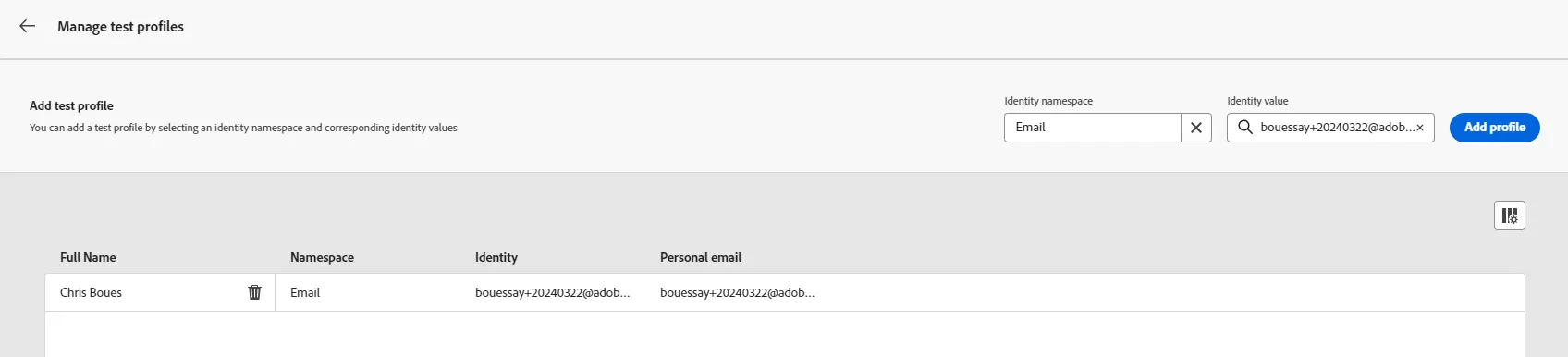
Click on the Add profile button. You can add many profiles if you wish.
Go back to Manage test profiles and check the content
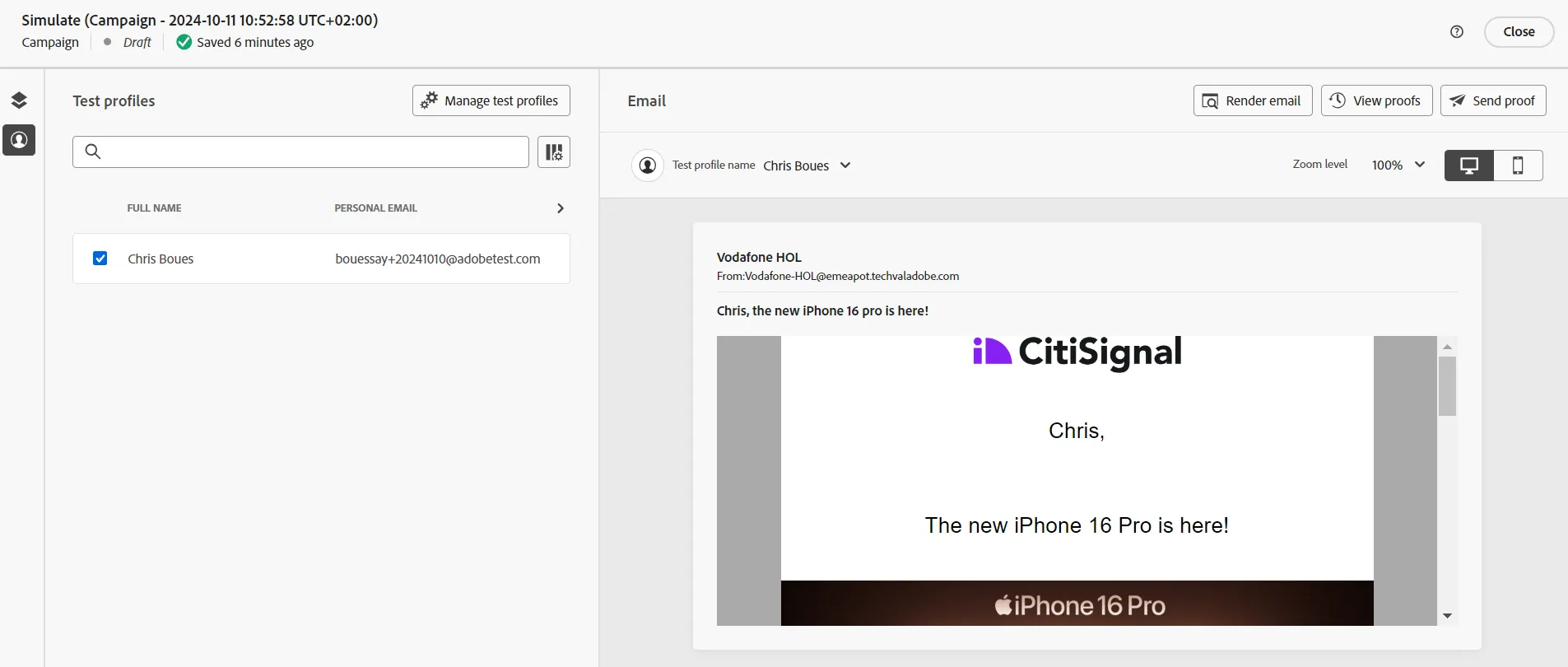
Congratulations, this is the basic way to test the preview of an email. It's also possible to send a proof, to check a spam report, to look at the rendering on many device.