Wait for an Event
2 min
Go to the Journeys menu
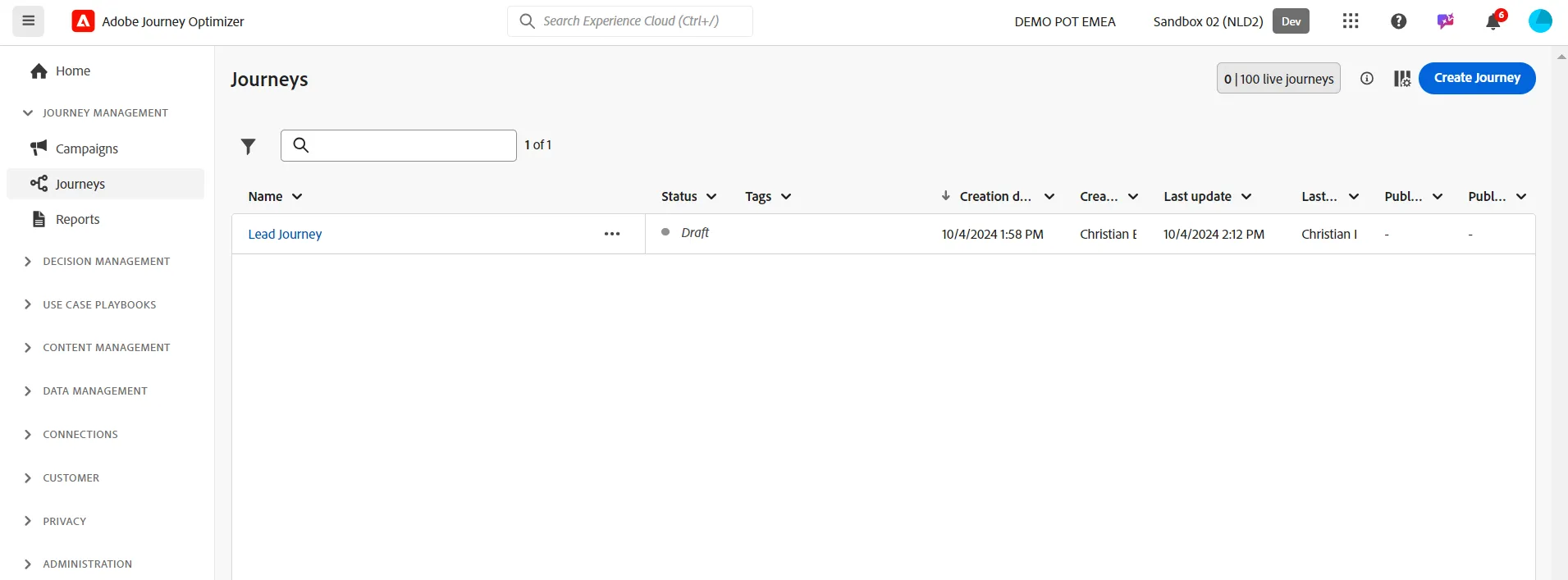
Create a new Journey and set the Name by following this convention: your_last_name-basic_journey
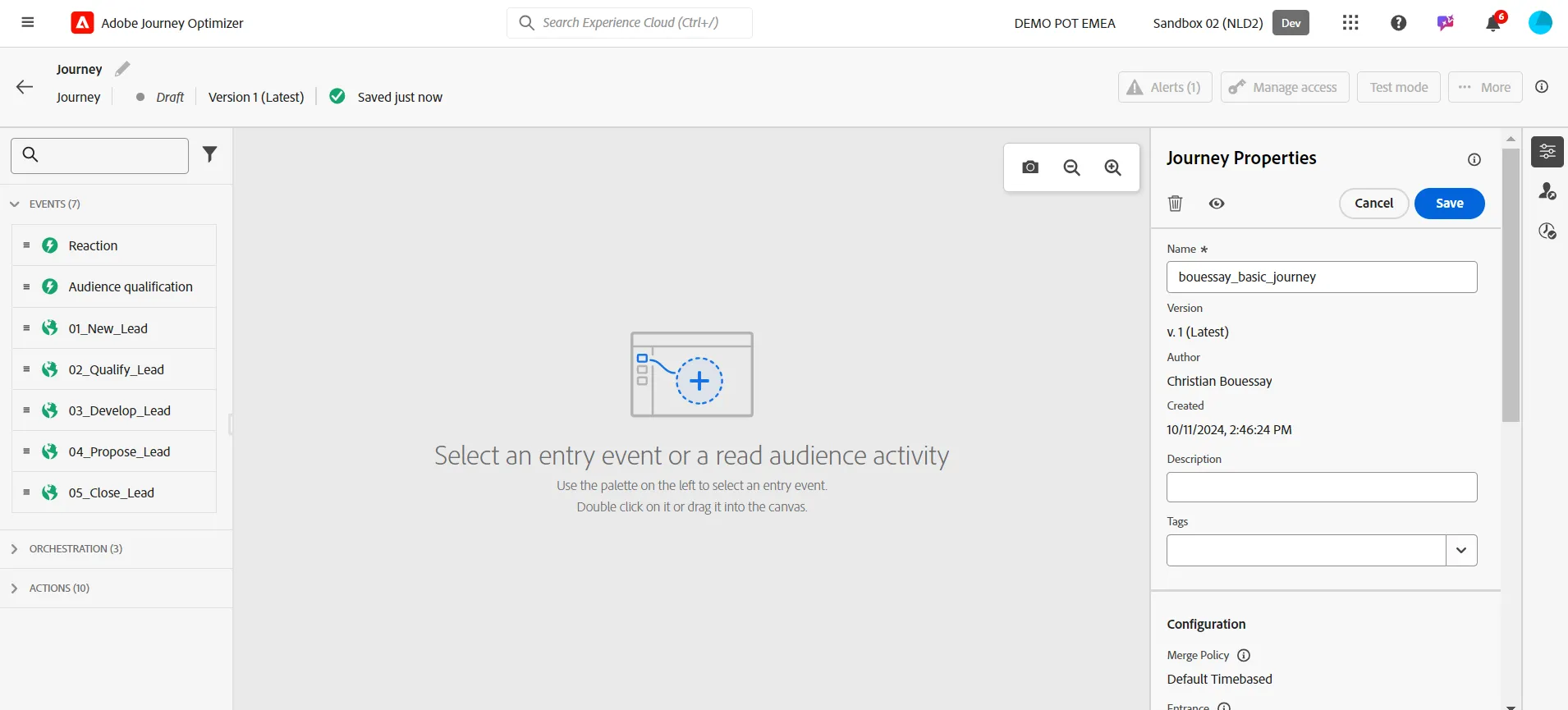
Click on Save button
Drag & Drop the event named 01_New_Lead to the canvas
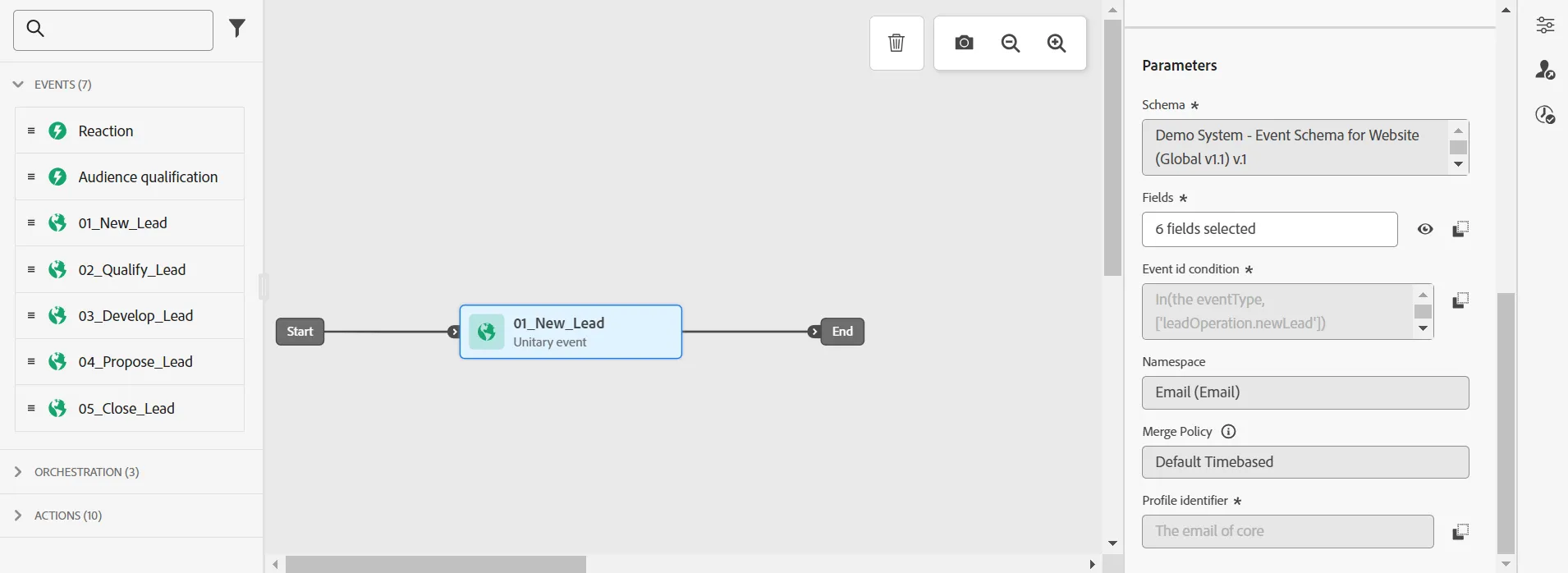
The teacher will show how an administrator has set up the Events that are available in the menu
That's it! We have created a Journey which wait for an event. In the next step, we will trigger actions triggered by this event.