Create a Collection
1 min
Now that you have created your own Offer Item. It is time to group them into collections. These collections will be later used by the decision engine as the pool of offers available for an specific strategy setup.
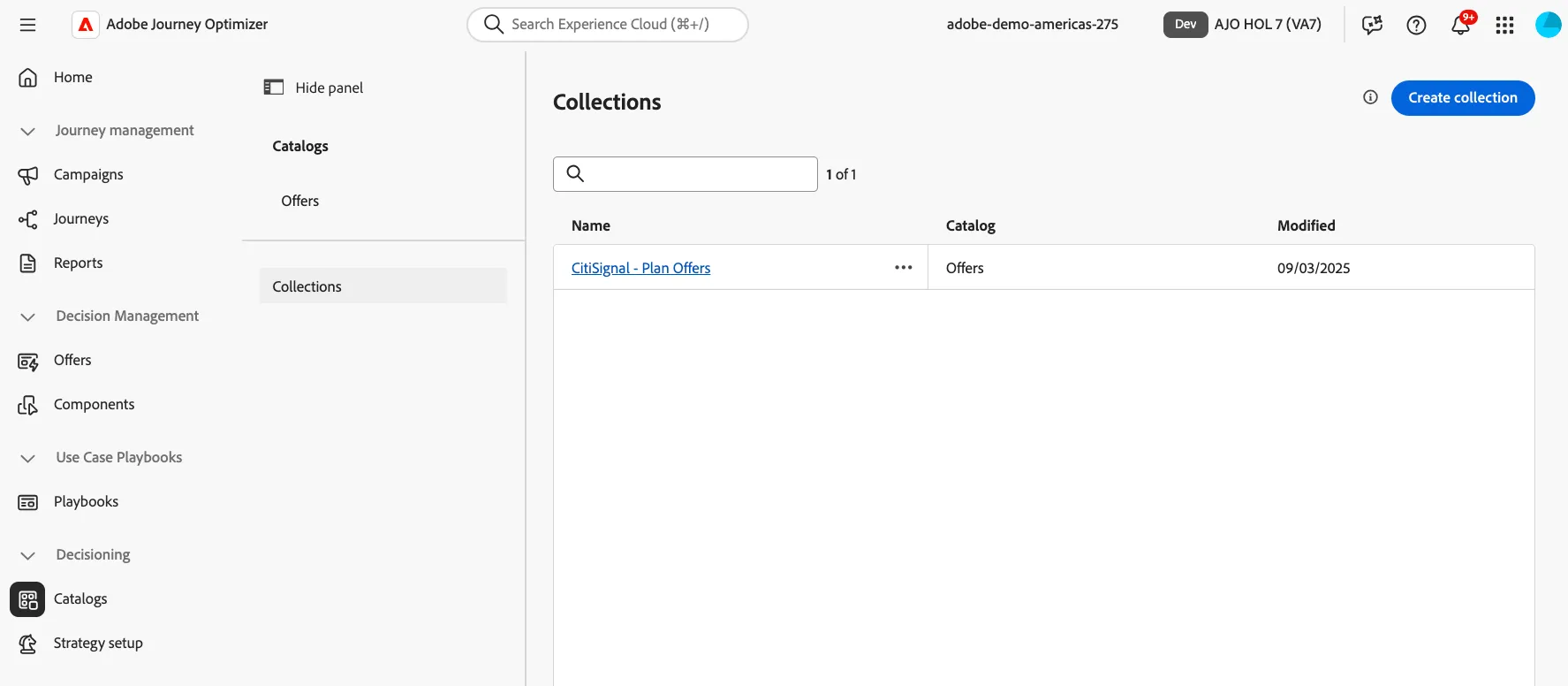
Create a Collection
- Click Create Collection
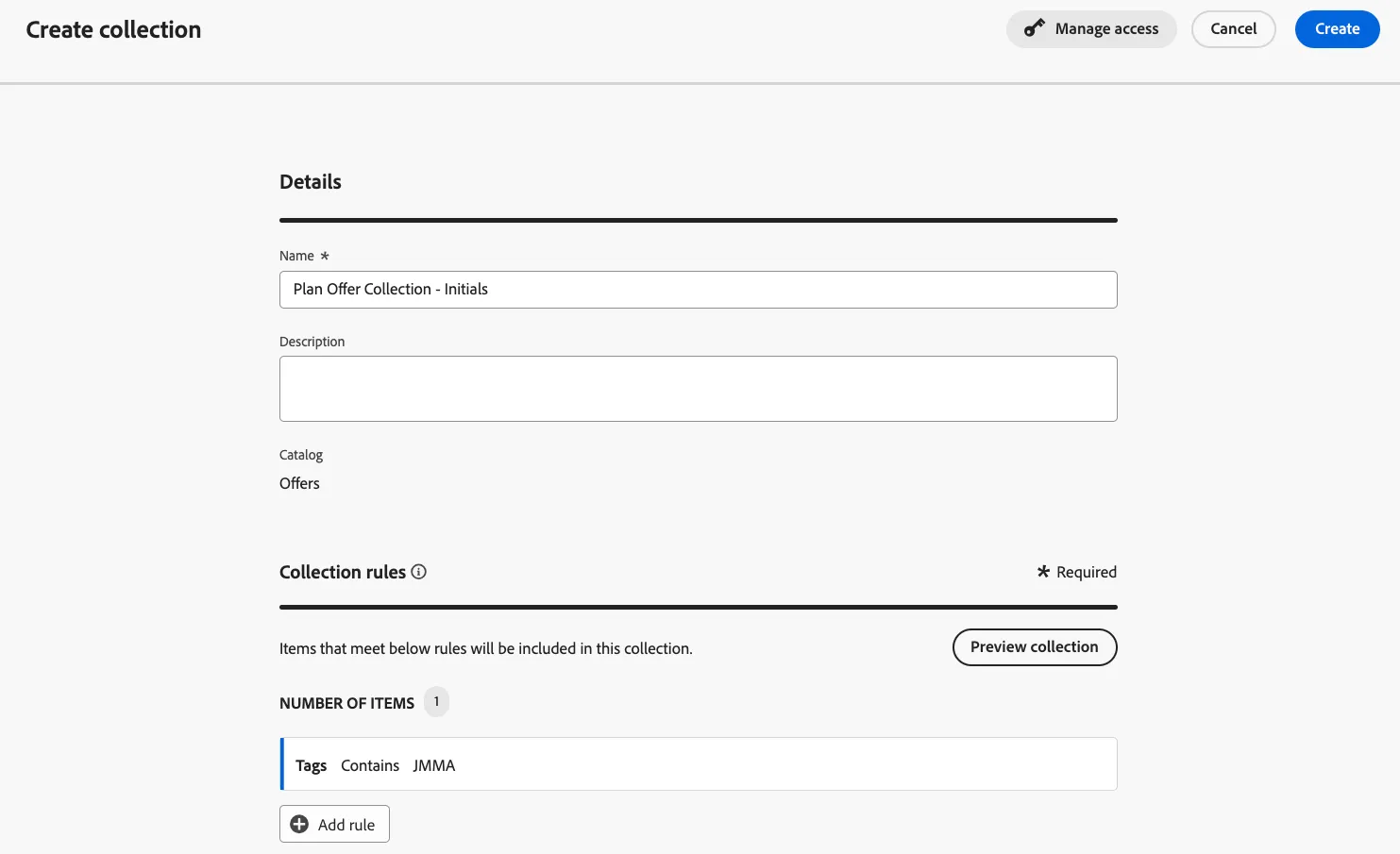
- Give it a descriptive name: "Broadscale Offers - Initials"
- Click on where it says"click to create a decision item"
- Click on select attribute and select Tags and hit Save
- Select Contains.
- On the empty field, start typing the Label with your initials. Then select it.
- Click Create.
Congratulations! You completed this lab!