Create Offer Item
3 min
Given that we have already implemented the foundational components, it is the turn to design our offer items.
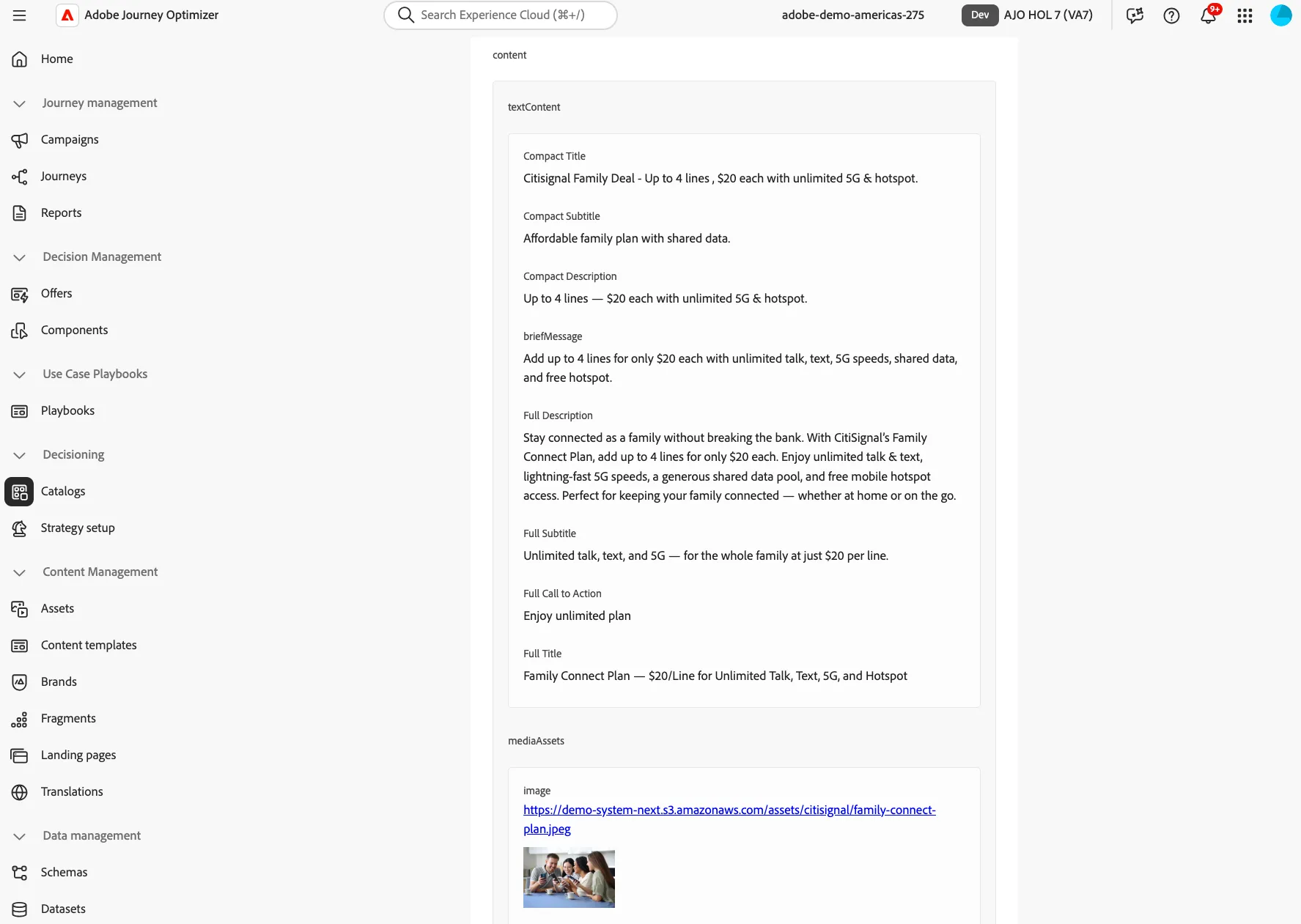
Create Your Item
- On the navigation menu, click Catalogs under Decisioning.
- Click Create Item.
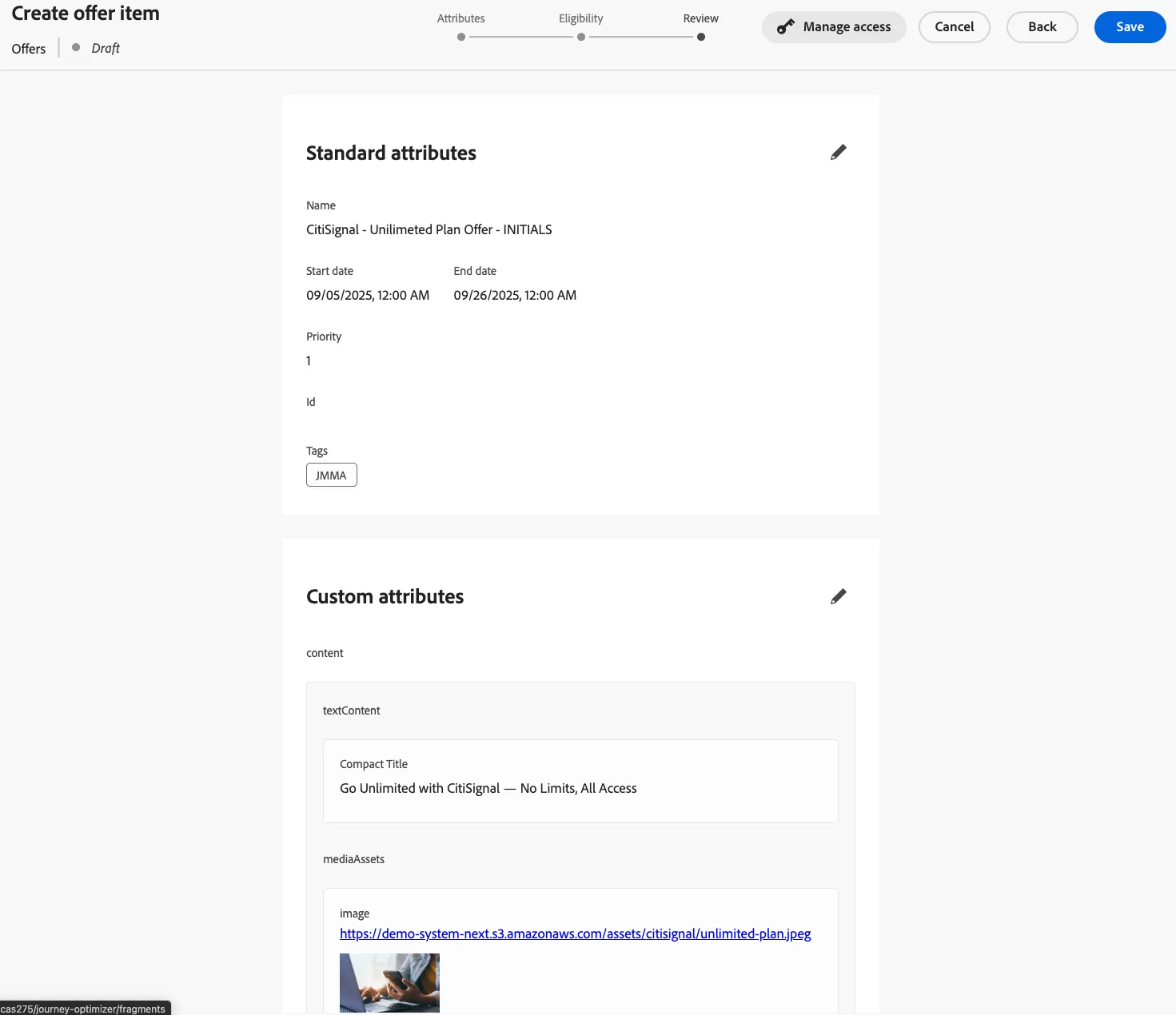
- Provide standard attributes.
- Offer Name: "CitiSignal - Unilimeted Plan Offer - INITIALS"
- Set a Start and End dates.
- Create a Tag using your initials.
- Provide Custom Attributes:
- Expand Text Content
- Under Compact Title type: "Go Unlimited with CitiSignal — No Limits, All Access"
- Expand Media Assets:
- Select Add from URL or Add asset from library. This is a sample image you can use:
- Expand offerMetadata
- On the Segment Type NeustarAudience1
- Click Next

Elegibility
- Select Visitors who fall into one or more audiences
- Search for the Audience called: Interested in the Unlimited Plan
- Click Next, Review, Save, and Approve.
Congratulations, you have created your first offer item!