Configure Custom Actions
Custom actions enable you to configure connection of a third-party system to send messages or API calls. An action can be configured with any service from any provider that can be called through a REST API with a JSON-formatted payload. This is also for technical users, but it will be leveraged by our marketers in operations.
We will be configuring a custom action that allows us to connect to our coupon system to retrieve (in-real-time) unique coupons to display inside of our Communications (Email, Push, SMS, etc). The coupon system is in-charge of the redeemption and tracking of the coupon code itself, but AJO allows to communicate and retrieve the unique code.
Create a Custom Action
- From the main navigation, under Administration, click Configurations
- Click on "Manage" under Actions.
- Click on Create Action.
- Provide a Name: GetUniqueCouponCode_Initials.
- Action Type: Custom
- Channel: Other
- Marketing Actions: None
Define Endpoint Configuration
Our end point configuration is typically retrieved by our IT department or Marketing Technology teams. The information is typically authorization information, request/response headers, request/response body, query-string parameters, etc. Simply we will input this information which is standard to communicate to any API into the Endpoint Configurations.
- URL: https://440115-191salmonscallop.adobeioruntime.net/api/v1/web/default/promocodelookup
- Method: GET
- No custom headers or querystrings.
- No authentication.
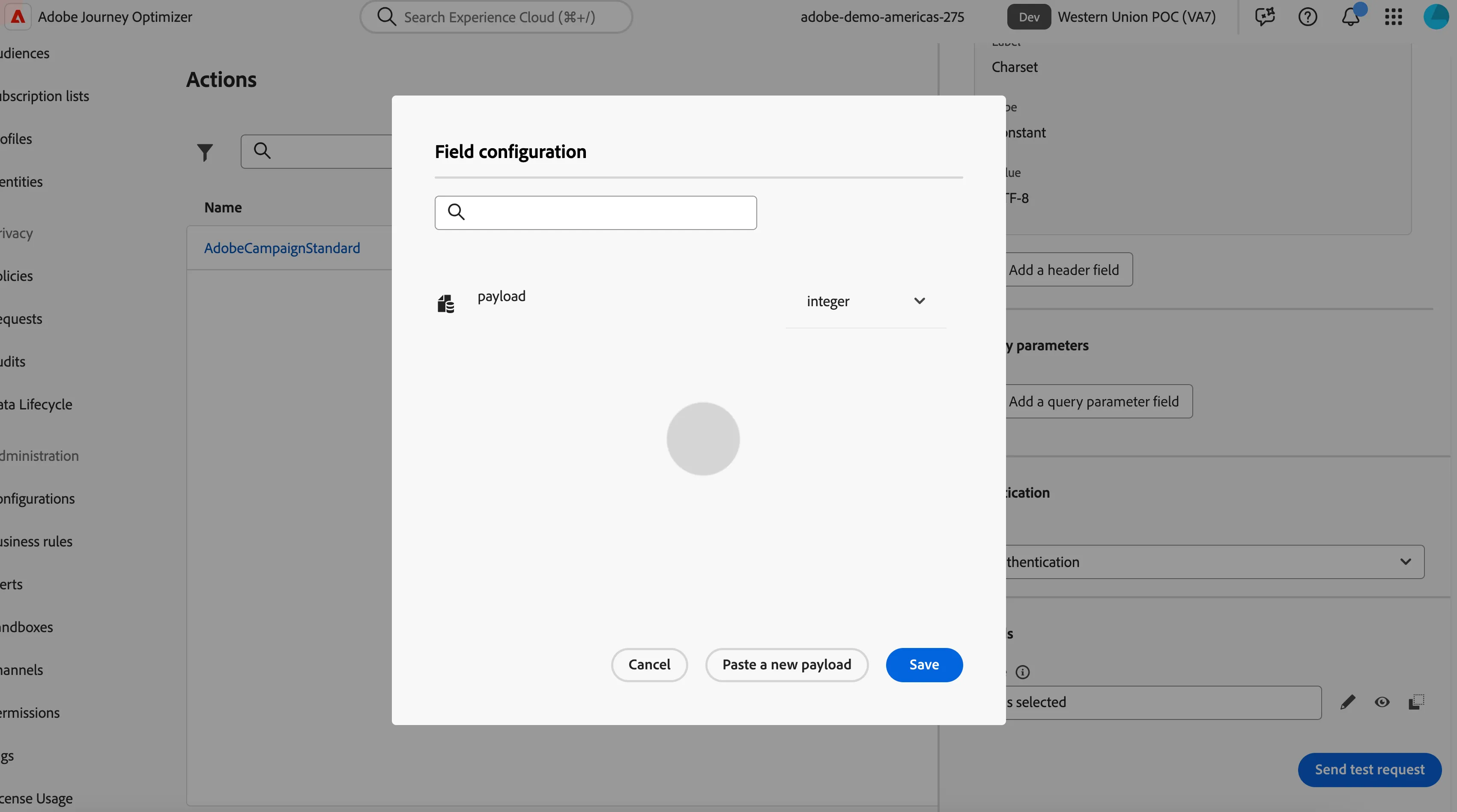
- Click on the pencil next to the Response field.
- Copy and Paste the following payload into the Field Configuration screen. Click Save.
{
	"payload": 87226
}
Testing your Custom Action
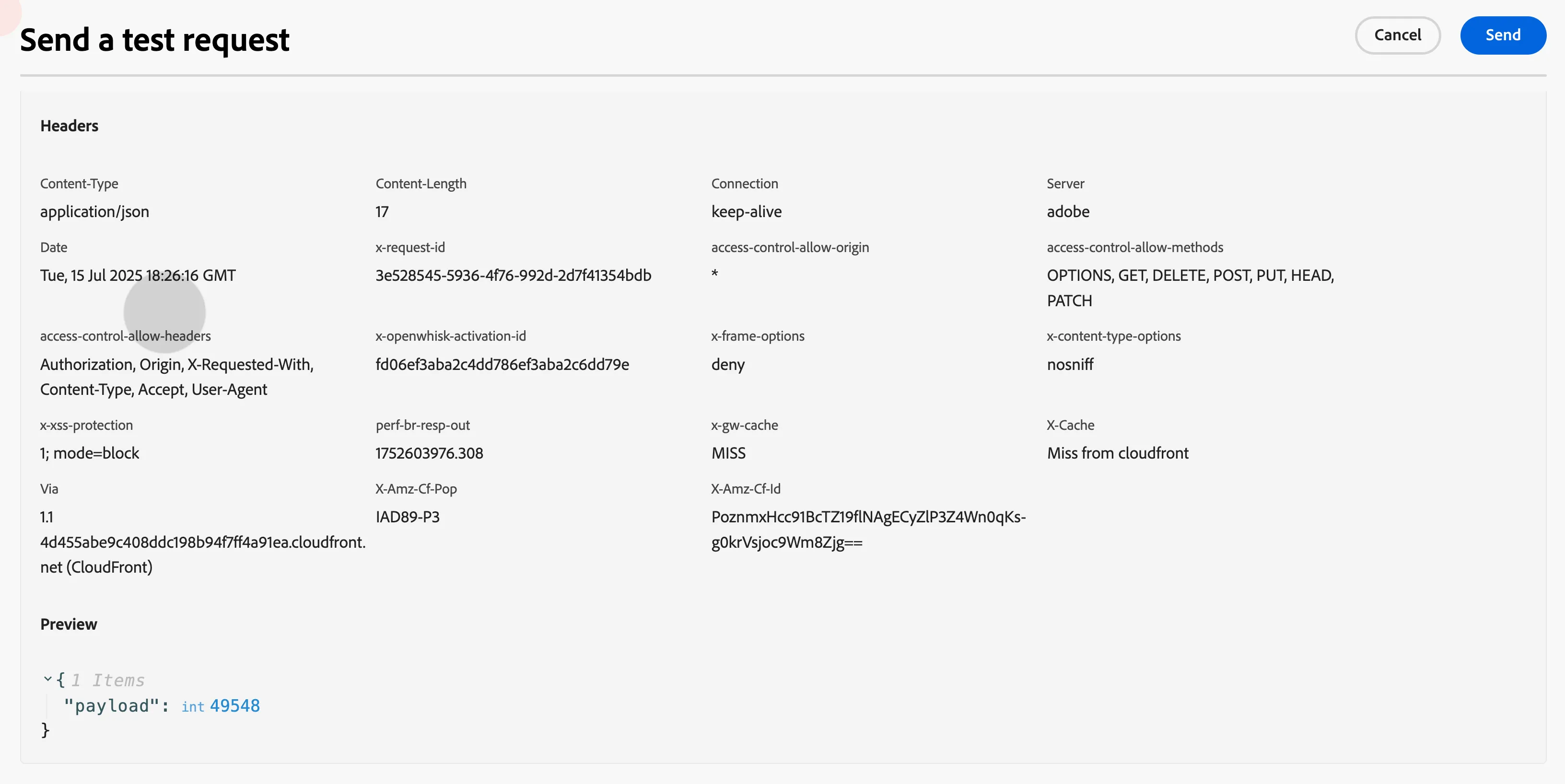
- Click "Send Test Request".
- Click Send.
- Check the payload. You should see a random number in the Preview response. That number value is our promo code that needs to be displayed into our messages. This just validates our connection to the coupon code system.