Validating Journeys in Test Mode
1 min
Test Mode allows the marketer to run thru a journey using a test profile and using the identity namespace setup by you entry node or simply put the node that starts a journey.
Enable Test Mode
- In the journey we created the event and the custom action. Enable the Test Mode toggle in the right top corner of your screen.
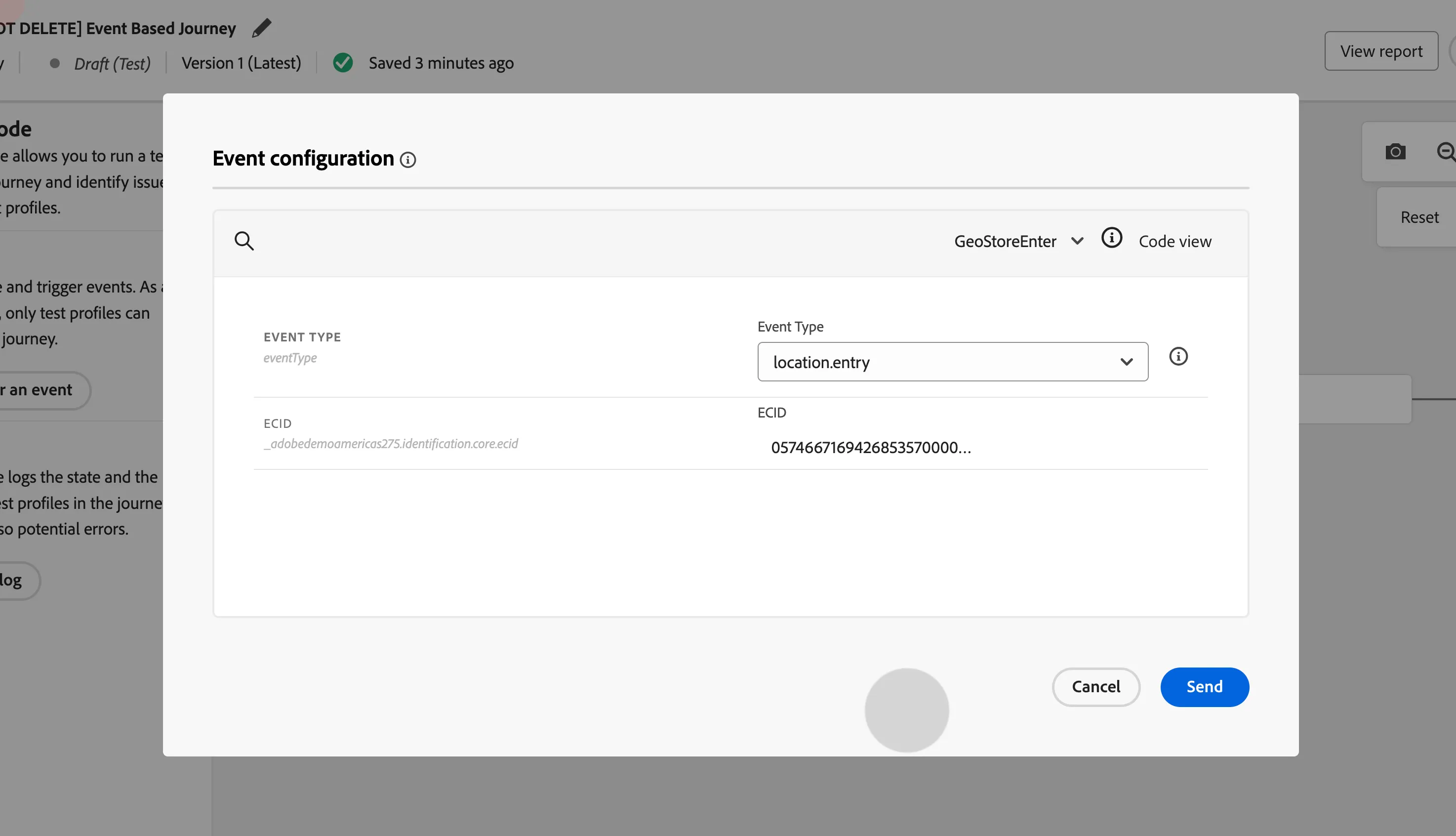
- Once you enter in test mode. Click on Trigger an Event.
- Event Type: location.entry
- ECID:
- No Push Preference: 05746671694268535700000916107091849684
- Push Preference: 65185324277654680062258772179107834368
- Click Send.
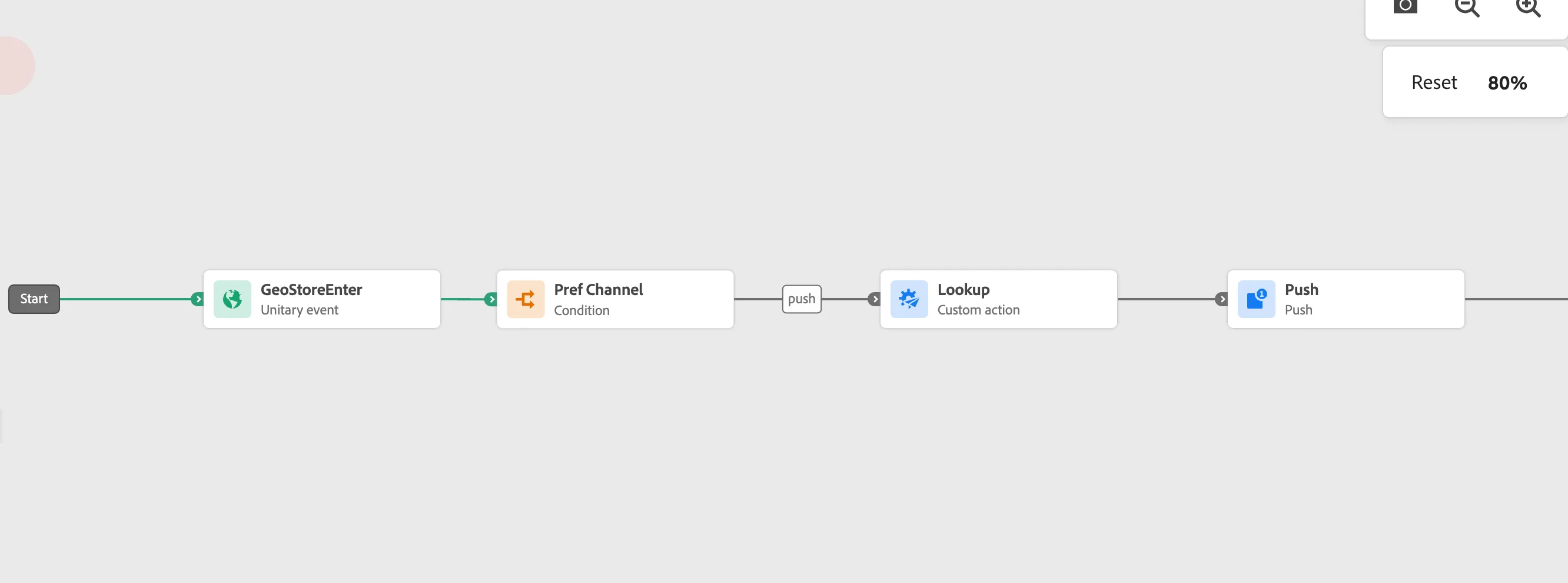
A Green Light will Appear As Soon As the Event is Fired
Click Close Test Mode on the top right corner to exit.