Configure Event based Journeys
1 min
We will be creating a journey that leverages the experience event we just created. This journey has been worked on before, but its not complete since we were missing our Admin to create the event itself, so we won't start from scratch.
Duplicating an existing Journey
- On your navigation, click on Journeys under Journey Management.
- Find the journey called [DO NOT DELETE] Event Based Journey and click on the 3 horizontal dots next to its name. Click duplicate.
- Give a new name with your initials.
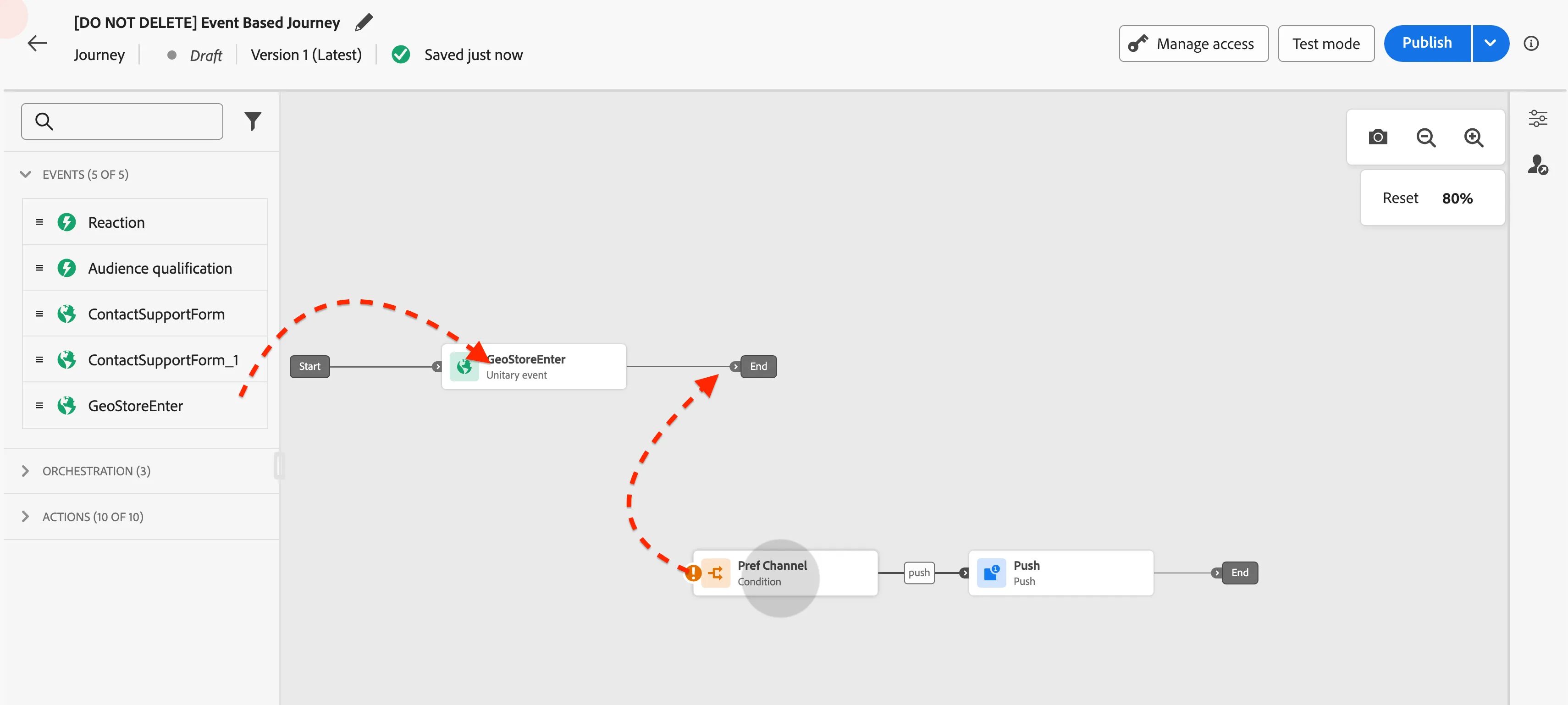
- Find your event on the pallete. Drag and drop it in between the start and end sections.
- Then connect the condition node by dragging into the "End" of the line (next to the event node). See the next figure.