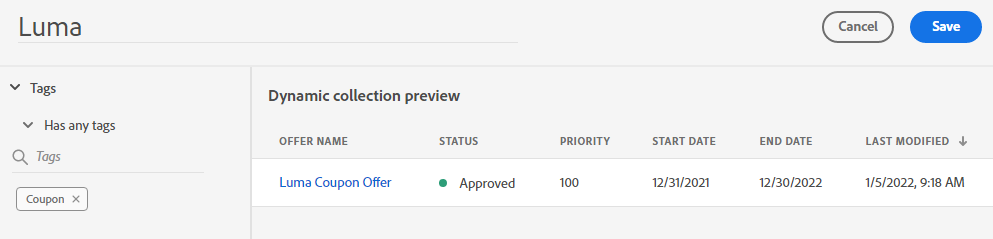
Creating a Collection
4 min
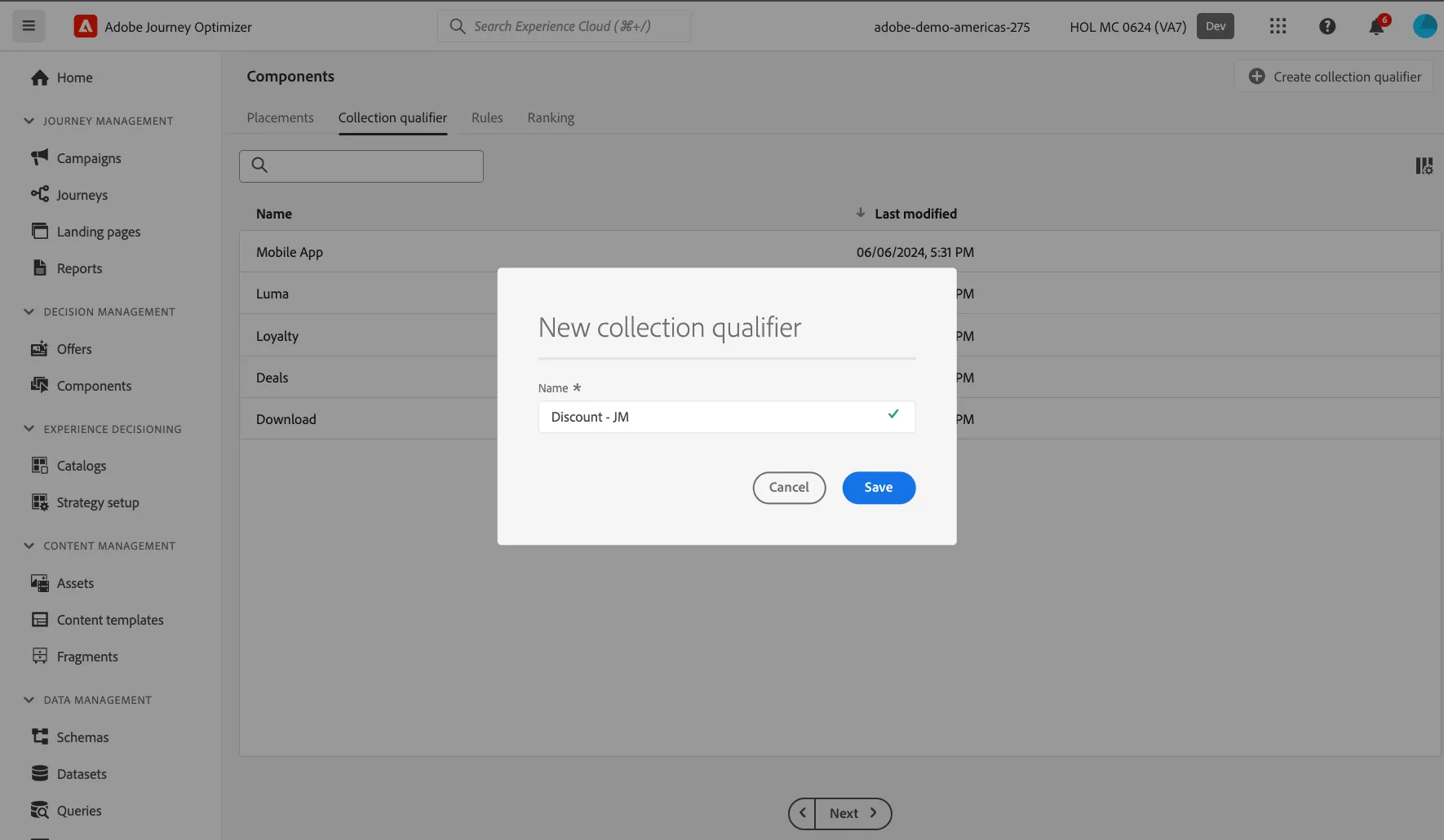
Create a Collection Qualifier
- Navigate to the Components sub section under the Decision Management section on the left menu.
- Click on Collection Qualifier.
- Enter the Name: Summer Collection - {your initials}
Create a Collection
- Navigate to Offers on the left menu under Decision Management.
- Select Collections.

- Click Create Collection.
Define the Collection
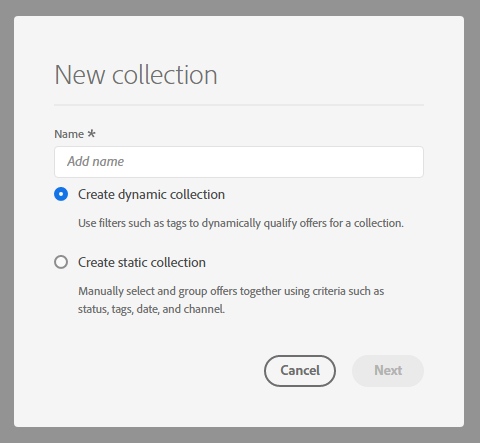
- Create a Name for the Collection: Example – “Summer Campaign Coupon Codes - {your initials}”. Select “Create Dynamic Collection”. Click Next.
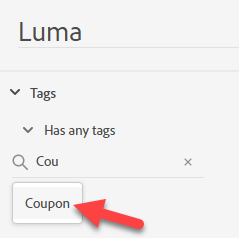
- Search for your initials and select the Collection Qualifier you created in the previous step.
- Click Save.