Access
- When prompted for authentication, use the following Adobe ID. Do not use your own email address. Also, sign-out from all Adobe instances that might be open.
Credentials to access the lab:
Password for all users is: higherEd@2024
User # | Login Email |
|---|---|
1 | |
2 | |
3 | apac3[email protected] |
4 | apac3[email protected] |
5 | apac3[email protected] |
6 | apac3[email protected] |
7 | apac3[email protected] |
8 | apac3[email protected] |
9 | apac3[email protected] |
10 | apac3[email protected] |
11 | apac3[email protected] |
12 | apac3[email protected] |
13 | apac3[email protected] |
14 | apac3[email protected] |
15 | apac3[email protected] |
16 | apac3[email protected] |
17 | apac3[email protected] |
18 | apac3[email protected] |
19 | apac3[email protected] |
20 | apac3[email protected] |
21 | apac3[email protected] |
22 | apac3[email protected] |
23 | apac3[email protected] |
24 | apac3[email protected] |
25 | apac3[email protected] |
26 | apac3[email protected] |
27 | apac3[email protected] |
28 | apac3[email protected] |
29 | apac3[email protected] |
30 | apac3[email protected] |
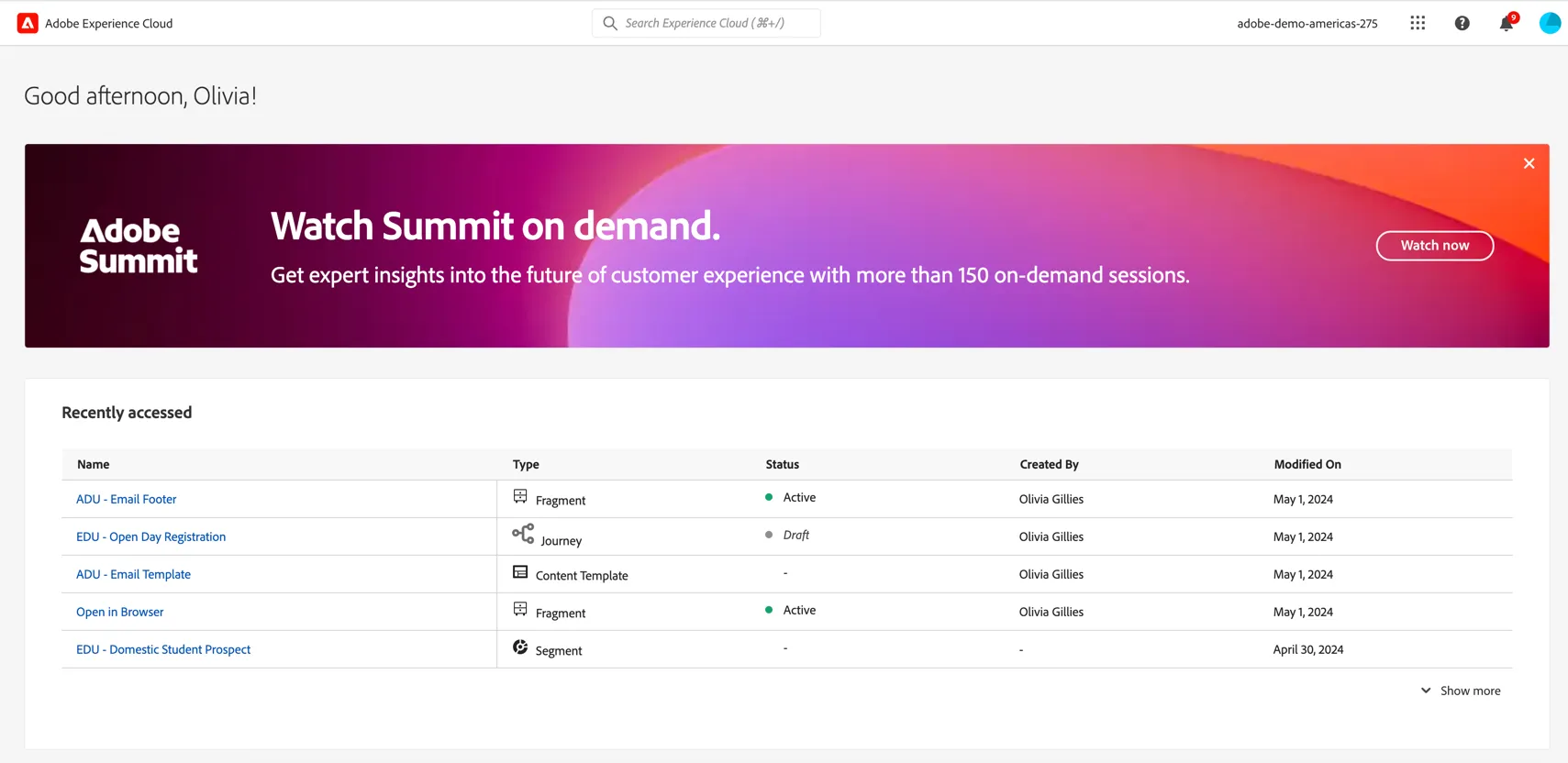
You should land on the experience cloud home page.
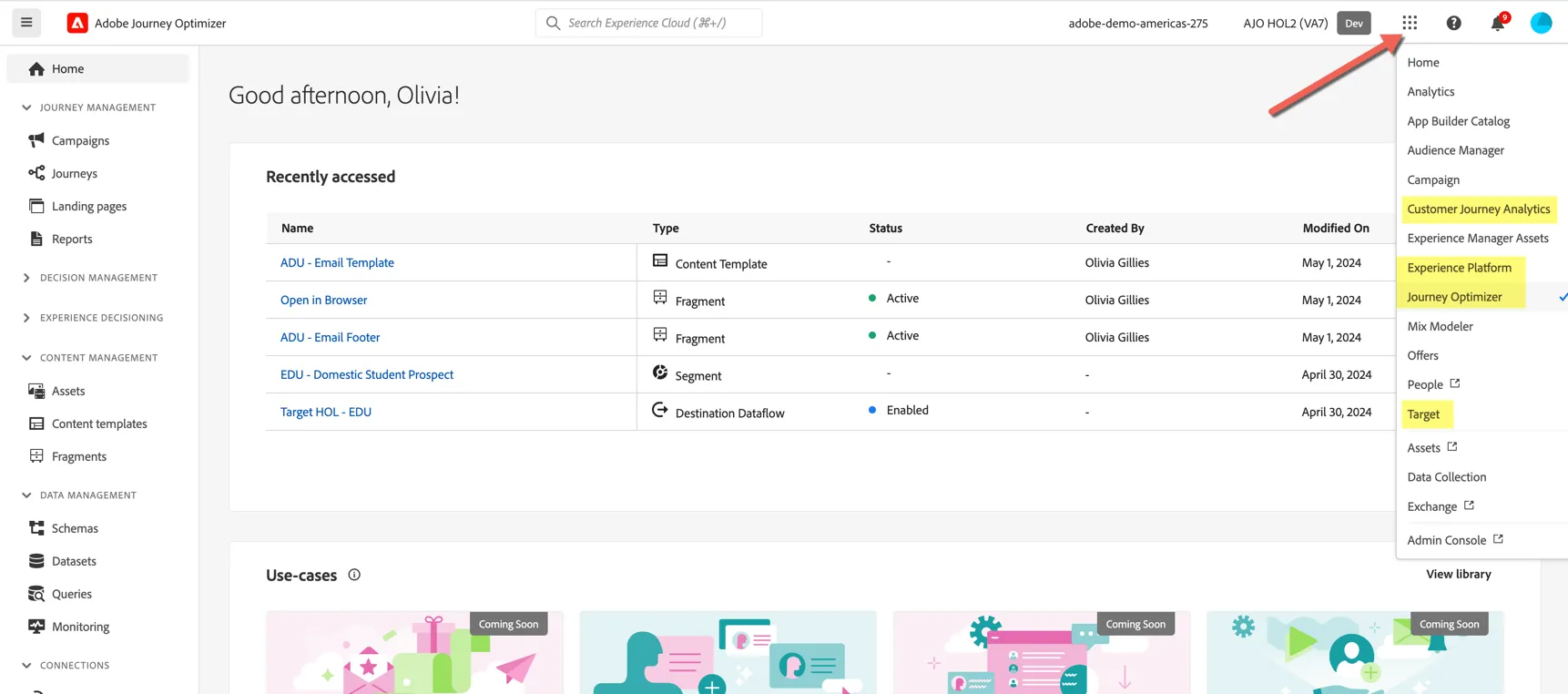
We will be using 4 solutions during this lab. Use the solution switcher to change between Adobe Experience Platform (CDP), Journey Optimizer, Customer Journey Analytics and Adobe Target.
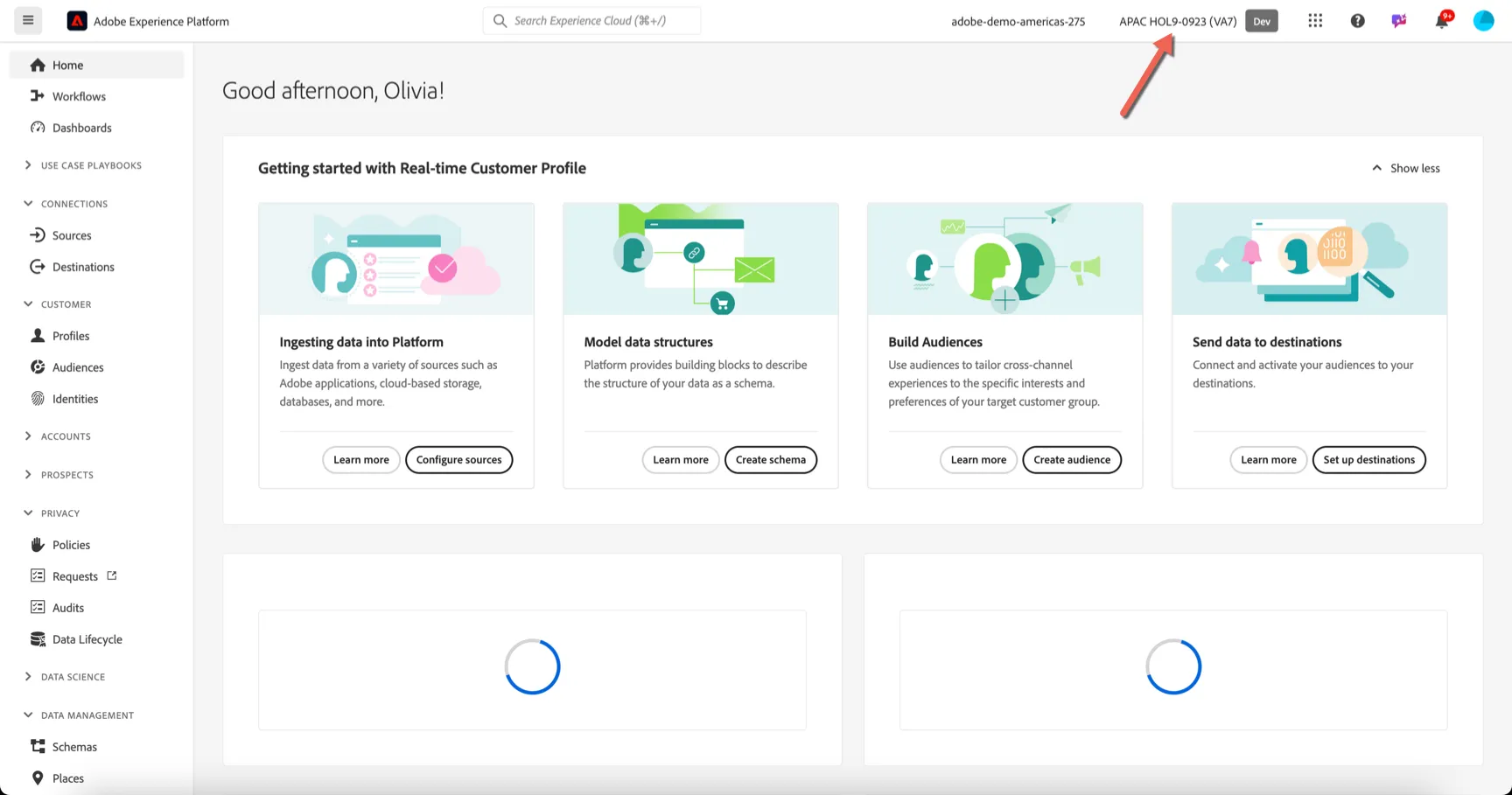
When in Adobe Experience Platform and Journey Optimizer, ensure you are in the right sandbox. On the top right you should see: APAC HOL9-0923 indicating the sandbox.