Brand Validation
Description
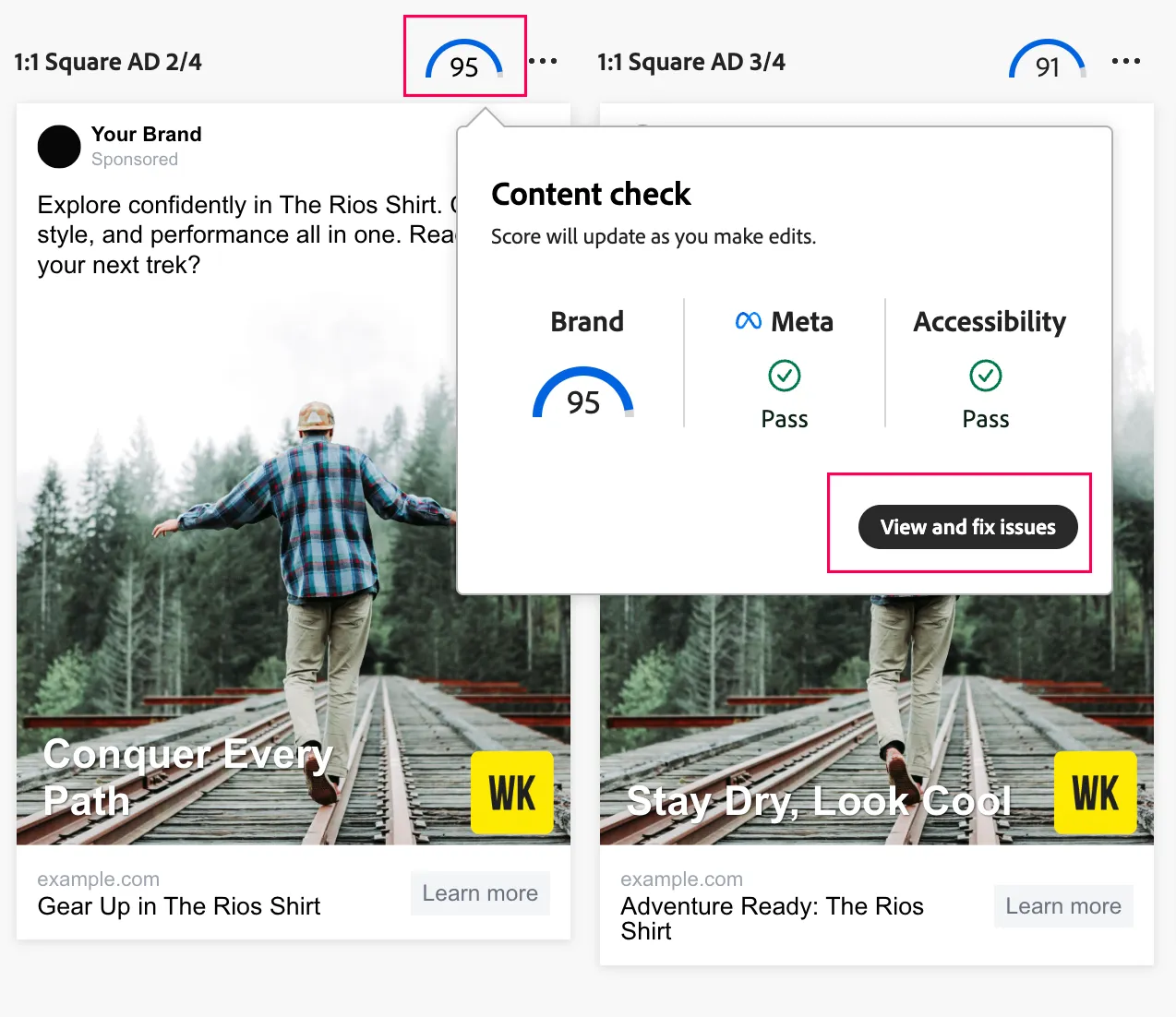
A summary of brand validation information for each generated content variant is accessible through the Brand guidelines check icon next to each variant in the Canvas.
The Brand guidelines check displays the percentage of compliance with your brand. The percentage is calculated as the number of guidelines that passed validation versus the number of guidelines tested.
Variations
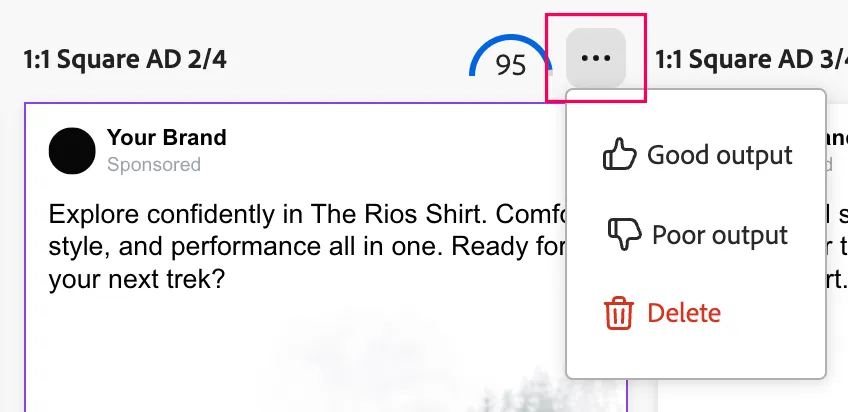
- Click on the three ellipses for a high-scored variation to see how feedback can be provided
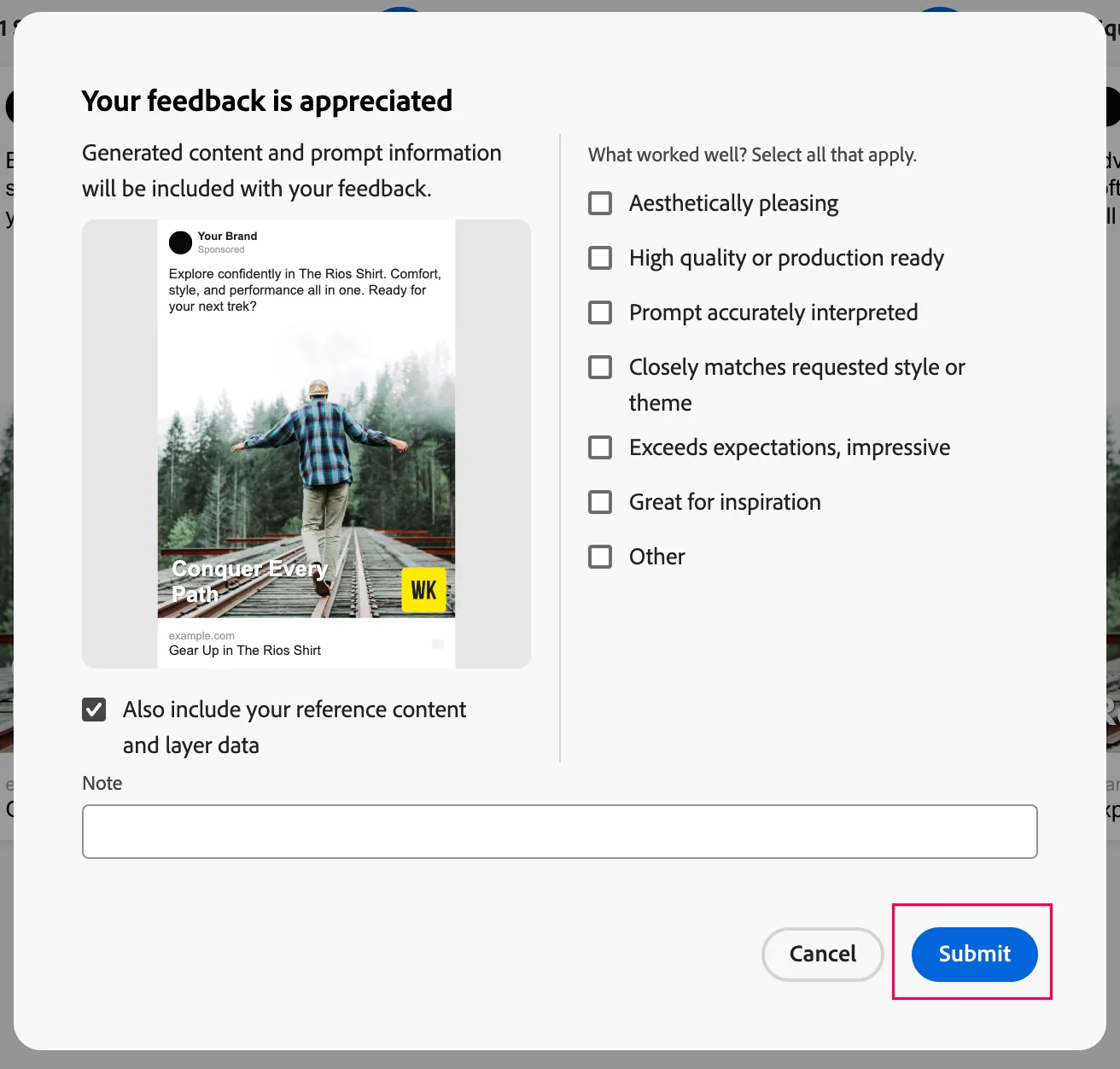
- Select which options worked well in the generation, and click the Submit button
Brand Validation
Each variation will have unique edits to make and you can see the details in the right sidebar. See the below example of how to use GenAI to do field-level edits to the variations produced.
- Pick a variation and click the brand score for a summary, and then click the View and fix issues button
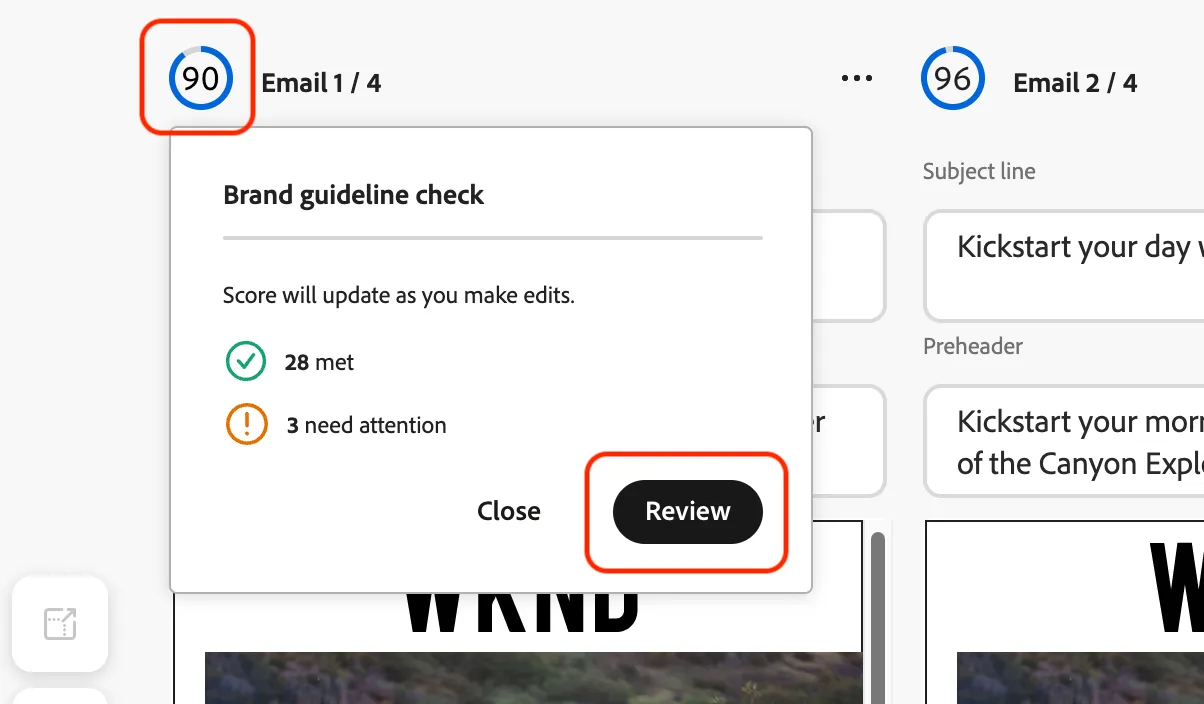
- Review the guideline edits in the right sidebar
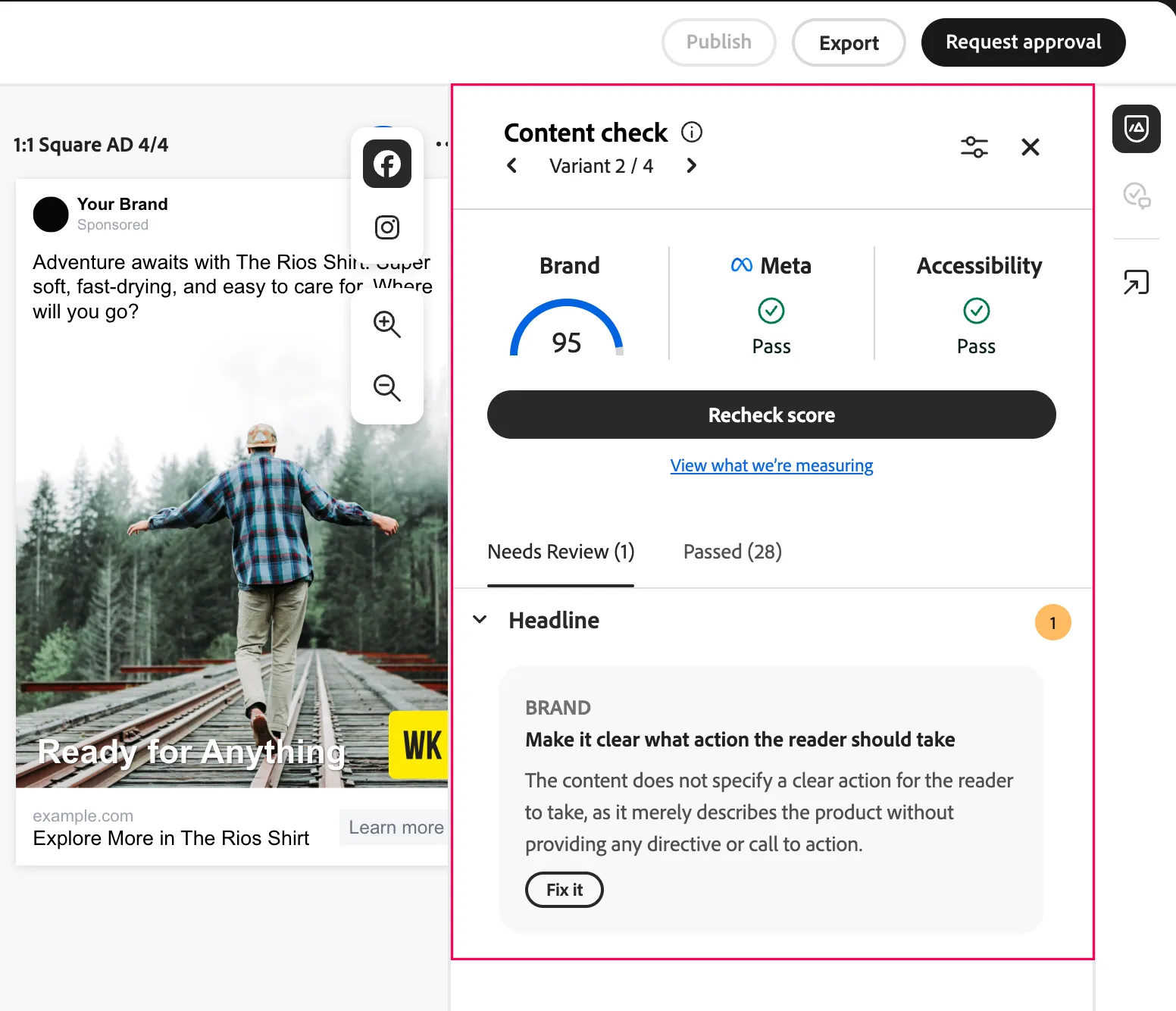
As part of the WKND brand guidelines, there are no clear action mentioned in the headline that the reader can take.
Field Edit Examples
Shorten
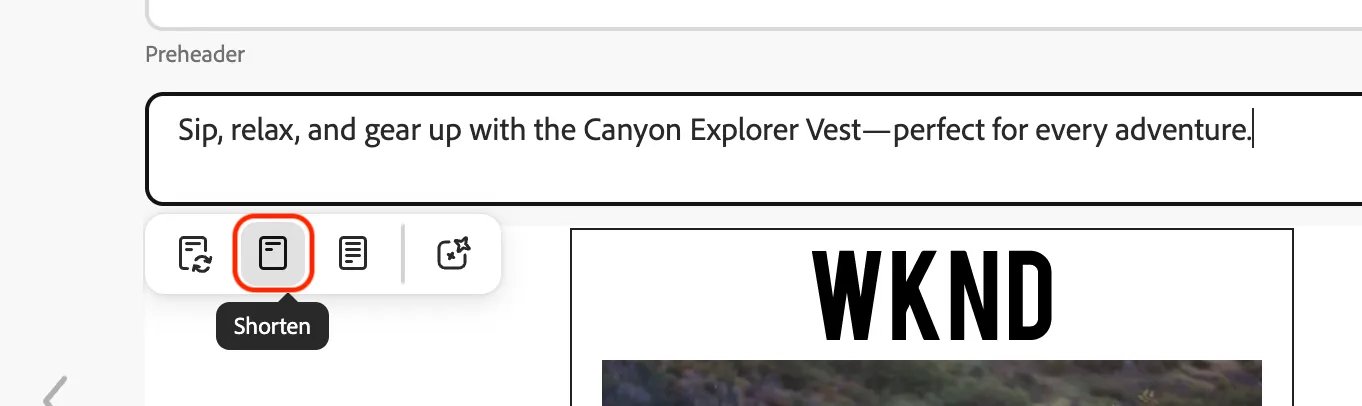
When selecting each field you want to edit you are presented with a menu of options that includes Shorten.
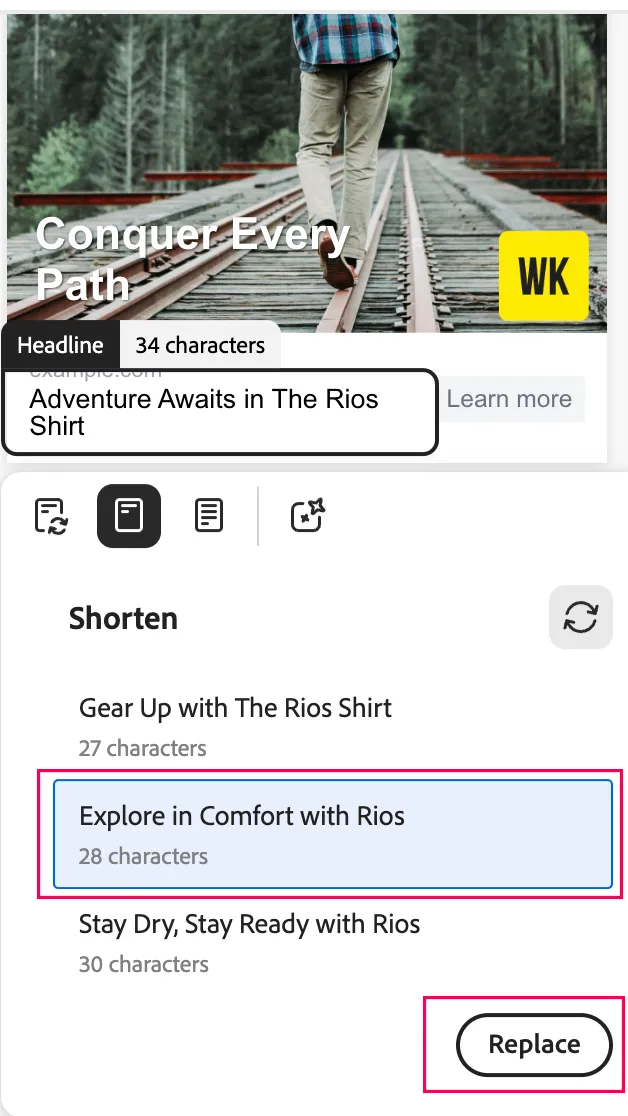
You are presented with three variations to choose from that can be selected and applied by clicking the Replace button.
Manual Edit
- One can also manually edit the content by typing on the designated area as part of the Recheck score process

Recheck Validation
Once you have made edits that you would like to confirm, you can click the Recheck score button to run the brand validation checks.
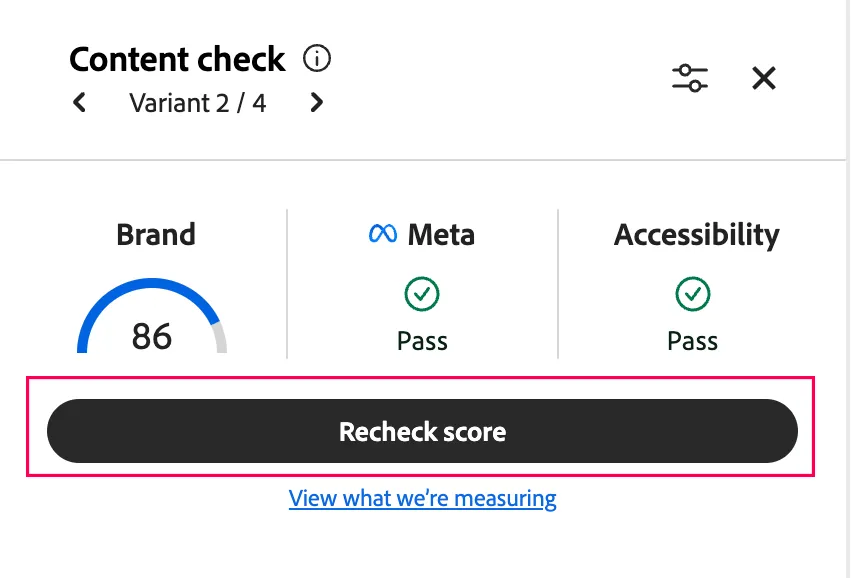
Once the brand validation has passed all the guideline checks you will see a success message like shown below.
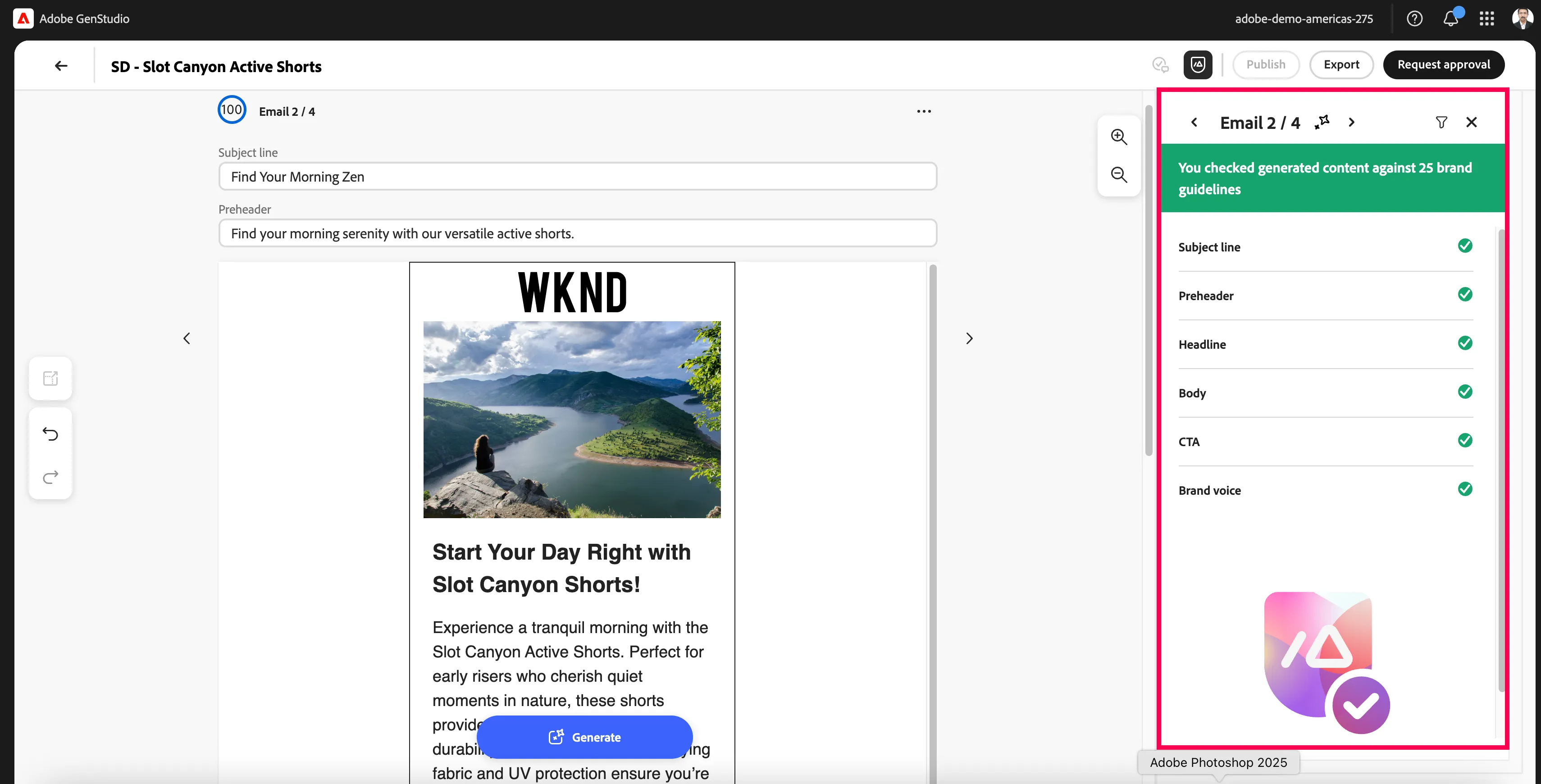
Note that this may take several edits to each field to validate your variation against all brand guidelines