Create a Model
The model functionality in Mix Modeler allows you to configure, train, and score AI/ML models specific to your business objectives and supported by AI-driven transfer learning between multitouch attribution and marketing mix modeling.
The models are based on the harmonized data that you create as part of the Mix Modeler application workflow.
A model in Mix Modeler is a machine learning model employed to measure and / or predict a specified outcome based on a marketer’s investments. Marketing touchpoints and summary-level data can be used as an input. Mix Modeler allows you to create variants of models based on different sets of variables, dimensions, and outcomes, such as revenues, units sold, leads.
Create a Model
- Navigate to Models in the Mix Modeler UI.
- Click on Open model canvas.
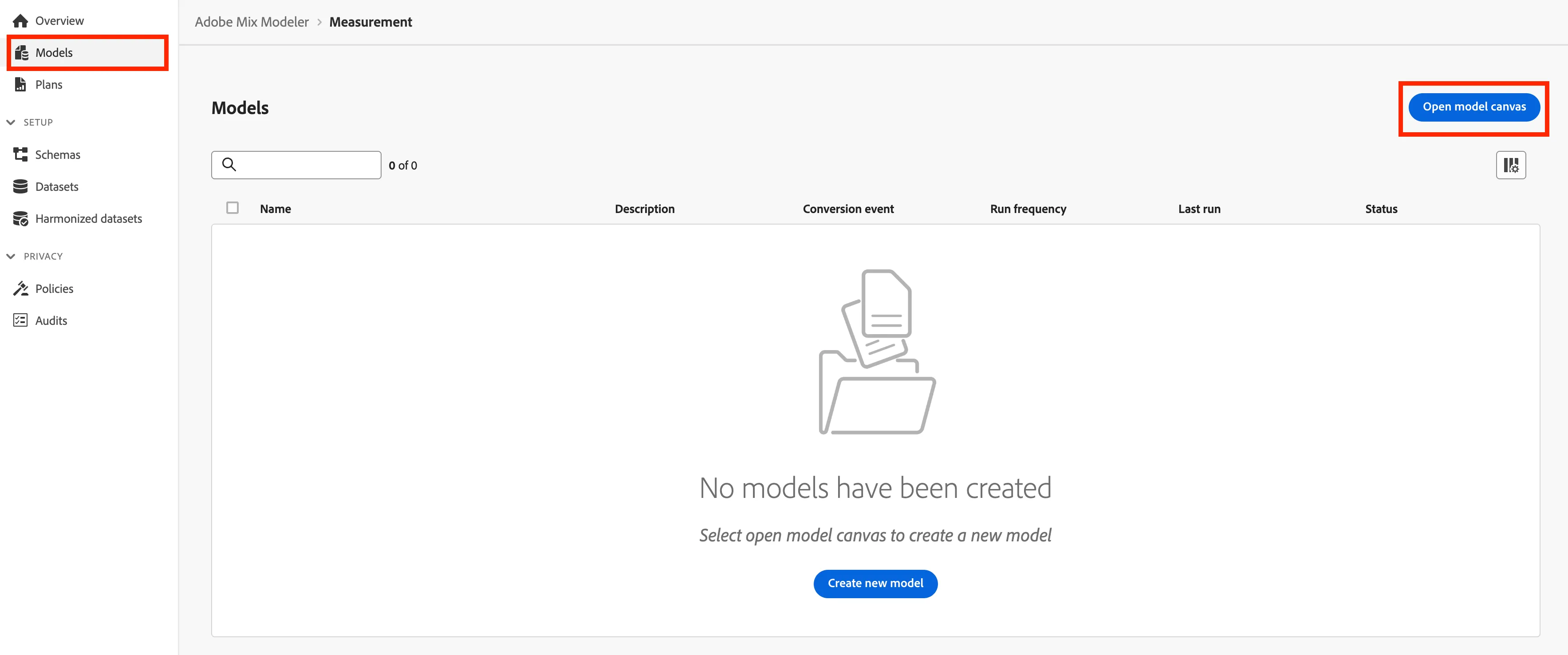
- You will need to provide a name for your model.
Name = All Orders Performance + {{participant initials}}
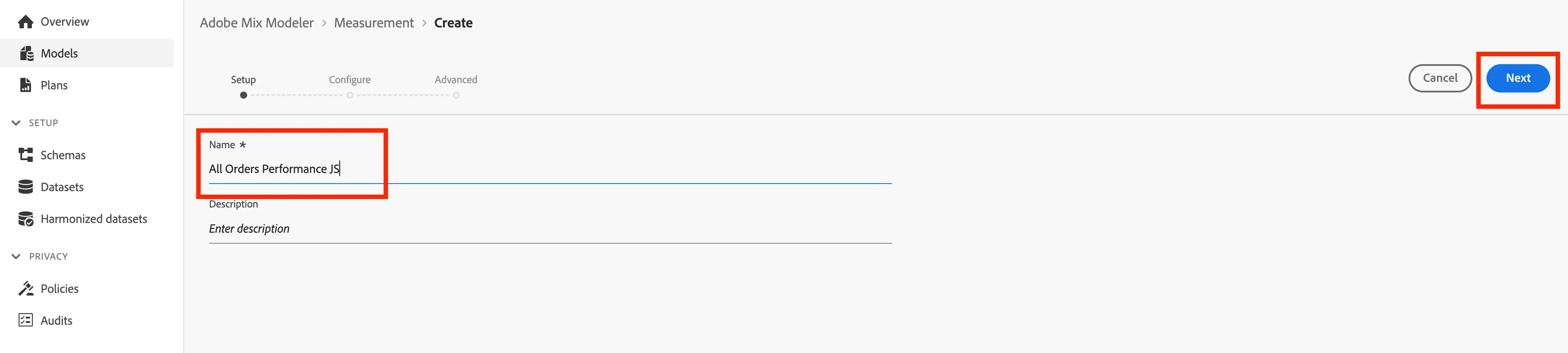
- Click Next.
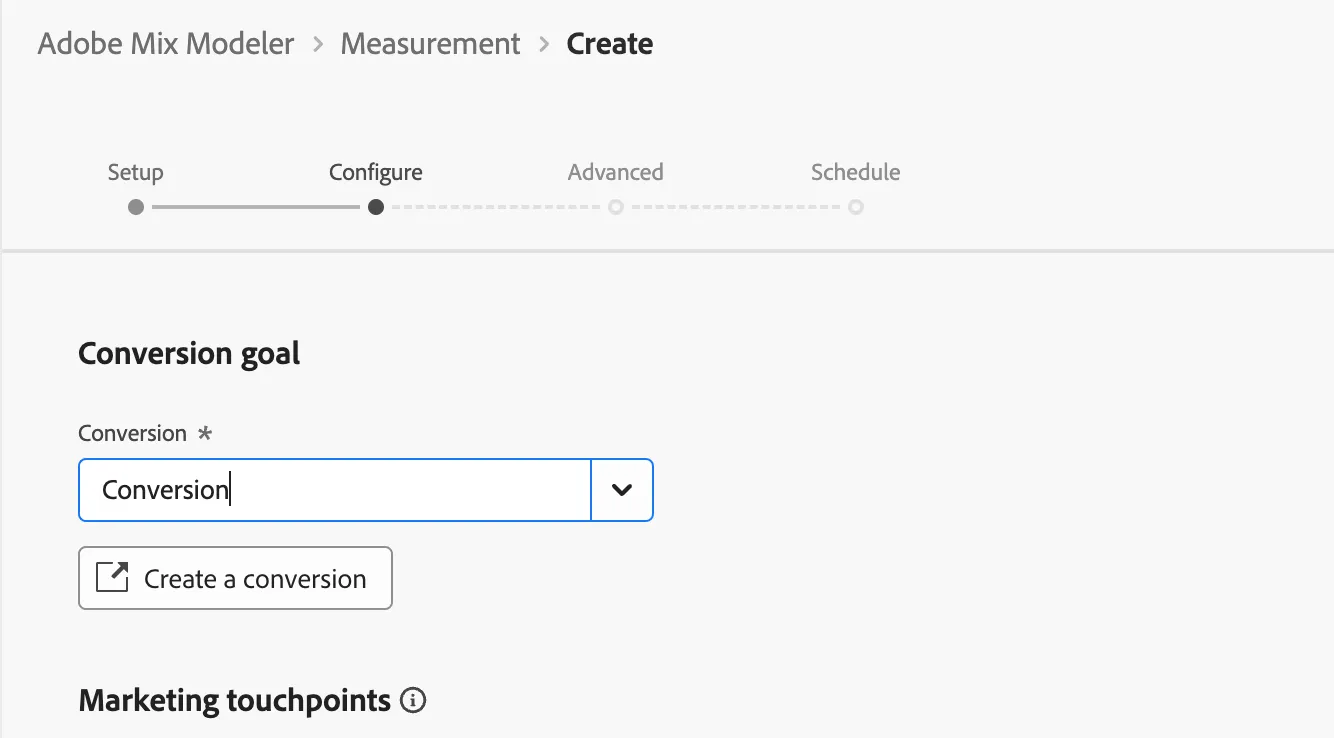
- Now you will be able to configure your conversion event (target feature) and the marketing actions (features) that have been defined in the process of Harmonizing the data.
- For the Conversion goal select Conversion.
-
- Next, let's add all our Marketing touchpoints availble to slect from the drop down.
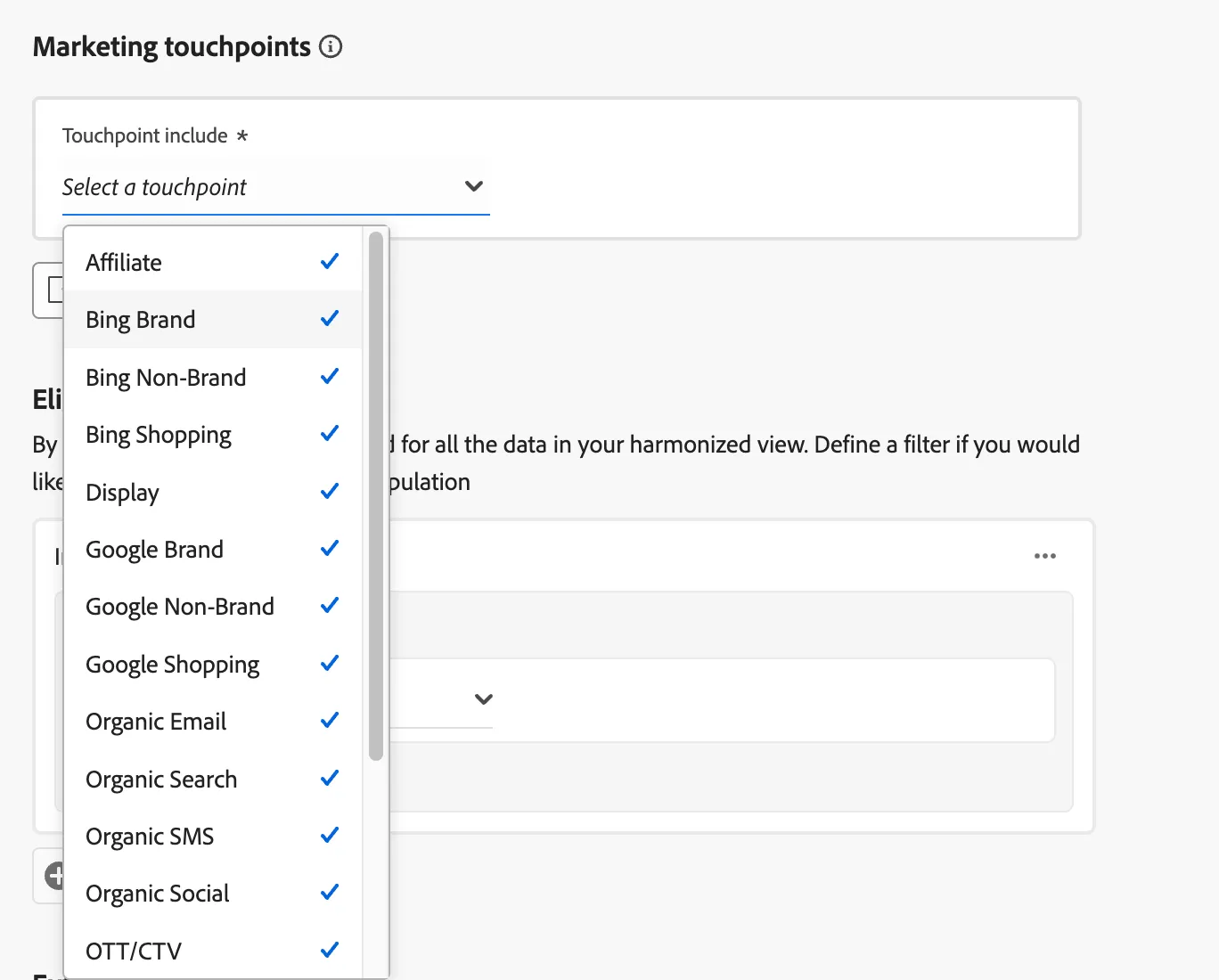
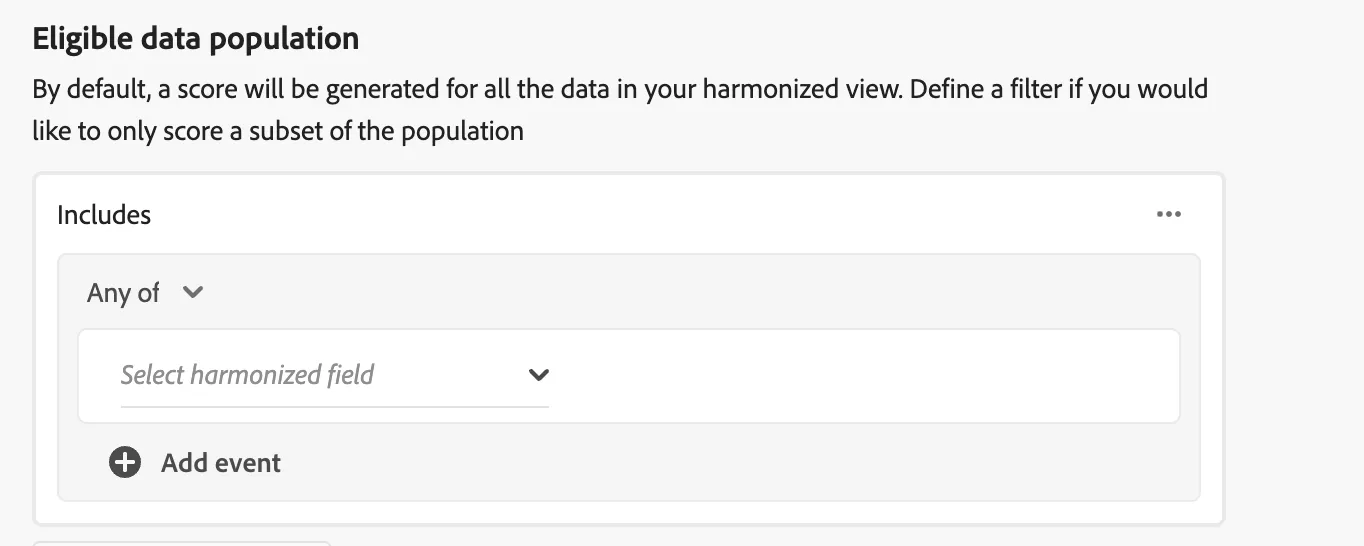
- Once you have slected your marketing touchpoints you will be able to set an Eligible data Population. This is a filter that will only score the model based on the selected subset. We will skip this for our exercise. (note: a selection isn't required).
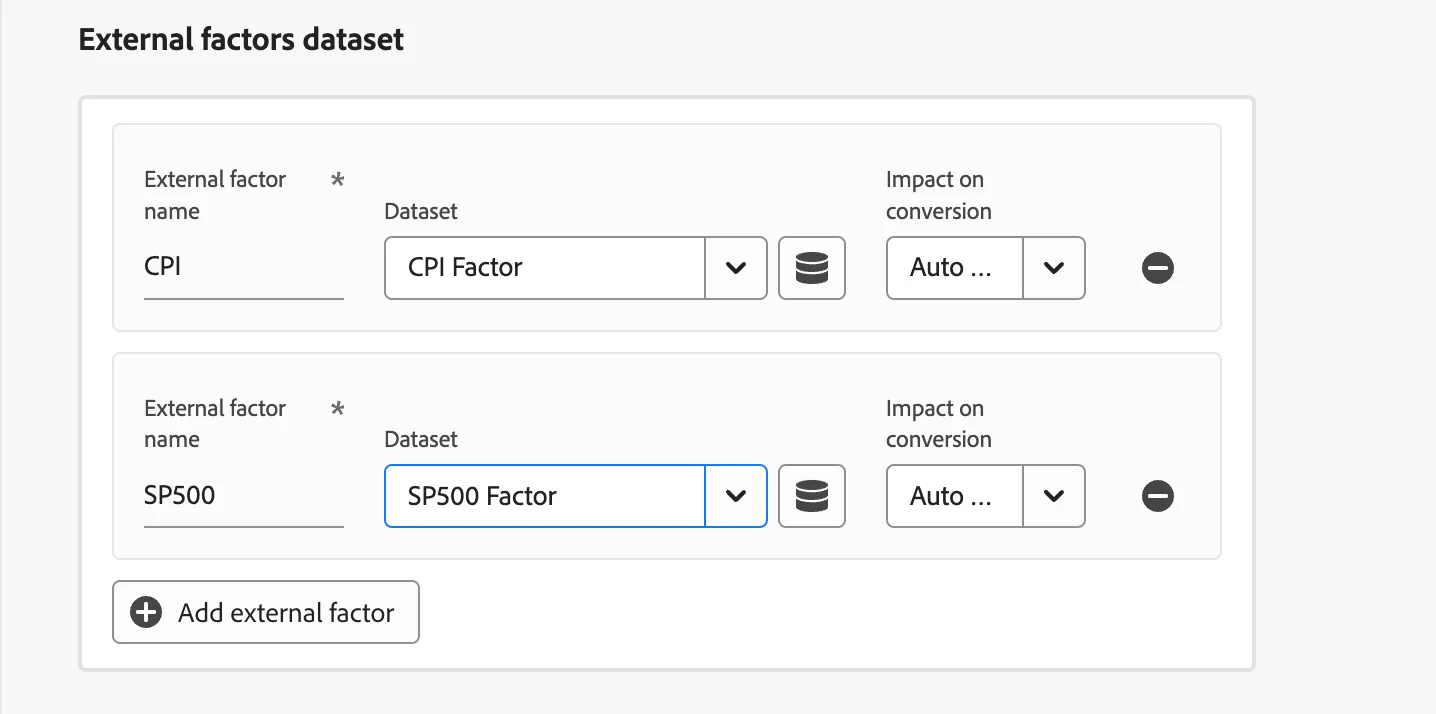
- Next we can select CPI and SP500 datasets as External Factors.
- External factor name = CPI
- External factor name = SP500
- Leave everything else as default and click on Next.
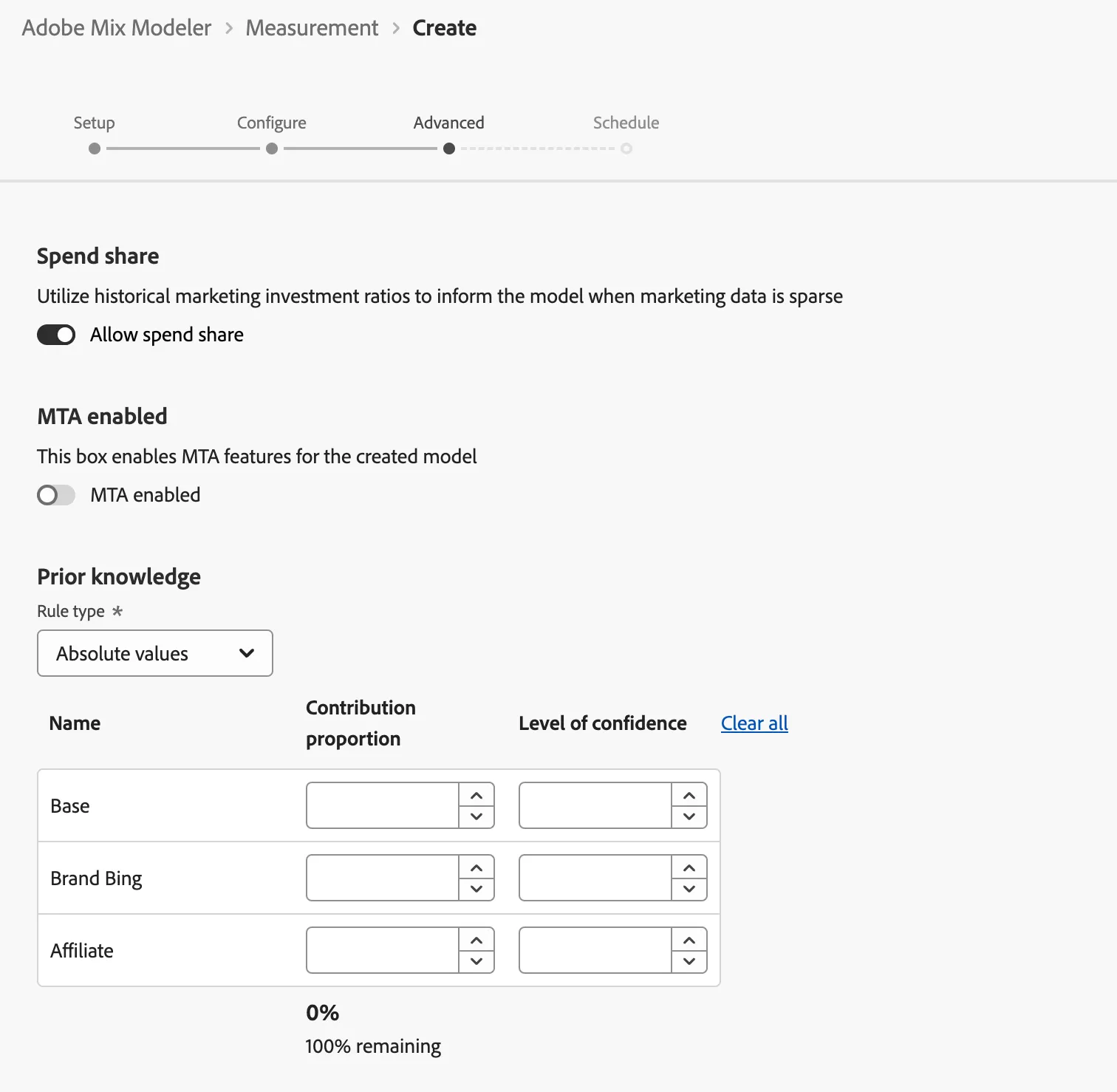
- There is flexibility to fine tune the model based the portion of a marketing touchpoint and the confidence in the portion of the data. Leave everything as default and click on Next.
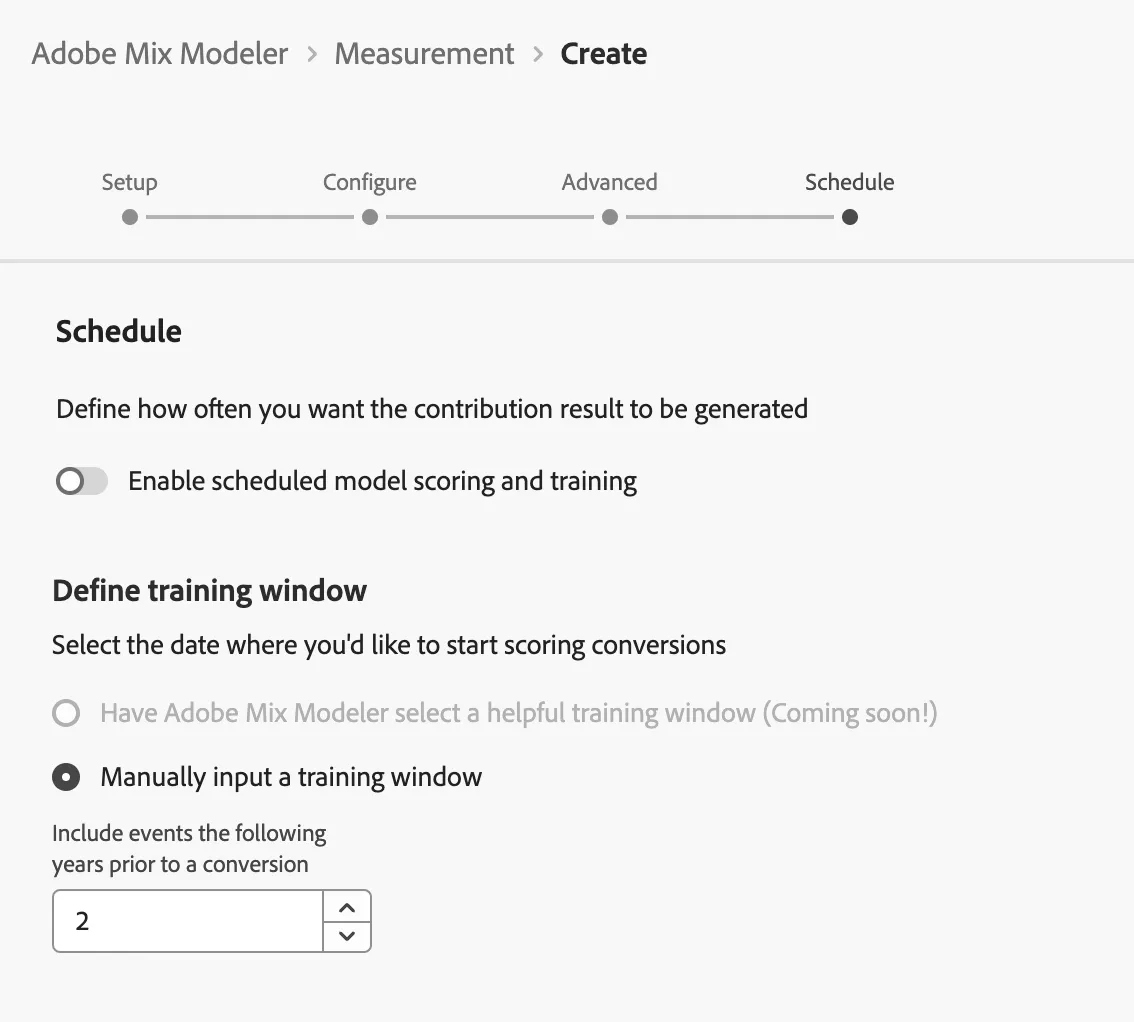
Lastly you have the option to schedule training and scoring. Leave everything as default and click on Finish.
Congratulations! You have completed creating your first model.