Data Collection Setup
1 min
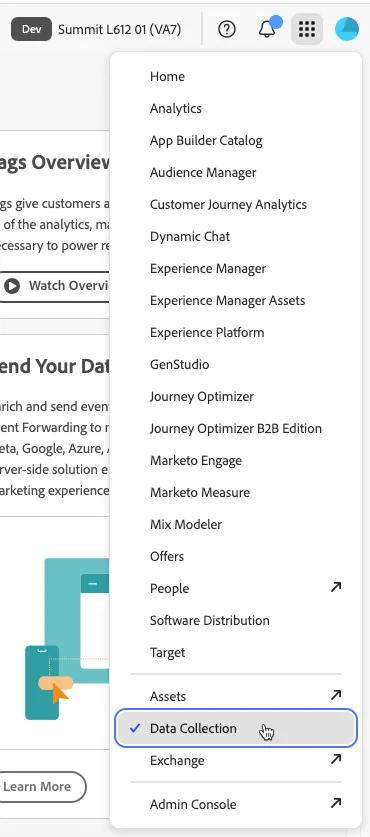
- Navigate to Data Collection using the 9 dot picker in the top right hand of the screen
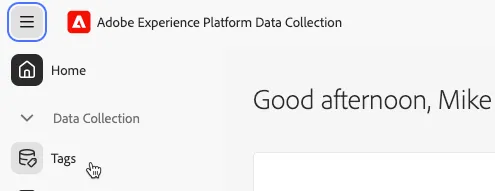
- Navigate to Tags on the left hand navigation panel
- Click into your Data Collection tag. It will be named msimpson - L612 - <STATION> (web), where <STATION> is the station you are seated at.

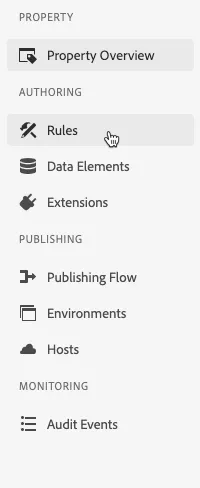
- Navigate to Rules from the left hand navigation panel.
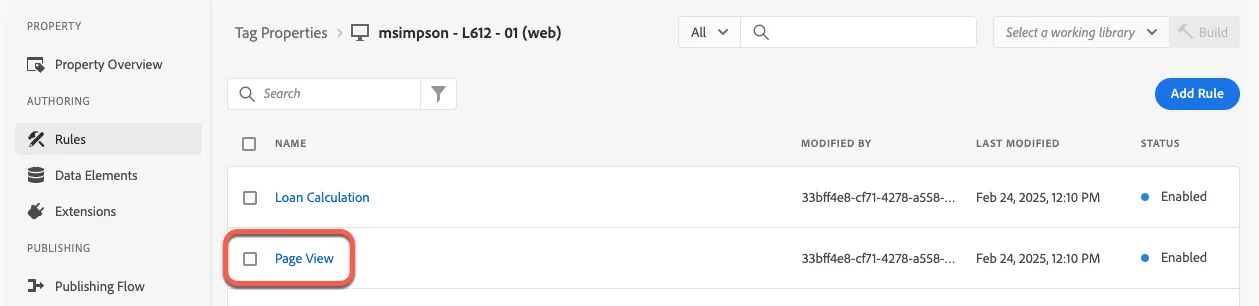
- Click on the Page View rule to edit.
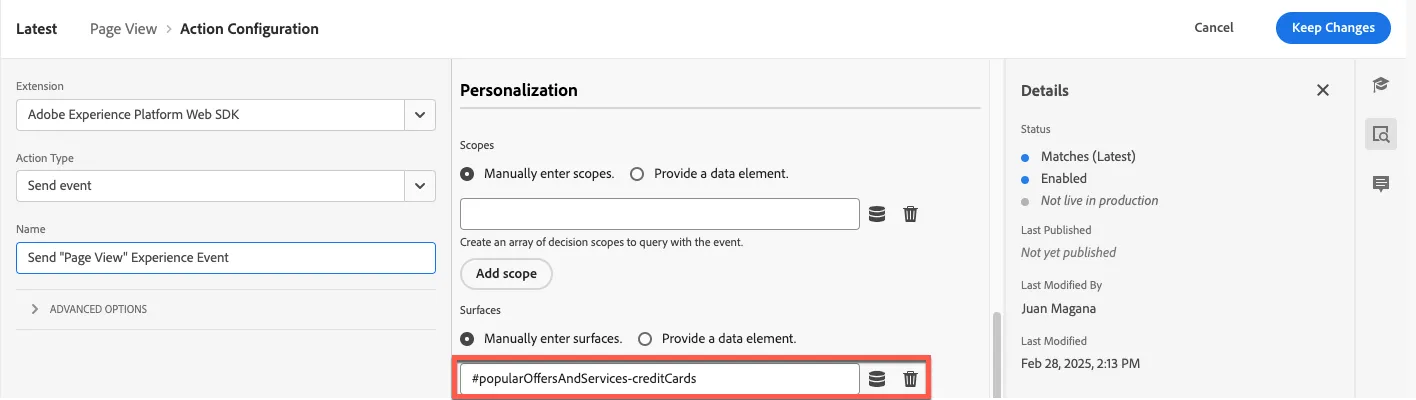
- Scroll the middle panel down to the Personalization section and manually enter a surface variable. Click here for your surface details. Click Keep Changes.
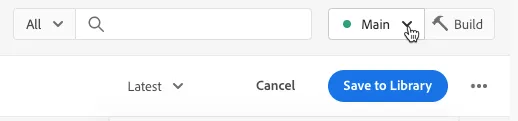
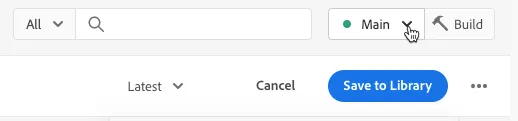
- Select the Main library from the picklist and then click Save to Library to save your work.
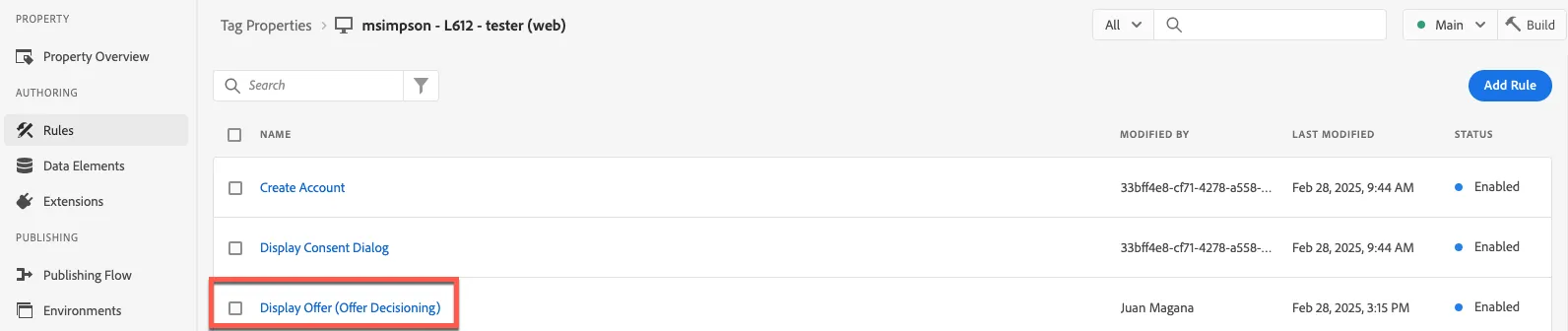
- Click Cancel at the top of the screen to back out into the Tag Properties view.
- Click the Display Offer (Offer Decisioning) rule.
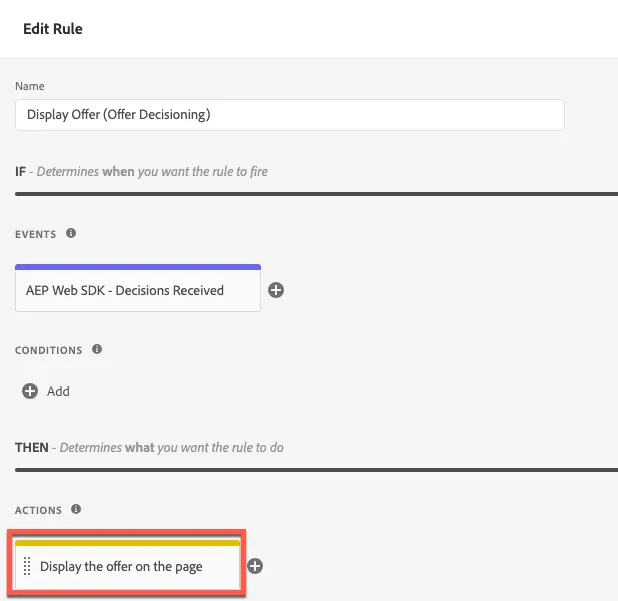
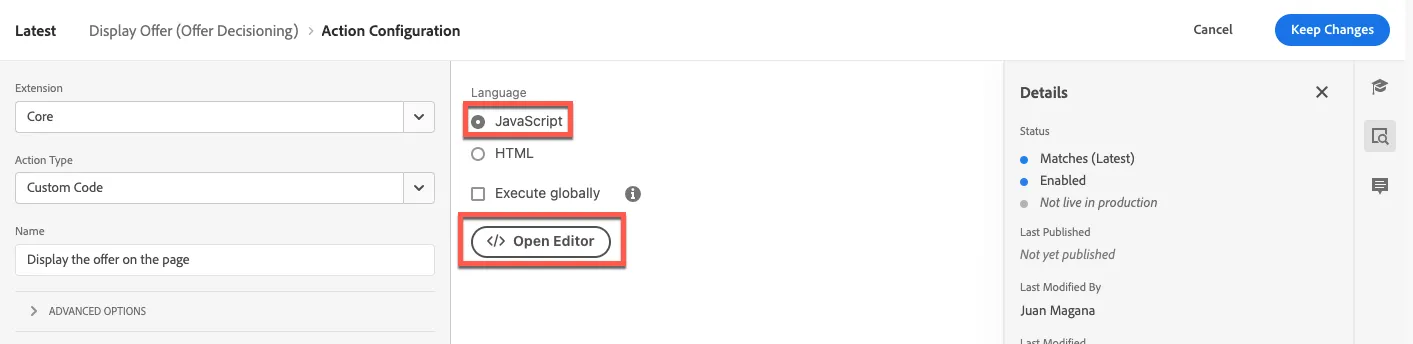
- Click on the Display the offer on the page action at the bottom of the panel.
- Confirm the JavaScript radio button is selected and click the </> Open Editor button to replace the JavaScript script.
- Copy and paste the JS script and click Save. The script can be copied from the code drawer on the right of this screen.
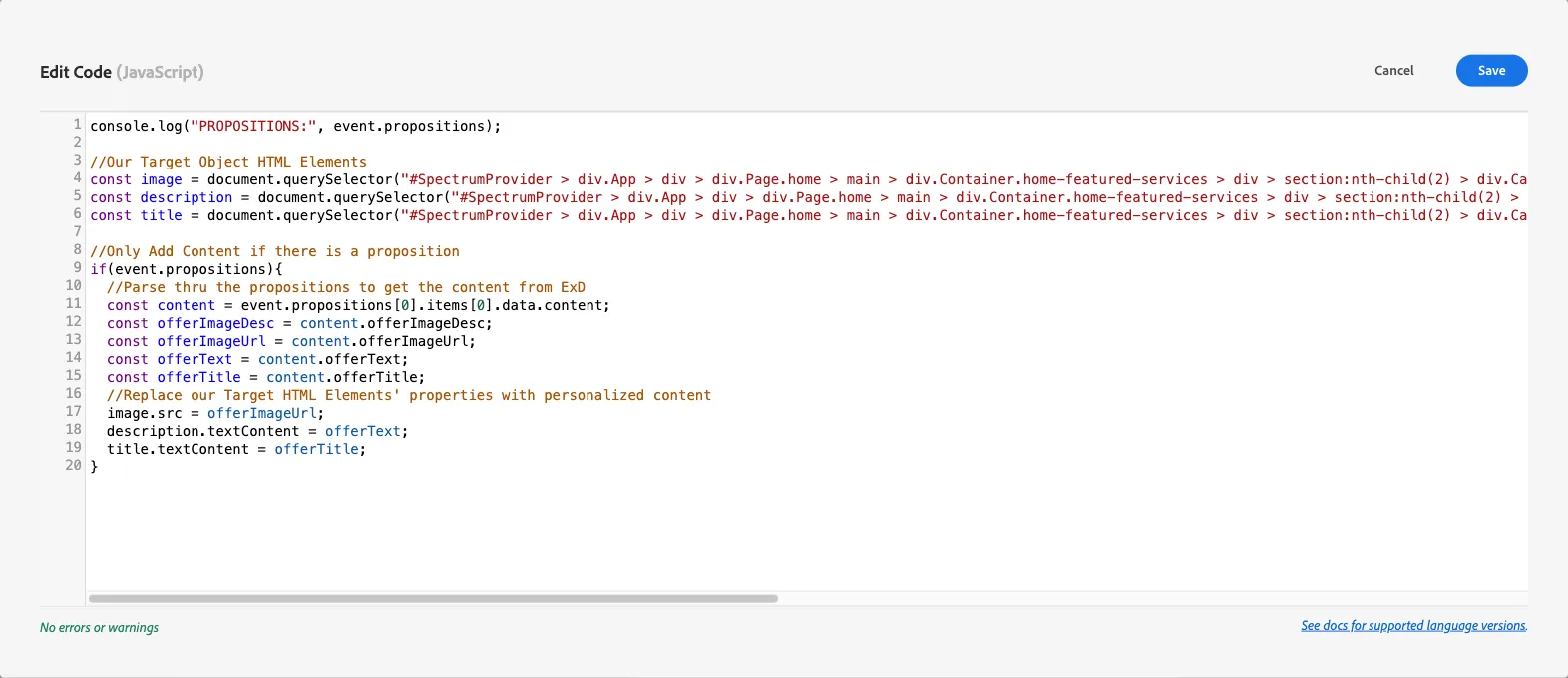
- Click Save.
- Click Keep Changes.
- Select Main from the library picklist and click Save to Library.
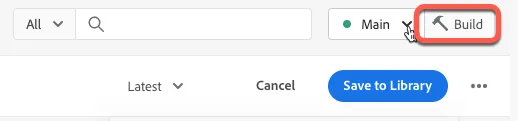
- Click Build to push the updates to your web property.
Render Experience Decision
console.log("PROPOSITIONS:", event.propositions);

//Our Target Object HTML Elements
const image = document.querySelector("#SpectrumProvider > div.App > div > div.Page.home > main > div.Container.home-featured-services > div > section:nth-child(2) > div.Card.Card--alignment-left.Card--variant-horizontalRight.Card--hasLink > div.Card__image > div > img");
const description = document.querySelector("#SpectrumProvider > div.App > div > div.Page.home > main > div.Container.home-featured-services > div > section:nth-child(2) > div.Card.Card--alignment-left.Card--variant-horizontalRight.Card--hasLink > div.Card__content > div > div.Title.Title--alignment-left.Title--textAlignment-left > div > div > div > p");
const title = document.querySelector("#SpectrumProvider > div.App > div > div.Page.home > main > div.Container.home-featured-services > div > section:nth-child(2) > div.Card.Card--alignment-left.Card--variant-horizontalRight.Card--hasLink > div.Card__content > div > div.Title.Title--alignment-left.Title--textAlignment-left > div > h2");

//Only Add Content if there is a proposition
if(event.propositions){
  //Parse thru the propositions to get the content from ExD
  const content = event.propositions[0].items[0].data.content[0];
  const offerImageDesc = content.offerImageDesc;
  const offerImageUrl = content.offerImageUrl;
  const offerText = content.offerText;
  const offerTitle = content.offerTitle;
  //Replace our Target HTML Elements' properties with personalized content
  image.src = offerImageUrl;
  description.textContent = offerText;
  title.textContent = offerTitle;
}