Configuring a custom action
Event overview
To get an overview of all events in Adobe Journey Optimizer:
- In the menu on the left side, under Administration, click on Configurations. You will see a set of tiles. Click on Manage in the Actions tile to get an overview with all existing custom actions.
Configuring a custom action
We'll be configuring an custom action with which we will retrieve the flight status from an external API and. With this information we will cross check with customer booking and based on the status we will do the actions in our journey.
If you do not want to configure your own custom action, you can reuse an custom action getFlightStatus that has aleady been created for you. Feel free to skip this exercise and proceed to Creating an audience
To configure a new event, click Create Action. A menu will open on the right side.
- Set the name to [your name]getFlightStatus.
- Keep Action type as Custom
- Keep Channel as Other
- Keep required marketing action as none
- In the Endpoint configuration section
- Enter URL as https://flight-status---v2-qwqp61f1m1d5.runkit.sh/ (This is a dummy API endpoint created to return the requested flight status as DELAYED)
- Select the Method as GET
- In the Headers section, ensure there are two headers that are available by default
- Header 1 with Label as Content-Type and Value as application/json
- Header 2 with Label as Charset and Value as UTF-8
- In the Query parameters section, click on Add a query parameter field
- Enter Name as flightID
- Select Type as Variable
- Keep authentication type as No authentication
On the payload section, click on the pencil button to open a popup to paste the response payload.
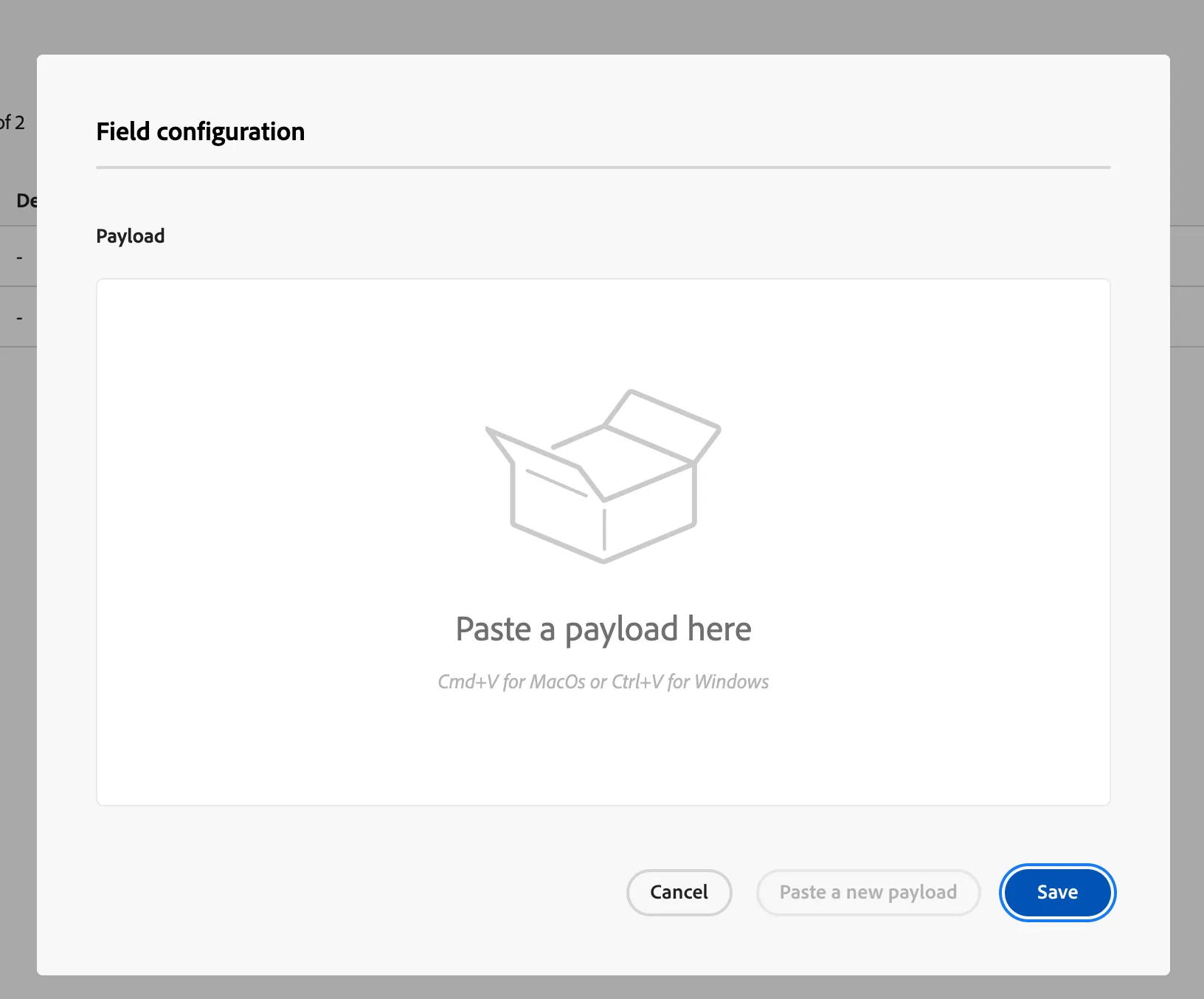
- Paste the below response { "flightID": "LHR-DOH", "flightStatus": "DELAYED", "expectedDelayInMinutes": 229, "reasonForDelay": "Flight is delayed due to technical difficulties", "departureAirportCode": "LHR", "arrivalAirportCode": "DOH" }
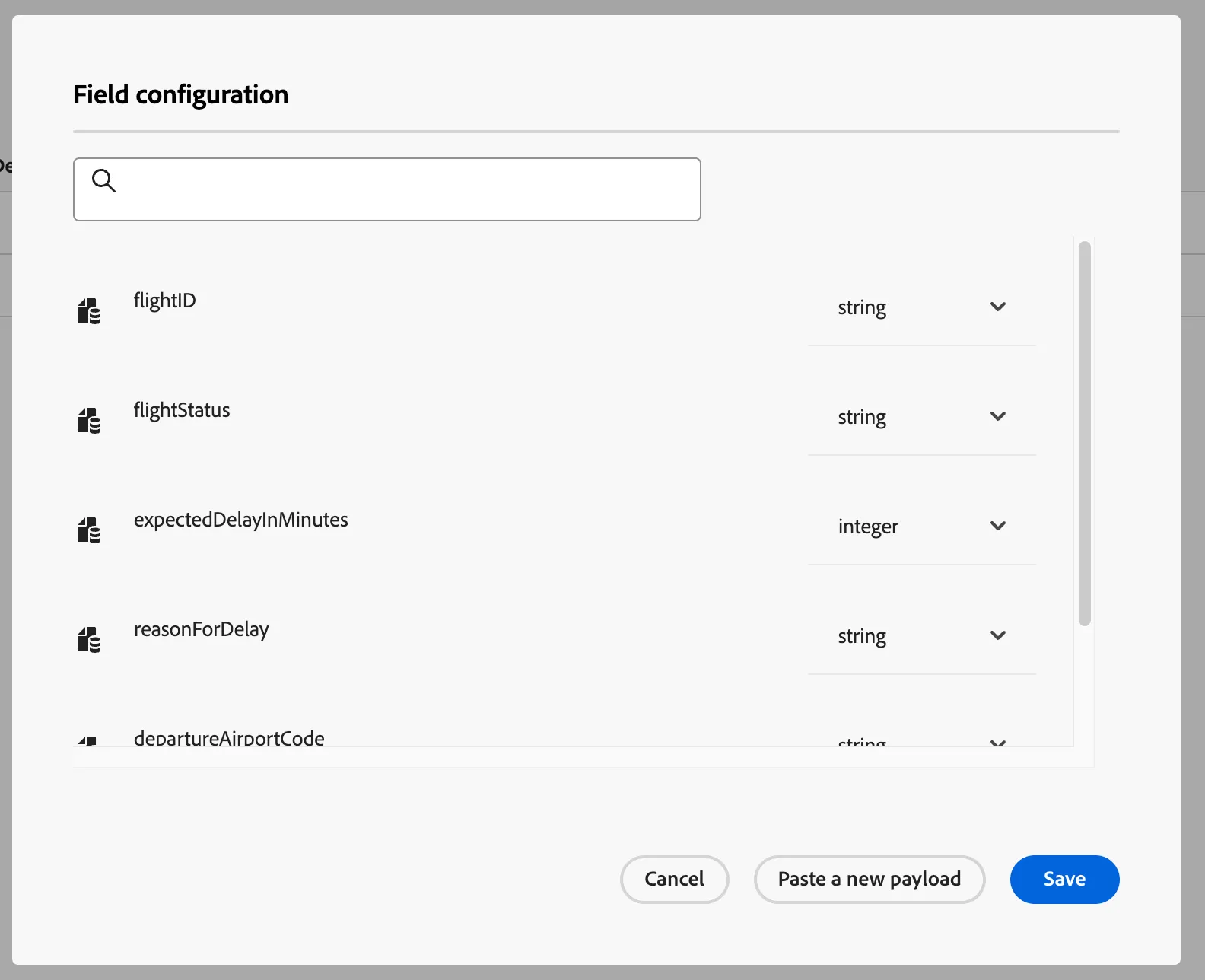
The payload should auto detect the datatypes of the attributes as below. Click on Save to continue
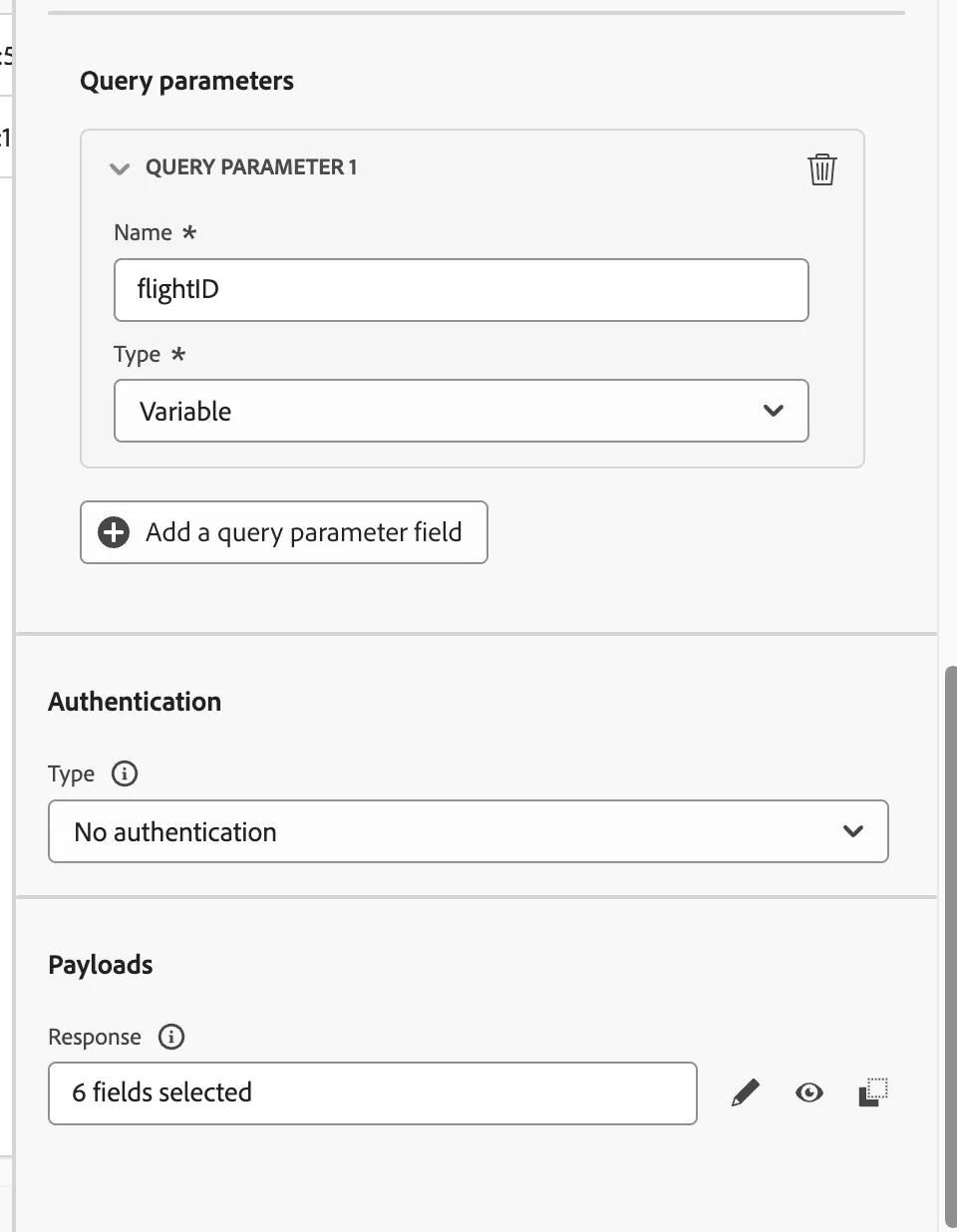
Now the response field should say 6 fields selected.
- Scroll all the way to top and click on Save.
-
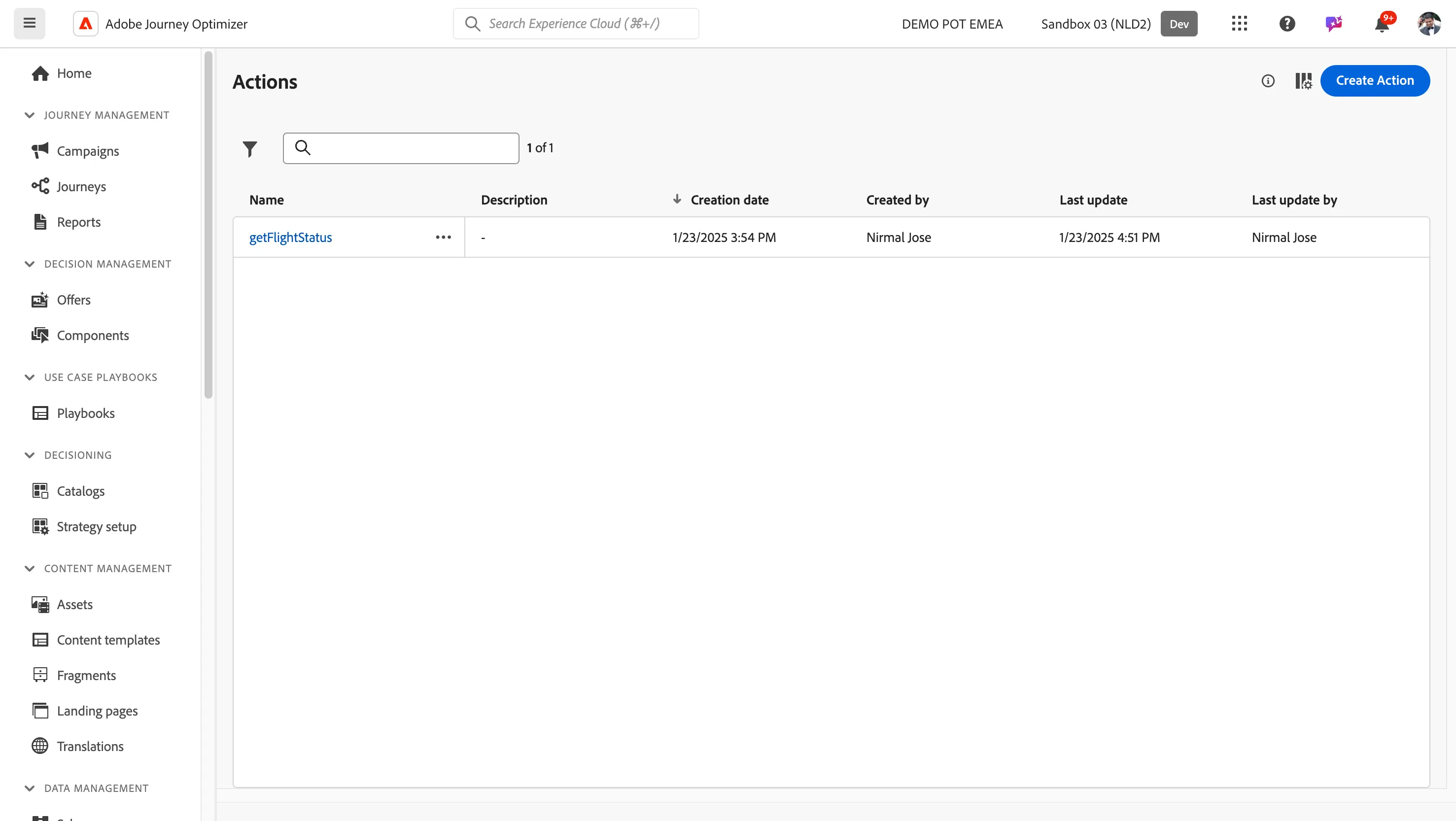
You have now successfully created the custom action to call an external API and get a response to know flight status. If you want to try and see the dummy API response, please try this URL