Test in live
3 min
Go to the Customer Care app and load your profile.
As Mélanie, the Customer Advisor, we call the visitor:
- Click on the Phone call icon
- Click on Start call button
Mélanie talks with the visitor, collects the needs and save these data by clicking on the Submit button:
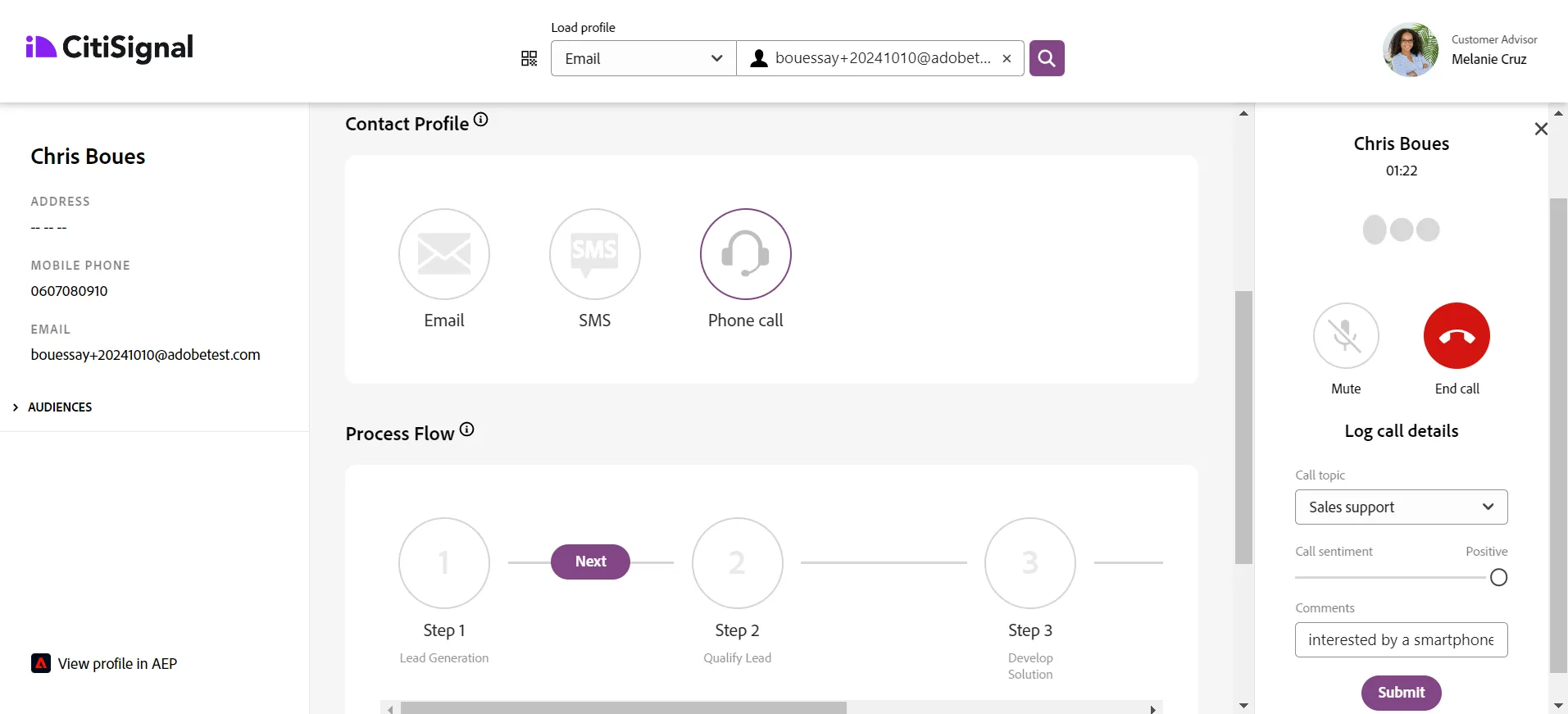
Then, Mélanie clicks on End call button, and clicks on the Next button of the process flow:
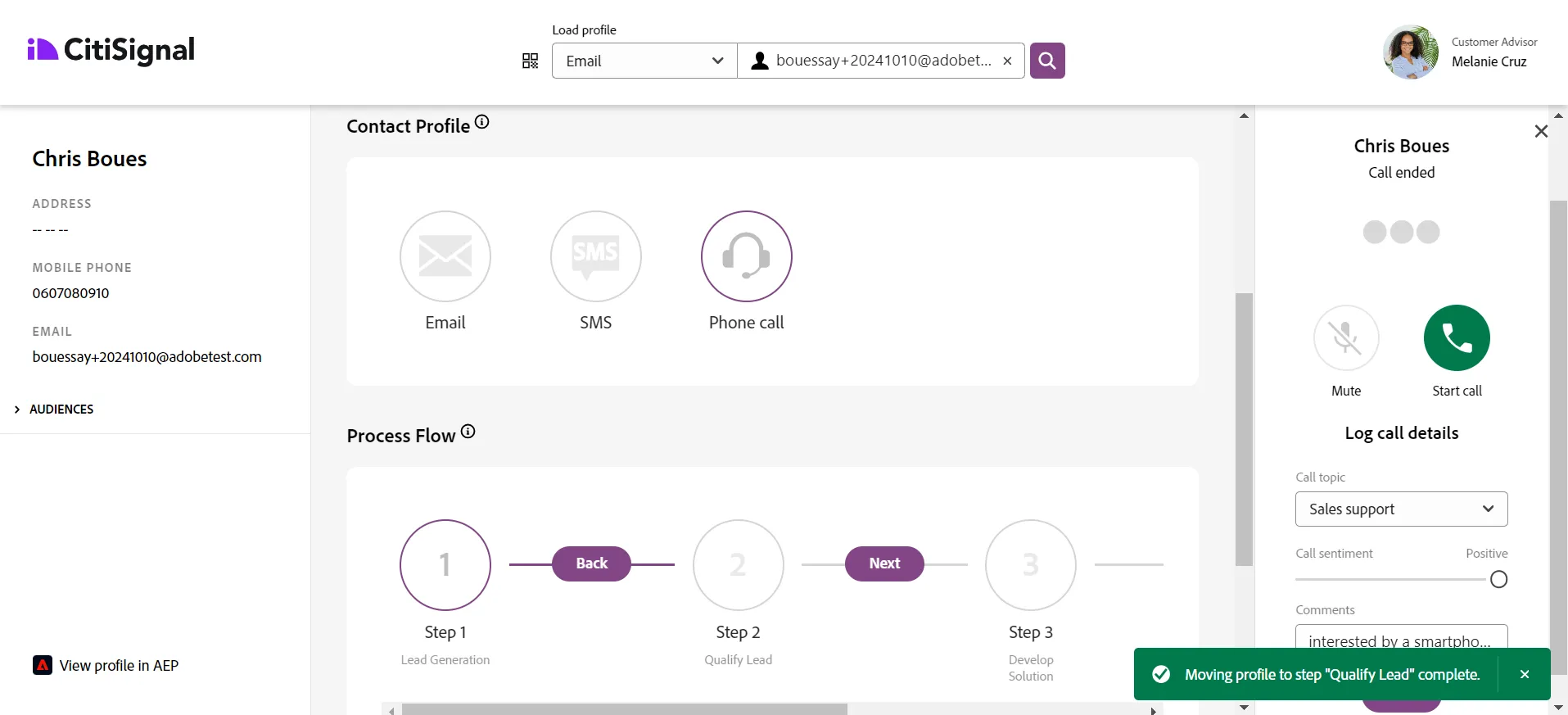
Wait a few seconds and look at the Customer Touchpoints; you will see 3 new events:
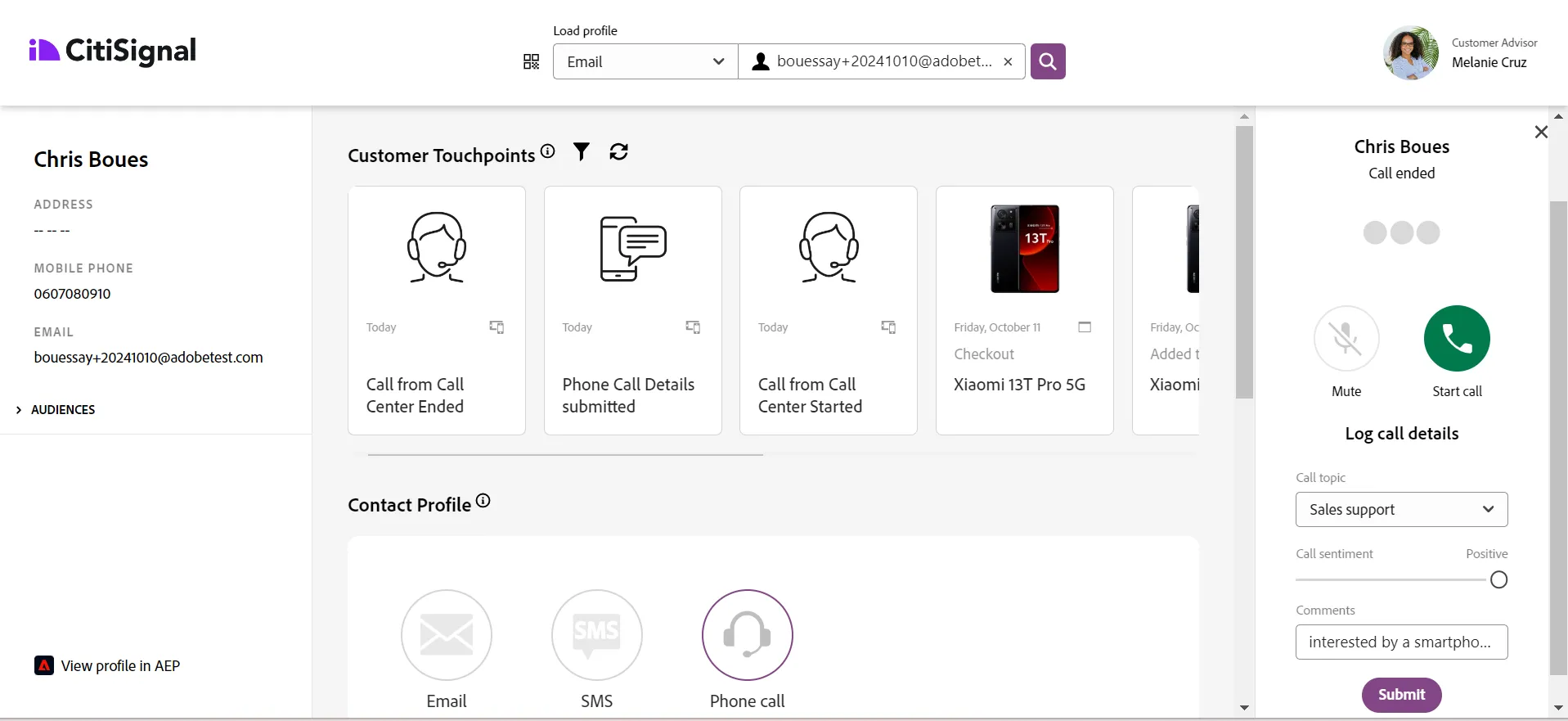
Click on the link View profile in AEP
Go to Events tab and check that these events have been well collected in AEP.
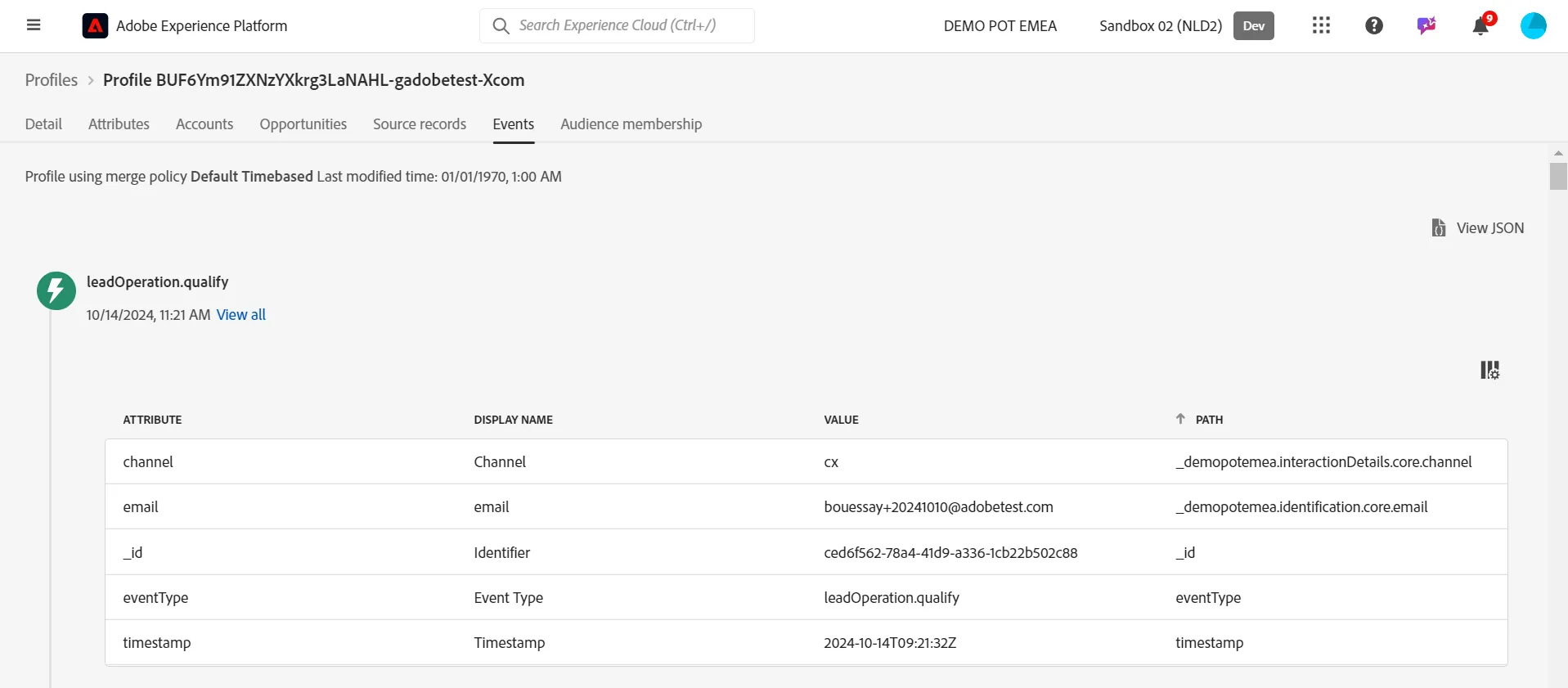
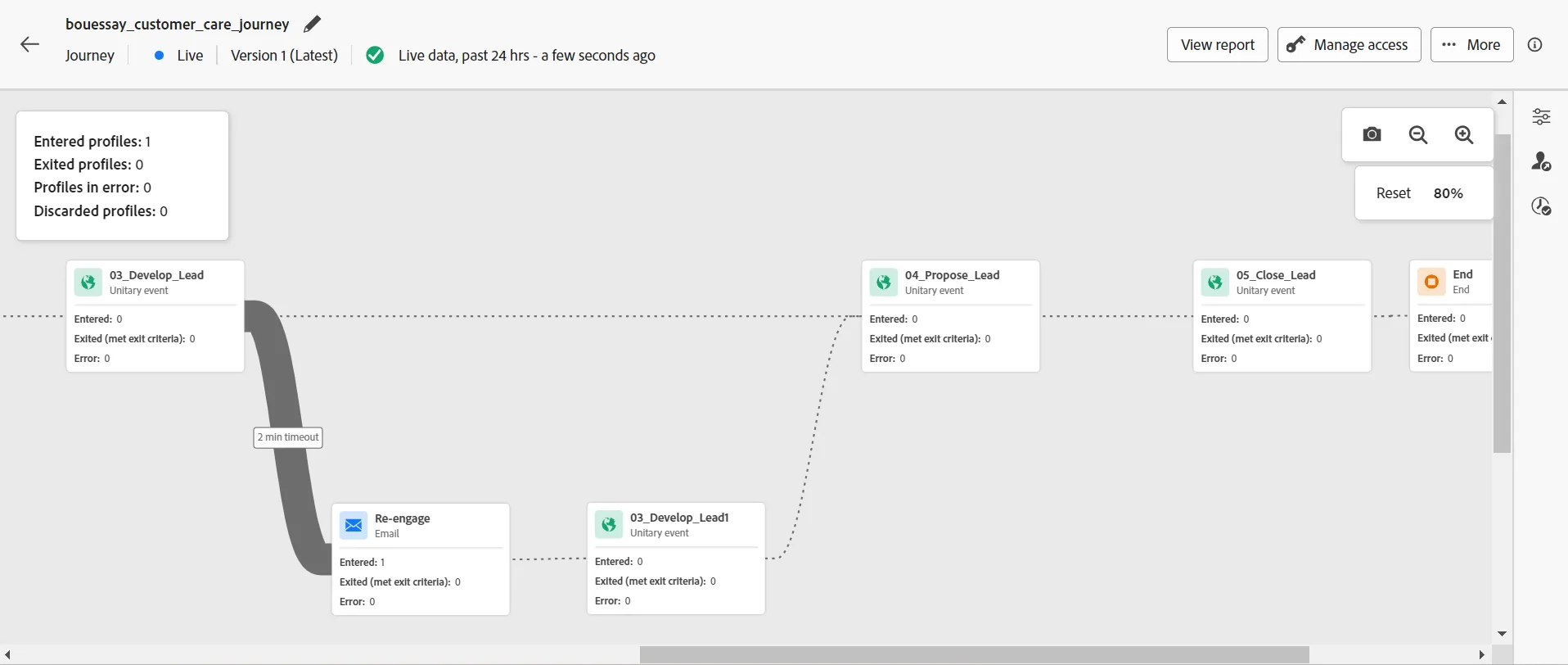
Look at the live journey, especially at the transition numbers
Check that the profile is going to the timeout path
If you don't have your test profile's ECID at hand, you can find your test profile in AEP using your email address.