GenAI & Experiment
Go to the email and click on Edit email body
Select the HTML block that contains the text "Great reasons to love it! ..."
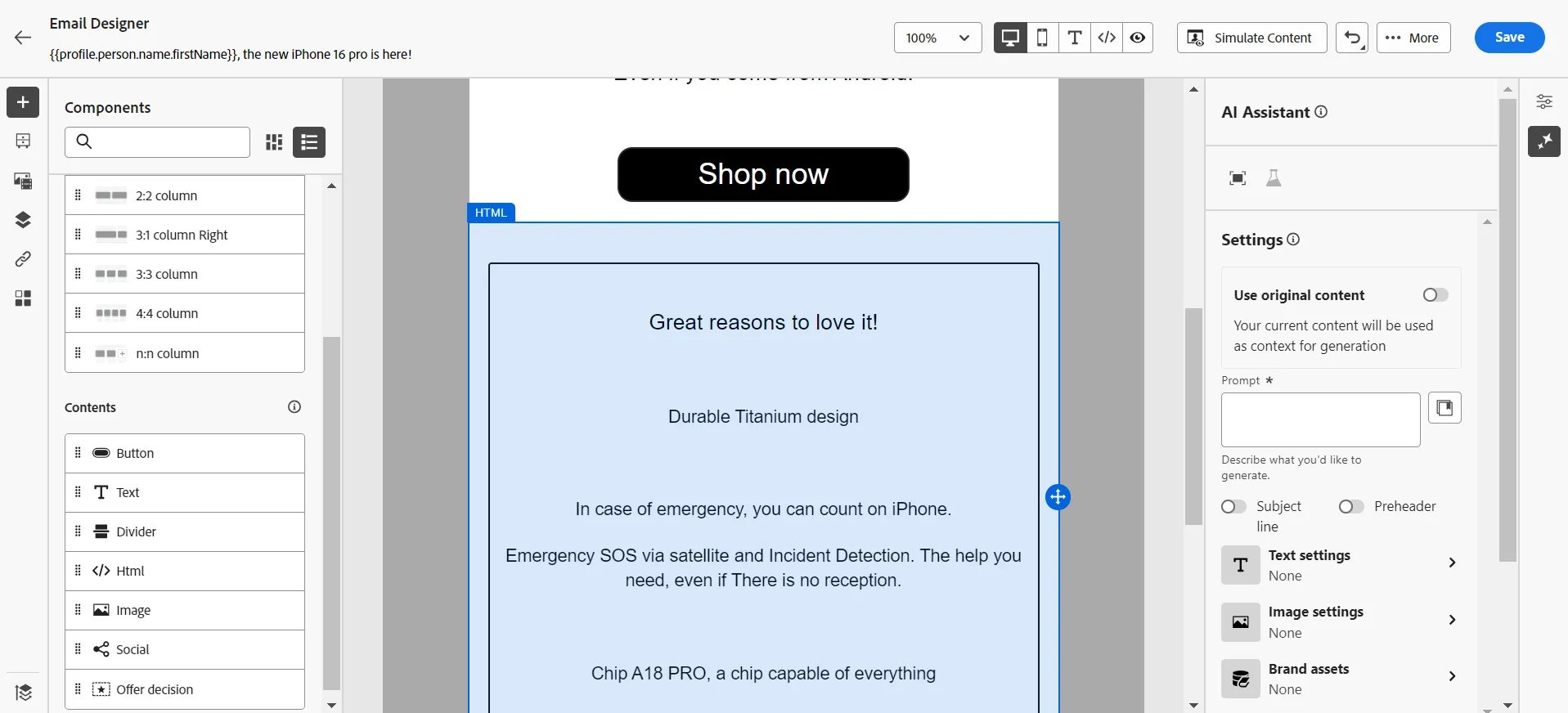
Drag&Drop a 1:1 column structure component, just after this block, and drag & drop a Text content component inside; copy and paste the text from the HTML block to the Text one, change the style settings to get something close to that:
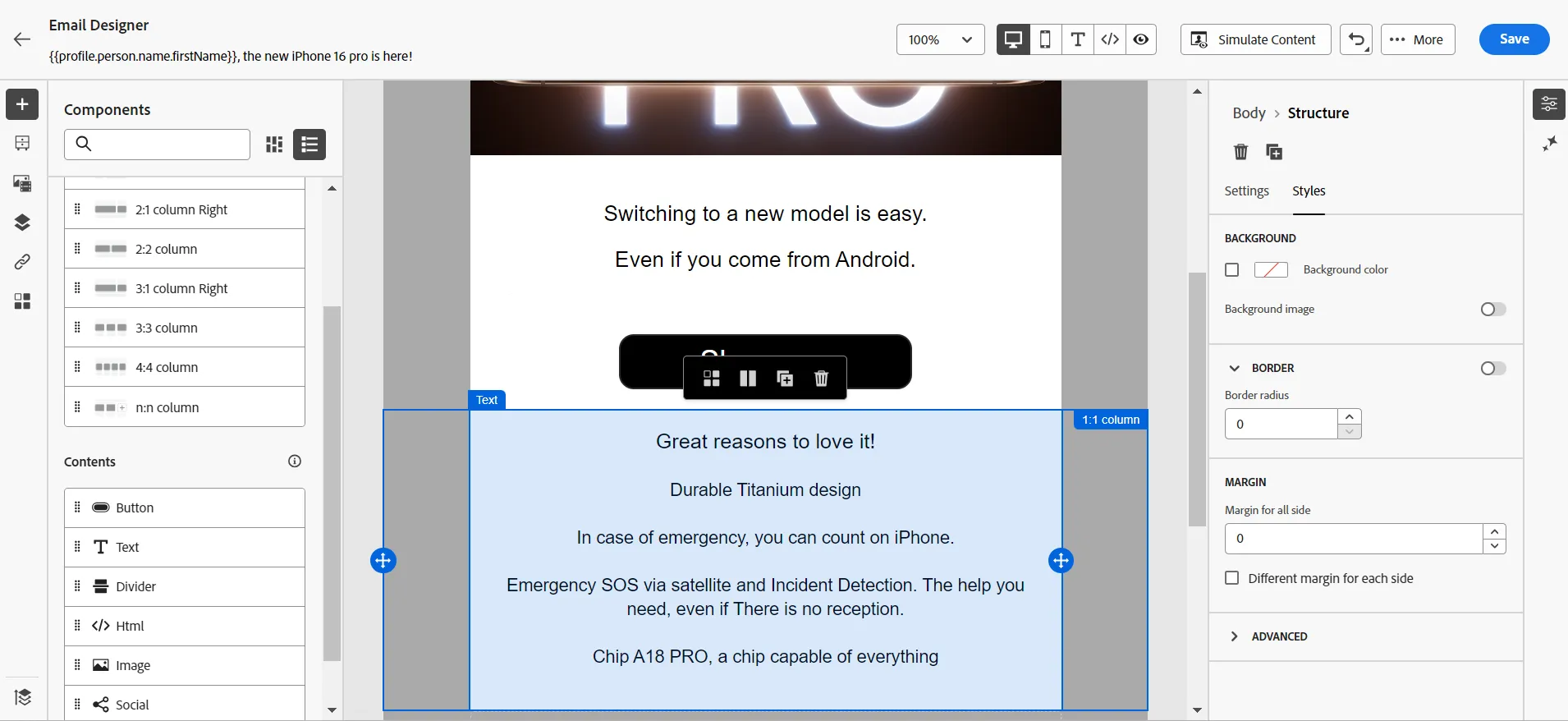
Then click on the assistant icon in the right panel and write a prompt.
Set the Communication strategy to Exclusivity
Set the Tone to Exciting
Click on the Generate button
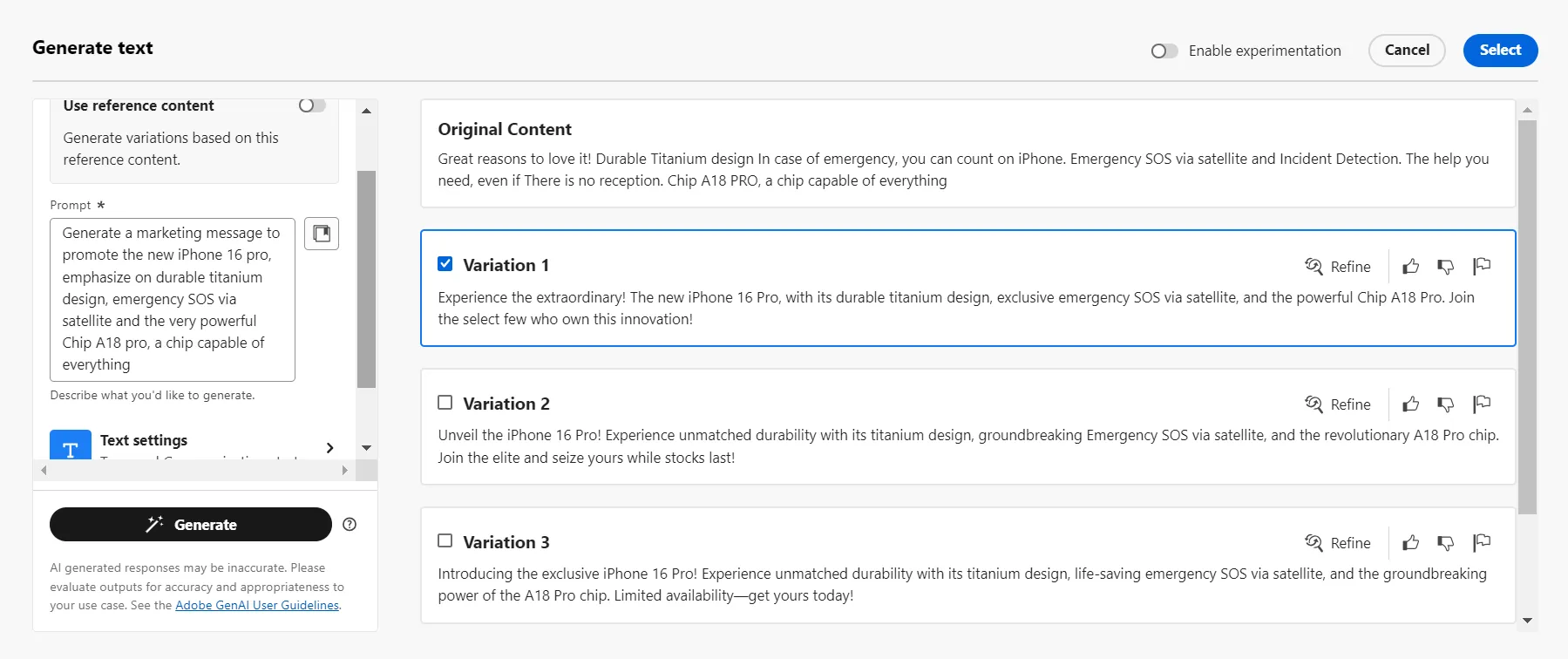
Click on the toggle button to Enable experimentation and select all the variations you like.
Click on the Add to experiment button
Go to the main screen of the campaign and check the Treatments screen:
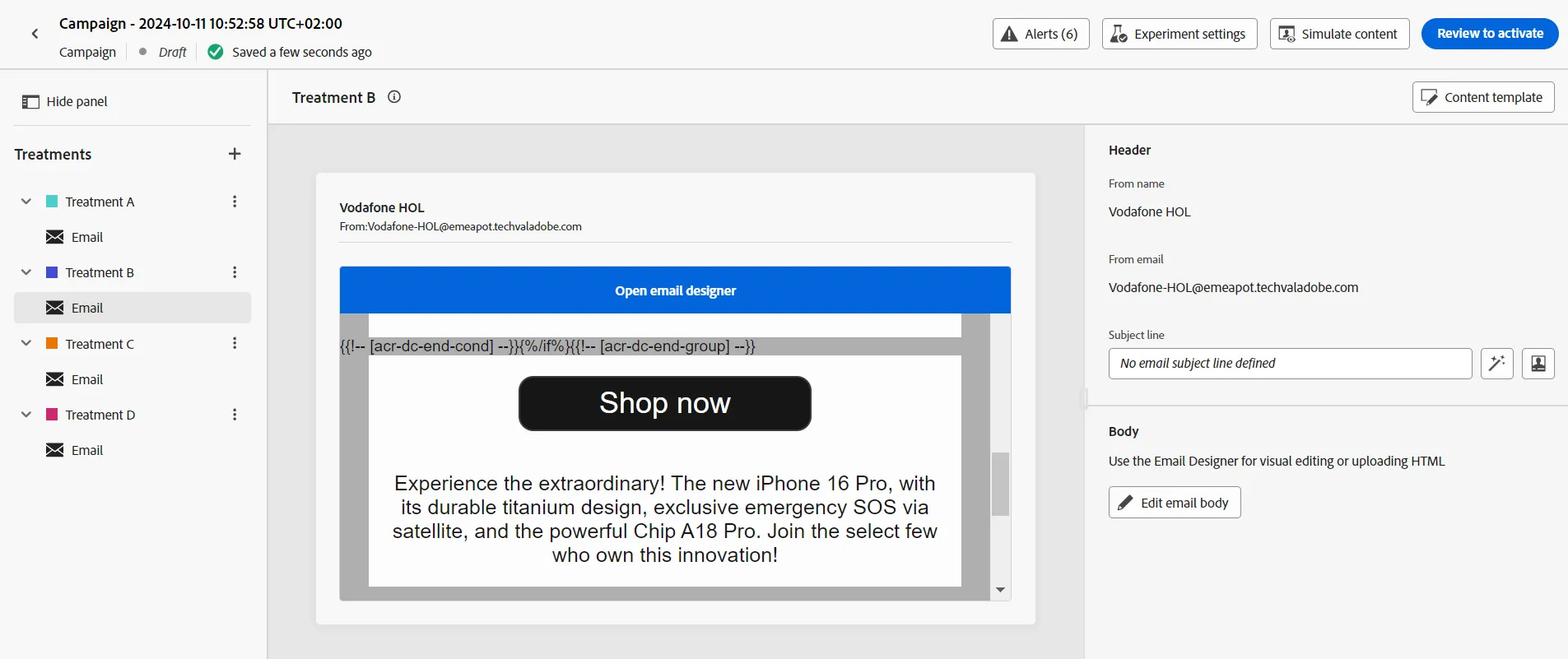
Click on the buttons named Experiment settings, Configure experiment to change the settings
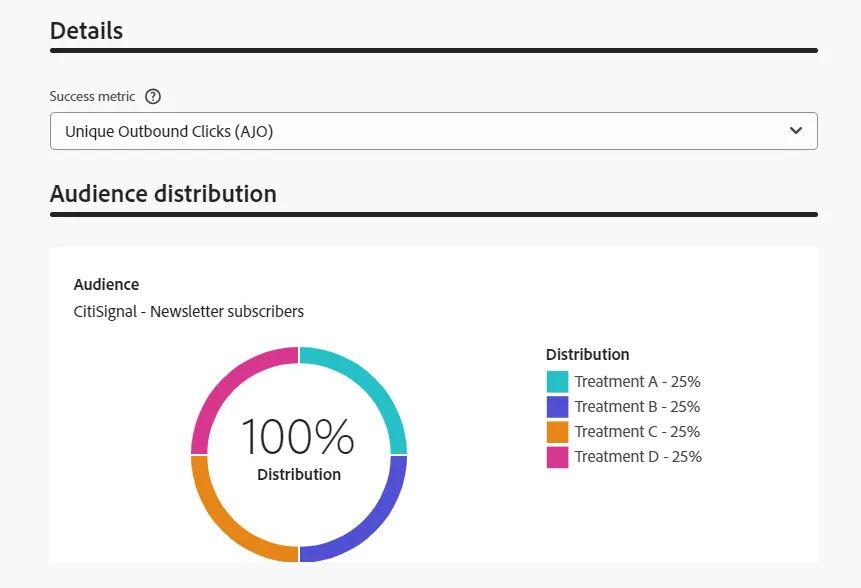
Congratulations, the experimentation of multiple content is ready!