More Offers and Decisions
The visibility conditions are very useful to personalize the message with simple decisions. It's also possible to manage more complexity and a huge amount of personalization by using the Offer Decisioning mechanism.
Go to the email and click on Edit email body
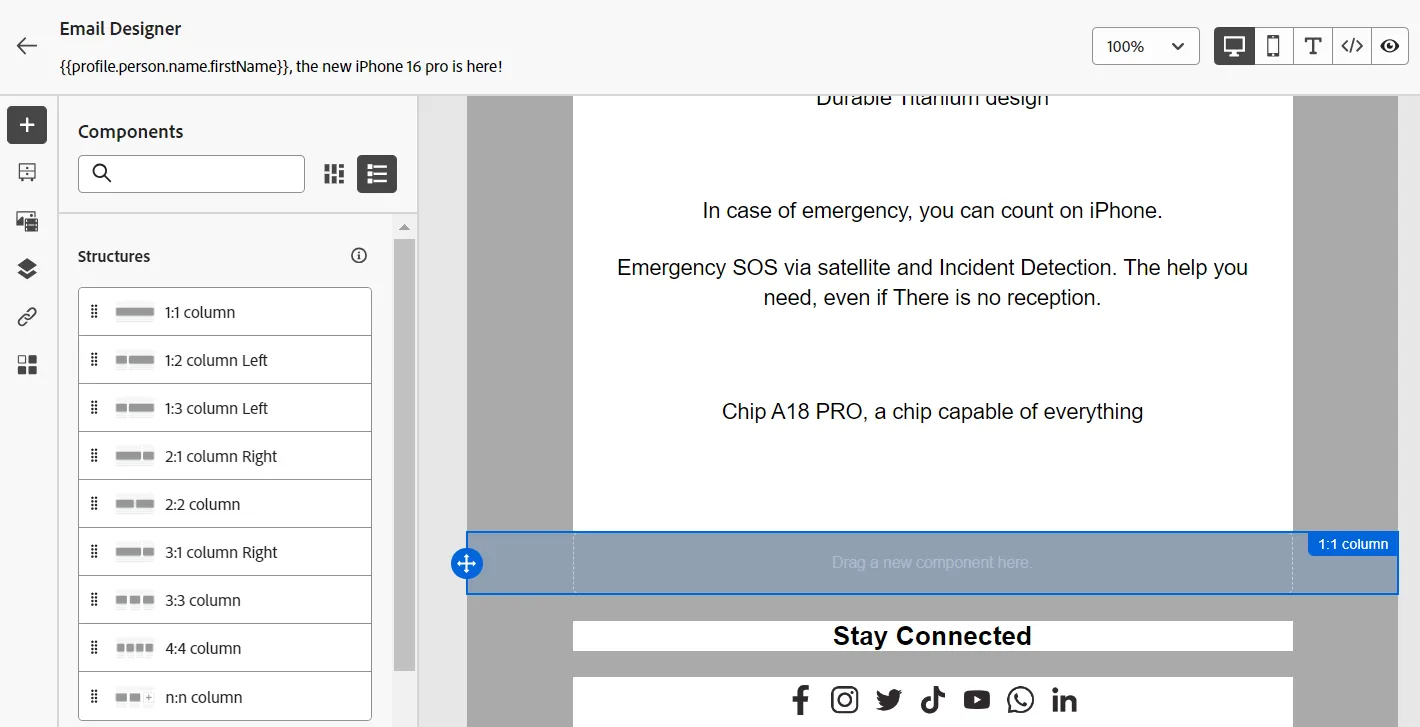
Drag & Drop the 1:1 column structure element this way:
Then, drag & drop the Offer decision content element in this column:
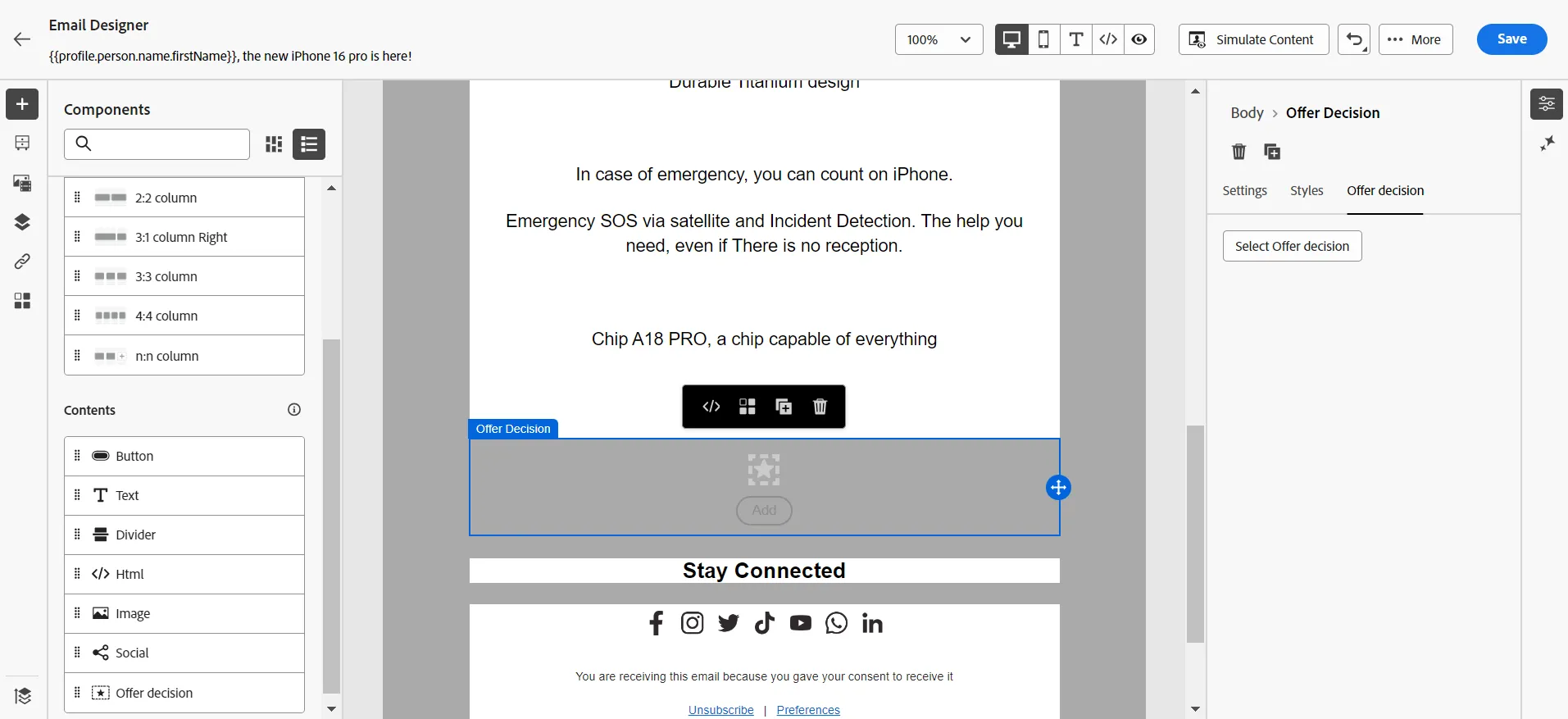
Click on the Select Offer decision button
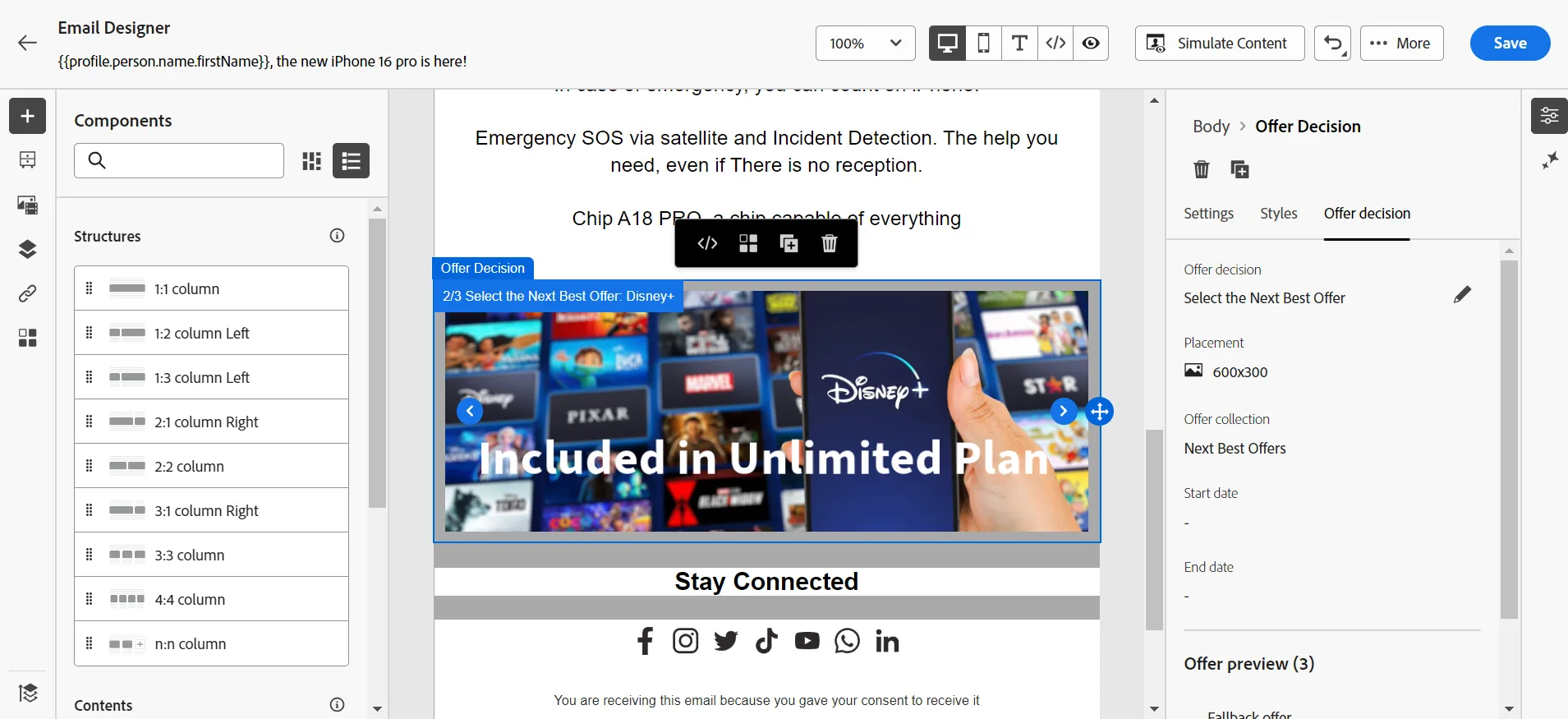
Select the 600x300 placement
Select the Select the Next Best Offer decision
And look at the multiple offers possible
Save
The teacher will show how a business practitioner has set up the different components and offers to configure Offer Decisioning.
Congratulations, you have proposed the best offers to your recipients! The next step is to accelerate the content generation and experiment.