Be a Customer
5 min
In this exercise, you will navigate the storefront as a customer, search for your product, add it to the cart and complete the checkout process. This demonstrates how the configurations completed earlier - product creation, pricing and merchandising - come together in a live shopping experience
Search for your product
- Open your {{STOREFRONT_URL}}
- Search for the Product
- Locate the search bar
- Enter the search term as all or part of the product you created earlier
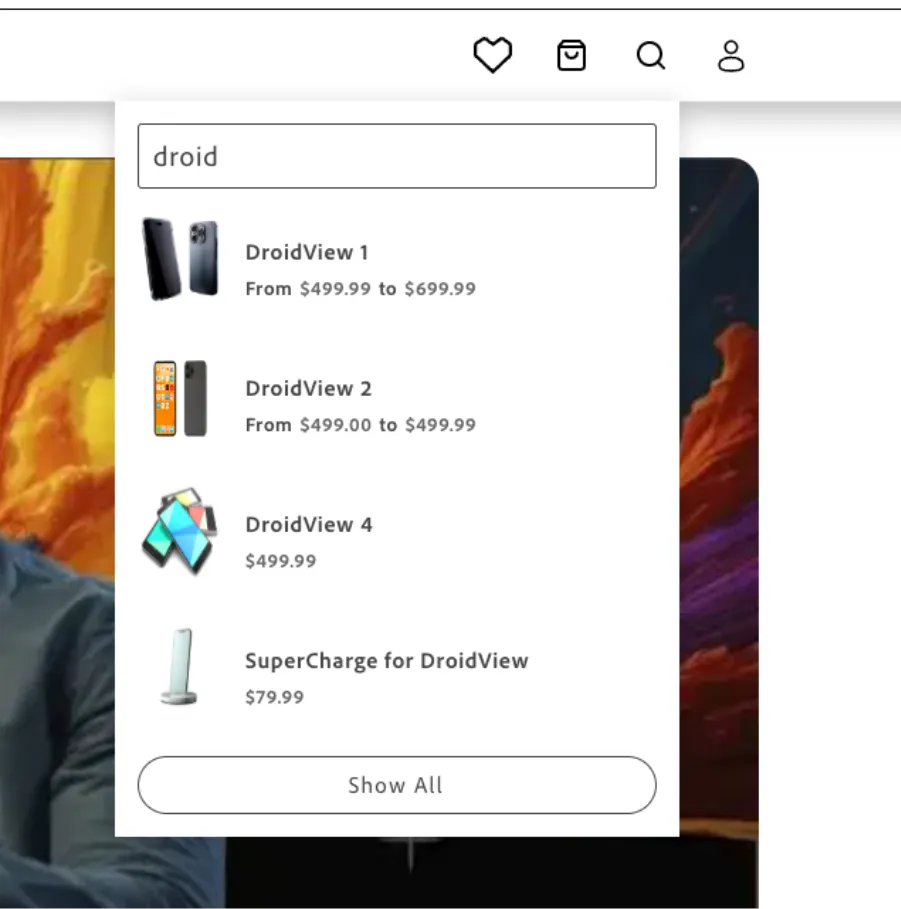
Select the Product
- Review the search results
- Click on your product
Add to Cart
- On the product page, click Add to Cart
- Confirm the product has been added successfully
View Cart
- Click the cart icon
- Select View Cart
Verify Pricing
- Confirm the product is in the cart
- Verify that the 10% discount has been applied
Checkout
The checkout uses Adobe Commerce Native Payment services.
- Click Proceed to Checkout
- Enter the required shipping details
- Select a shipping method
- Choose Credit Card Payment (card 4111 1111 1111 1111 1111, any future expiry date and any CVV)
- Click Place Order
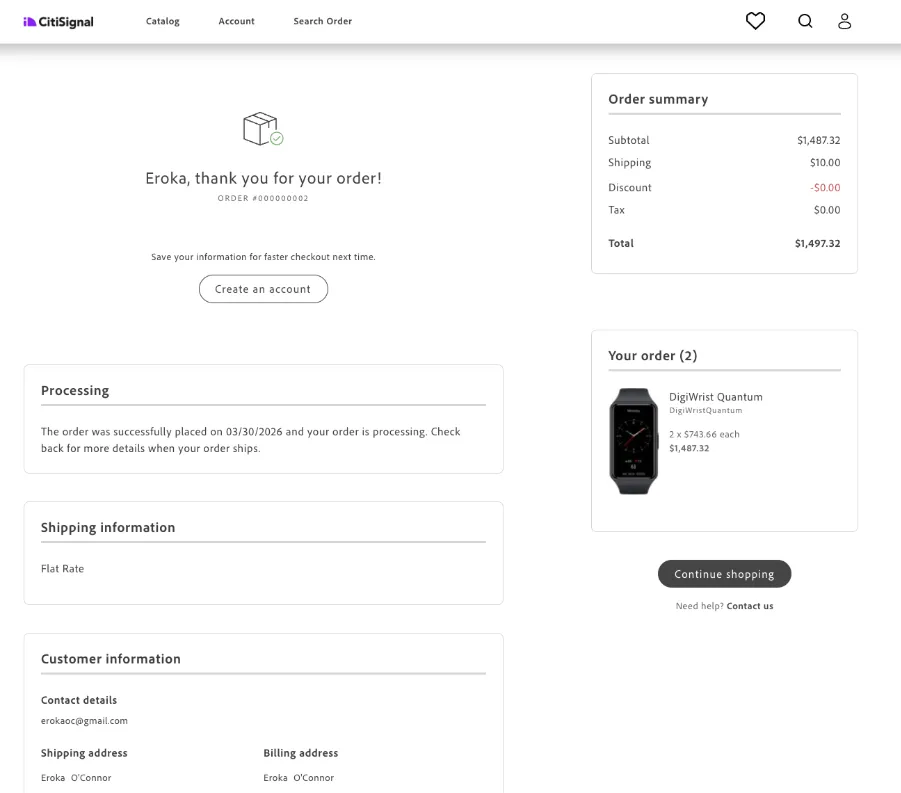
Congratulations! You have successfully searched for your product, added it to the cart and completed the checkout process. The applied discount and product configurations are reflected in the final purchase, demonstrating a complete end-to-end commerce experience.