Create a Product
Products are the foundation of any commerce experience. In Adobe Commerce as a Cloud Service (ACCS), creating and enriching products enables you to deliver compelling, accurate and personalised shopping experiences to your customers.
In this exercise, you will log in to Adobe Commerce as a Cloud Service and create a new product. You will configure key attributes including name, SKU, pricing and imagery, and prepare the product for use in merchandising, promotions and storefront experiences.
By the end of this section, you will have a fully configured product that will be used throughout the remainder of the lab.
Access the Commerce backend
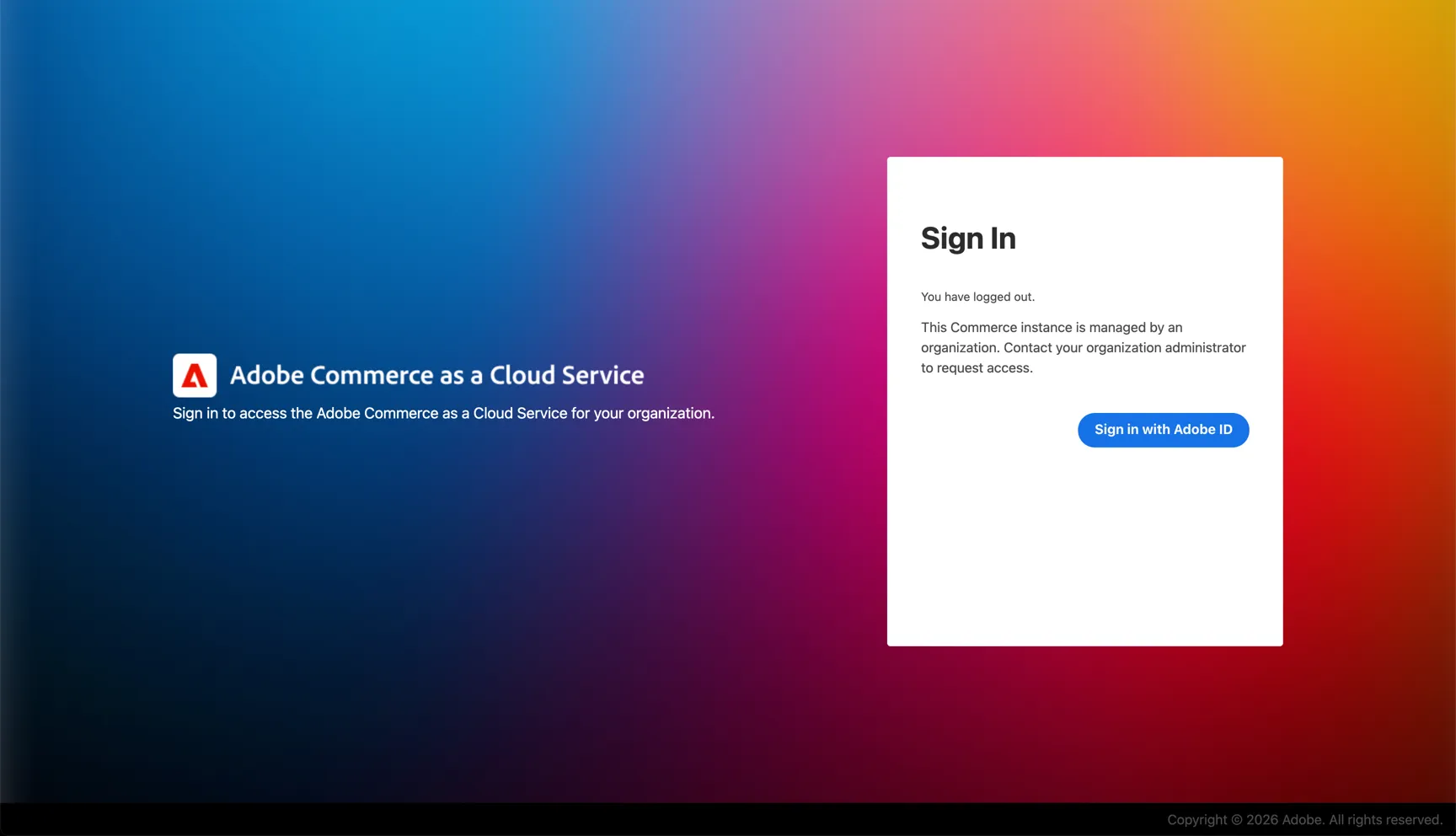
Copy your admin url into a new browser tab or window: {{ADMIN_URL}}
Login using {{LOGIN_EMAIL}} and password accs@2026
Create a Simple Product
- From the left-hand navigation, click Catalog
- Select Products
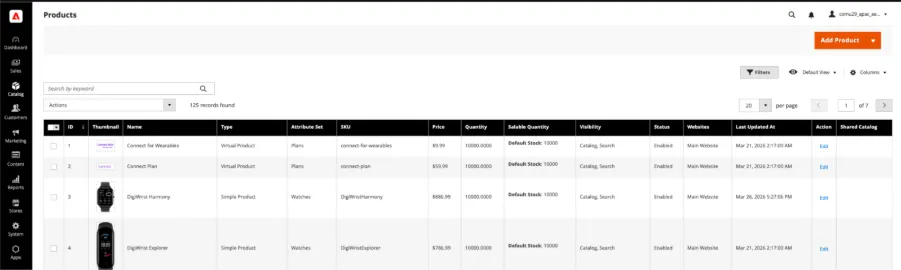
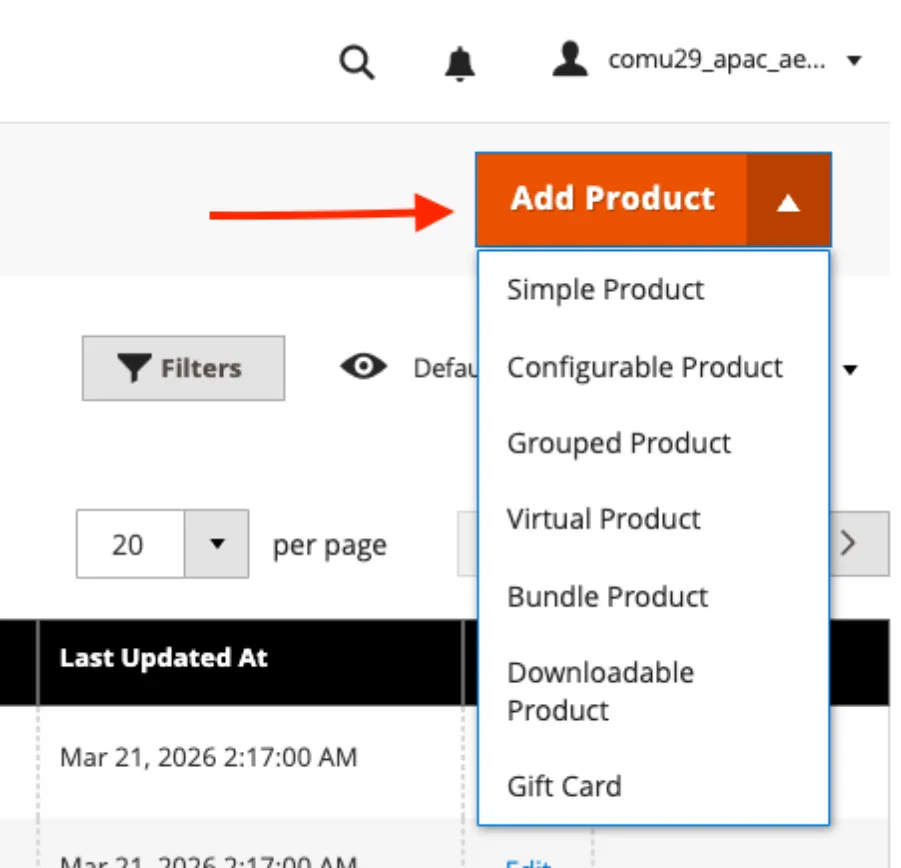
- Click Add Product
- Select Simple Product
Configure Product Details
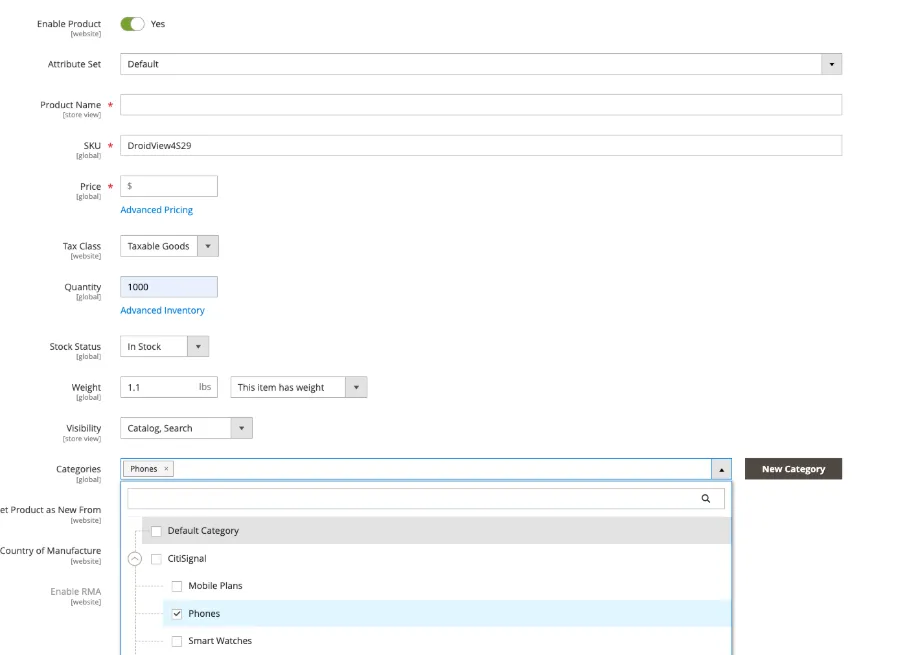
- Enter a Product Name (e.g. Lab {{LAB_NUMBER}} Product )
- Enter the SKU: {{PRODUCT_SKU}}
- Enter a Price (e.g. 49.99)
- Set Quantity (e.g. 1000)
- Set a Weight for the product (eg 1.1)
- Set Stock Status to In Stock
- Assign the product to the Phones Category
View Image and Video Source
- Scroll to the Images and Videos section

You will see that the images and videos are now being served from AEM Assets and not managed in Commerce.
Save Product
- Click Save

You have successfully created a new product in Adobe Commerce. The product is now available in the catalogue and can be used in search, merchandising, promotions and storefront experiences. In the next exercise we will configure the assets for this product.