Lab: Complex Journey
description: >-
  In this section, we will walk through how an AJO User would create a Complex
  Journey.
Starting the Journey
Navigate to Journeys
Click on “Create Journey”
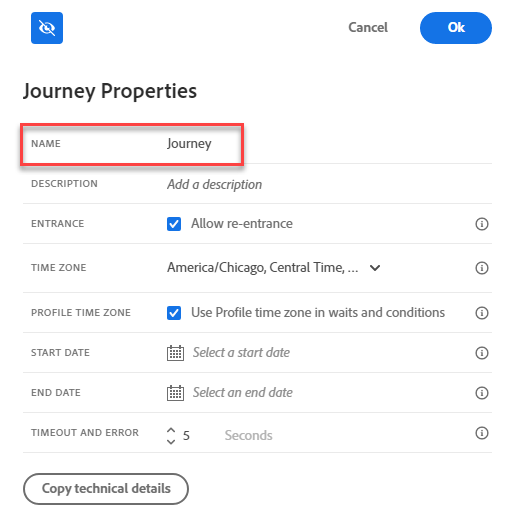
Provide a name "Complex Journey ##". Click Ok.
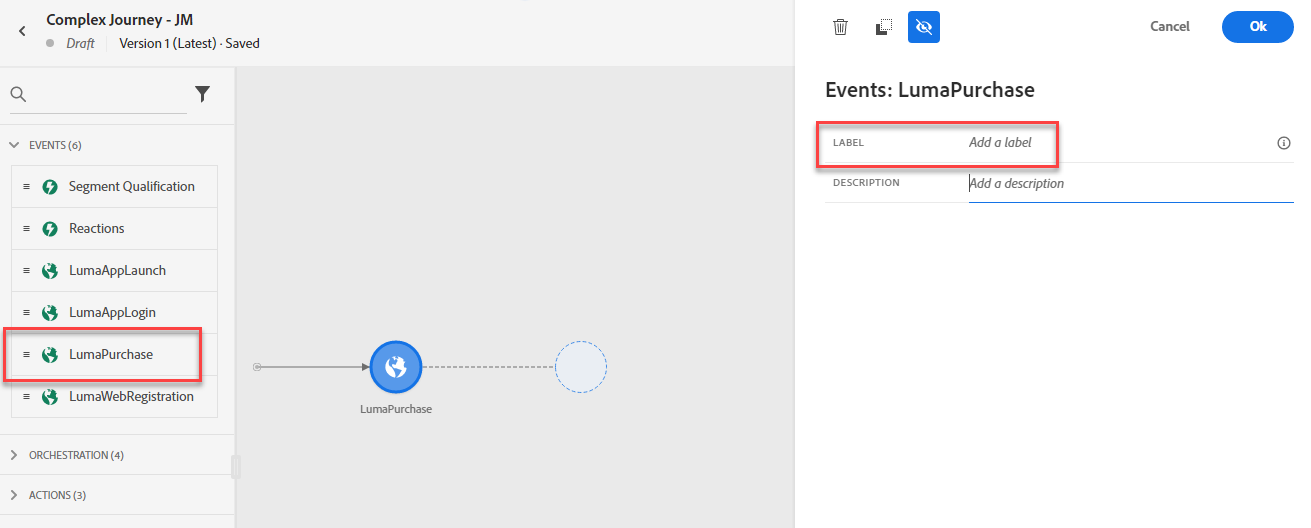
Under Events, add LumaPurchase node to canvas. Add label “Customer Buys a Luma Item.” Click Ok.
Under Actions, drag Message node onto the Canvas. Add a label “Thanks for Your Order.” Click on “Select a Message”.
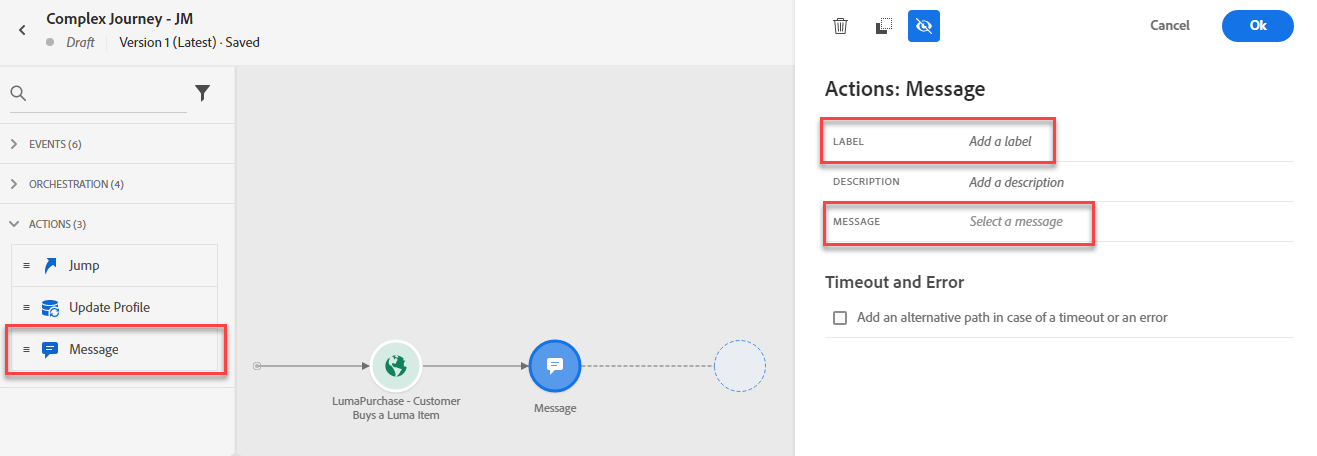
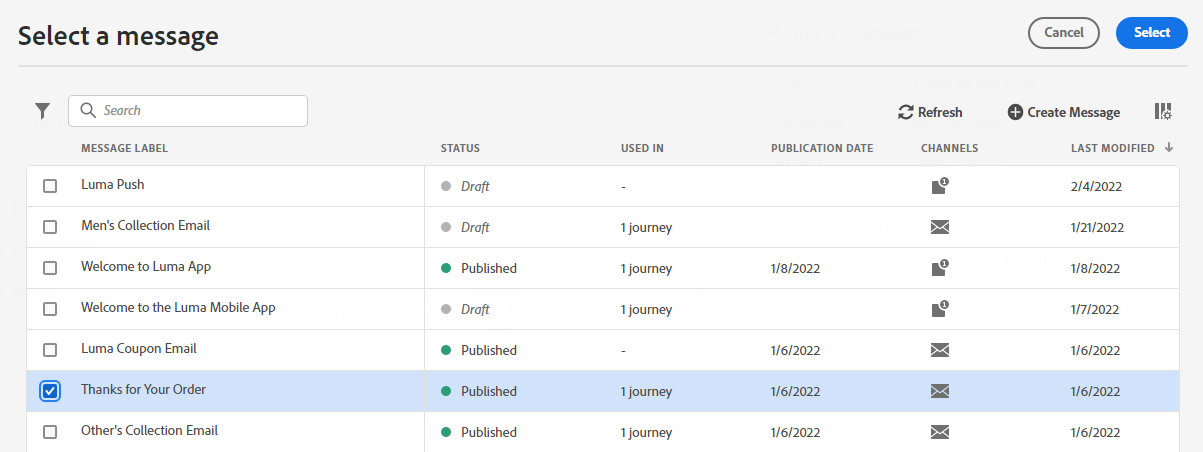
Select “Thank You Email” Message. Click Select. Click Ok.
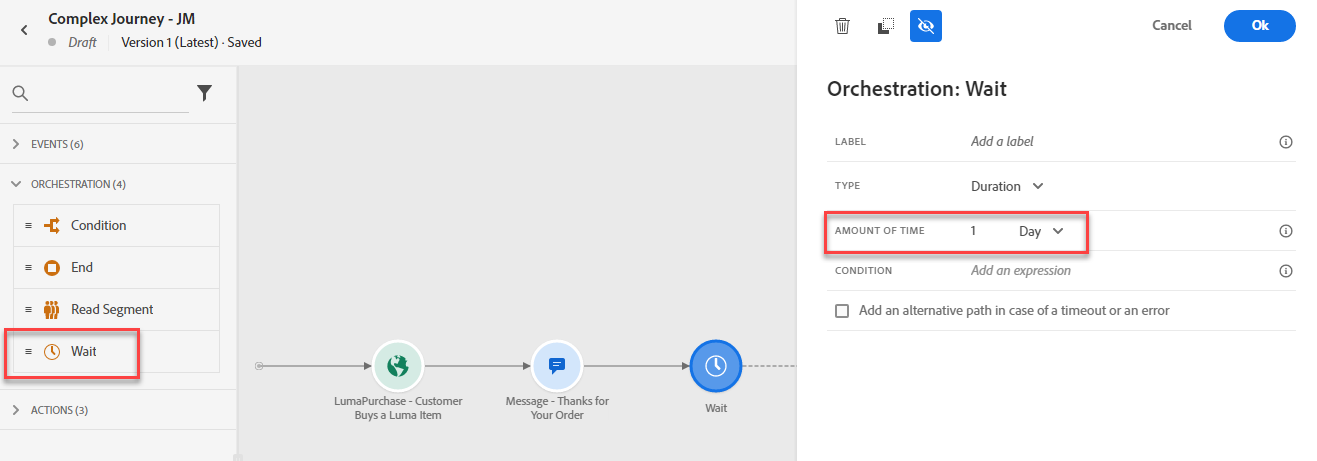
Under Orchestration, drag Wait node. Set Amount of Time to 7 Days. Click Ok.
Adding the Branches
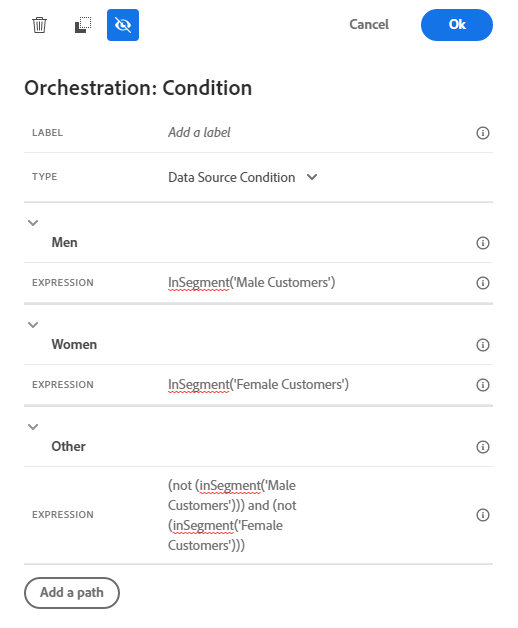
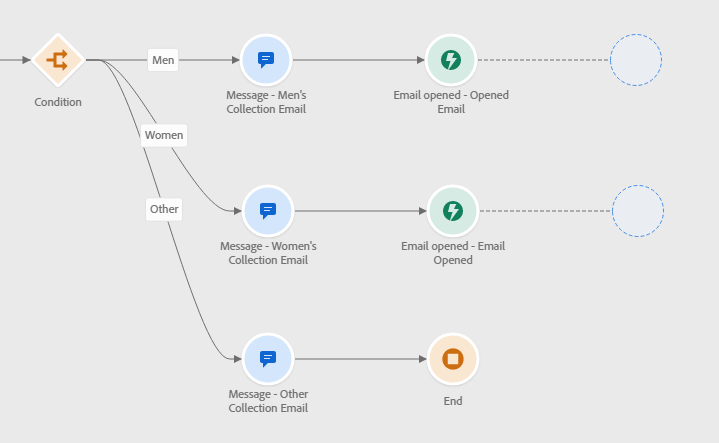
Under Orchestration, drag on Condition node. Click on “Add a Path” twice so that there are 3 paths total.
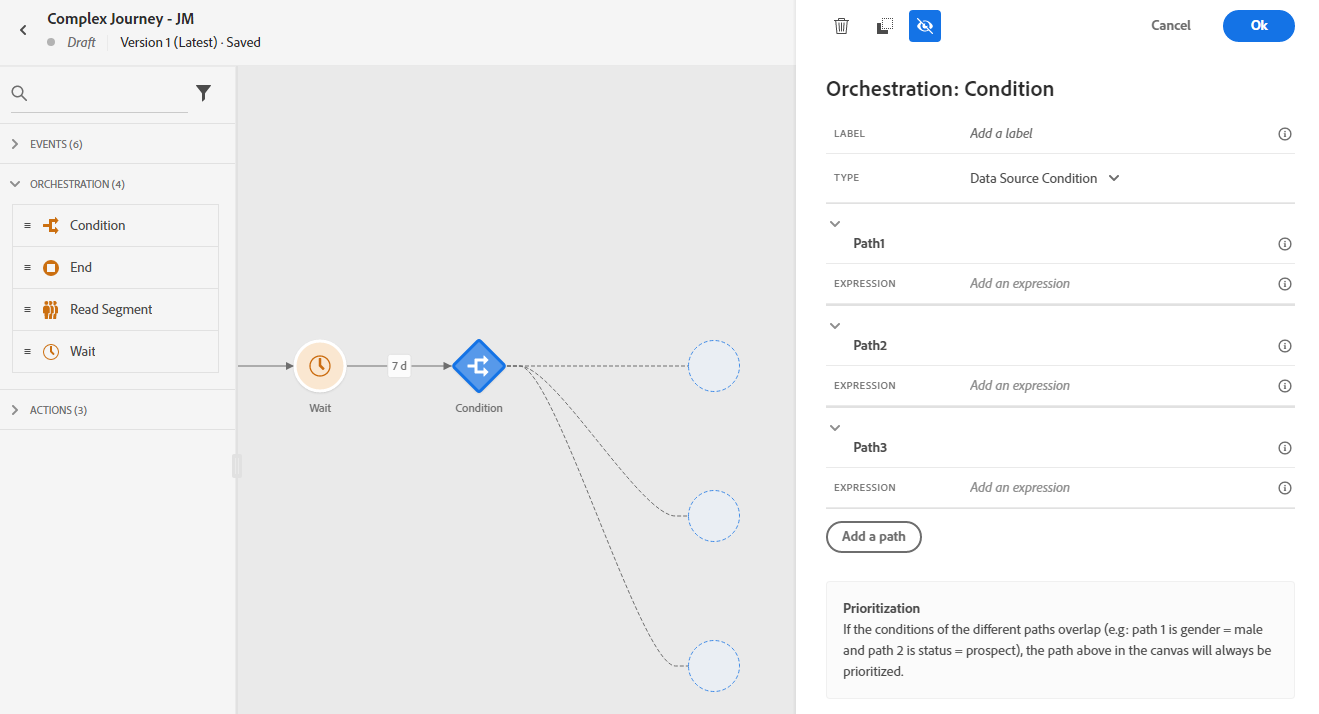
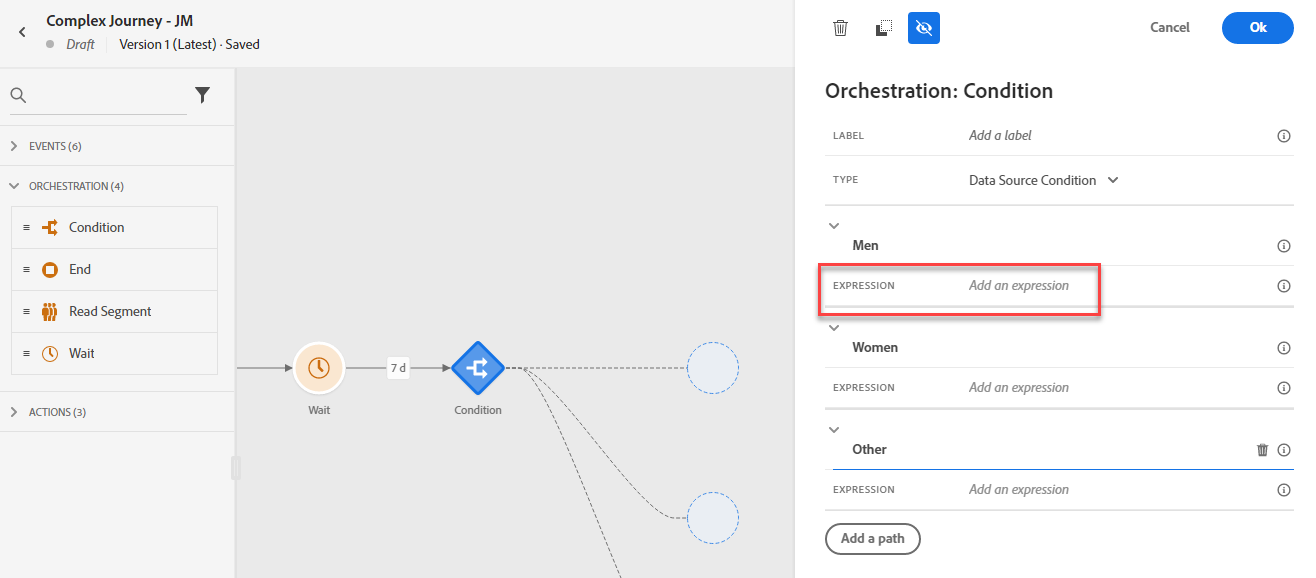
Change Path1 to “Men”, Path2 to “Women” and Path3 to “Other”. Click on Expression for “Men”
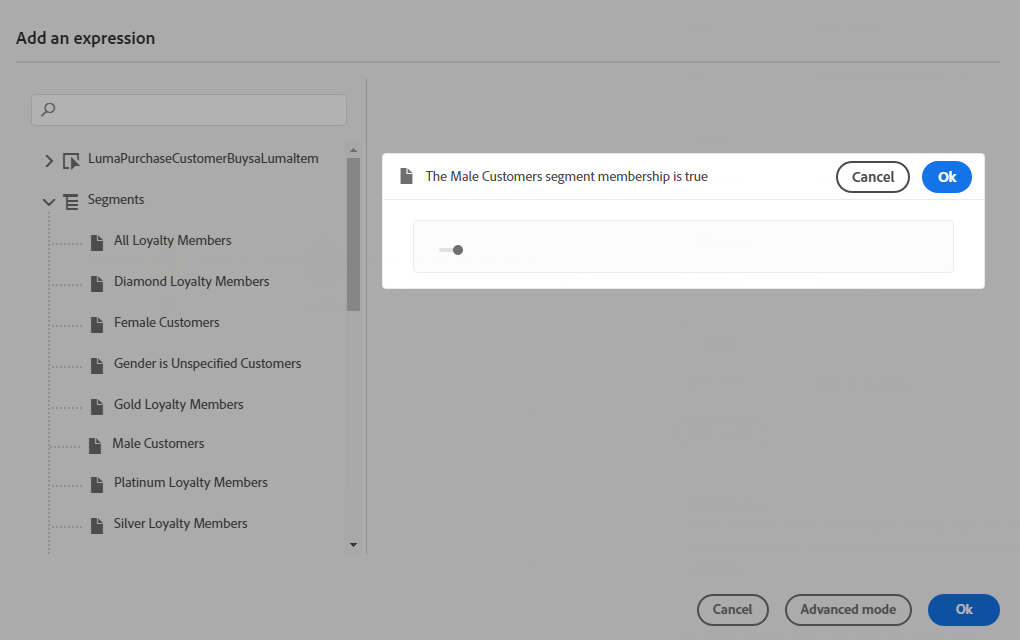
Under Segments, double click Male Customers. Click Ok. Click Ok.
- Click on Expression for "Women." Under Segments, double click Female Customers. Click Ok. Click Ok.
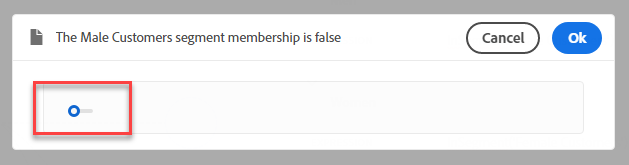
Click on Expression for "Other." Under Segments, double click Male Customers. Click toggle to set the value as false. Click Ok.
Under Segments, double click Female Customers. Click toggle to set the value as false. Click Ok. Click Ok.
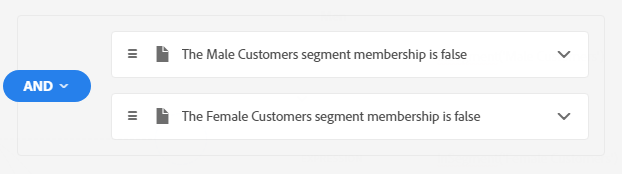
Click Ok.
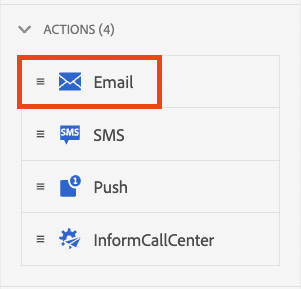
Under Actions, add a Email Message node to each path
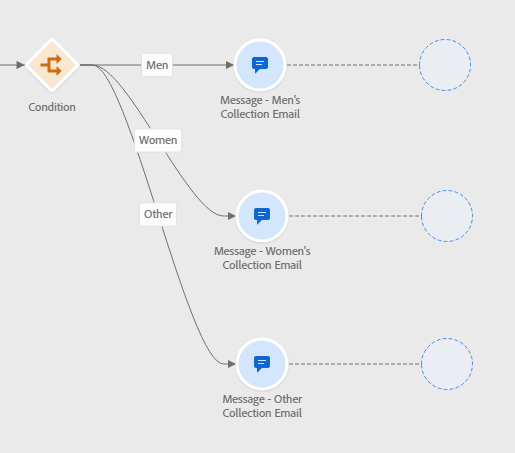
- Update the label for Email Message node on Men's path to "Men’s Collection Email".
- Update the label for Email Message node on Women's path to "Women’s Collection Email".
Update the label for Email Message node on Others path to "Other’s Collection Email".
- Create new Email Messages or choose from existing Saved Templates.
Adding Events
Under Events, drag on Reaction node to the Men’s Path. Add label “Opened Email.” Click on Event and select “Email Opened.” Click Ok
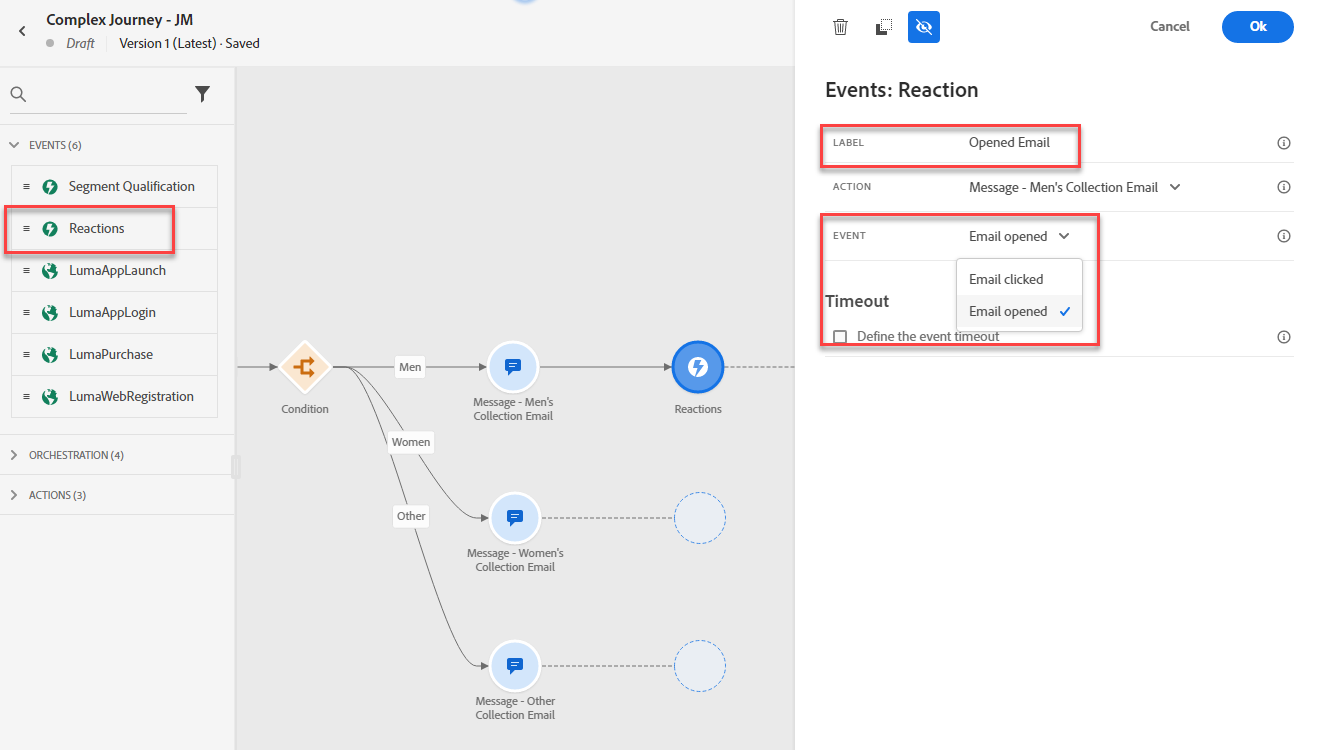
- Under Events, drag on Reaction node to the Women’s Path. Add label “Opened Email.” Click on Event and select “Email Opened.” Click Ok
Under Orchestration, add End node to the Other’s Path. Click Ok
Finish the Journey
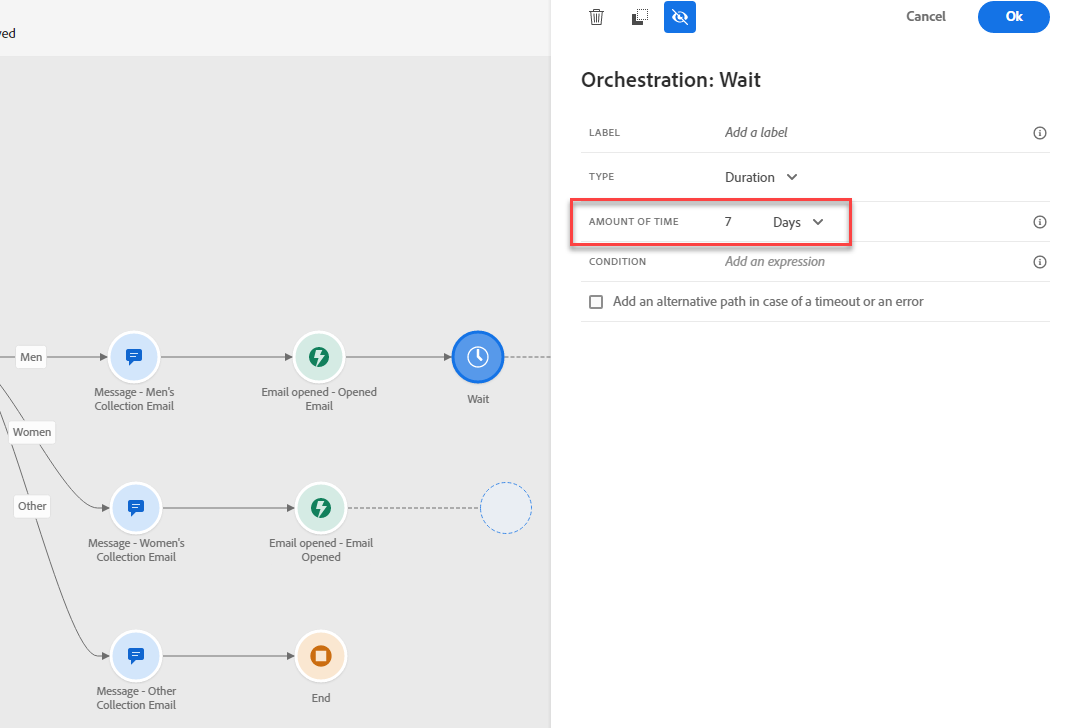
Under Orchestration, drag Wait node to the Men's path. Set the Wait for 7 Days. Click Ok.
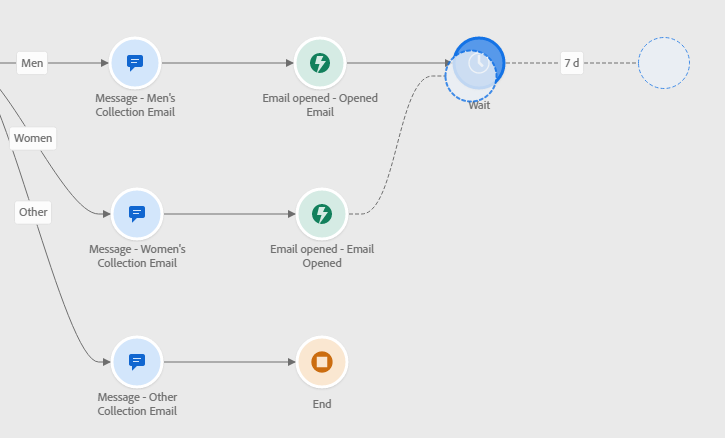
Drag empty node on Women's path to the Wait node.
Under Actions, drag on Push Message node.
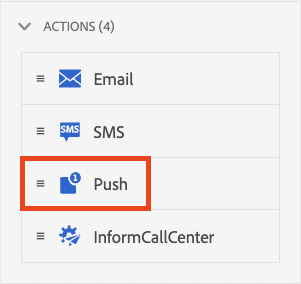
- Continue on to the Push Messenger Designer lab to complete creation of the Mobile Push message.