Lab: Source Data from DLZ
1 min
Ingest Profile Data Using the Adobe Experience Platform Data Landing Zone
Navigate to Sources
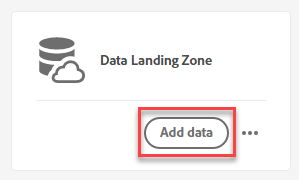
Scroll to Data Landing Zone (under Cloud Storage) or search for "Data". Open Data Landing Zone by clicking “Add Data”.
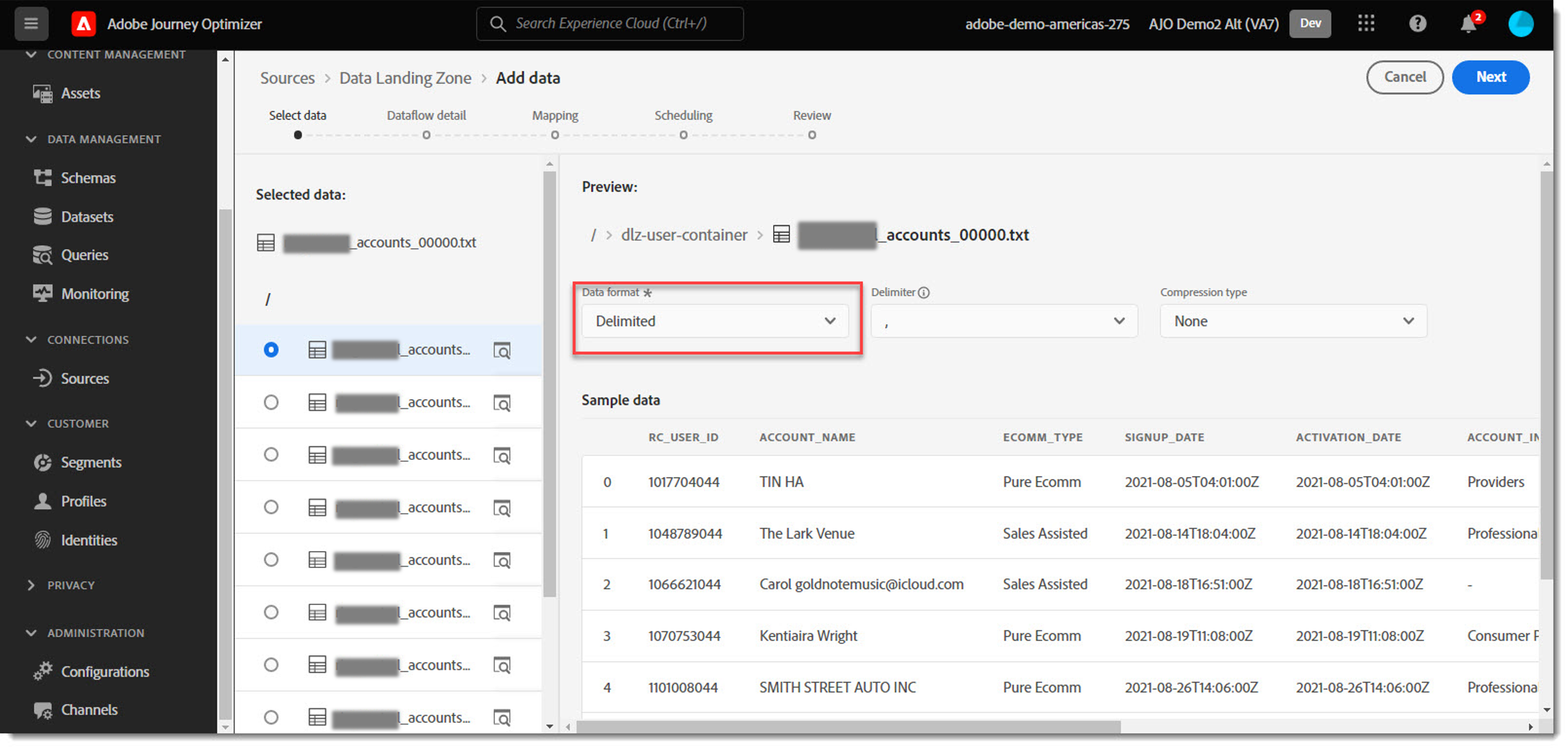
Select the Data File associated with your attendee number from the List by clicking the radio button next to it.
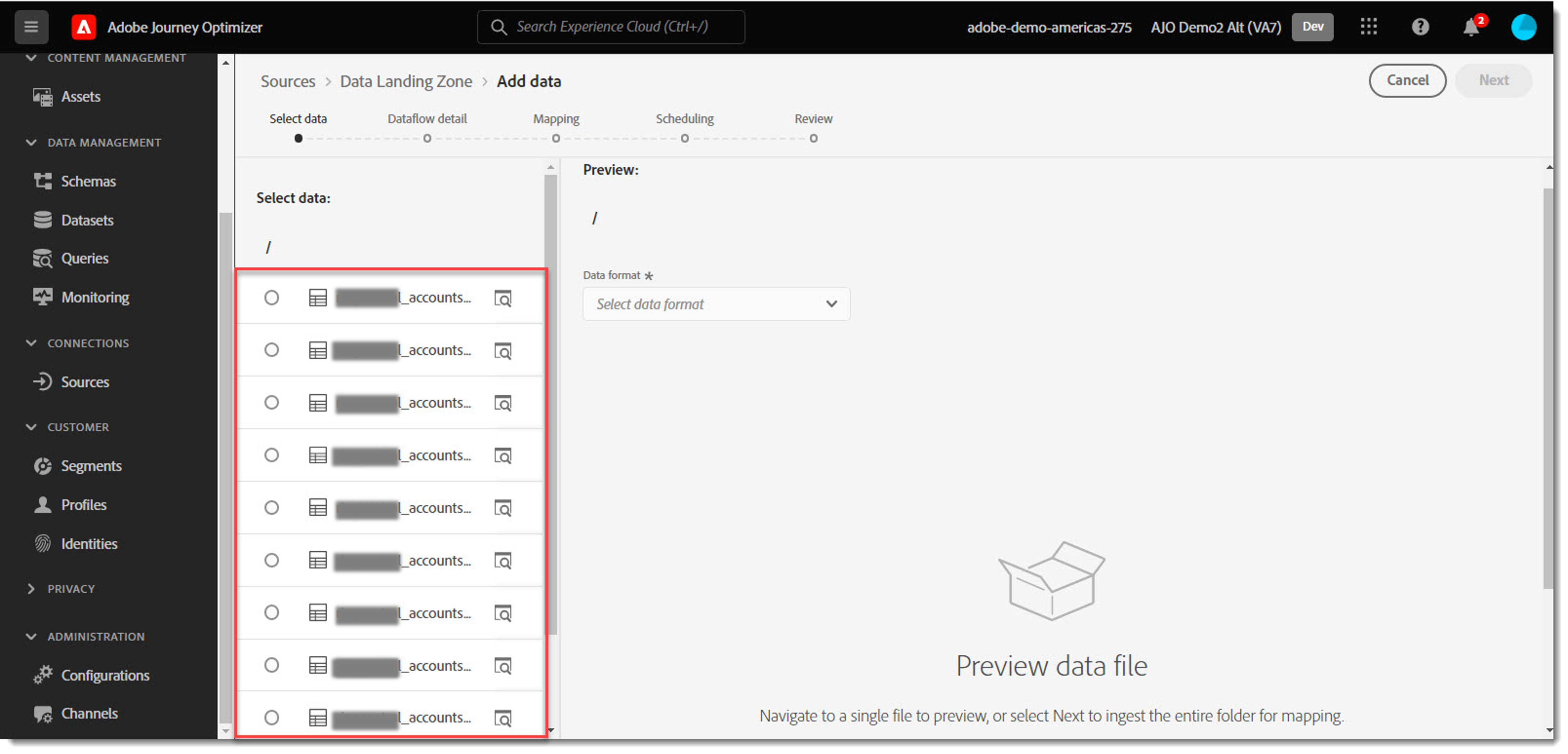
Select “Delimited” as the Data Format Type. View Sample Data. Click Next.
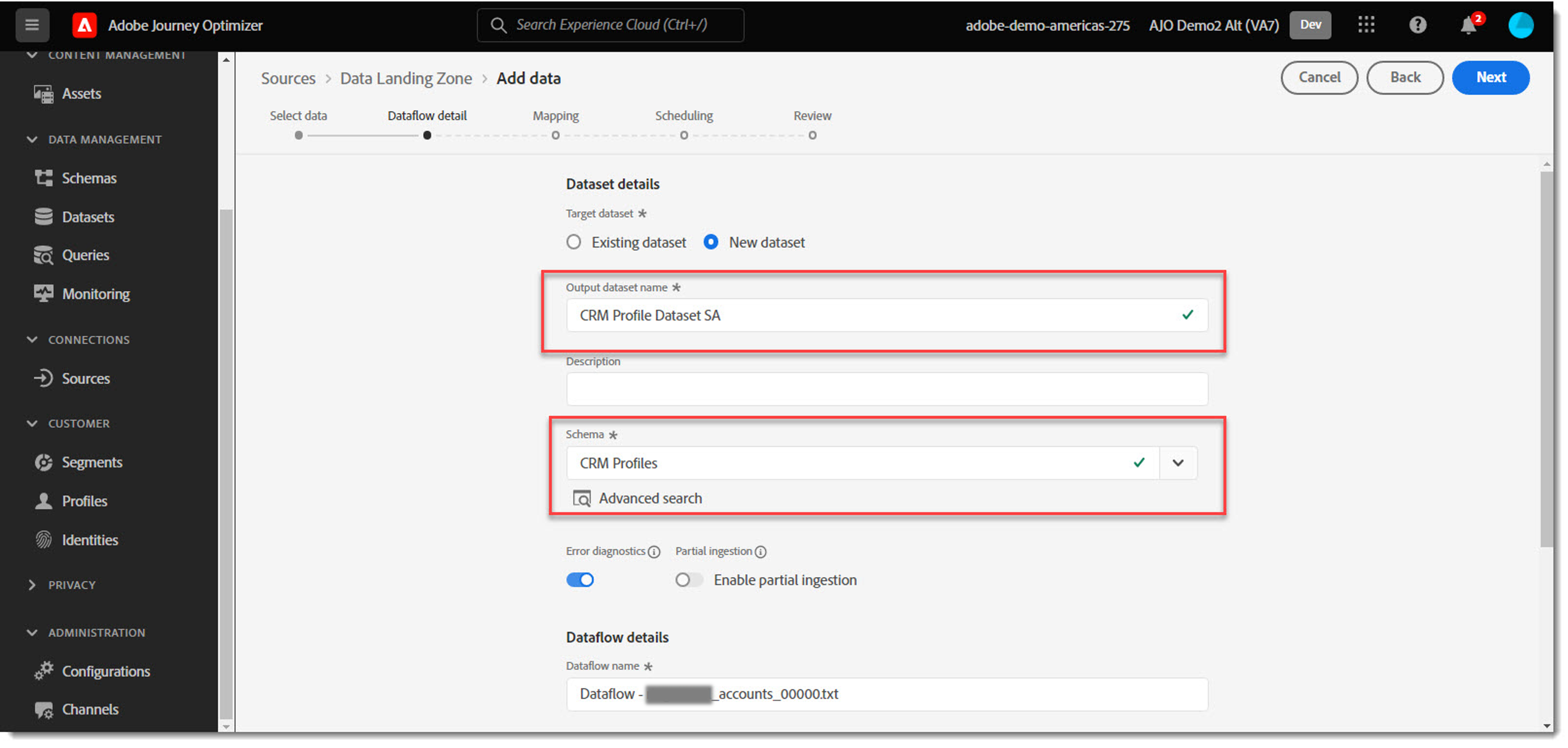
Select the new dataset option and use a naming convention such as CRM Profile Dataset <yourinitials>. Select the “CRM Profiles” Schema.
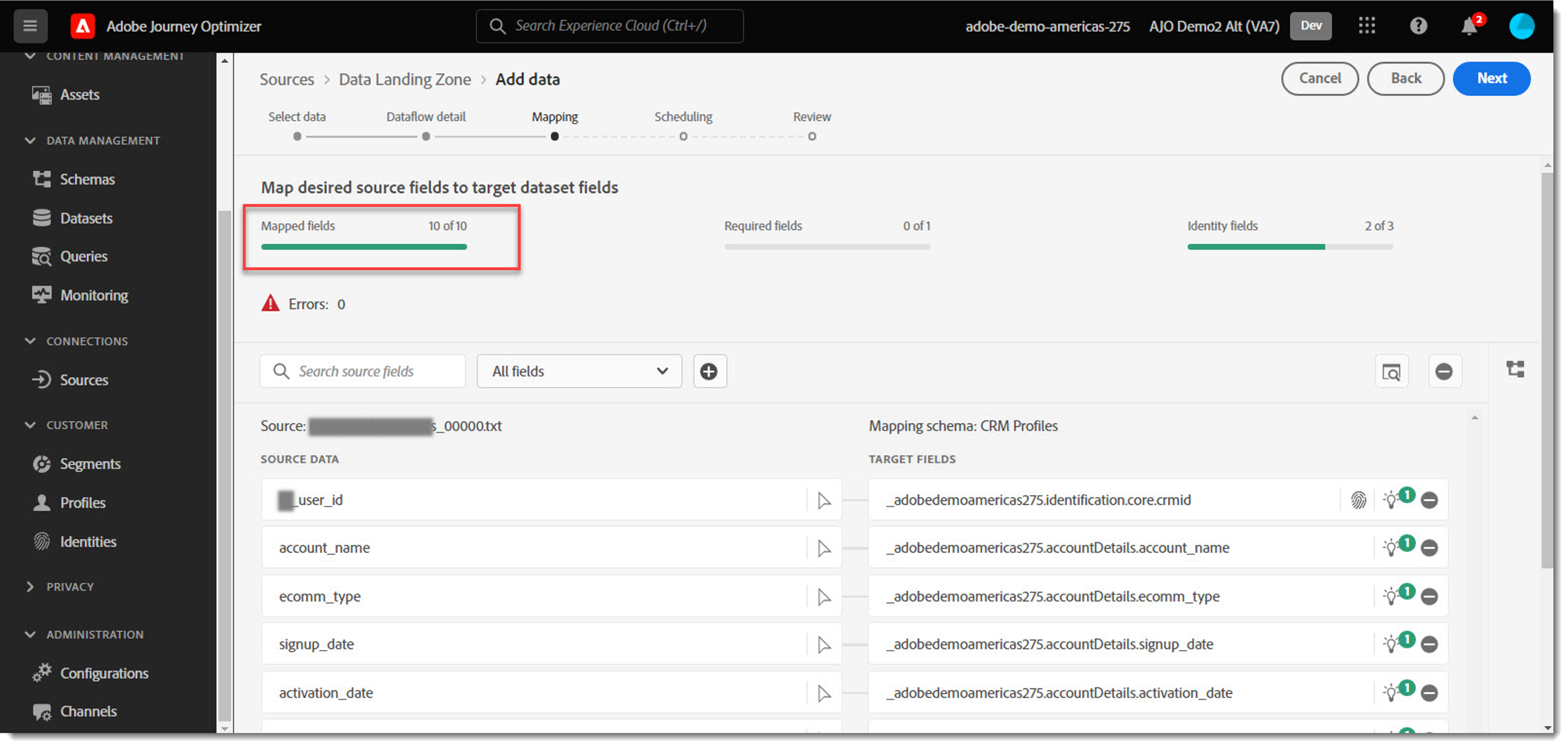
Use the Scroll Bar on the right to review the data mapping. Adjust mappings as needed. Click Next.
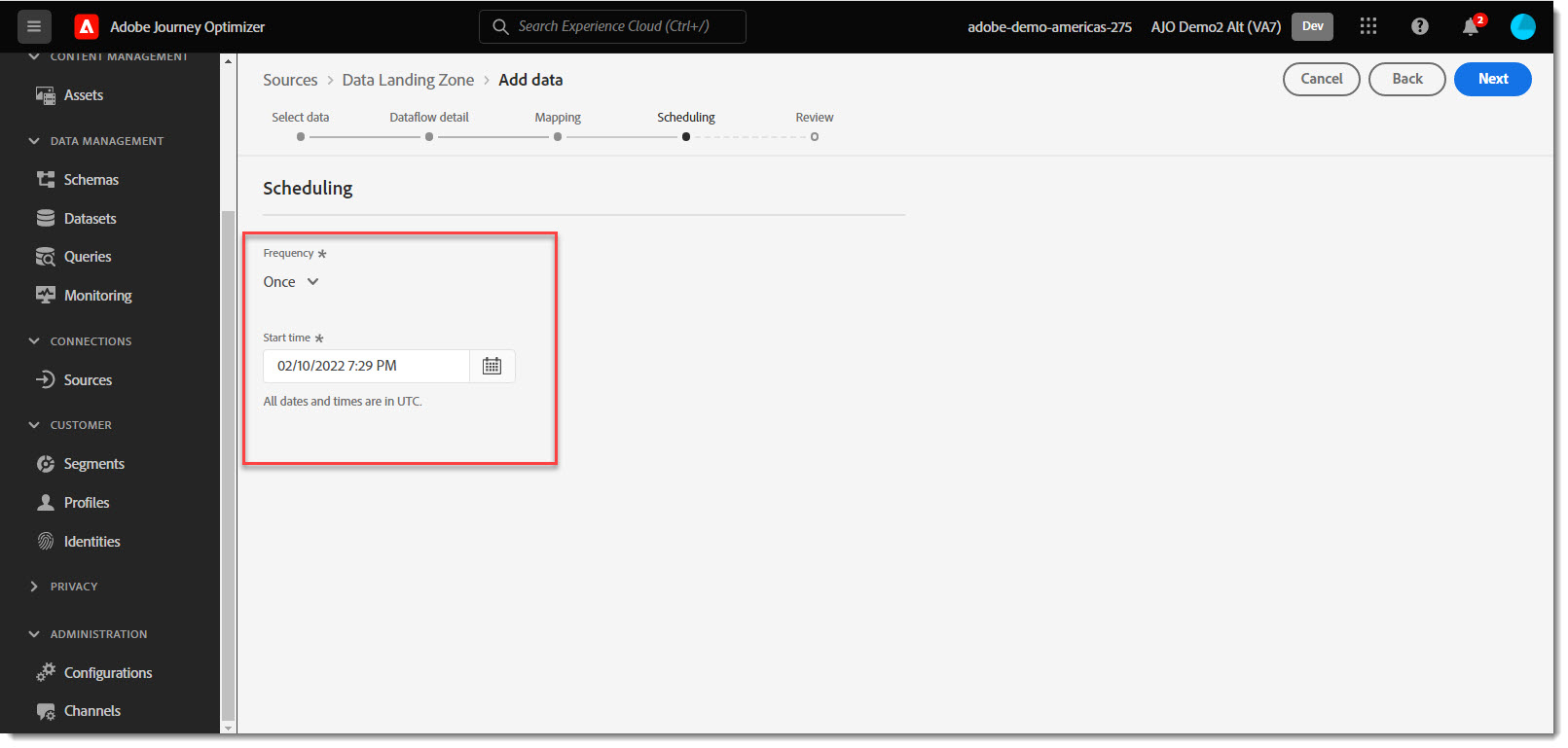
Select the Start Time. Click Next.
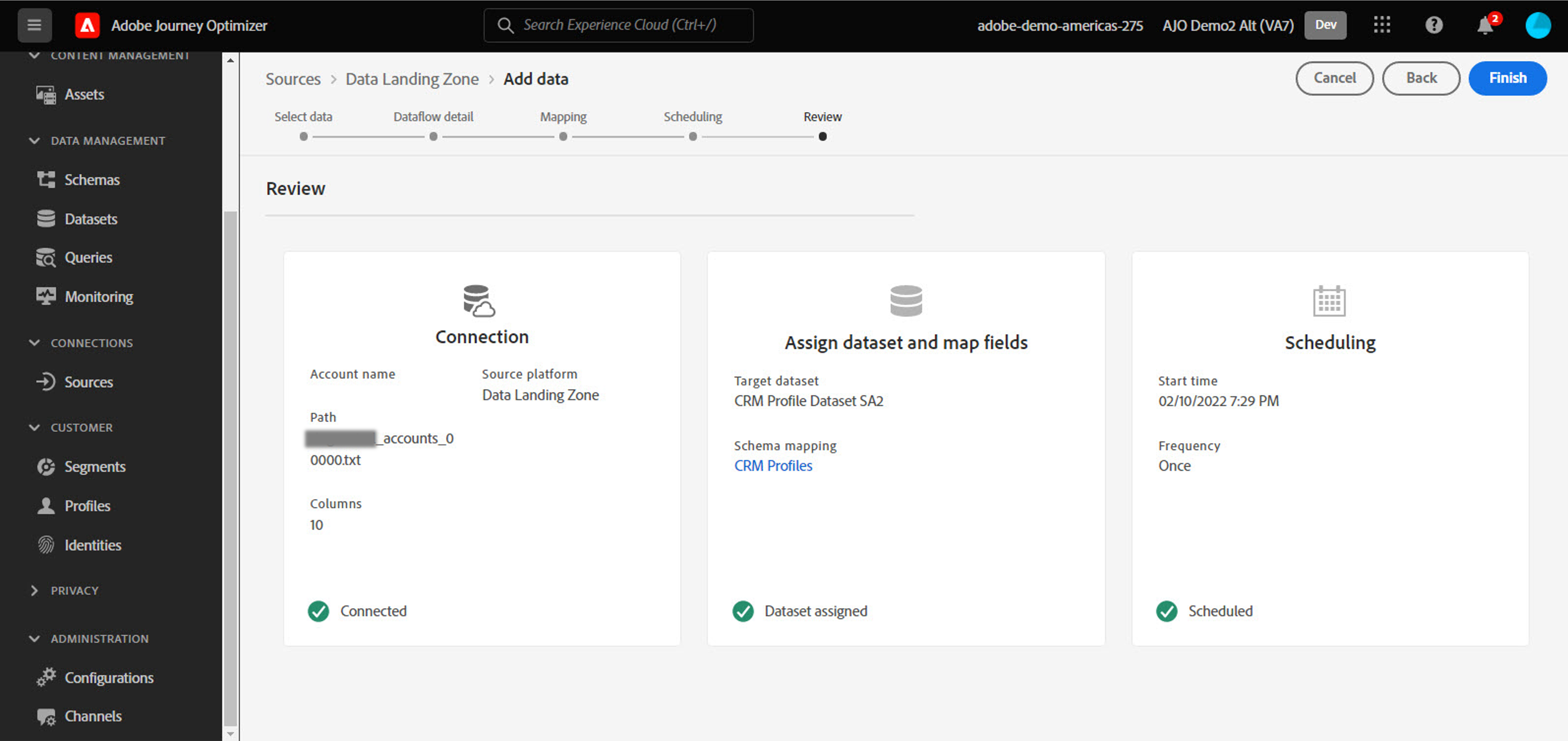
Review the final settings for the load. Click Finish when complete.