Lab: Push Message Designer
3 min
description: >-
  This lab will walk through the steps for creating a Push message within the
  context of a Journey in Adobe Journey Optimizer.
Create a New Message
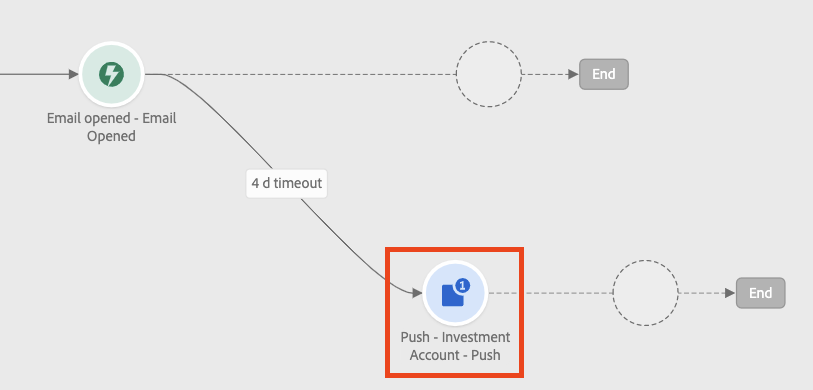
Within the Complex Journey, click on Push action node
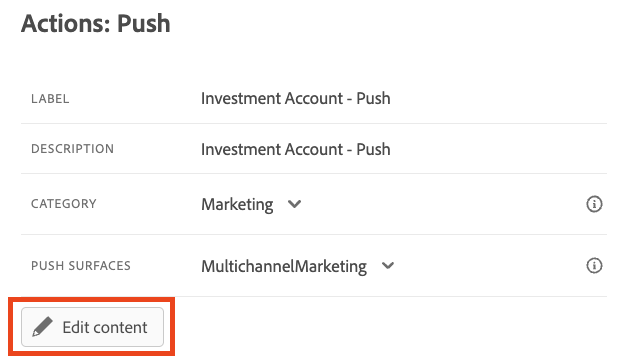
- Enter a Label and Description for the message.
- Select Marketing for Category and MultiChannelMarketing for Push Surfaces
Click on Edit Content
Design Push Message
Choose iOS to design push message for the iOS operating system.
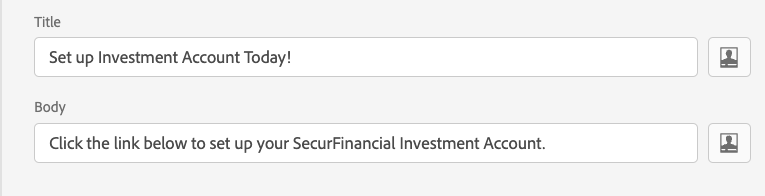
Enter Title and Body copy for the message.
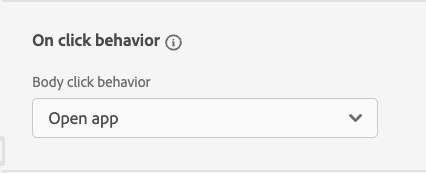
Choose the option "Open App" for On Click behavior.
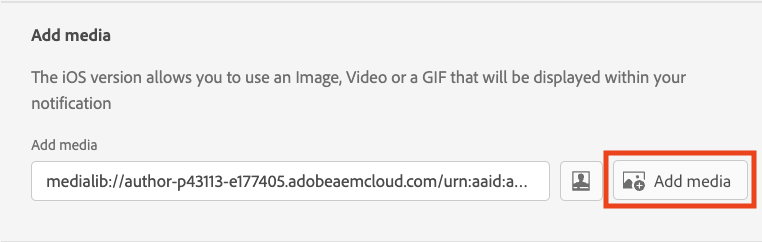
Choose image to be displayed along with the message by clicking on the "Add Media" button which will open up Asset Essentials.
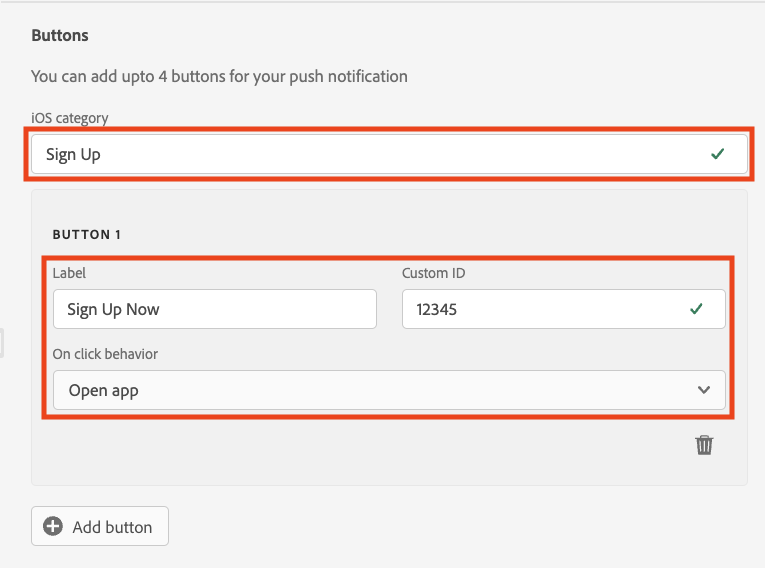
Select Sign Up option for the iOS Button category. Label the button as "Sign Up Now" and then provide a Custom ID (a random number will do). For On Click behavior, choose "Open App" from the dropdown.
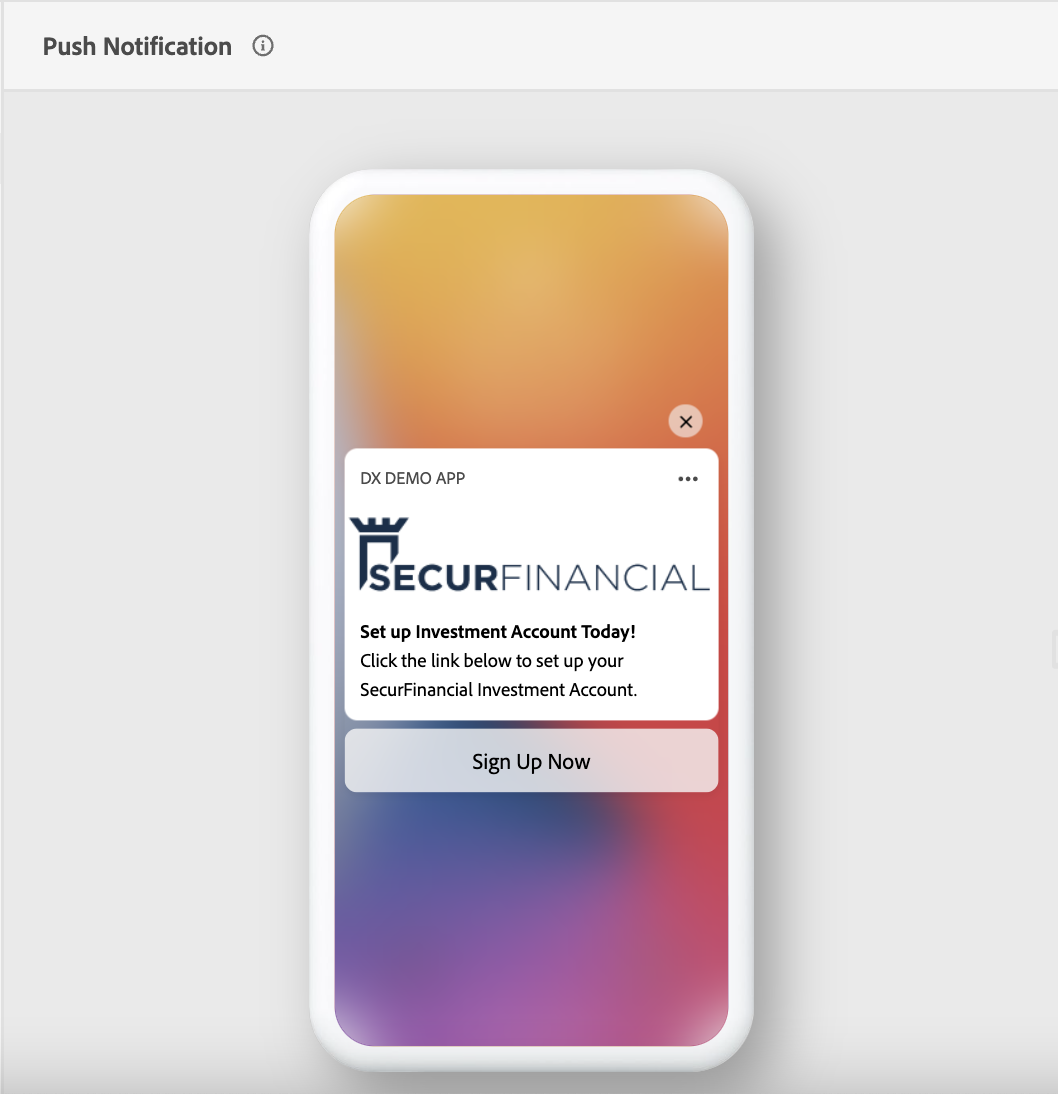
Review and confirm the message setup in the message preview area.
- Repeat above steps for Android operating system (optional).
- Exit out of the designer.