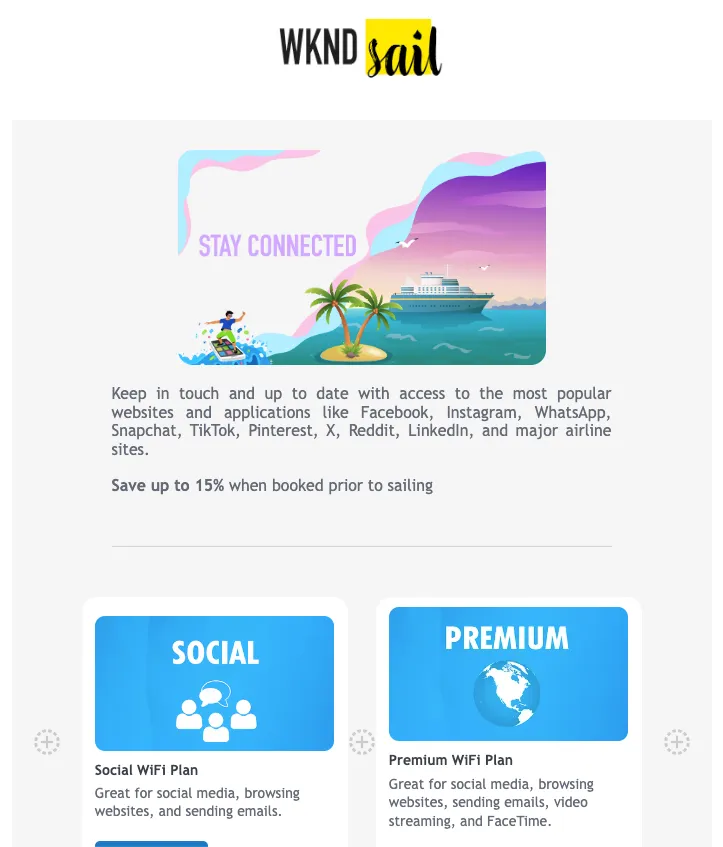
Email Designer
This lab will walk through the steps to create an Email in Adobe Journey Optimizer.
NOTE: Some exercises may vary during the actual Hands on Lab versus what is listed in the Archbee Page, due to industry setup and / or Presenter preferences.
Create a New Message
- Within the Basic Journey, click on Email action node
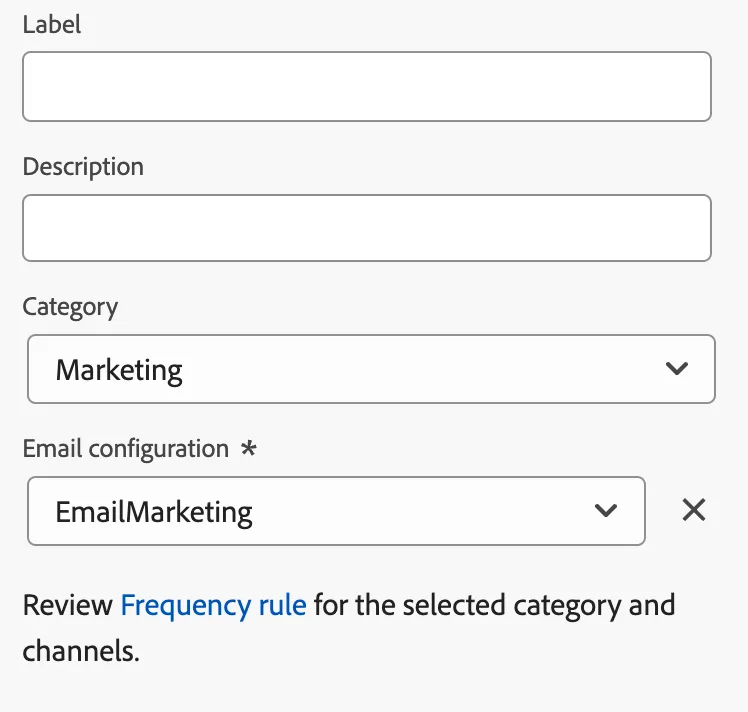
- Enter a Label and Description for the message.
Choose Marketing for Category and emailMarketing for Email Configuration.
- Click on Edit Content
Define a Subject Line
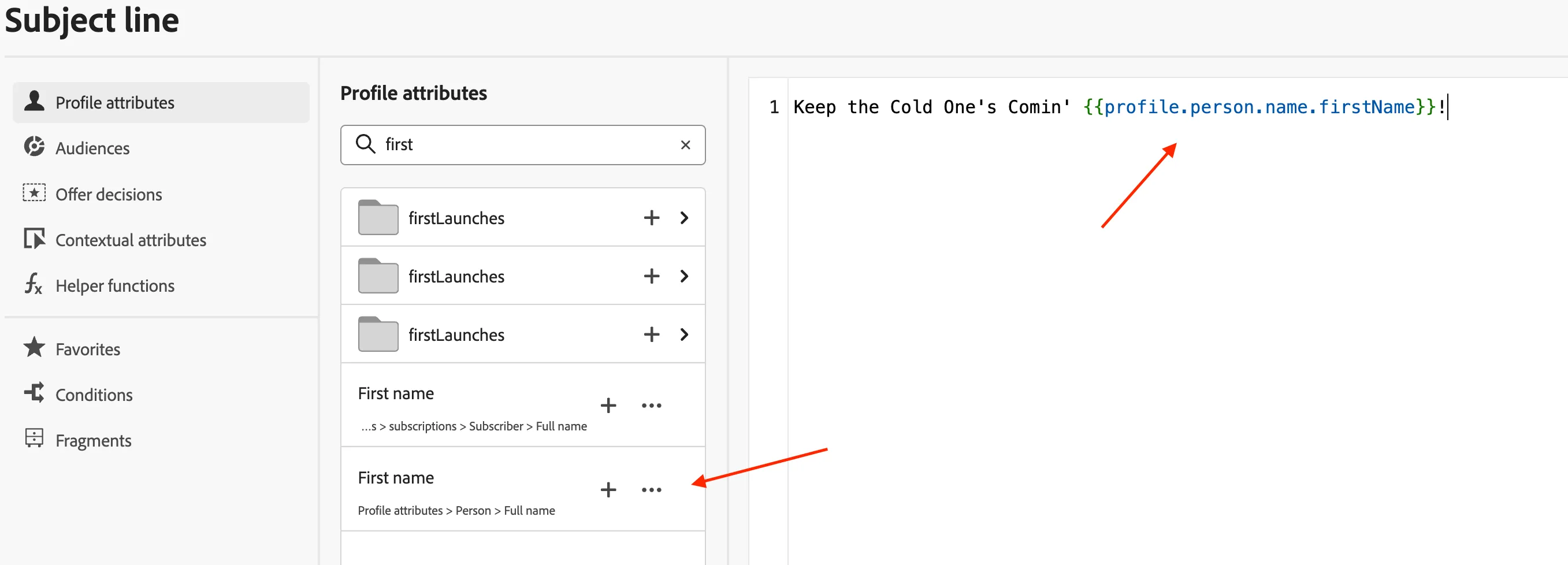
Enter the Subject Line "Keep the Cold One's Comin'!".
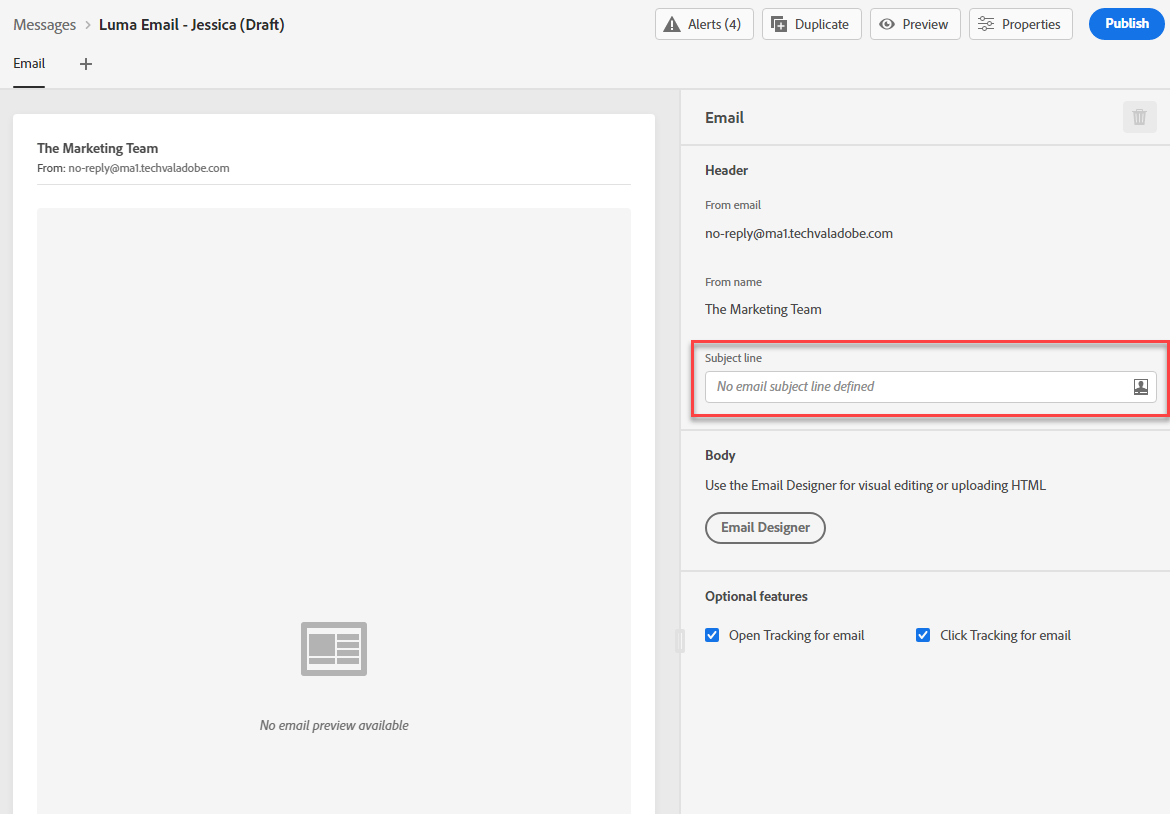
Click on the Personalization icon to add personalized data available for customer record.

To add personalization, place your cursor where you want the personation added. Search for first name by searching for "first" and clicking the plus sign. Click Save.
Design Email
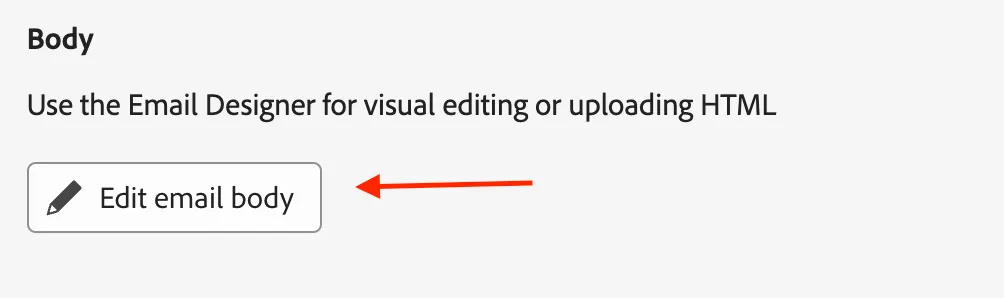
Click Edit email body
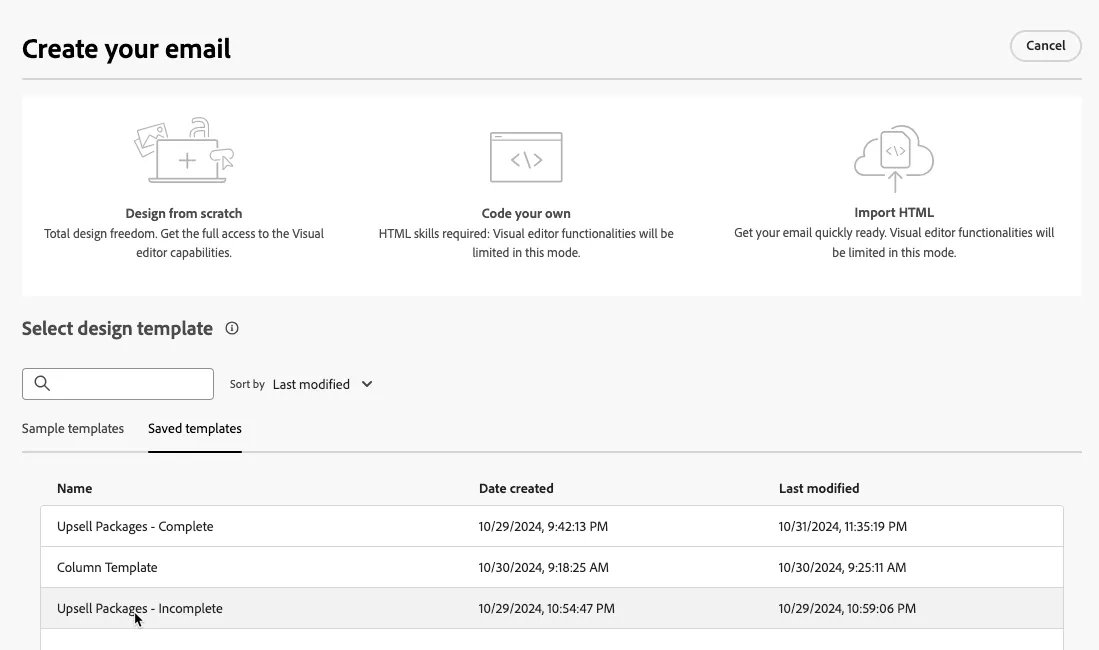
Select the Upsell Packages - Incomplete template from the Saved Templates section
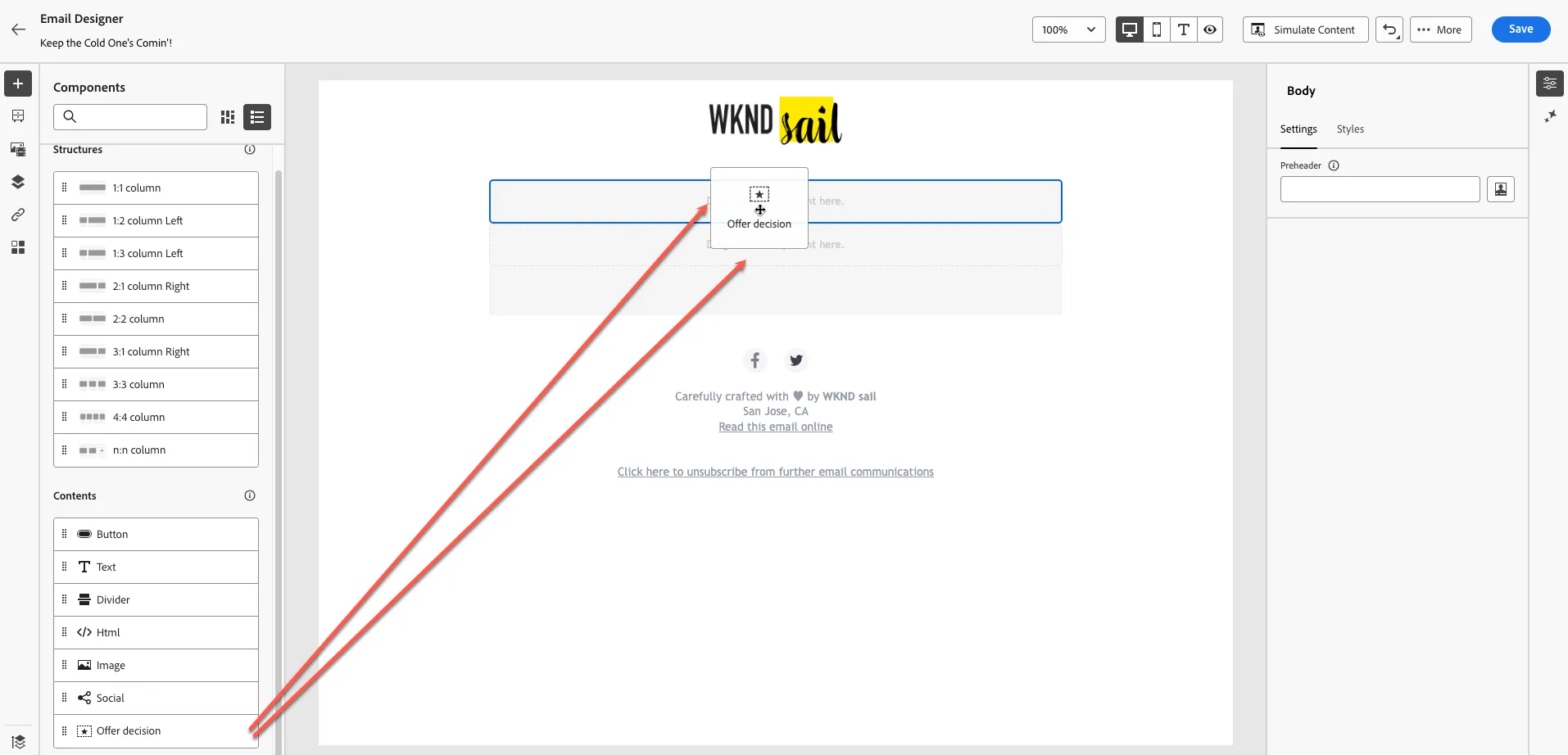
Drag two Offer decision components into the canvas
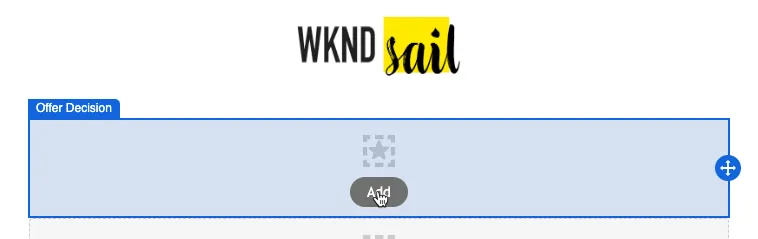
Click the Add button on the topmost Offer Decision component to add an offer decision
Select the Email - HTML - Hero placement and add the Upsell Hero Offer Decision
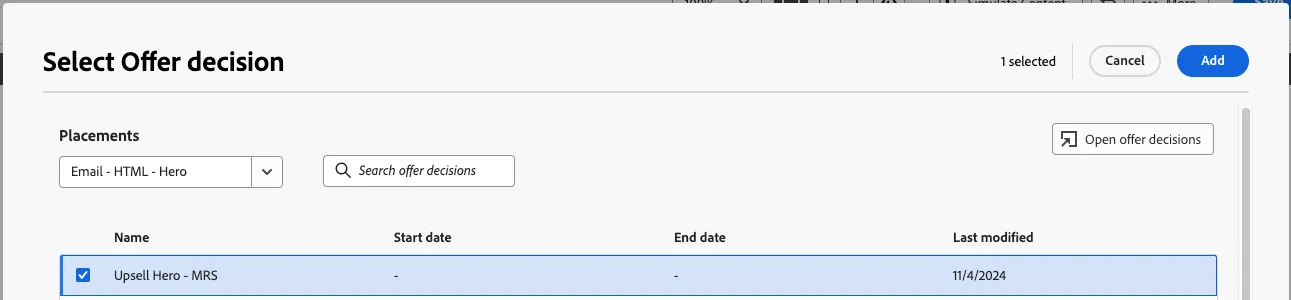
Repeat this step for the second Offer Decision component, but select the body placement and offer instead. Your email canvas should look like this: