Campaigns
This lab will walk through the steps to create a Campaign in Adobe Journey Optimizer.
NOTE: Some exercises may vary during the actual Hands on Lab versus what is listed in the Archbee Page, due to industry setup and / or Presenter preferences.
Navigate to Campaigns
Click on “Create Campaign” and select "Scheduled - Marketing" as the type.
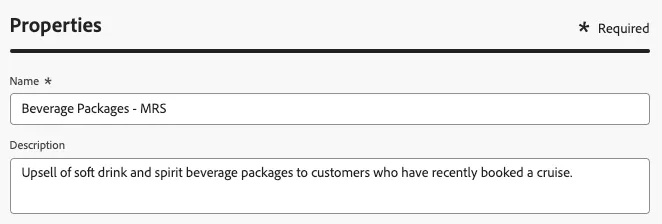
Name your campaign "Beverage Packages - " and append your initials to the end. Optionally, add a description to the campaign.
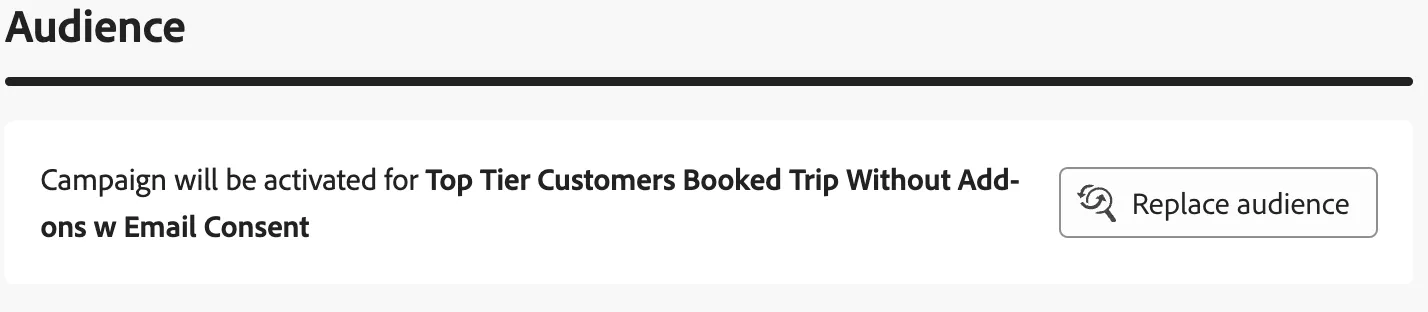
Under "Audience", click "Select audience". A window will open. Select the audience "Top Tier Customers Booked Trip WIthout Add-ons w Email Consent"
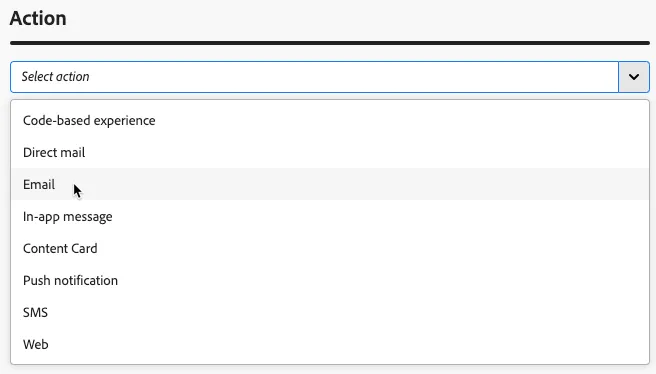
- Select the Email action from the dropdown
-
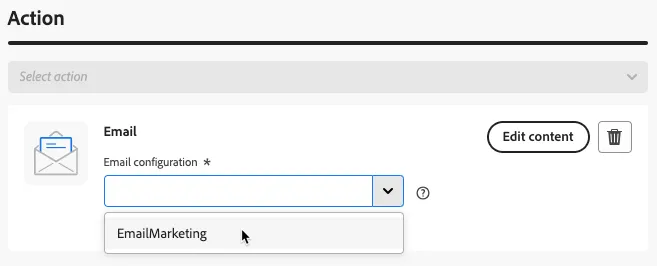
Select your email configuration from the dropdown and click "Edit Content"
- You'll be taken to the message overview. Set the subject line for your email to "Keep the Cold Ones Comin'!". Then click on "Edit email body".
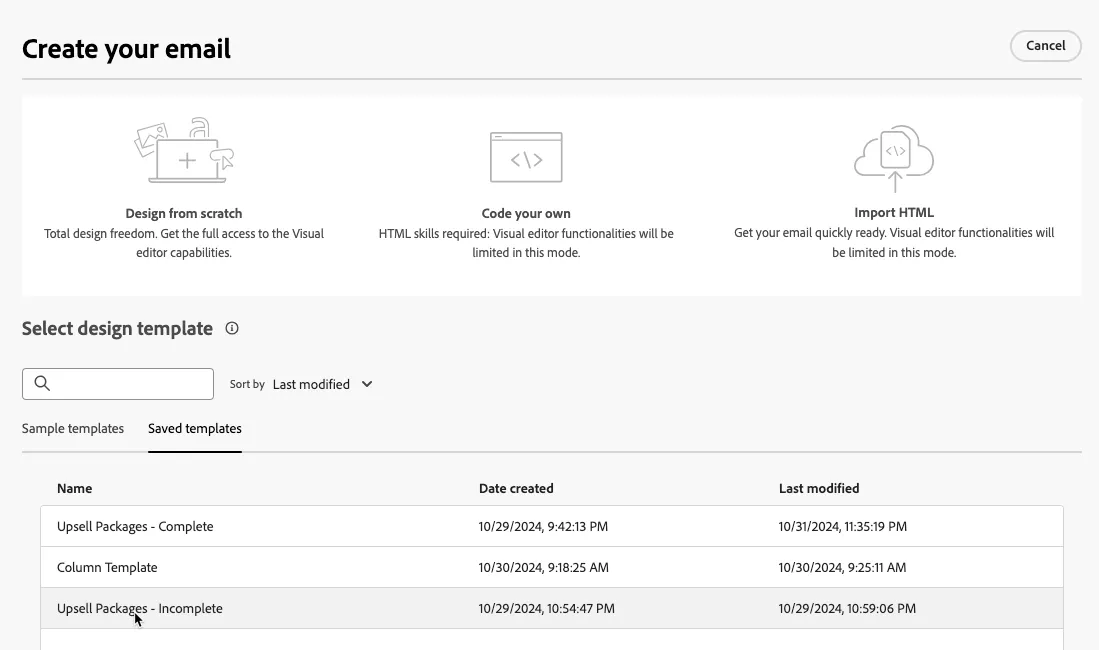
Select the "Upsell Packages - Incomplete" template from the "Saved Templates" section. Confirm the template by clicking "Use this template" on the next screen.
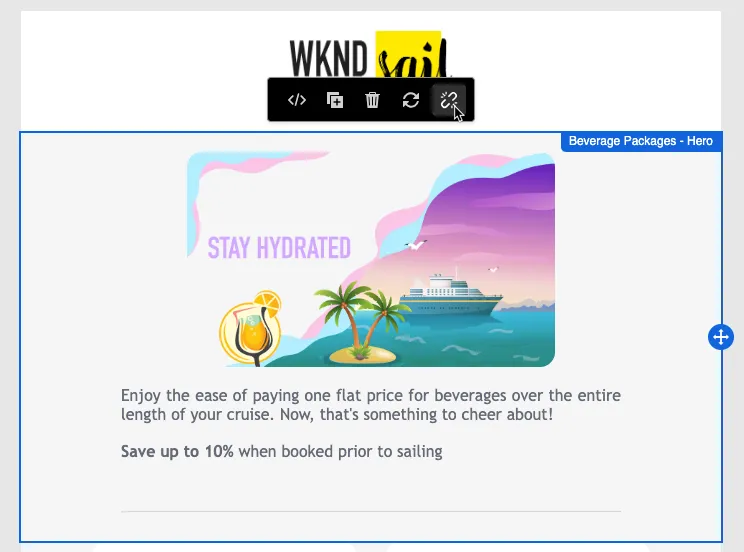
In the left hand vertical toolbar select the Fragments tool. Drag both "Beverage Packages" fragments into the appropriate component in the email body.
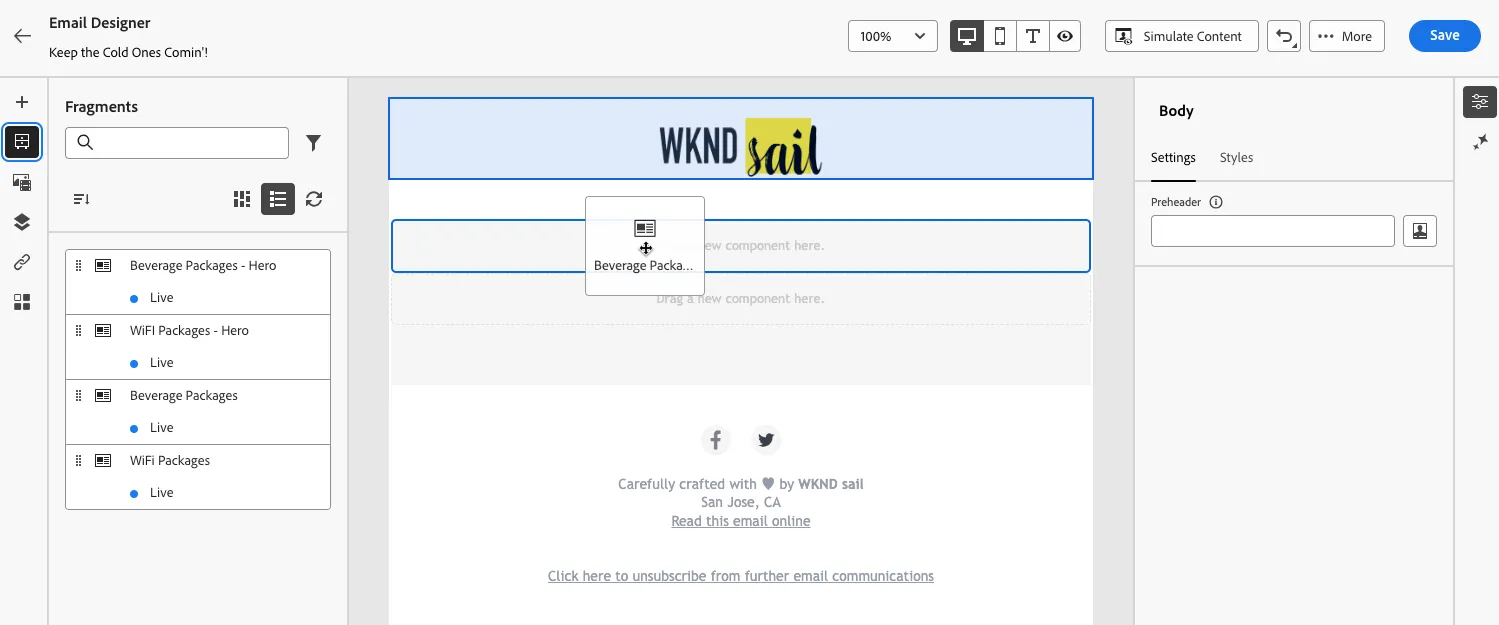
Your email will now have a complete email. You may explore additional tools and components within this email from this point.
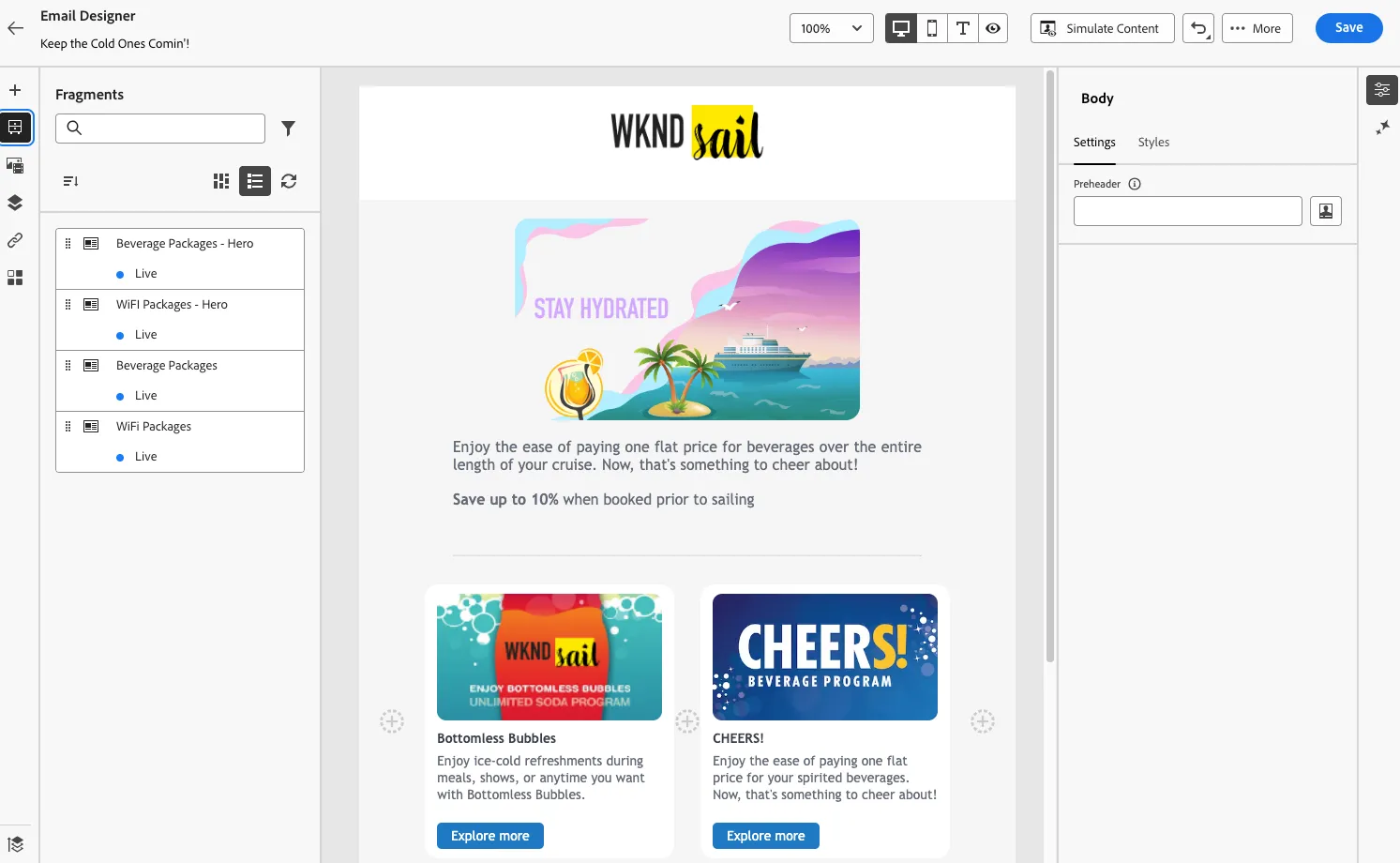
To edit the content fragments, break their inheritance by clicking the chain break icon when the fragment is selected in the email body