Data Lifecycle (Exercise)
Schedule a record deletion request
Requested Action
To create a request, select Create request from the main page in the workspace.

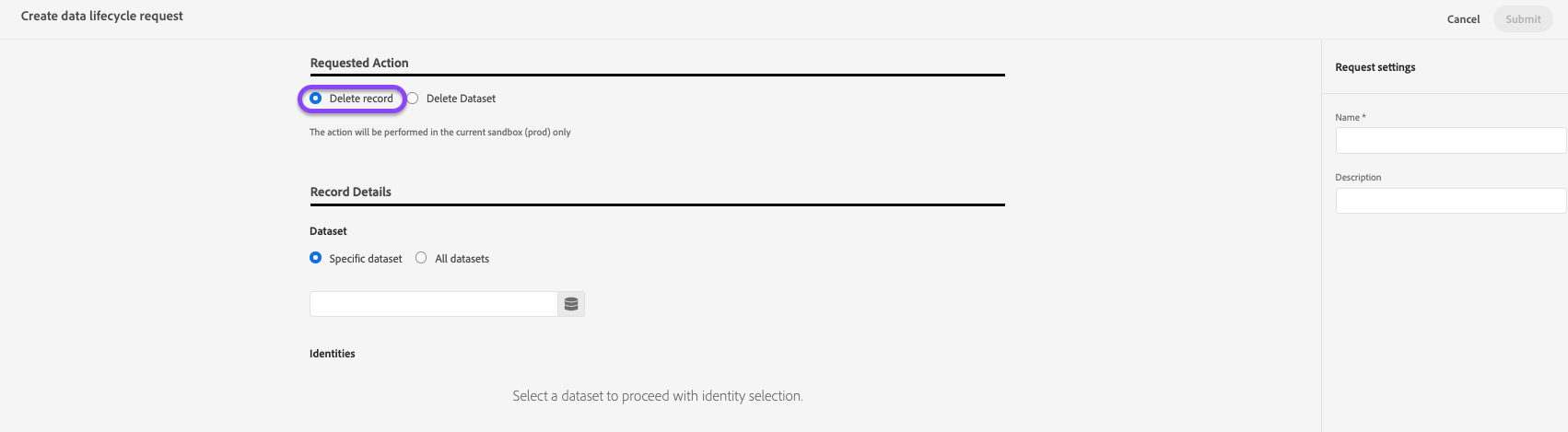
The request creation workflow appears. Under the Requested Action section, select Delete Record to update the controls..
Record Details
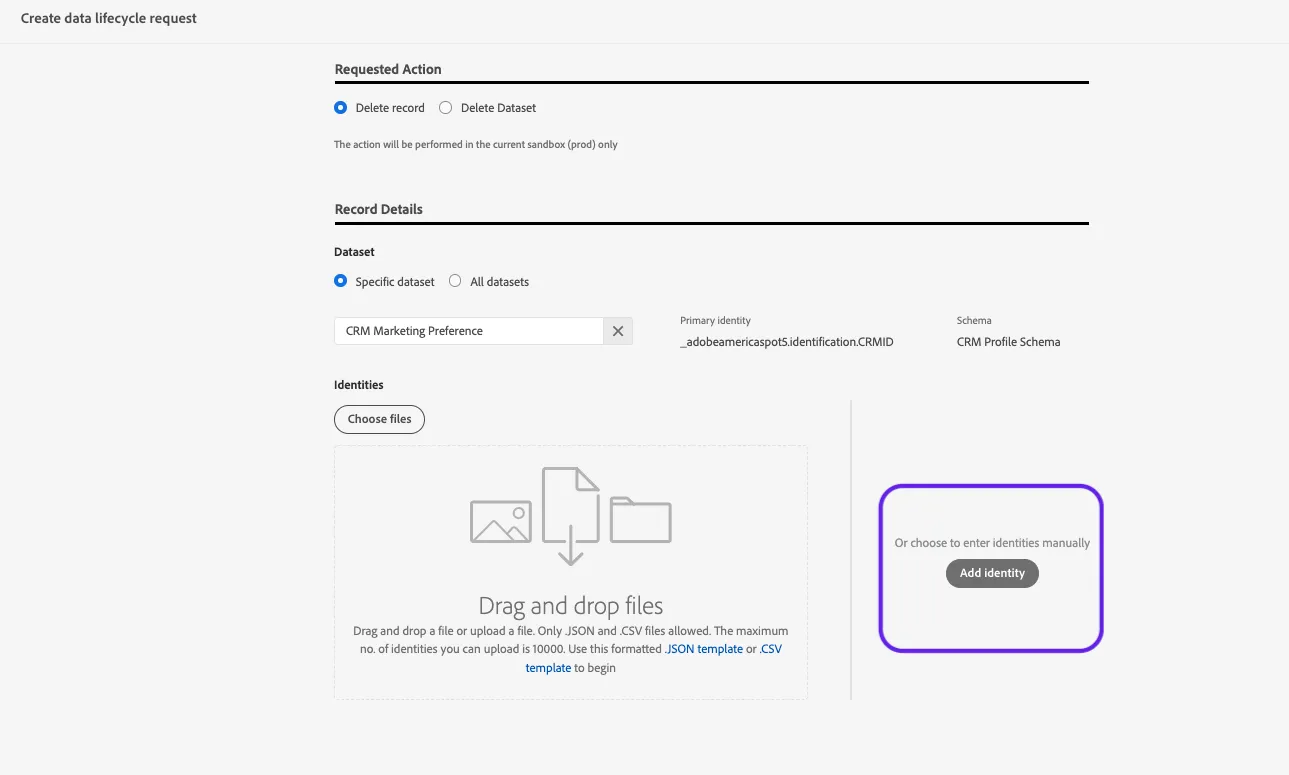
When selecting the Specific dataset option, primary identity is auto-selected based on the dataset chosen. For this exercise, select All datasets.
Choose All Datasets and proceed by clicking Add Identity.
A primary identity is an attribute that ties a record to a consumer's profile in Experience Platform. The primary identity field for a dataset is defined by the schema that the dataset is based on. In this column, you must provide the type (or namespace) for the record's primary identity, such as email for email addresses and ECID for Experience Cloud IDs. To learn more, see the Data lifecycle UI guide.
The next step in the workflow allows you to upload a file to automate the deletion of more than one record OR to manually enter identities. Let's manually enter an identity.
Find and select the primary identity of Email. Enter any value.
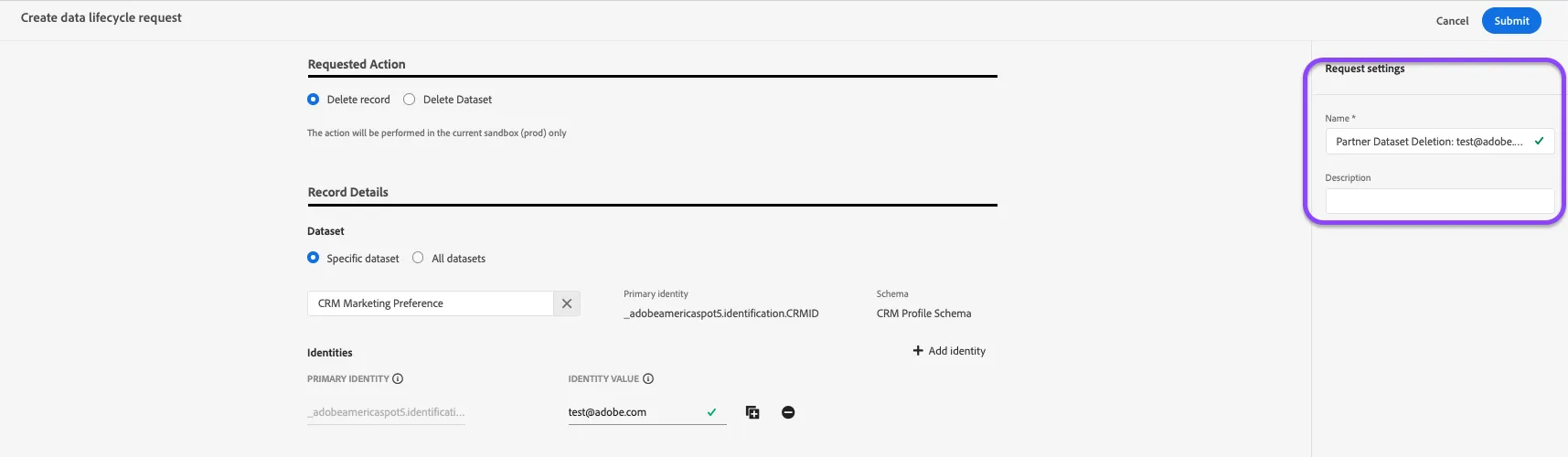
Request Settings
Give your work order a name:
Individual Record Delete - All Datasets + [Your Inititals]
Submit the request.
After the request is submitted, a work order is created and appears on the main tab of the Data Lifecycle workspace. From here, you can monitor the work order’s status as it processes the request.