Enabling the Access Policy
2 min
In this exercise we will:
Enable the Default Access Control Policy and notice the change in your access to the "Known Customers" Audience/Segment
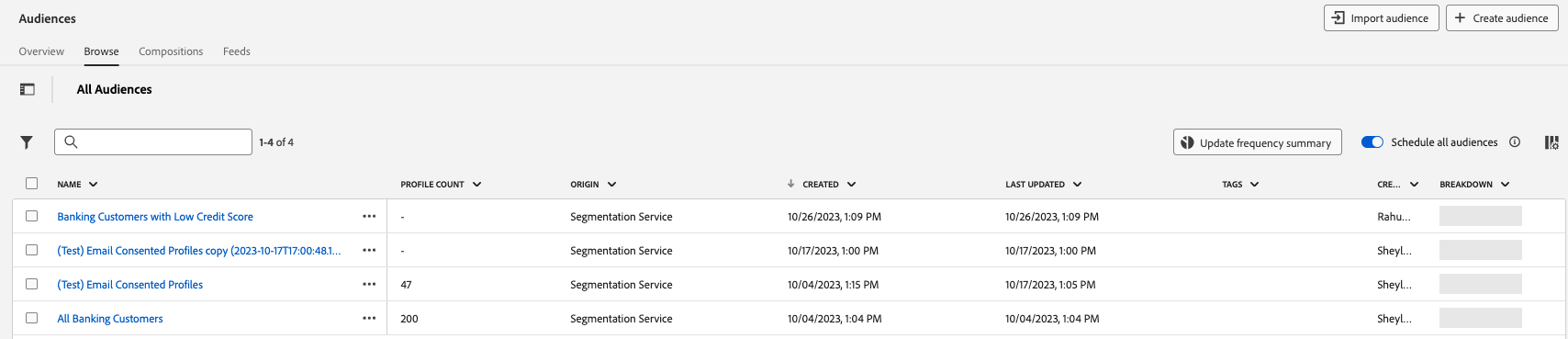
- Navigate to the Audiences sub-section through the Menu section within Adobe Experience Platform
- Note that you still have access to the Banking Customers with Low Credit Score audience/segment
Note: Applying a label to a segment by itself does not change access. For that, a policy needs to exist that uses the label to define access privileges
- Navigate to the Permissions sub-section
- Click on Policies.
- Click on Default-Label-Based-Access-Control-Policy. Note that the policy is currently Inactive

4. Review the description within the Details tab to understand the core functionality
5. Review the Sandboxes tab
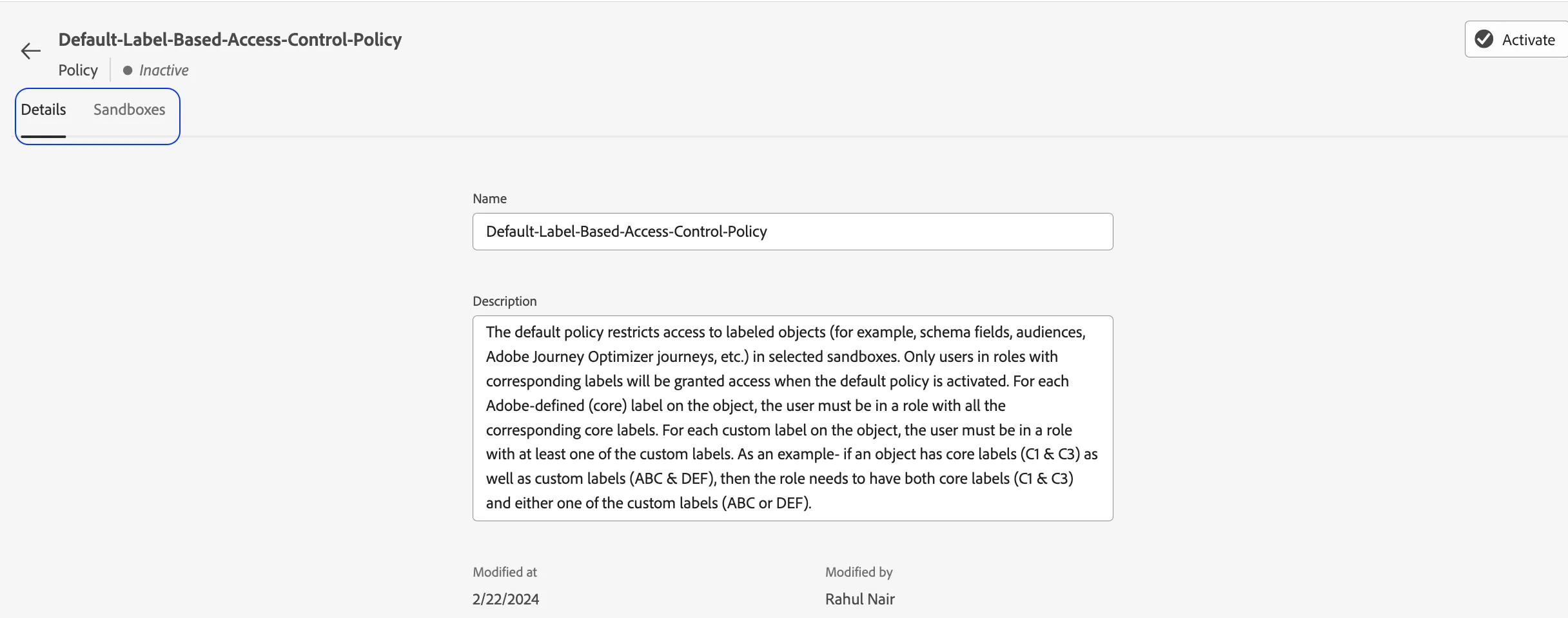
6. Watch the instructor Activate this policy
7. Navigate to the Audience sub-section
8. Note that the "Banking Customers with Low Credit Score" audience/segment is no longer visible to your user