Datasets
In this exercise, you’ll configure the required datasets to capture and store profile information and customer behaviour.
Create Profile Dataset
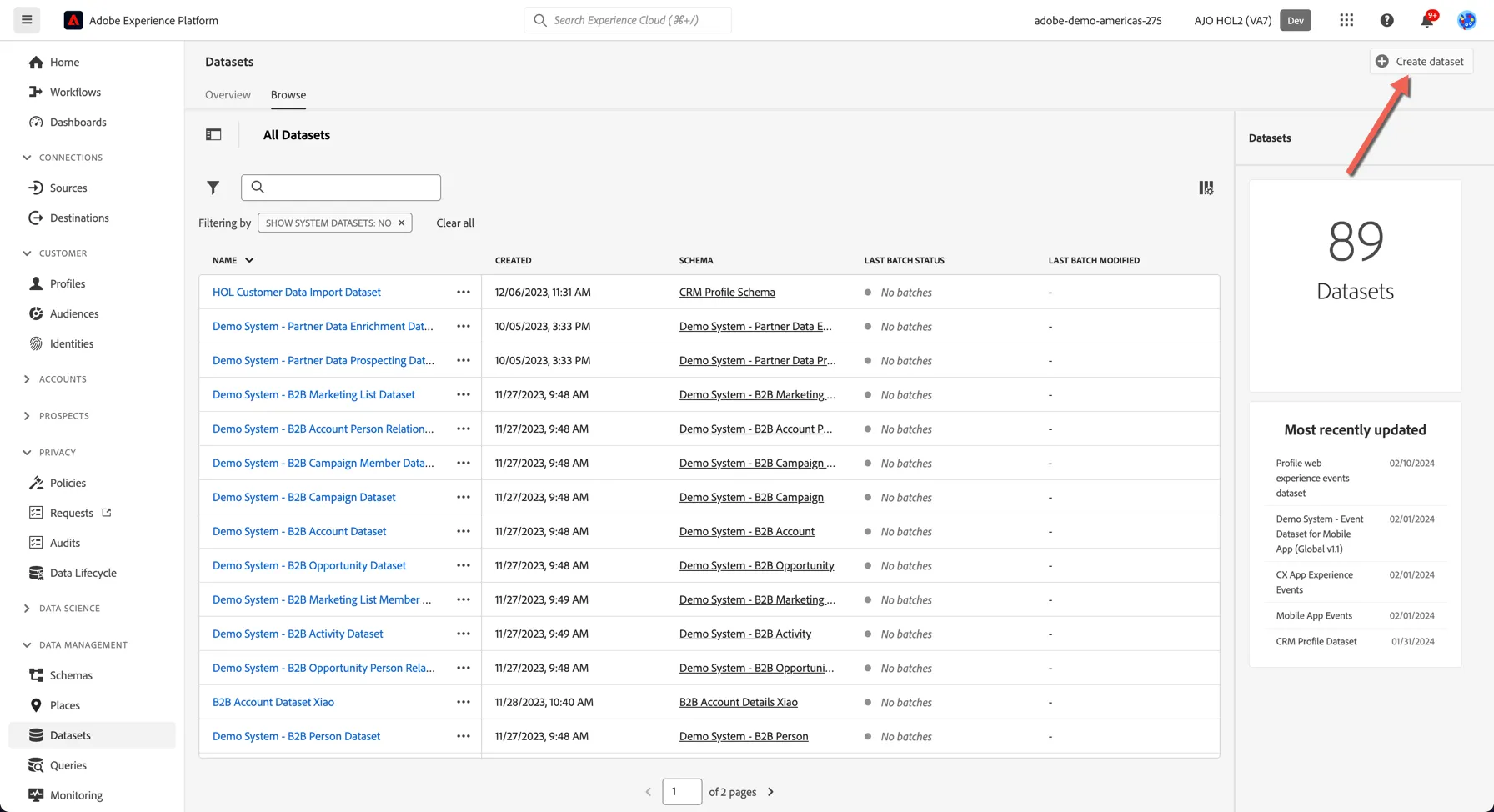
1.Click on Datasets in the the menu on the left side of the screen. You should see the list of datasets, click on the button Create dataset in the top right.
2. Select the option to Create dataset from schema. Select your schema created in the last module [your surname] - Profile Schema
3. Click Next to continue.
4. Name your dataset [your surname] - Profile Dataset
5. Click Finish to finish your dataset configurationf
You'll now see this:
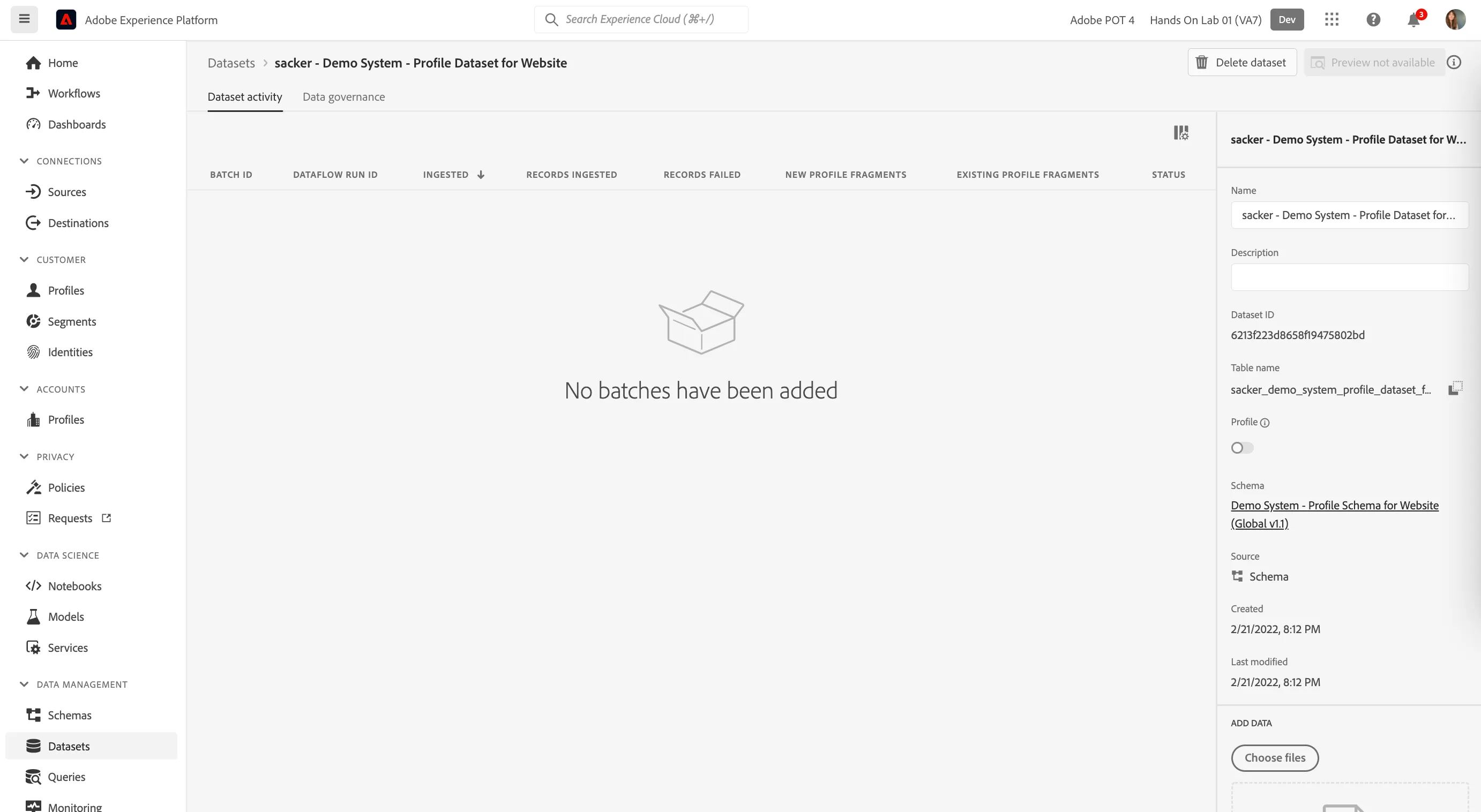
Just like the schemas, datasets also need to be enabled for profile. Click to toggle the dataset for profile.
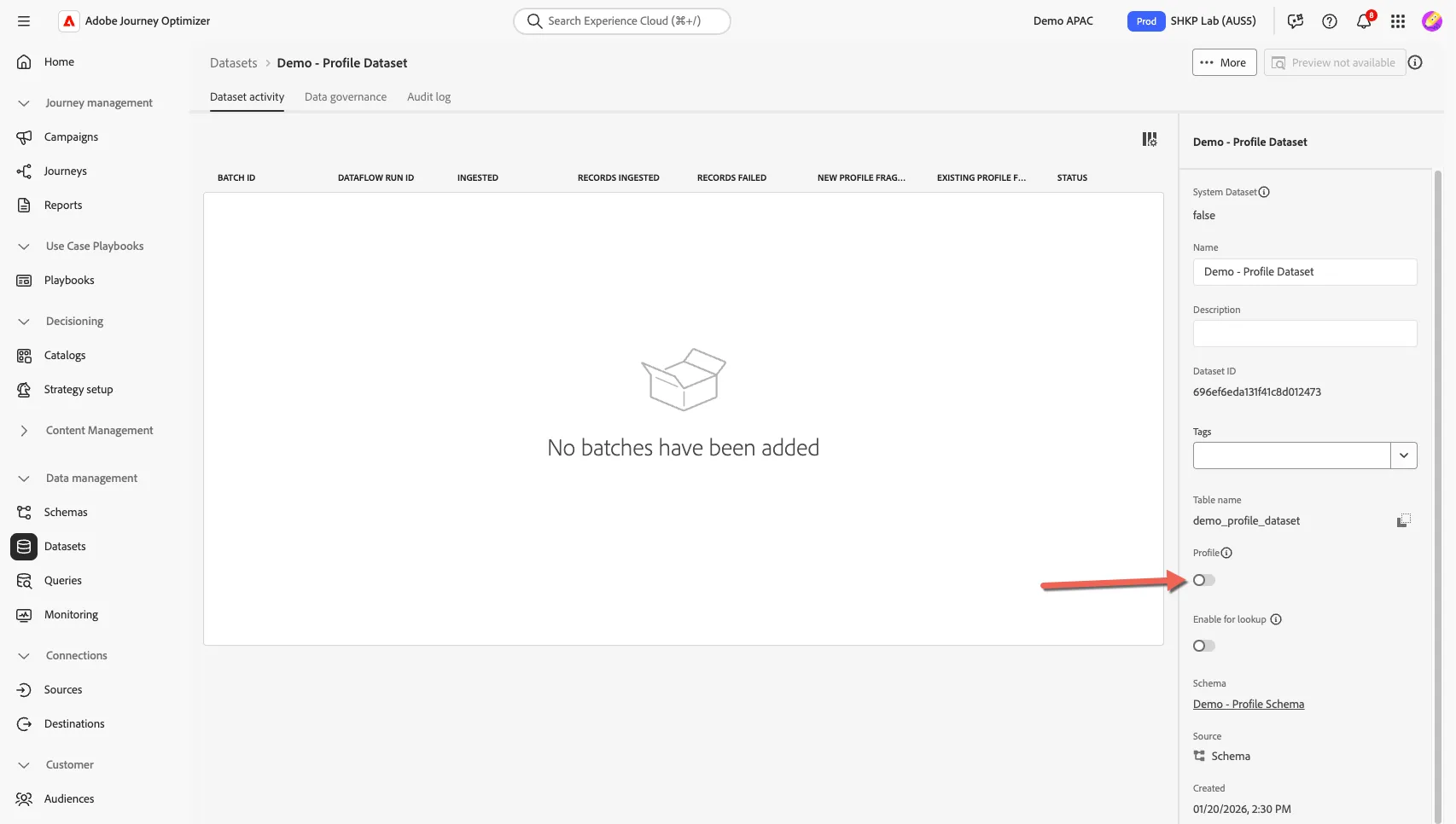
Your dataset is now ready to start receiving data.
Create Experience Event Dataset
Next, you’ll configure a second dataset to capture website interactions (Experience Events).
- Return to Datasets and select the option to Create dataset from schema.
- Select your schema created in the last module [your surname] - Demo System - Event Schema for Website.
- Click Next to continue
- Name your dataset [your surname] - Demo System - Event Dataset for Website
- Click Finish to finish your dataset configuration.
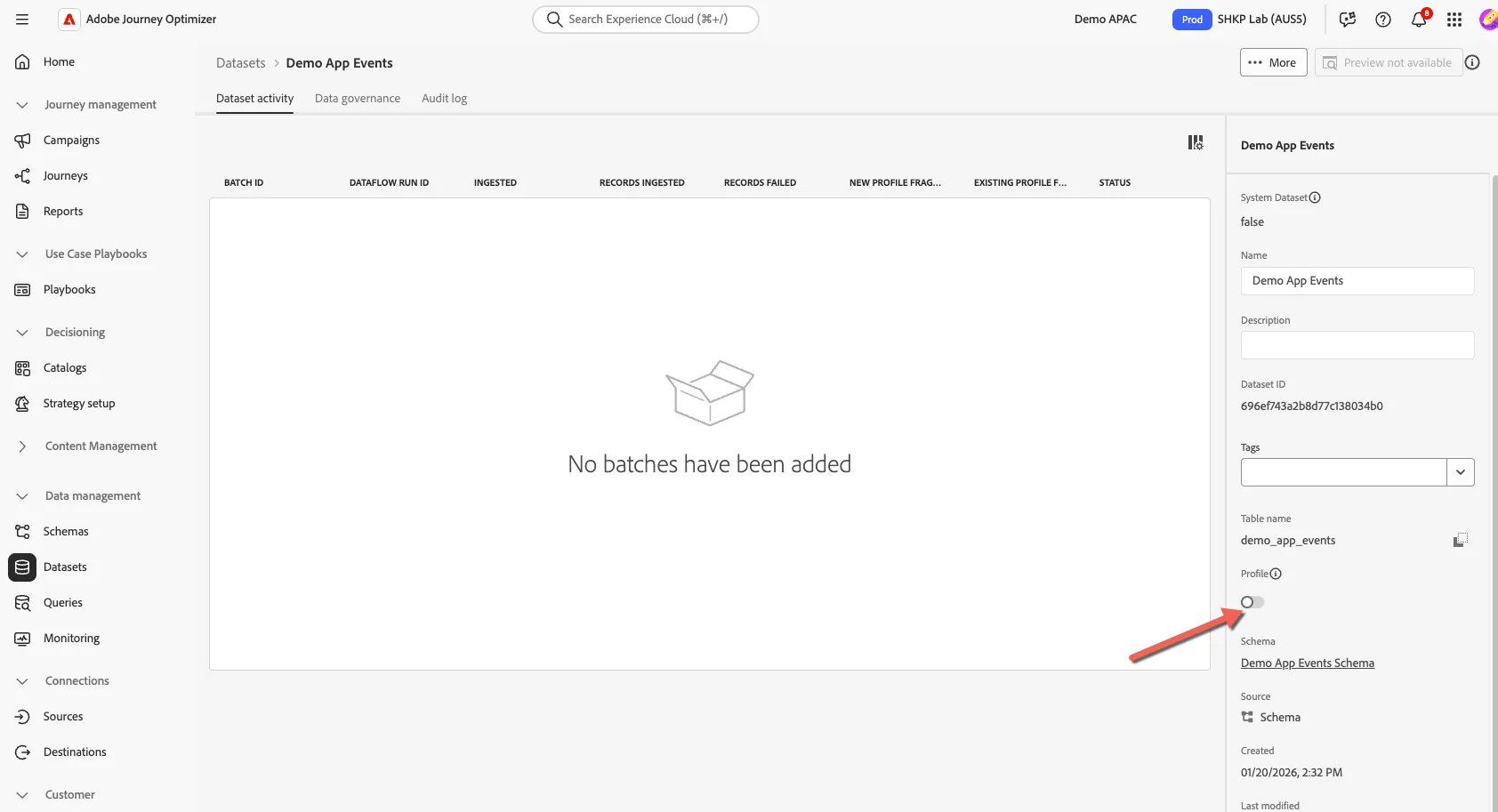
You'll then see this:
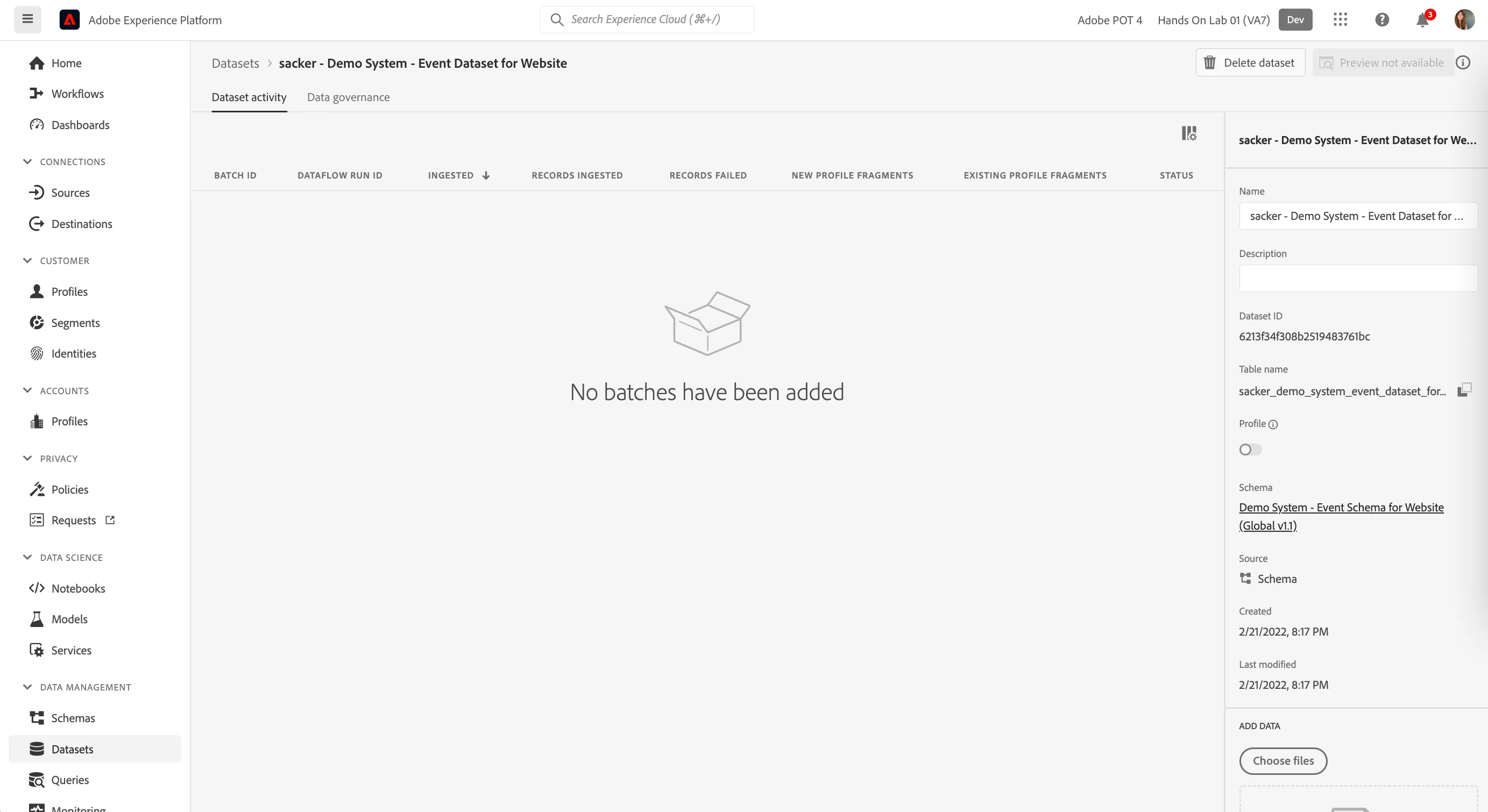
Click to enable the dataset for profile.
Congratulations, this completes the exercise on datasets