Send an Event
In this exercise you'll learn how to send an event to a datastream via the Edge Network API - this API could be used for backend events such as car park entry events or instore transactions.
Configure Datastream
A sample API call has been added to the Postman collection called Send Event - Edge Network API
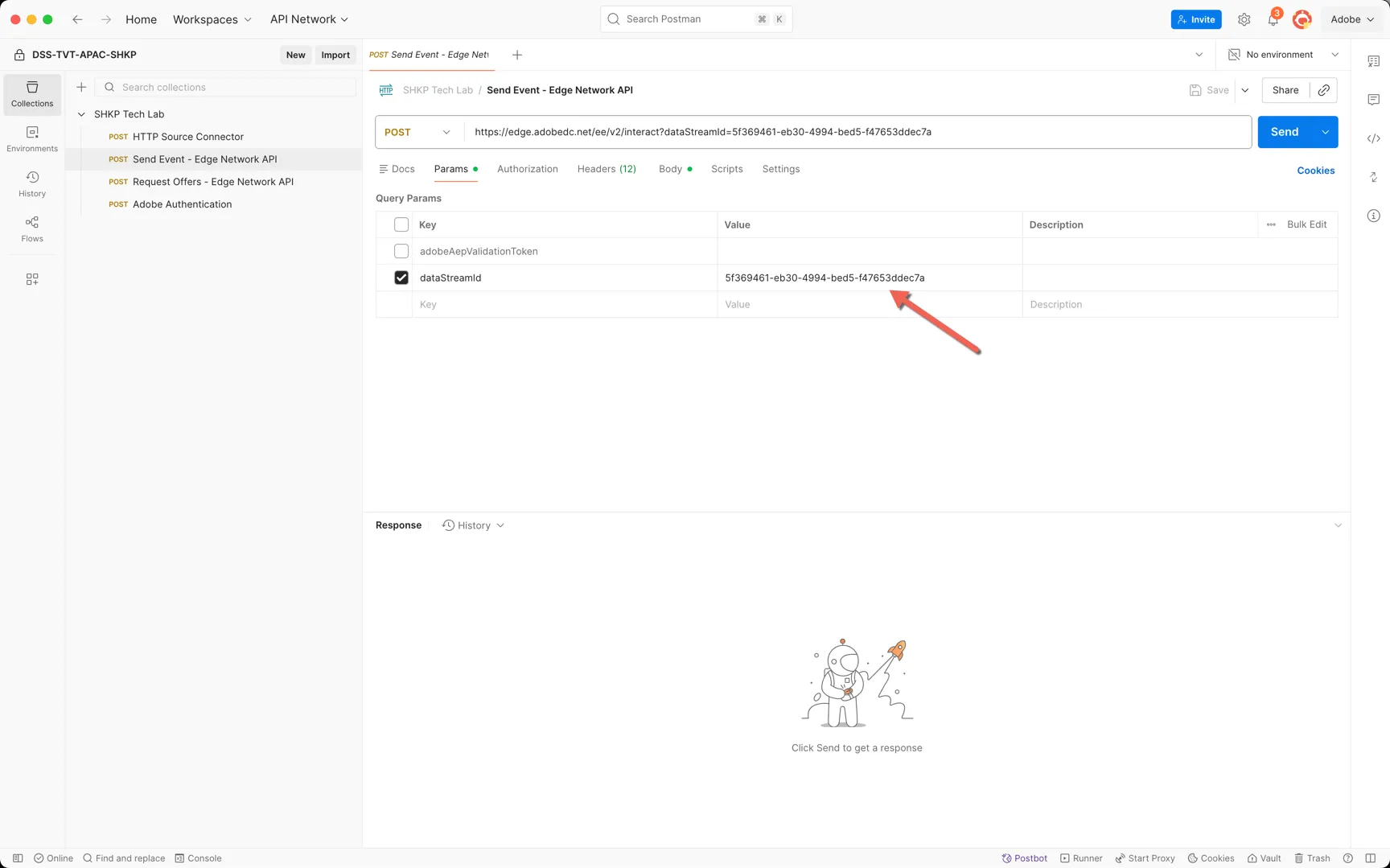
Paste your newly created datastream Id into the dataStreamId parameter.
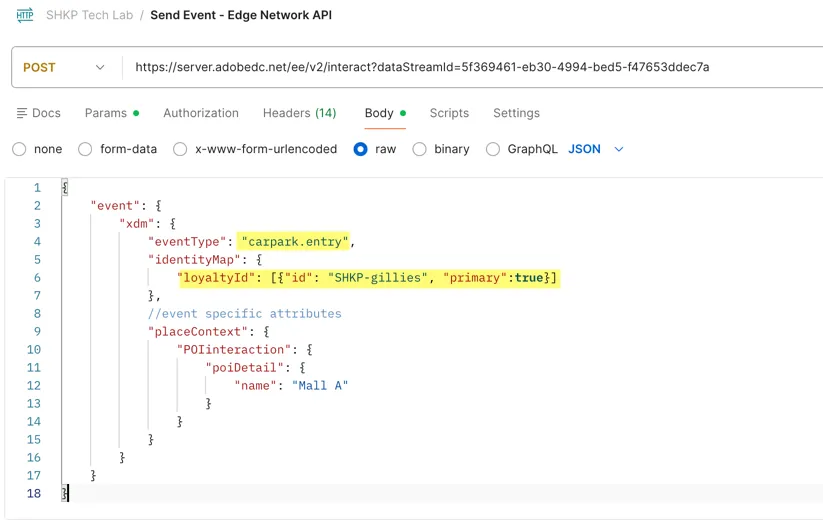
Now let's configure the payload. The API expects your XDM formatted event to be contained within an {"event": {"xdm": {}}
While XDM syntax is validated additional unexpected elements within your XDM payload will be ignored and dropped on ingestion. This ensures data continues to be collected should the source system add fields before the schema has been updated in Adobe Experience Platform.
At a minimum events require an eventType and an identity. The two other mandatory fields from our experience event class (_id and timestamp) will be automatically applied by the edge if they are not included. Additional event context attributes will depend on the use case, in this example we're appending the name of the mall that the customer entered.
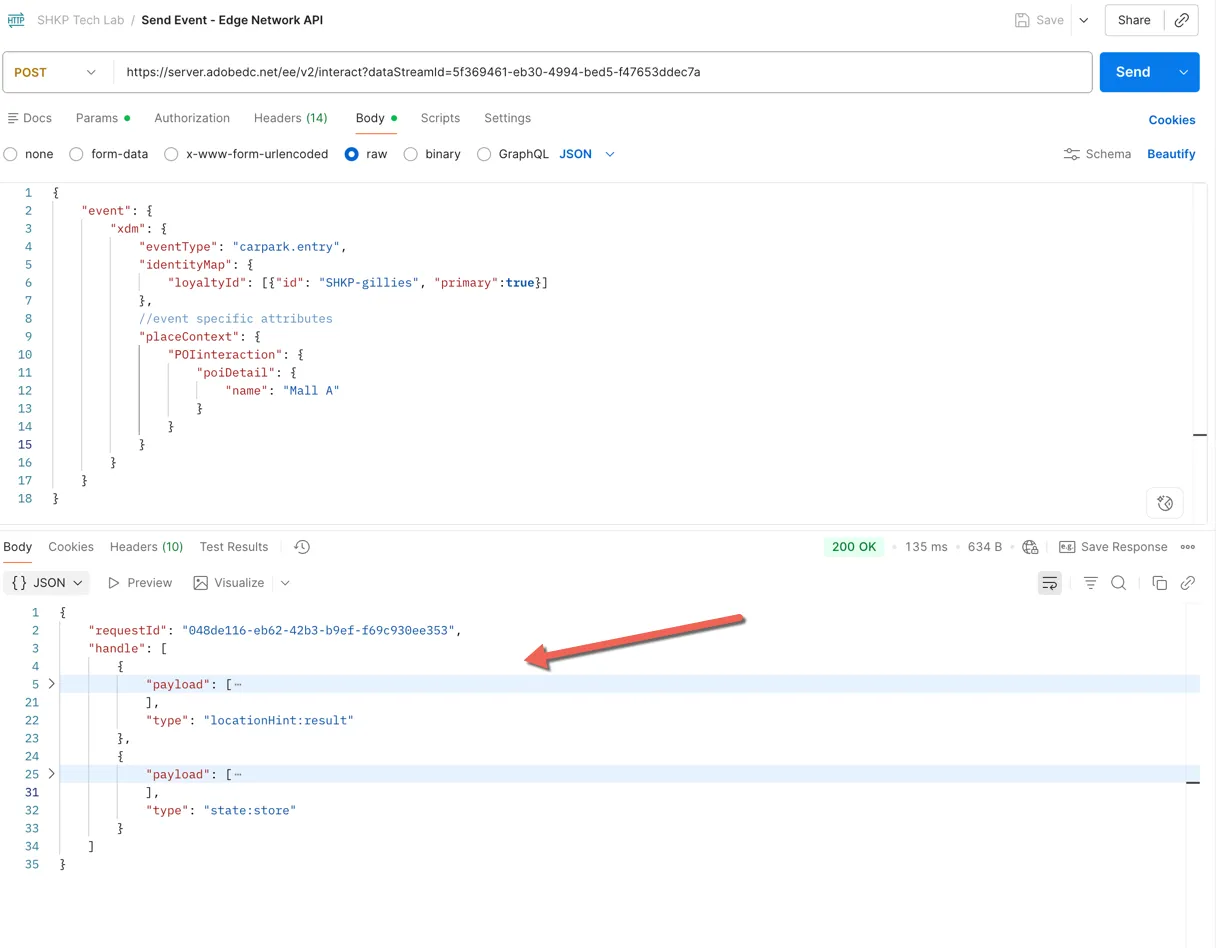
Click to Send the request. A unique requestId will be returned along with a handle array. This array contains one of more items relating to the processing of the request.