Create
Experience Overview
You’re the performance marketer tasked with launching a social media campaign for Coca-Cola Real Magic. Use Adobe GenStudio for Performance Marketing, to create social content from pre-approved assets in Adobe Express and Adobe Content Hub. Review for brand compliance in a matter of seconds and publish in record time.

The Booth Experience
GenStudio for Performance Marketing harnesses the power of generative AI to accelerate the content creation process and ensure high-quality content generation.
With GenStudio for Performance Marketing you can:
- Create on-brand content using natural language prompts for your top-priority digital channels, such as paid media, email, and display ads
- Collaborate with stakeholders to review and approve generated content
- Save generated and approved content to access for future marketing campaigns
- Assess content effectiveness by analyzing asset performance and identifying key attributes of top-performing content
If attendees would like to try the new features: On brand images and Similar images, make sure they do not select any images with the Coca-Cola logo since the logo will become distorted. If they do select the image, explain to them that the features are in beta and lab status so will not produce ideal results.
Step 1: Create
Click Create in GenStudio PeM.
GenStudio for Performance Marketing enables marketers to create new marketing content. Users can create content for email, Meta ads and display ads. Create facilitates the creation of impactful brand-aligned marketing content.

Step 2: Select Meta Ad
Select Meta.
Attendees can also select email or display ad if they'd like. After the user selects Meta, they can access brand-approved templates for use in content generation. Templates are used to jump start the content creation process and stay aligned with a defined brand identity.
Step 3: Select Template
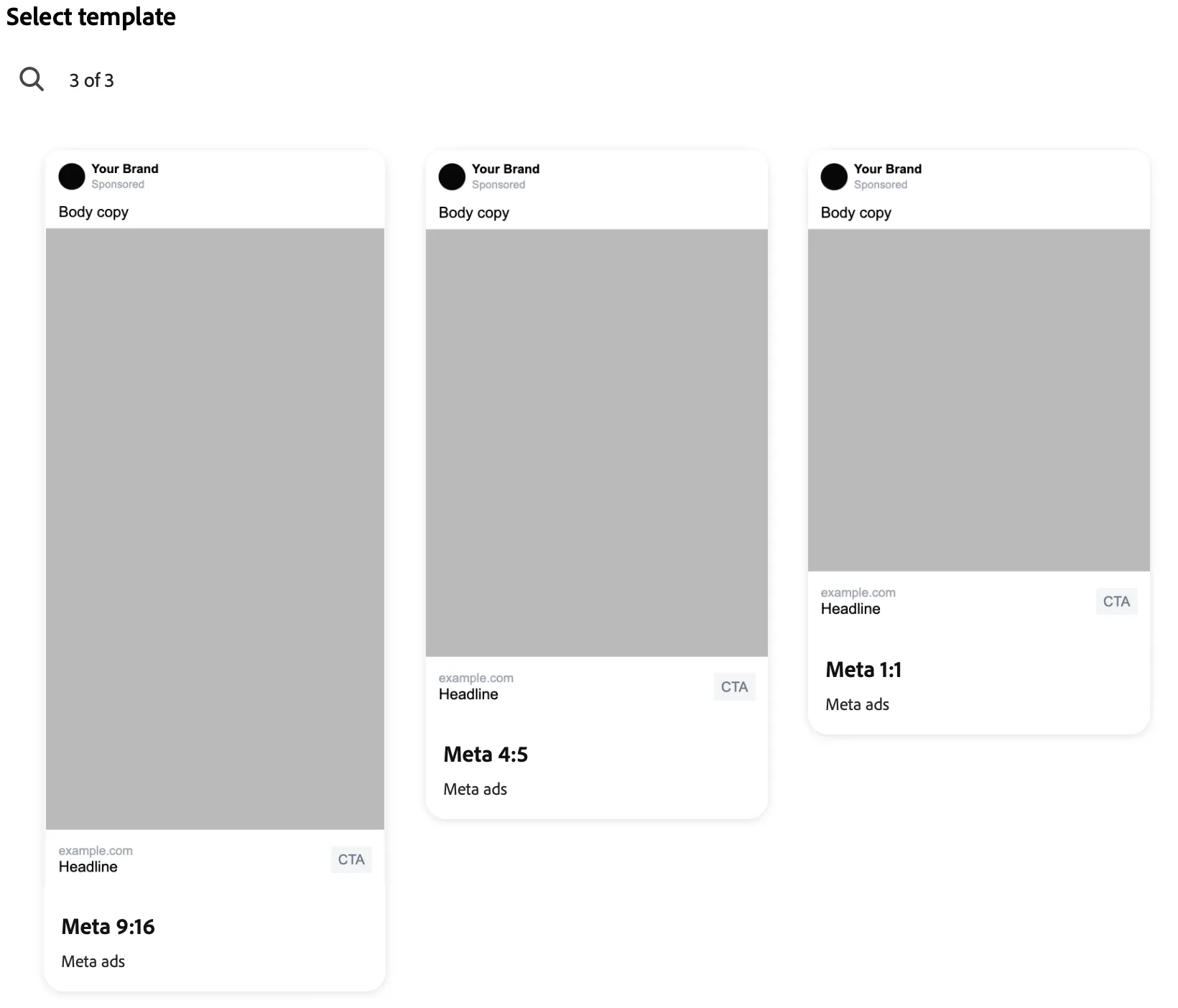
Select any template. Templates are imported as HTML, in a future release templates can be created in Adobe Express. AJO integration will be available shortly after Summit.
GenStudio for Performance Marketing enables content creators to produce consistent on-brand marketing content quickly using templates. A template significantly reduces the time and effort required to generate new content by providing a starting point that includes pre-configured layouts and design elements. Templates use Handlebar syntax to denote GS PeM placeholders. Handlebar field names can include: Pre Header, Headline, Body, CTA, On Image Text, Image and Brand Logo; depending on the content type.
Click Use.
Step 4: Select Brand, Persona and Product
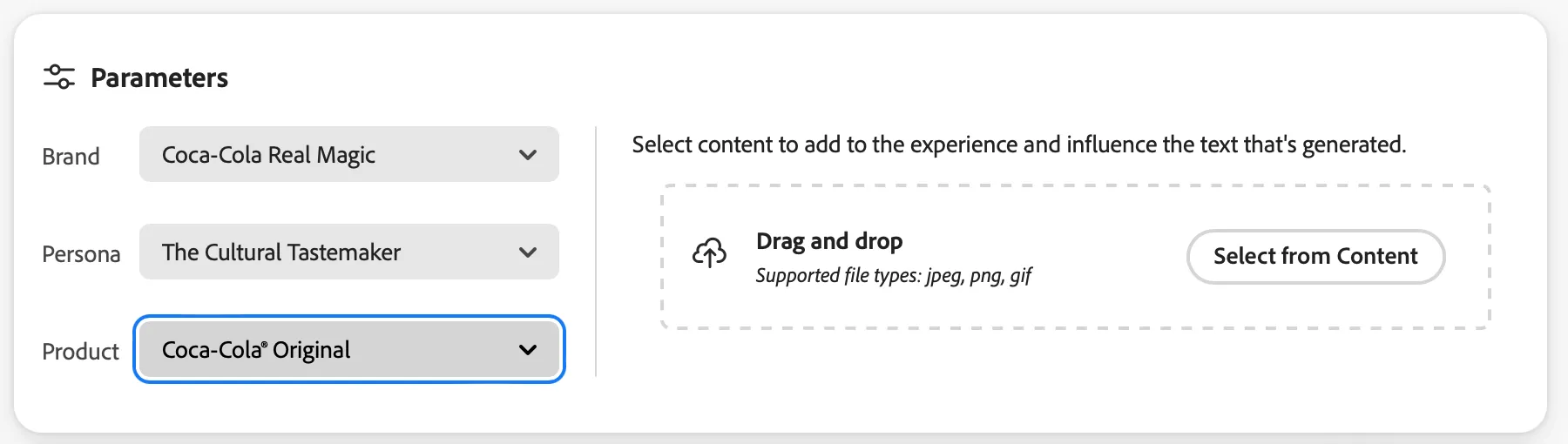
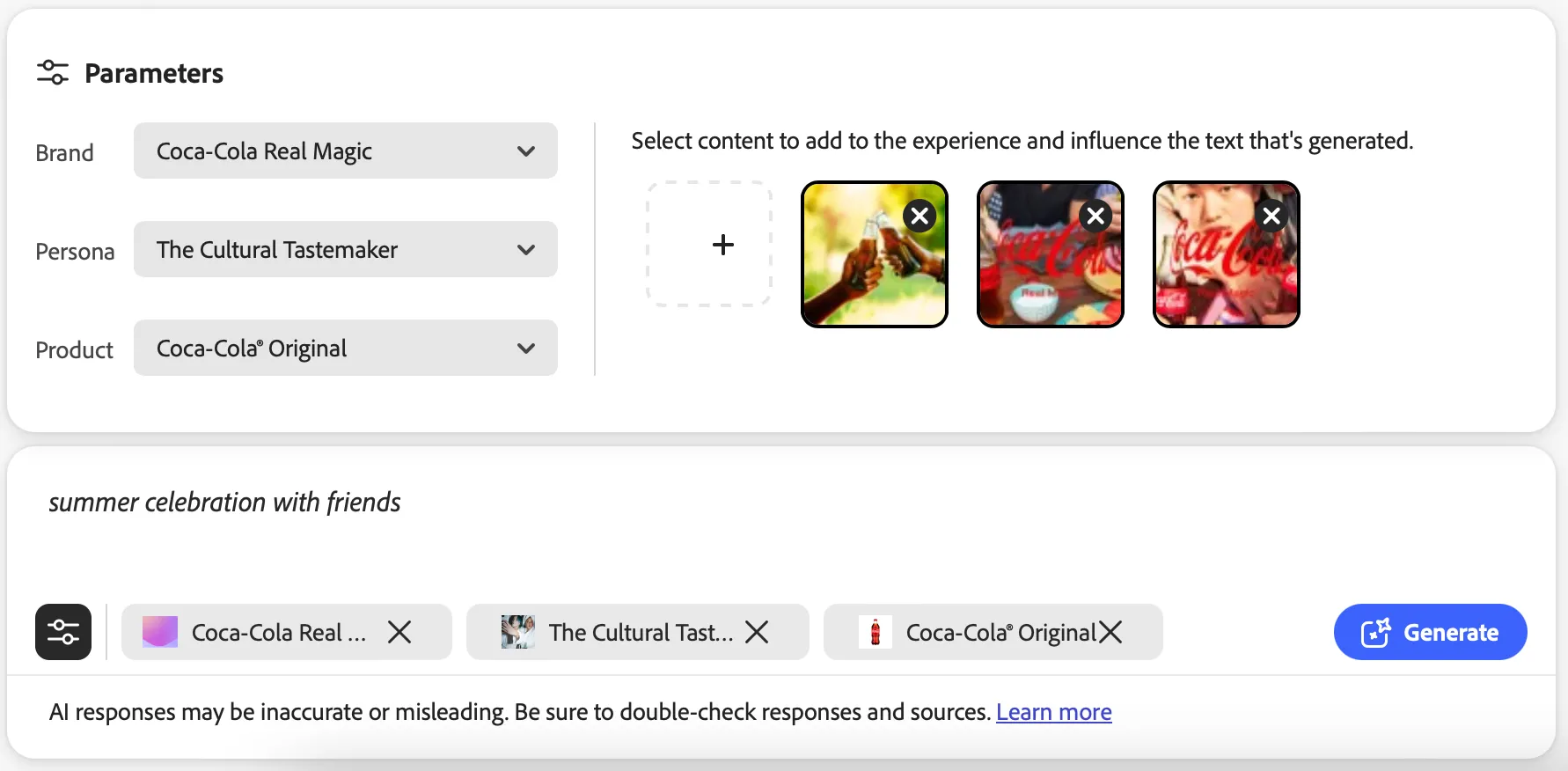
Select a Brand, Persona and Product. These parameters inject guidelines into the generation process ensuring that the content is customized to align with a brand's comprehensive identity.
Brands, Products and Personas can be either uploaded or manually added to GenStudio for Performance Marketing, allowing users to establish brand guidelines that capture the essence of a brand’s identity.
Step 5: Select Images
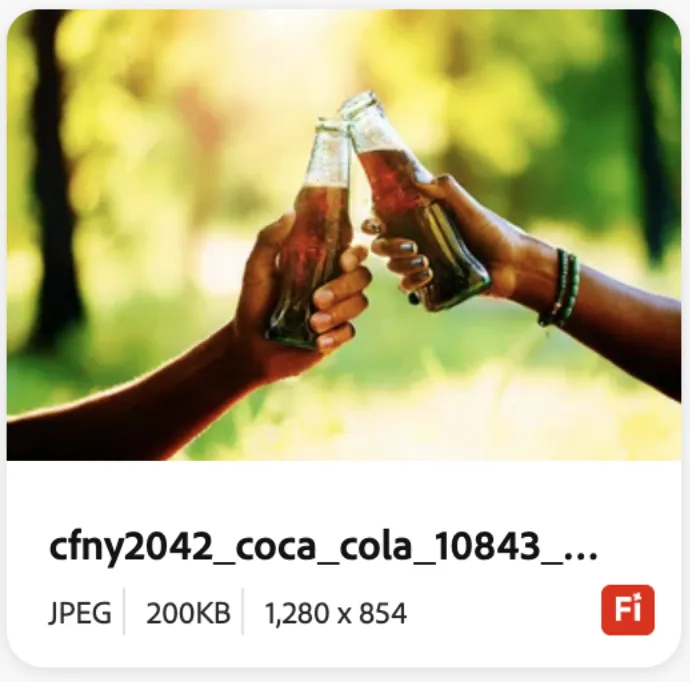
Click Select from Content and select up to three images. Images with an Fi icon have backgrounds created with Firefly Services. Images will be displayed in the Meta ad and will also inform the LLM when creating the copy.
GenStudio for Performance Marketing can integrate with multiple repositories. If the user would like to use content created from the Express booth, select Coca-Cola Activation from the drop down in the upper right and then enter the file name of the asset in the search box in the upper left.
Step 6: Enter Prompt
Enter a prompt, ex: summer celebration with friends, and click Generate.
You can use natural language to articulate your ideas to create experiences. Your prompt guides the AI to generate channel content that is personalized and images that complement your vision. The more details that you provide, the greater the chance of producing an image or an experience that meets your needs. Use clear and descriptive language to provide as much detail as possible:
Step 7: Review Brand Validation Score
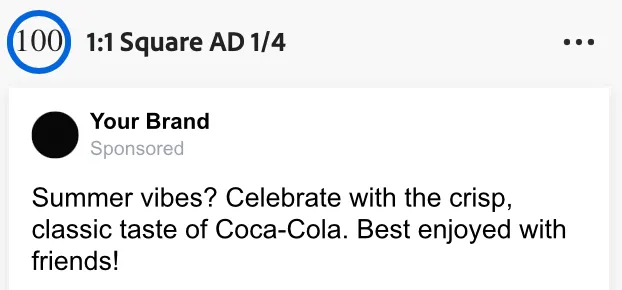
GenStudio for Performance Marketing conducts brand validation on various aspects of a brand’s identity. A brand validation score is available at the top of each Meta ad. This score indicates its compliance with brand guidelines and coherence between text and images. In this example the generated content has a score of 100/100.
The Brand validation panel opens on the right side of the Canvas when clicked from the top menu bar or from the Brand guidelines check icon for a variant. This panel provides detailed brand validation information and illuminates opportunities for improvement for each variant section.
Step 8: Optional: Modify Body Copy
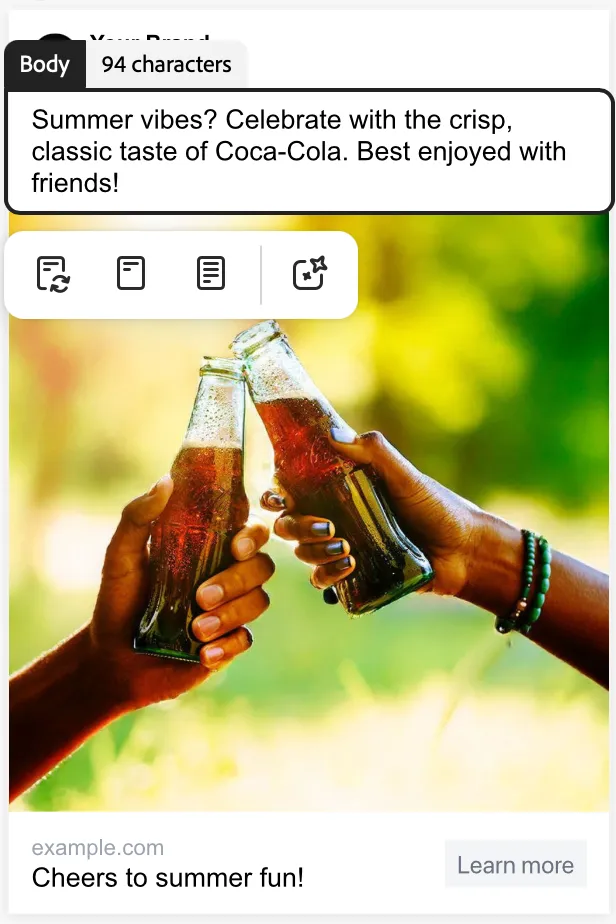
After the Meta ad has been generated select any body copy to view the regenerate options: rephrase, shorten, lengthen or generate new text.
GenStudio for Performance Marketing has the built-in functionality to regenerate sections of generated variants. You can rephrase, shorten, or lengthen text, or add fresh prompts to generate new content.
For example, you can re-generate the headline section of one Meta ad variant to see how it looks with a specific background asset. You can Rephrase, Shorten, or Lengthen a section’s content, or Generate new text to add a new prompt.
Step 9: Complete Task
Click Complete Task in the lower left to go to the next task.