Create Offer Item
3 min
We will be creating the same use case as Attrition Churn Risk Prevention Campaign offers, but this time we will use Experience Decision which is our take to more complex and volume built type strategies.
Offer Content
You will need this information for our offer lab:
Image:
- Offer: https://digitalassets.gapinc.com/AssetLink/665odsxd6glt5p3q75p5t32r684vi627.auto
- Fallback: https://digitalassets.gapinc.com/AssetLink/8f474jx734mk5y5cp4bm7743me2wx8d6.auto?TP=GAP2
Offer Text (Short):
High Risk: 60% Off Everything Friends & Family Moderate Risk: 45% Off Everything Friends & Family Fallback: 40% Off Everything Friends & Family
Audiences:
- Churn - High Risk
- Churn - Moderate Risk
Example:
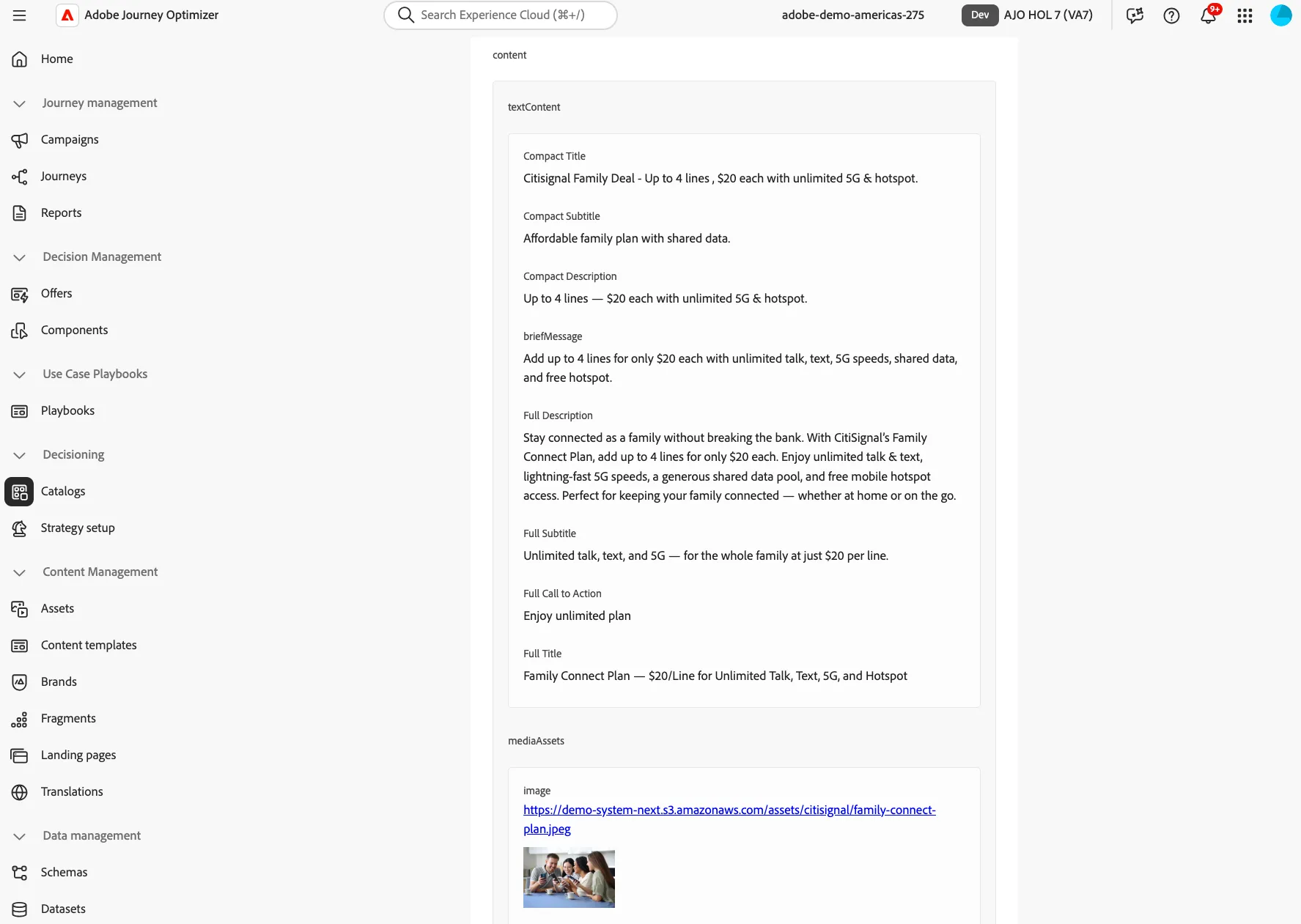
Create Your Item
- On the navigation menu, click Catalogs under Decisioning.
- Click Create Item.
- Provide standard attributes.
- Offer Name
- Set a Start and End dates.
- Provide Custom Attributes:
- Expand Offer Texts
- Under Short type the offer text
- Expand Media :
- Select Add from URL or Add asset from library.
- Expand customOfferData
- On the Category Type ChurnRisk
- Click Next
Elegibility
- Select Visitors who fall into one or more audiences
- Search for the Audience
- Click Next, Review, Save, and Approve.
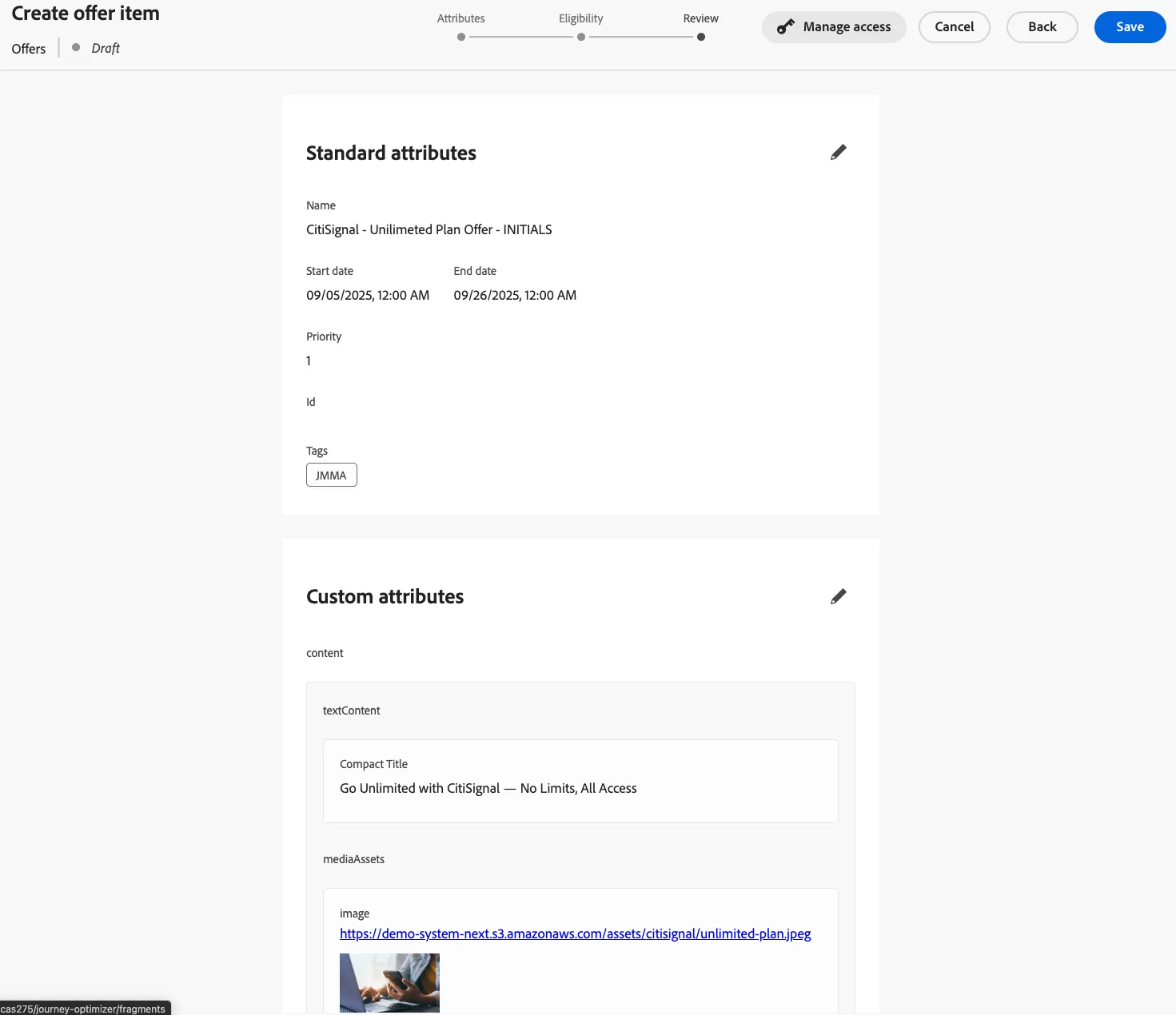
Congratulations, you have created your first offer item!
Repeat this same steps for our other 2 offers items. We must have a Moderate, High, and Fallback offer items.