Lab: Creating an Offer
8 min
We will be creating 3 offers for our customers who are at High or Moderate Churn Risk. One offer will be a fallback in the case we would like to send this to a broader audience.
Offer Content
You will need this information for our offer lab:
Image:
- Offer: https://digitalassets.gapinc.com/AssetLink/665odsxd6glt5p3q75p5t32r684vi627.auto
- Fallback: https://digitalassets.gapinc.com/AssetLink/8f474jx734mk5y5cp4bm7743me2wx8d6.auto?TP=GAP2
Offer Text (Short):
High Risk: 60% Off Everything Friends & Family Moderate Risk: 45% Off Everything Friends & Family Fallback: 40% Off Everything Friends & Family
Placements:
- email-image (Channel: Email)
- email-text (Channel: Email)
- sms-offer (Channel: Instant Messaging)
- push-image (Channel: Mobile)
- push-text (Channel: Text)
Audiences:
- Churn - High Risk
- Churn - Moderate Risk
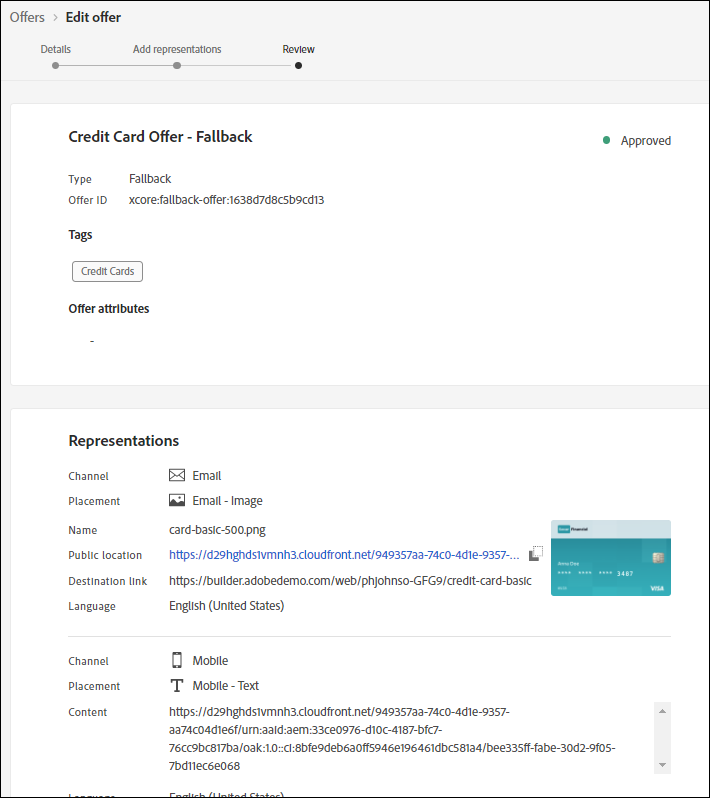
Example of a Fully Configured Offer:
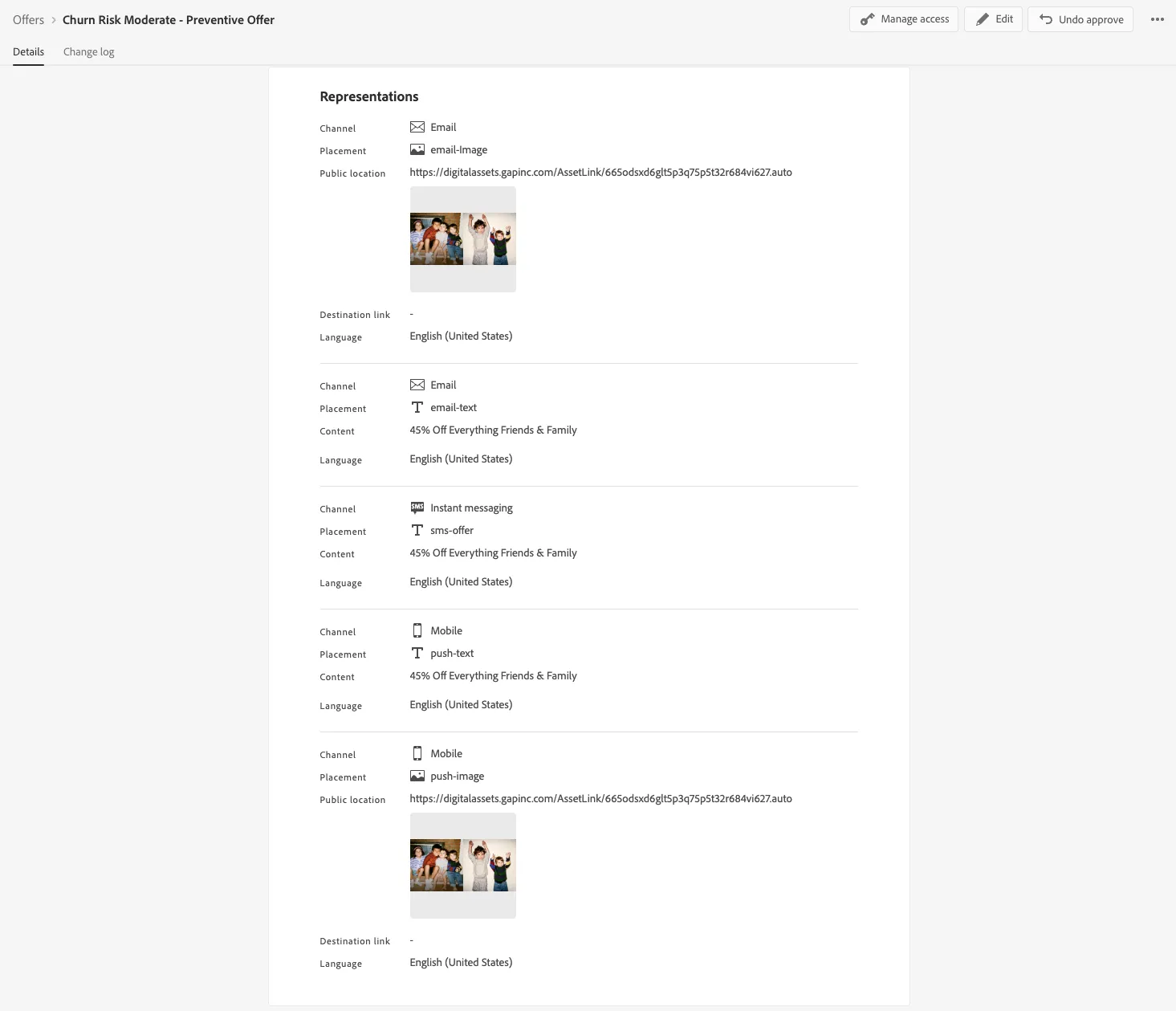
Create a Personalized Offer
- Click on “Offers” from the Left Menu
- Click on Create Offer
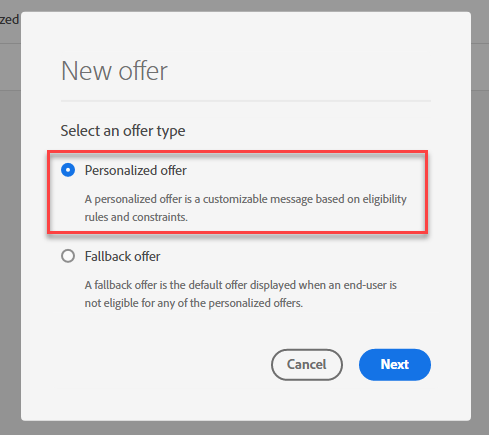
- Select “Personalized Offer”
- For name of Offer, type “Churn Risk Moderate - Preventive Offer - Initials”.
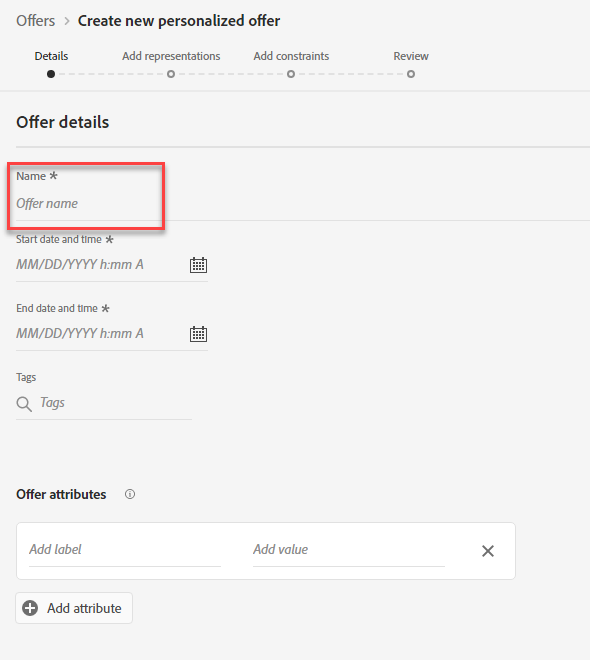
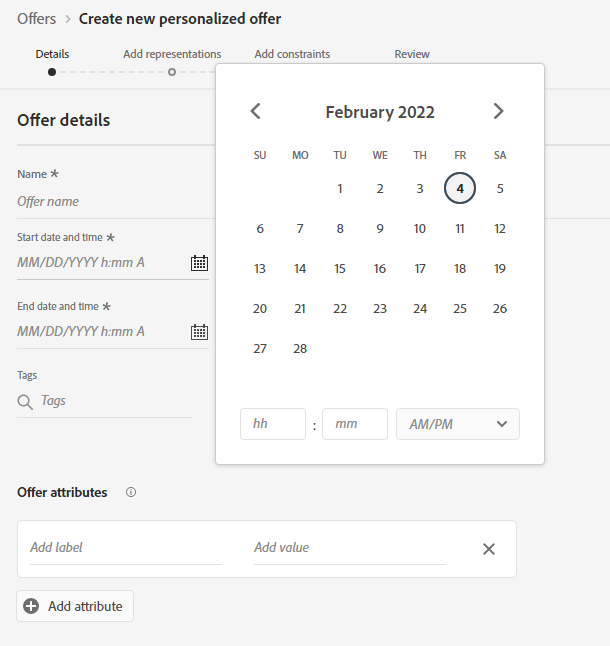
- Populate the date ranges for Start and End Dates
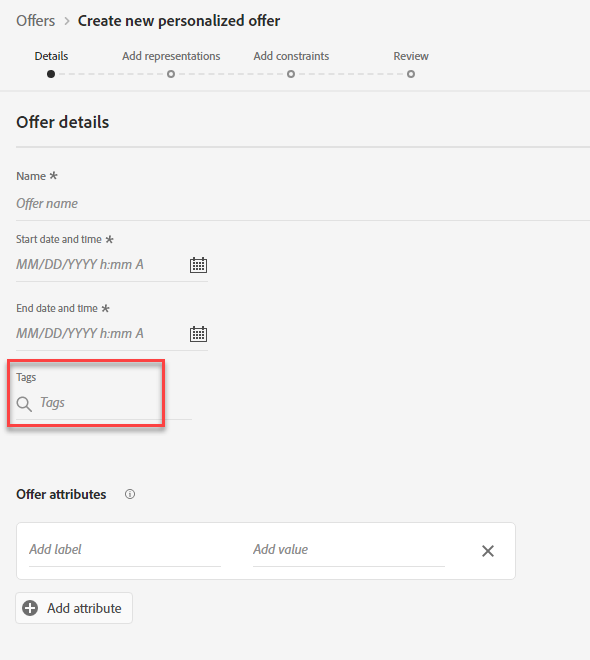
- Add tags search for your initials so this offer dynamically lands on the collection you just created.
- Hit Next
- Select Email as the Channel.
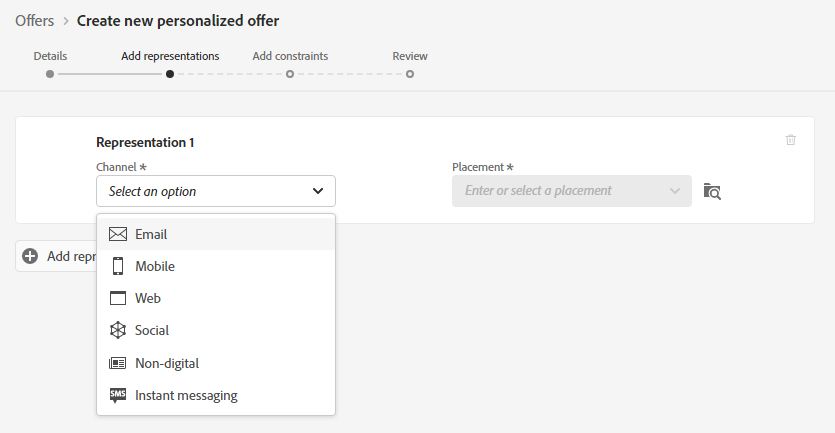
- Select Email – Image as the Placement
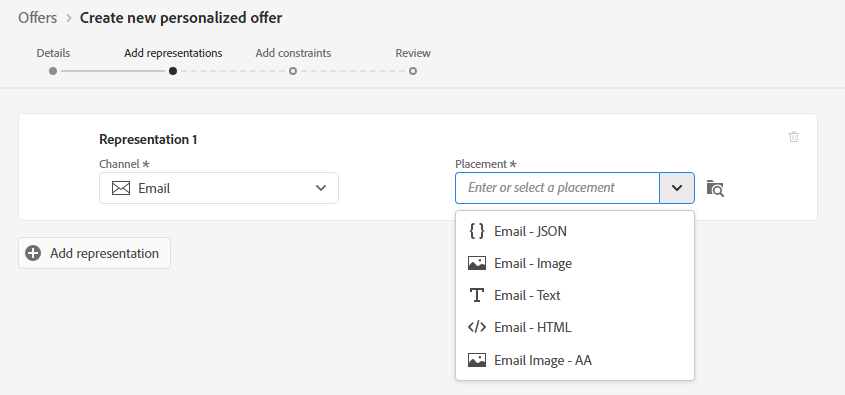
- Paste the Offer Image URL after selecting URL to enter an externally hosted image
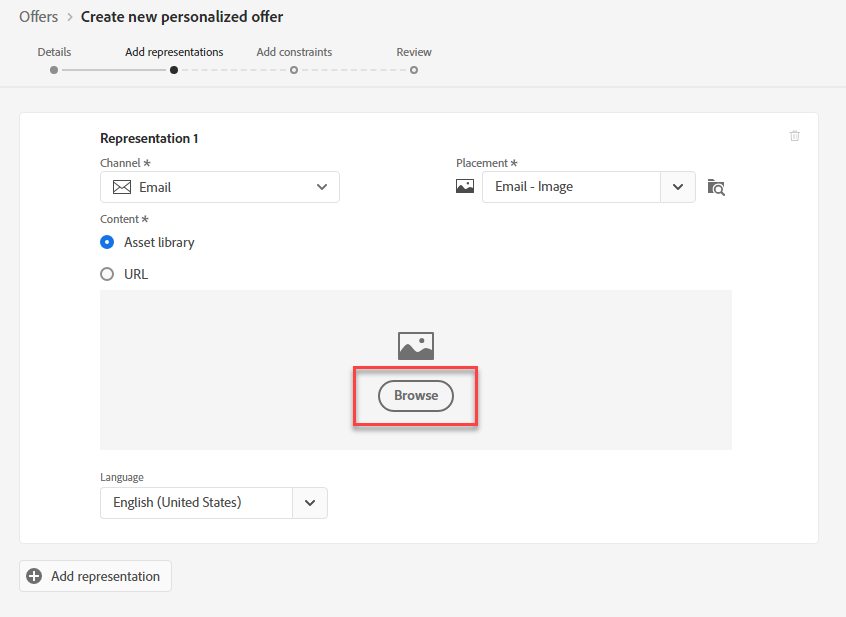
- Provide a Destination Link. Click Next
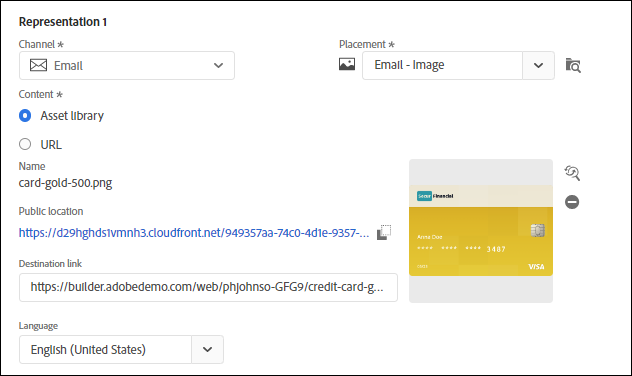
- Click Add Representation button.
- Search for Channel Email and Placement Email - Text
- Click on Custom and add the offer text for High Risk.
- Repeat Steps 12 to 14 for the rest of the placements.
- Once done, click next.
- Set Offer Eligibility by adding constraints. Select Visitors who fall into one or multiple segments
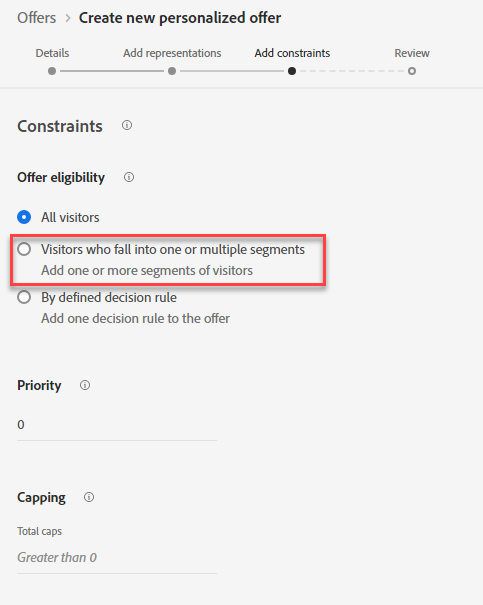
- Search for this audience: Churn - High Risk
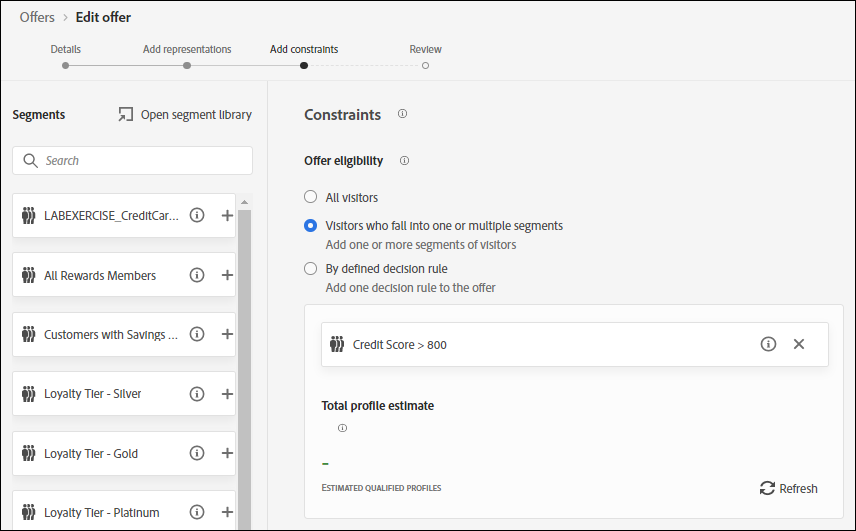
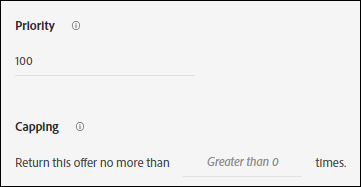
- You may add a Priority or Set Capping (No needed for the lab). Click Next
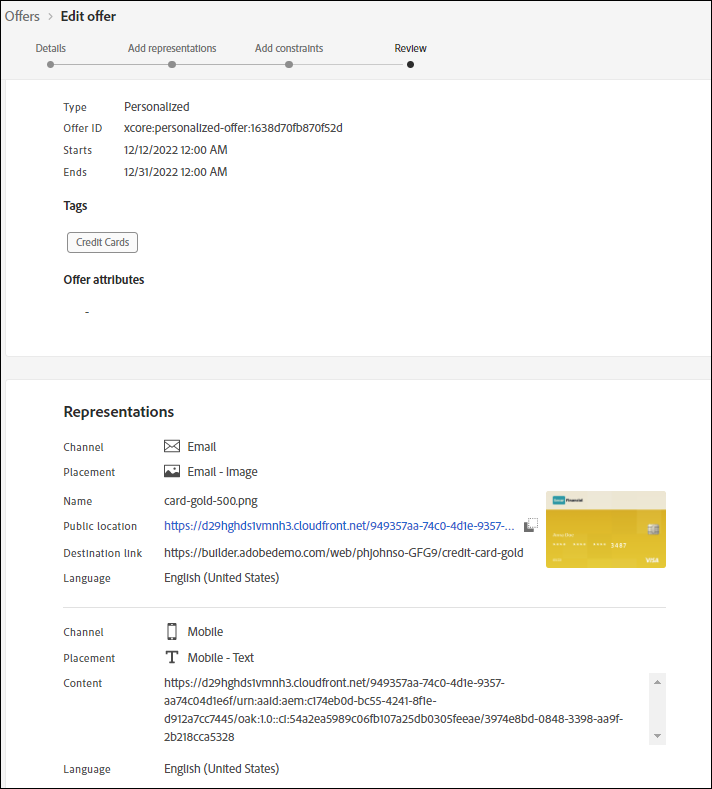
- Review your Offer Details. Click Finish and Save and Approve
- Repeat step 1 thru 20 but this time add our Our Moderate Offer.
Create a Fallback Offer
- Click Create Offer
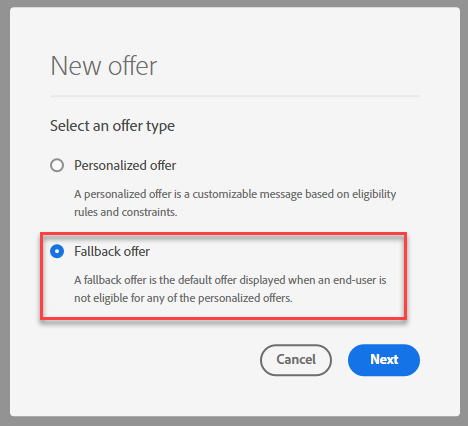
- Select Fallback offer. Click Next
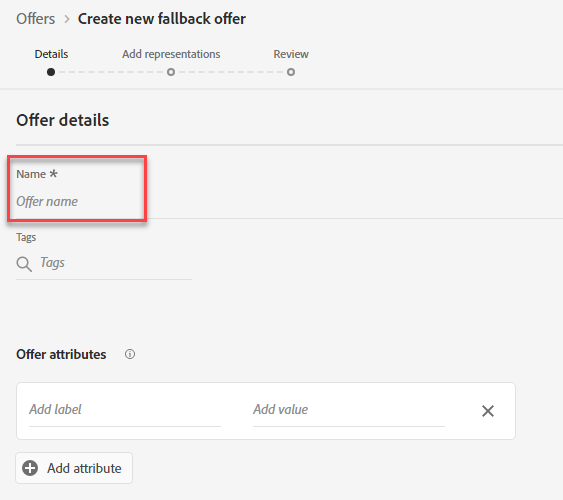
- Name offer fallback + Your name
- Select Email for Channel, and Email - Image for Placement. Click URL
- Add Fallback Image URL.
- Repeat steps 4 and 5 for all the placements.
- Review fallback offer. Click Finish
- End of Lab