Lab: Create a Decision
5 min
Create a Decision
- Navigate to Offers in the Left Menu

- Select Decisions

- Click “Create Decision”
Define Name and Dates
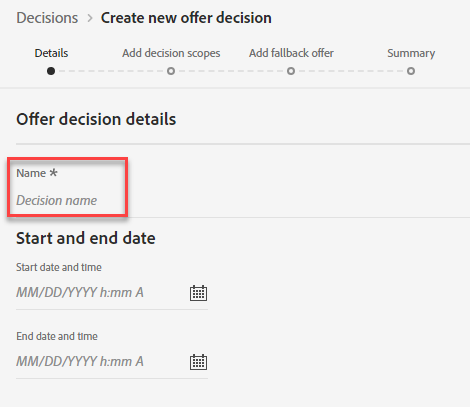
- Provide a Decision Name – Example: Coupon Decision - Initials
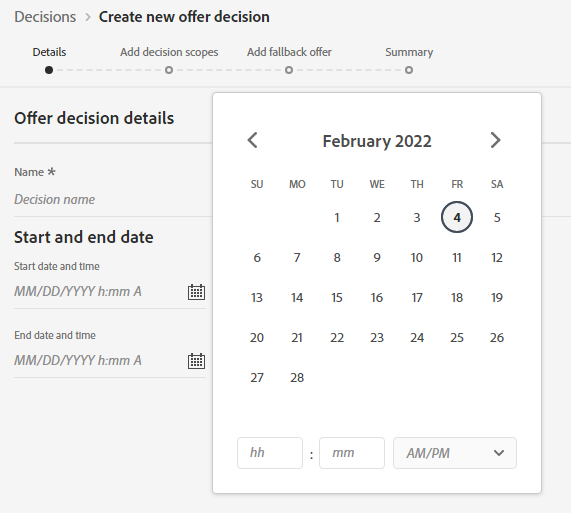
- Provide Start and End Dates. Click “Next”
Add Decision Scope
- Select placement of "Email - Image"
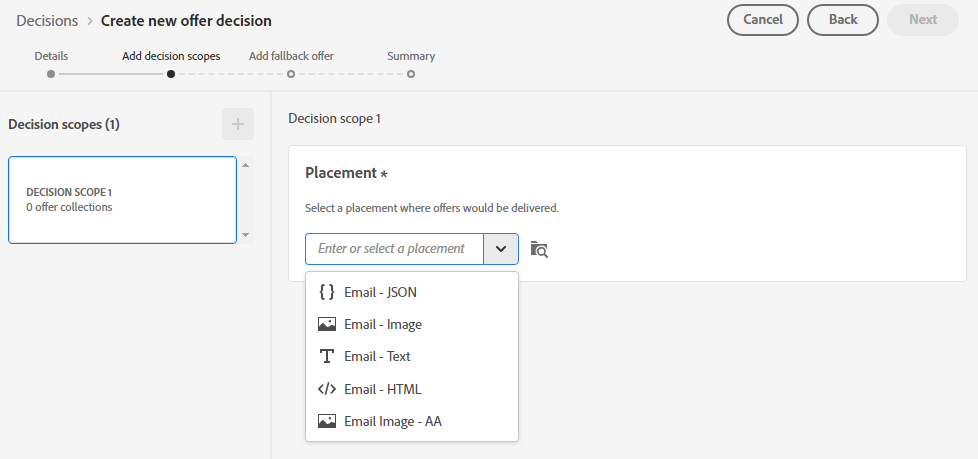
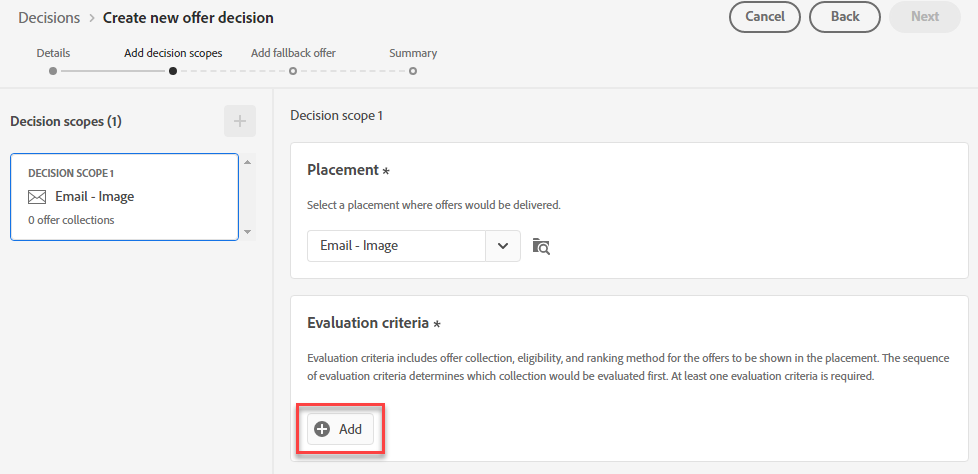
- Click "Add" to add Evaluation criteria
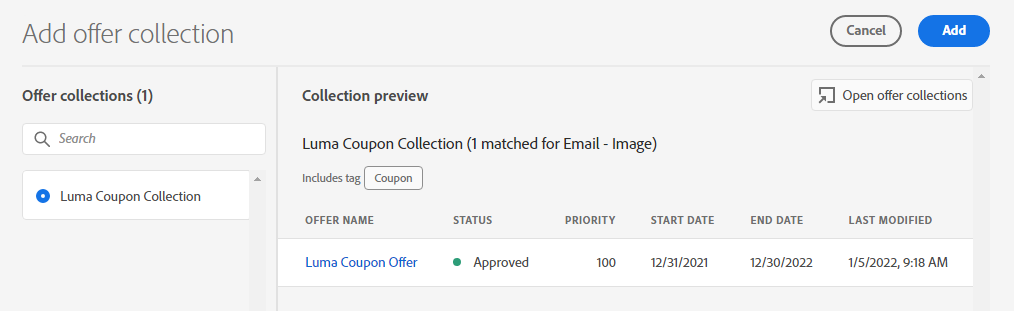
- Select your collection and Select Add
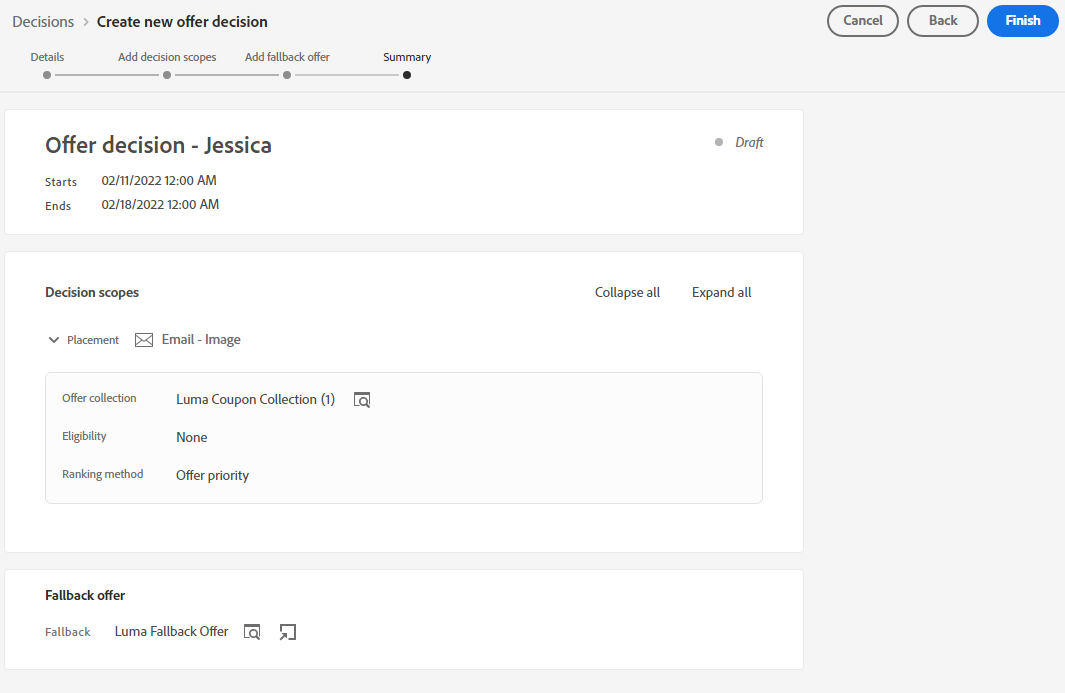
- Confirm Eligibility is set to "None" and Ranking method “Offer Priority.” Click “Next”
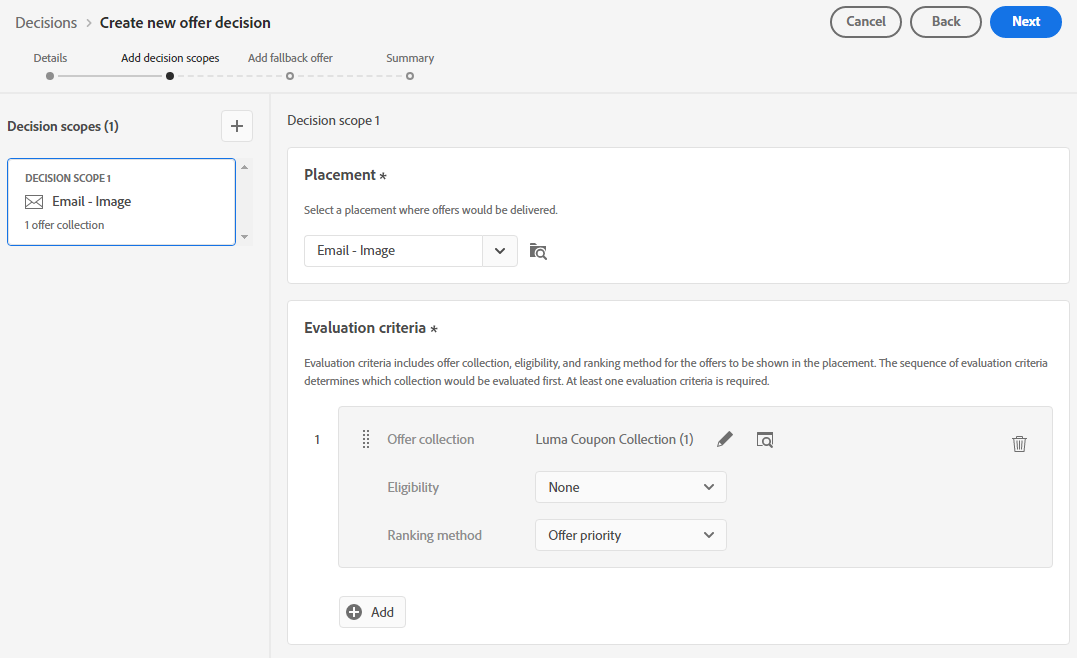
- Click on the Plus sign Next to Decision Scops and add all the placements for our offer. Then for each repeat steps 2, 3, 4 for each.
- Once the scopes are all in, click next.
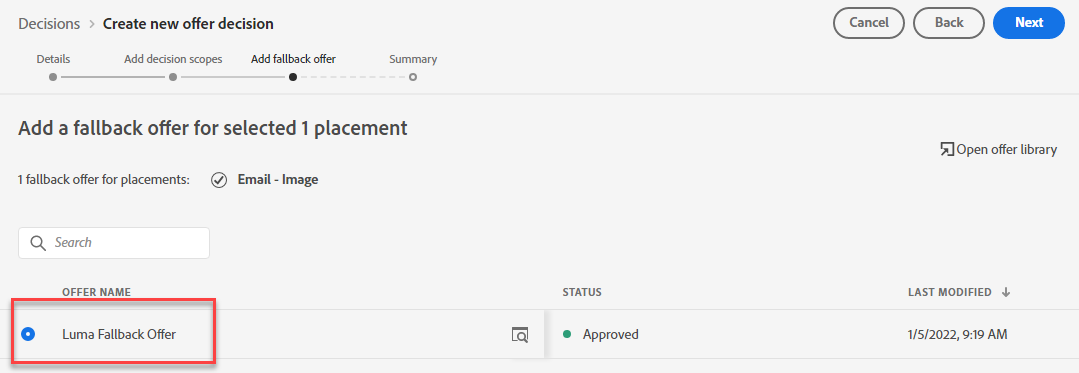
Add Fallback Offer
- Click on the Fallback Offer you created. Click “Next”
- Review Offer Decision. Click Finish