Testing the journey
2 min
est completion: 10 min
In this exercise we'll experience the journey we've build by browsing the website as a real prospect.
- Go on the Admiral website
- Navigate to the Vehicle section at the top of the website.
- Click on the Apply now button.
- Enter your information, especially the email address you wish to receive the emails from the journey.
- Click Next and go back to the home page so you abandon the quote.
- After a minute you should receive this email
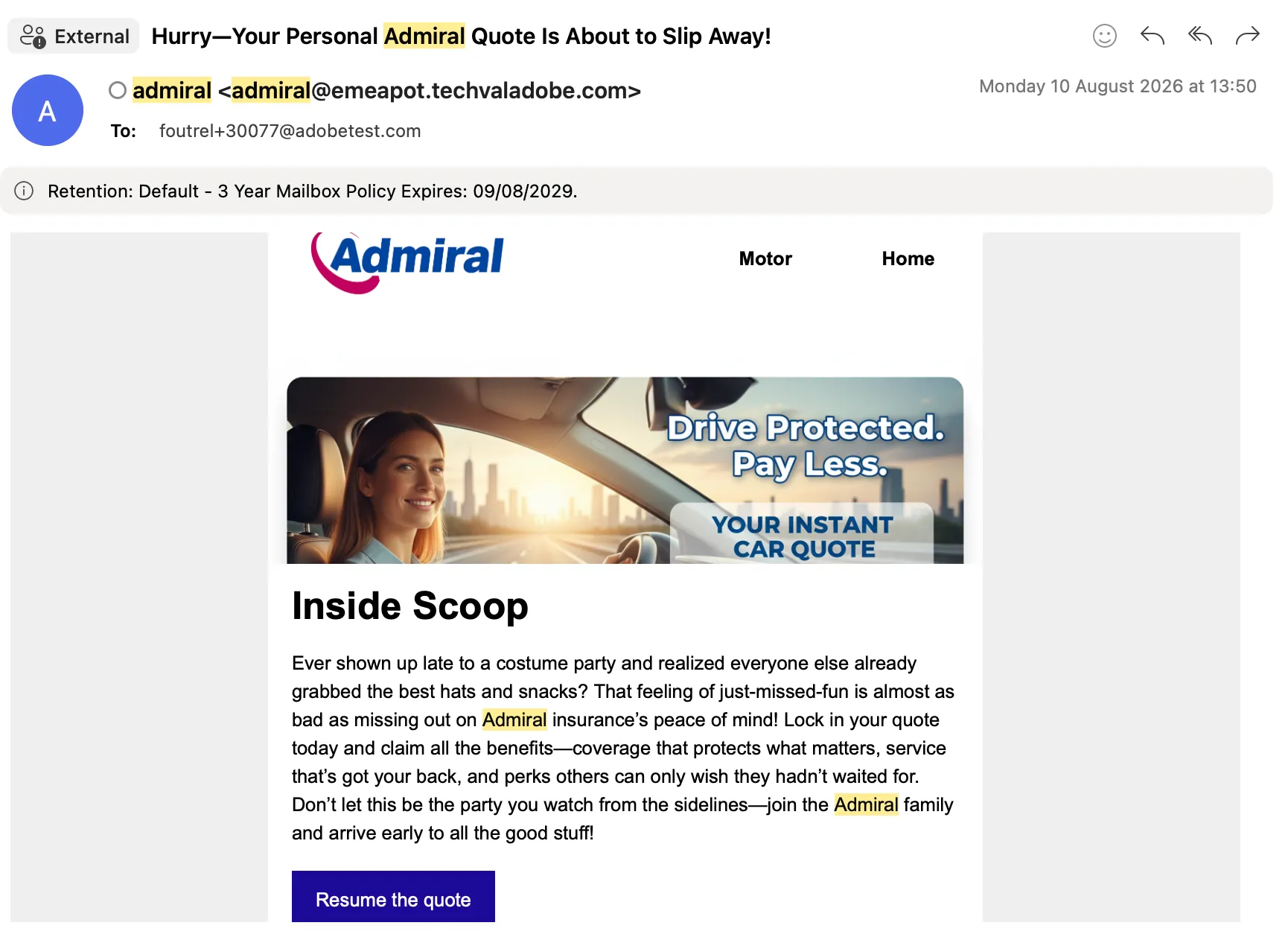
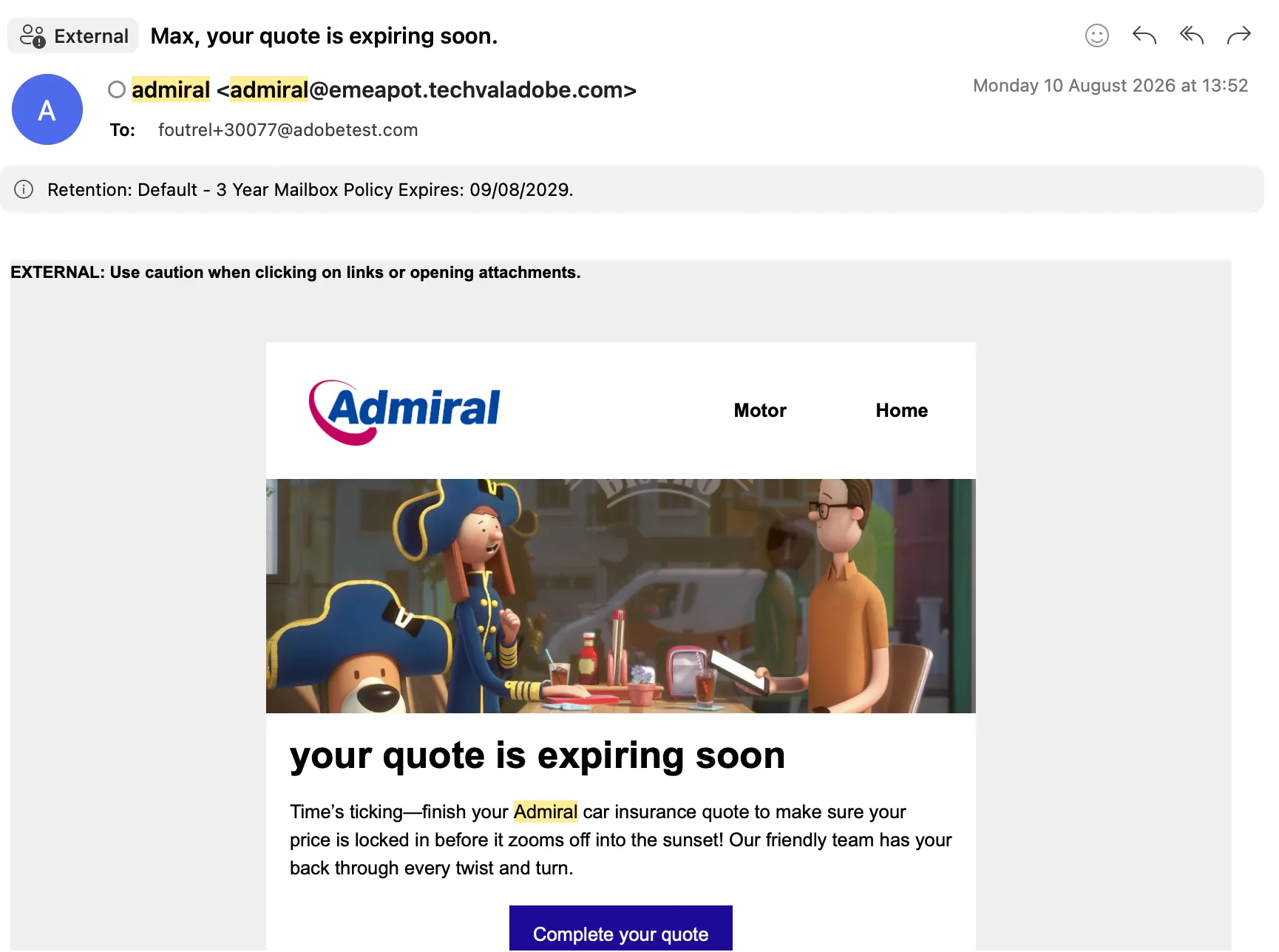
- After 1 or 2 minutes you should receive the follow-up emails (in the journey you have built it would take 1 or 2 days to receive it).
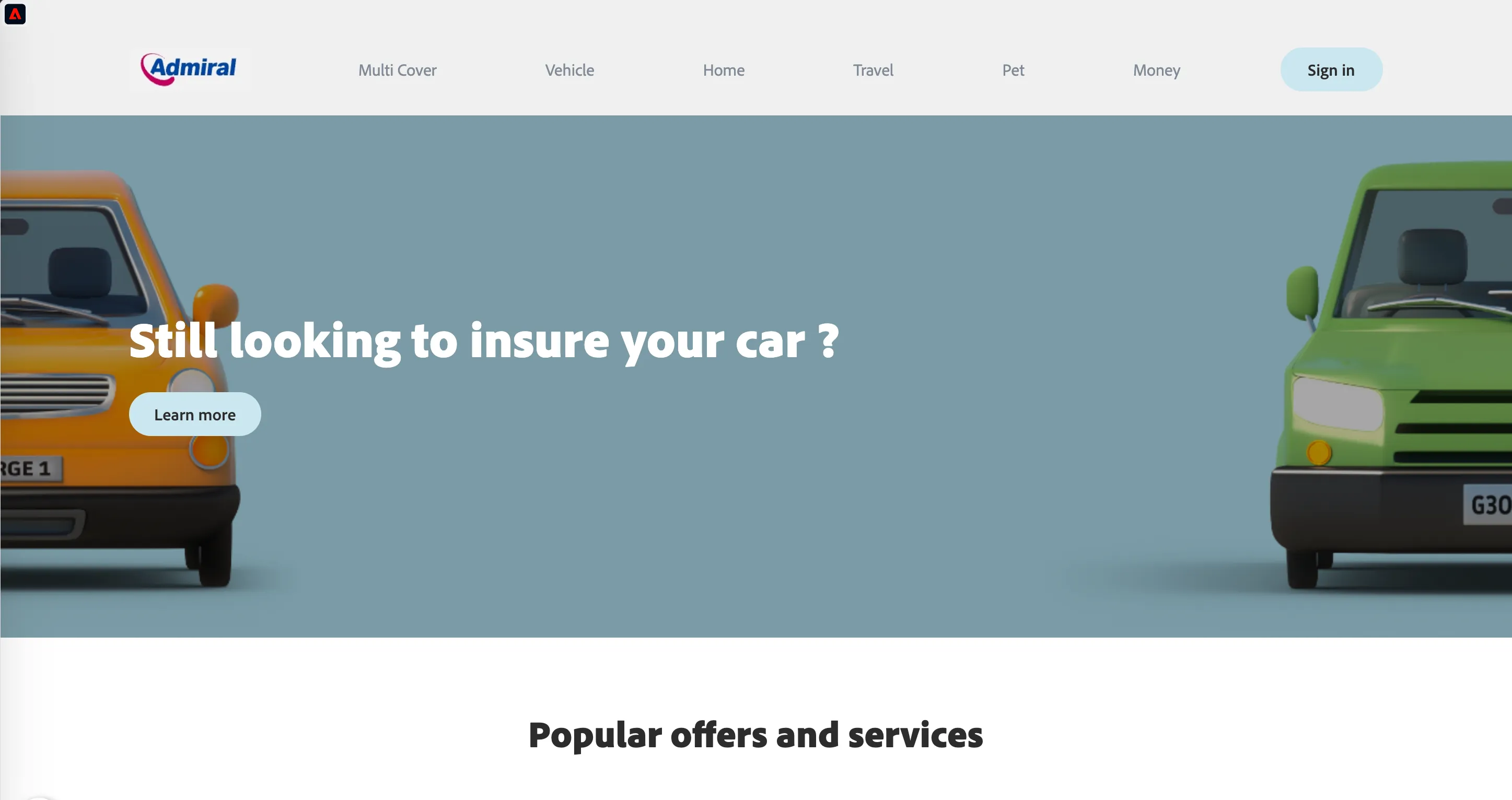
- When you receive this email it means you can refresh the Admiral's website home page and the below banner should now be displayed as well:
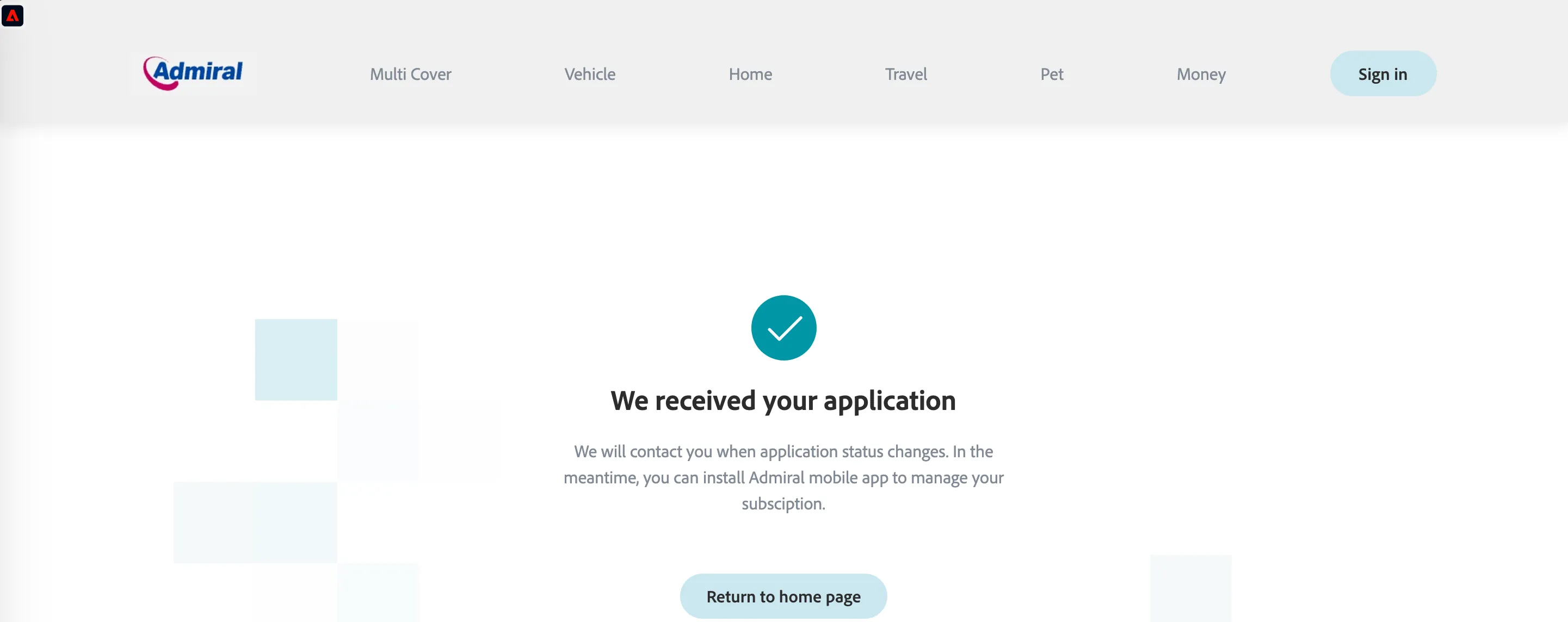
- Navigate to the Vehicle section and complete the 2 steps of the quote to subscribe for a car insurance policy.
- Open the Profile Viewer by a click on the
 button. Expand the Attributes section and verify that you have values in Insurance Subscribed, Policy Status and Policy Start Date fields.
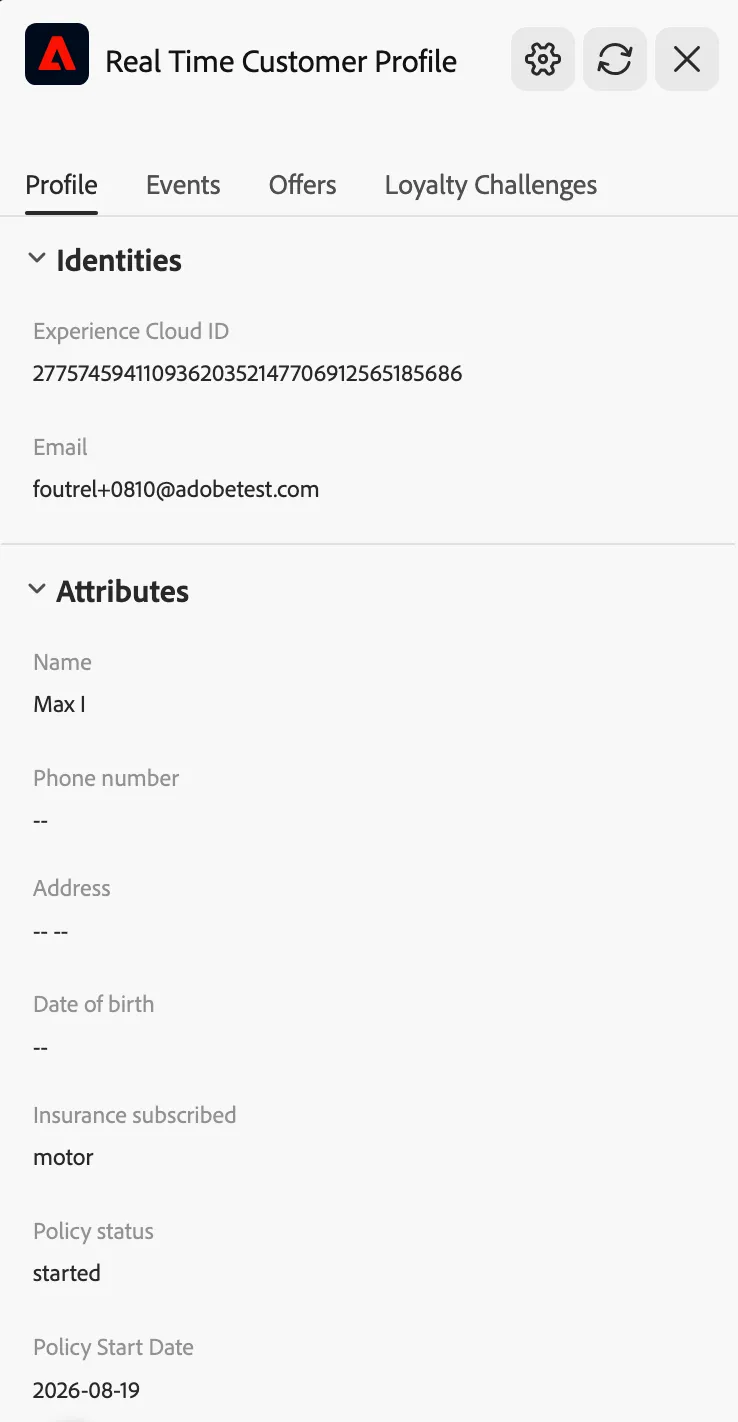
Congratulations! You have now successfully configured and tested an end-to-end abandoned basket journey for your potential first-time buyers!