Push Notification #1
1 min
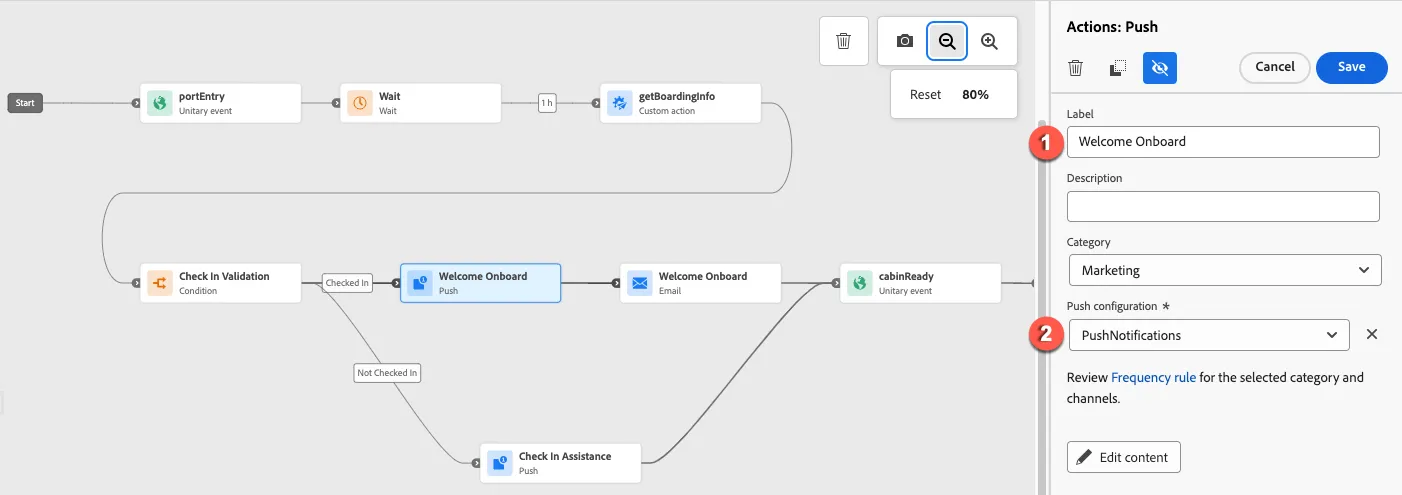
Select the first Push action. Label it Welcome Aboard and select the PushNotifications configuration.
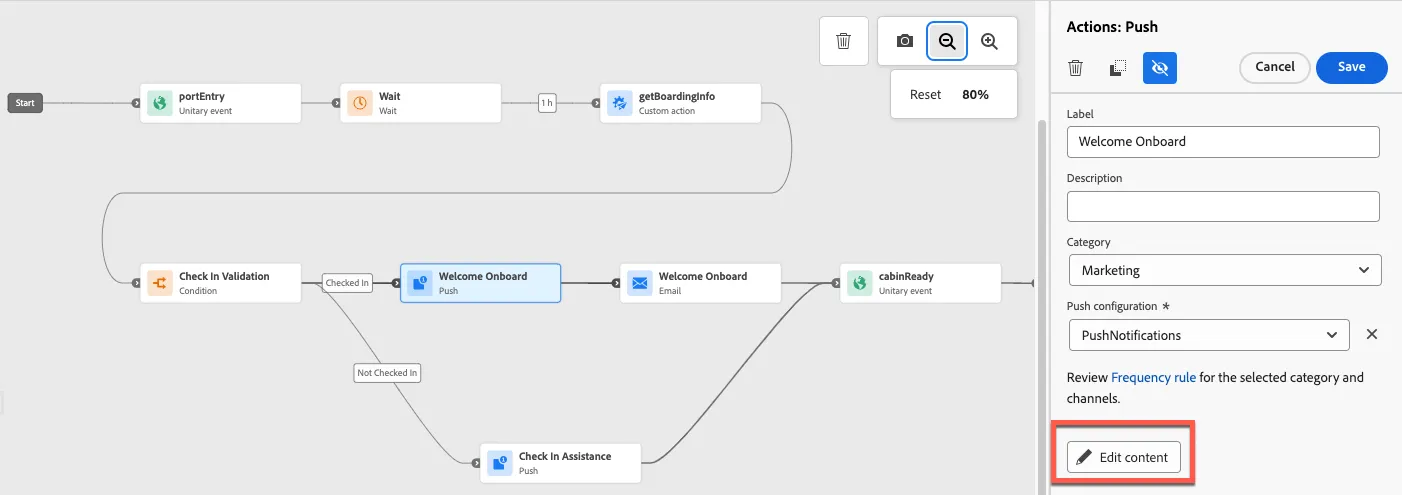
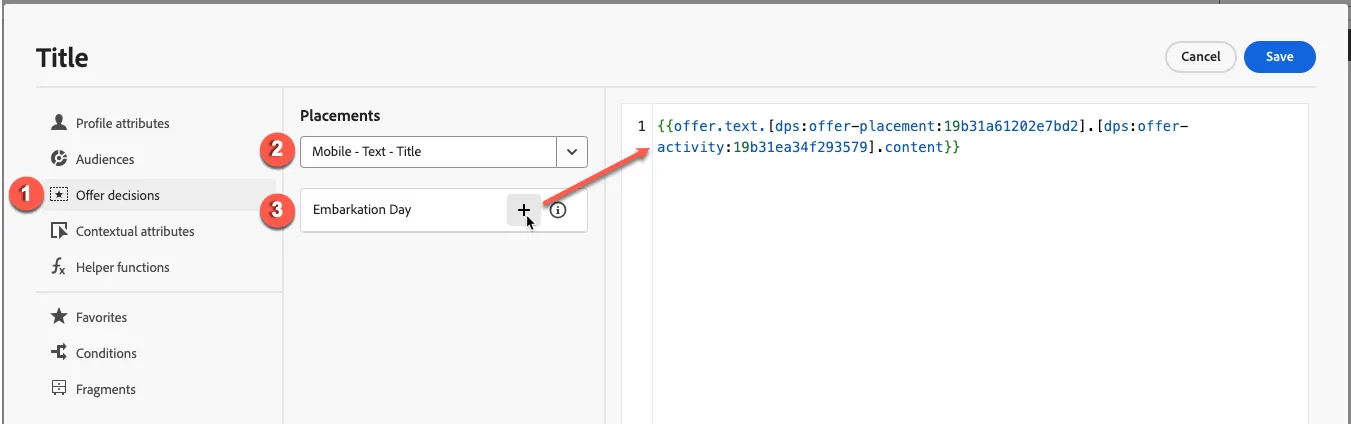
Click the Edit content button to begin editing the push notification. Edit the title by clicking the portrait icon next to the title field. From the next modal, select the Offer decisions menu, select the Mobile - Text - Title placement and add the Embarkation Day offer. Click Save.
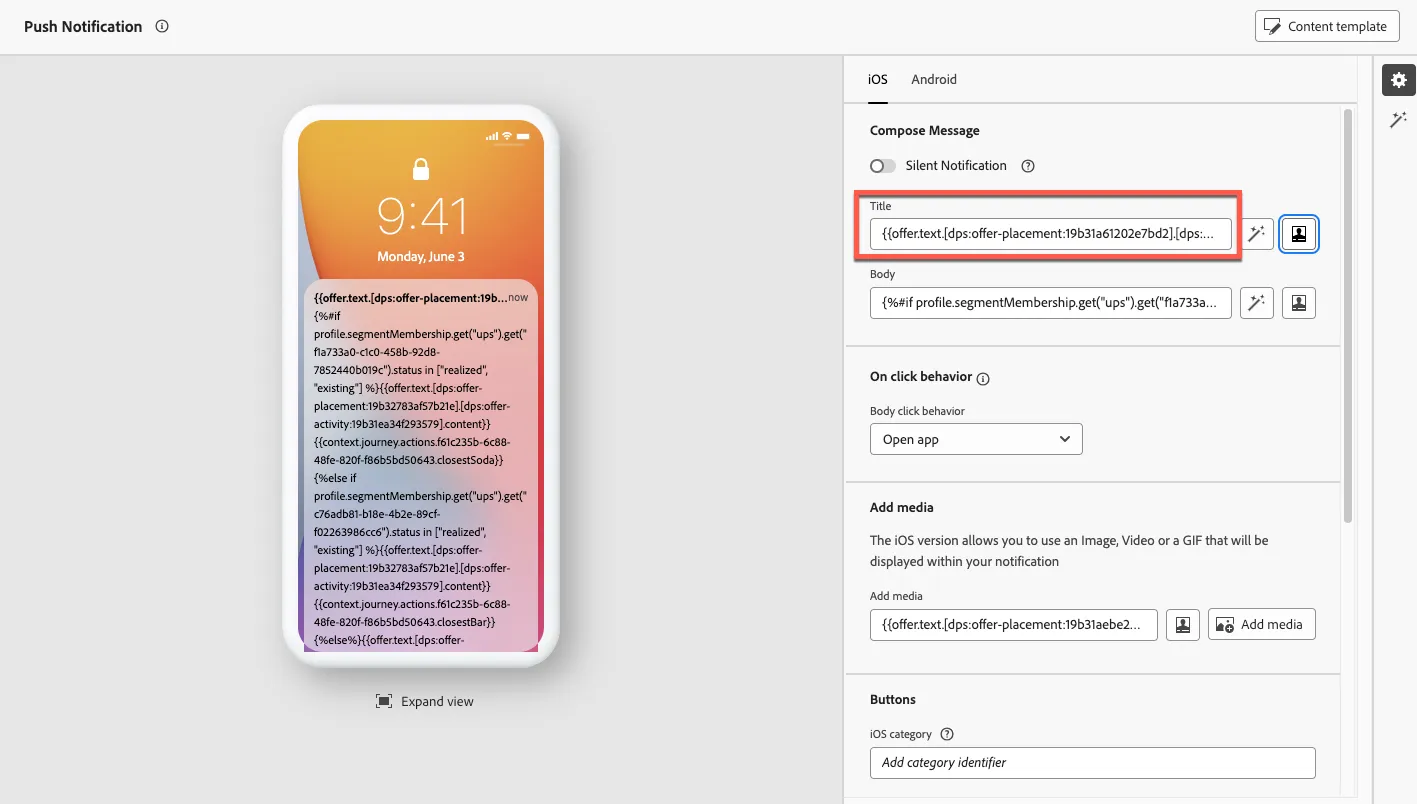
Edit the push notification body. Copy and paste the expression found here into the editor.
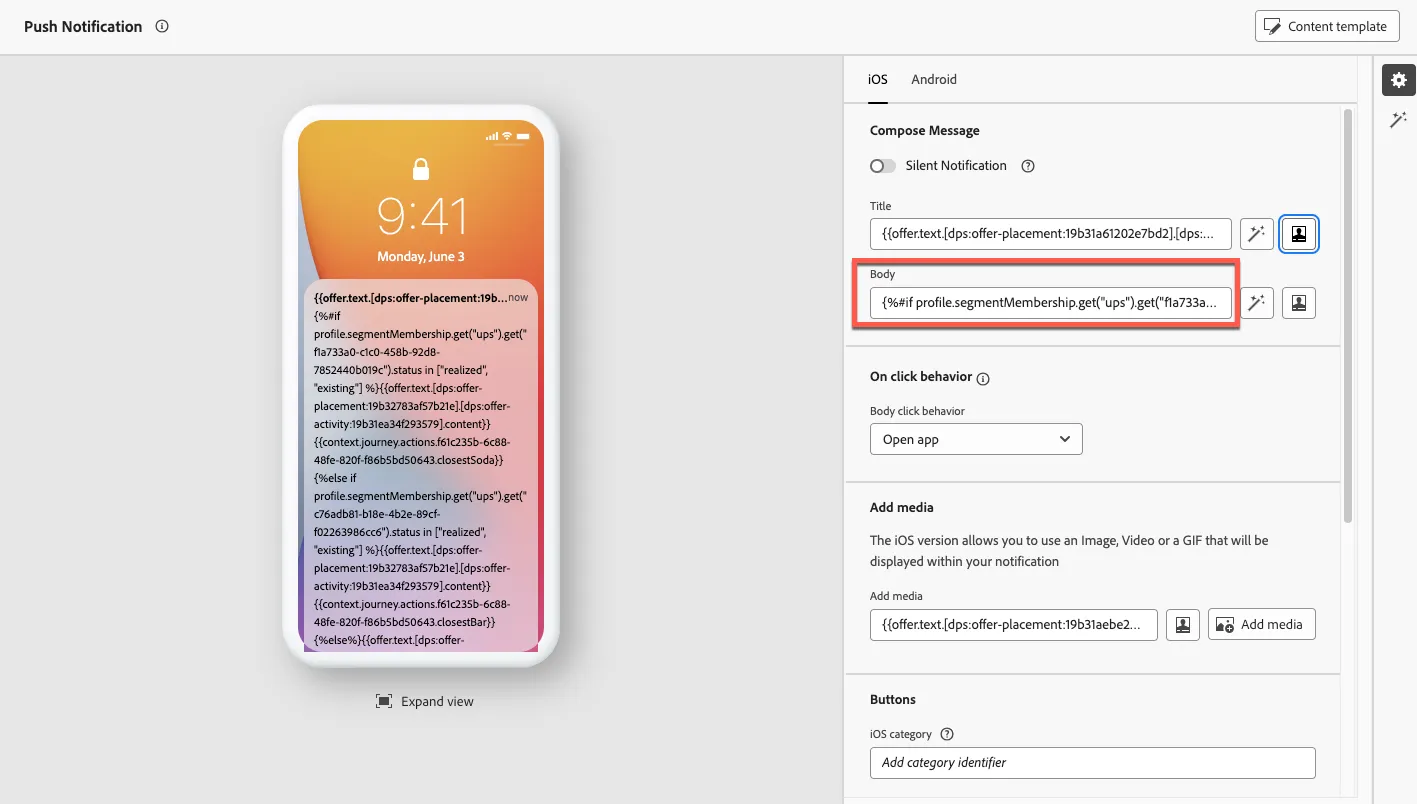
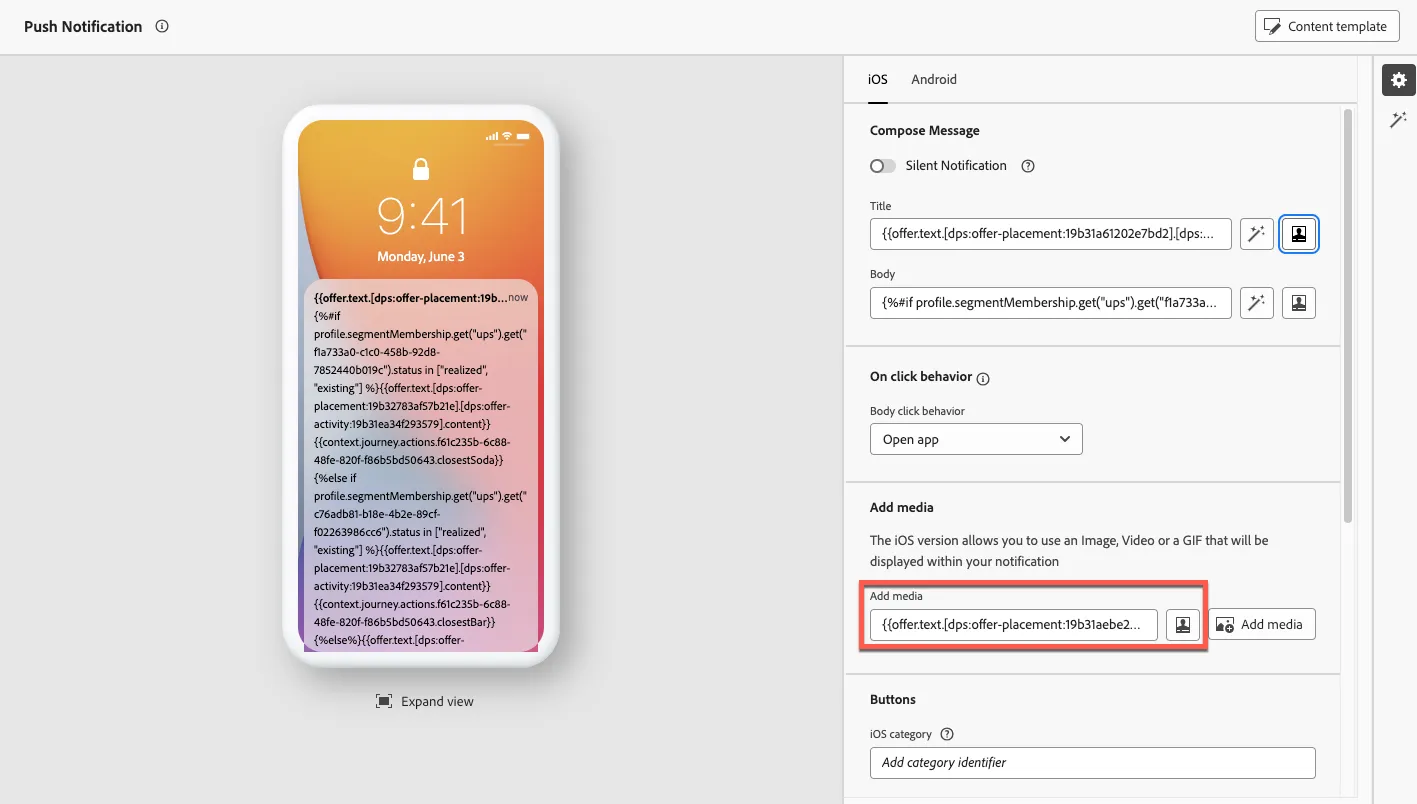
Add an image to the push notification by clicking into the input field. Select the Mobile - Text - Image placement and the Embarkation Day offer.