Push Notification #2
1 min
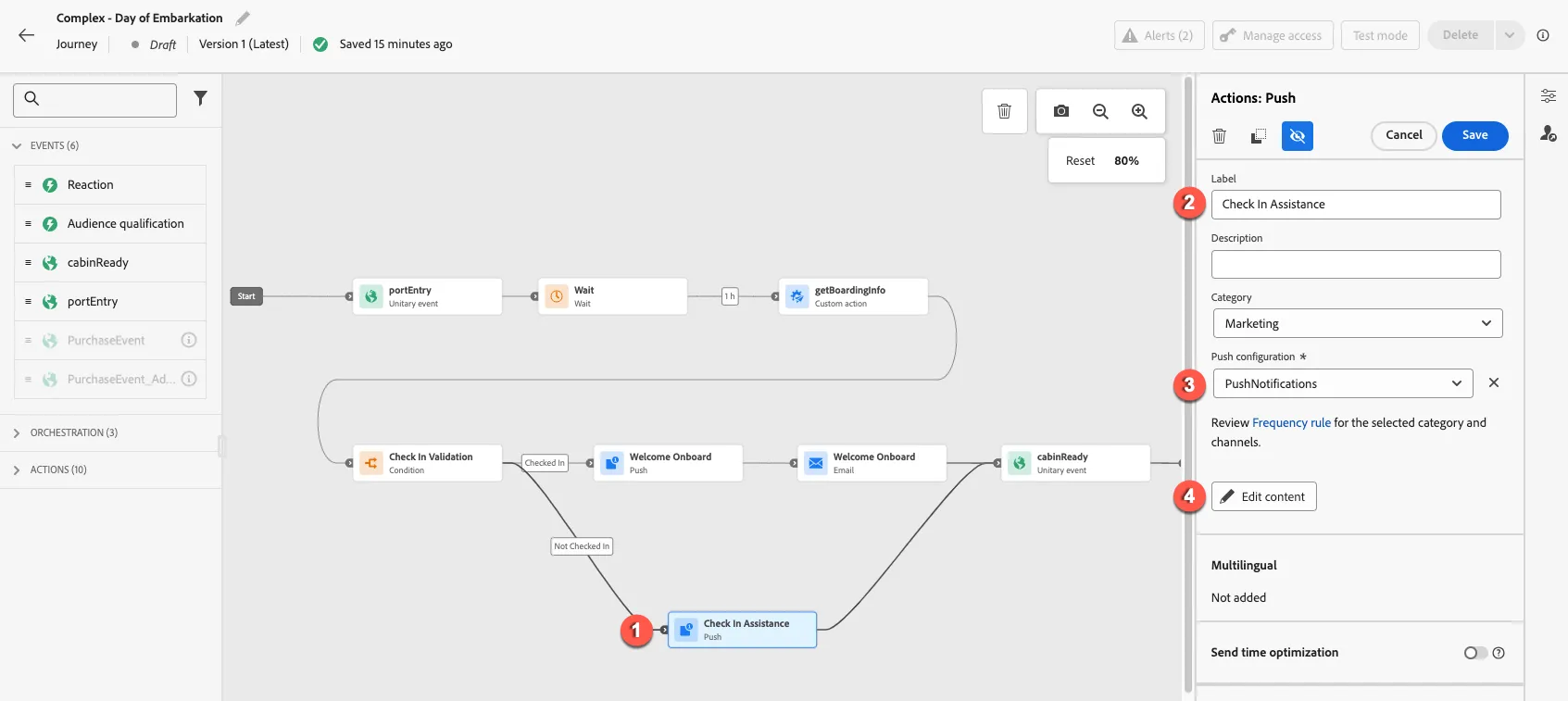
Select the second push action. Add the label Check In Assistance, select the PushNotifications configuration and click the Edit content button.
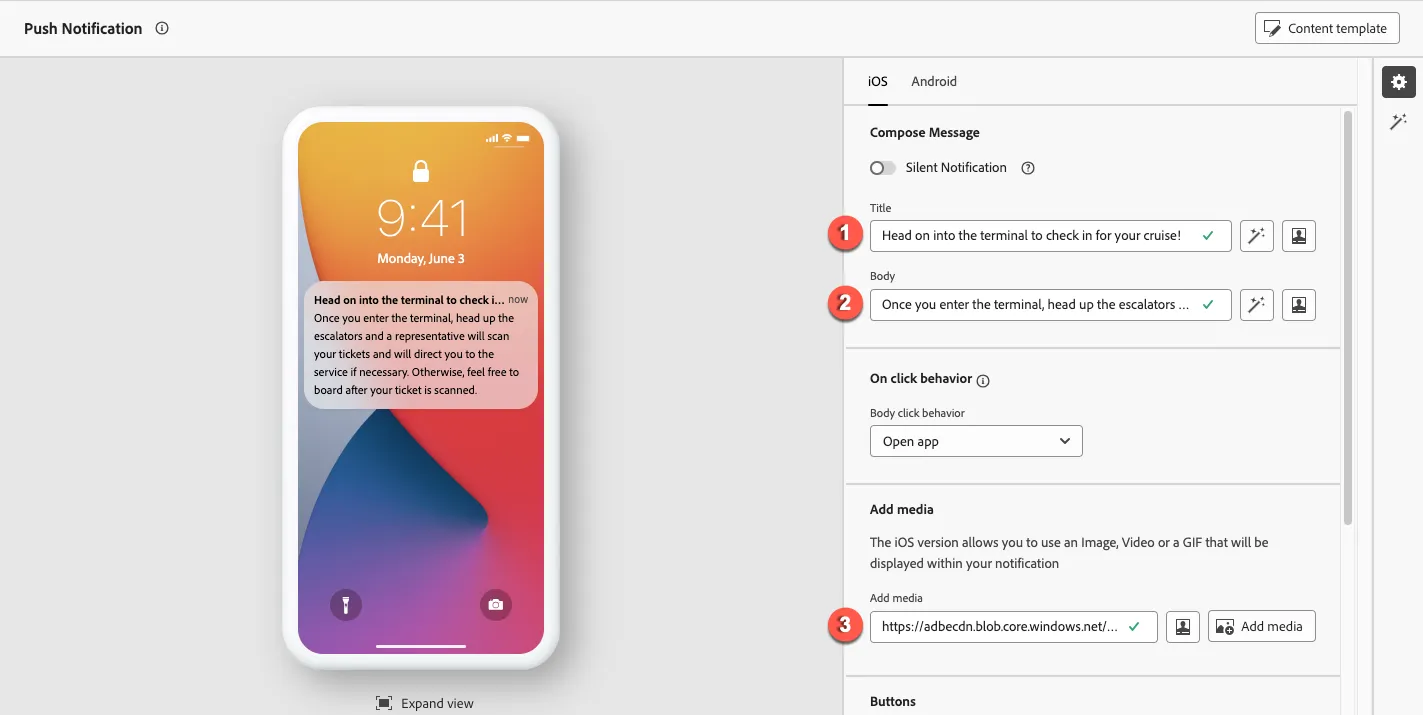
Click the portrait icon for Title and Body to edit the text. Add the following text: Title: Head on into the terminal to check in for your cruise! Body: Once you enter the terminal, head up the escalators and a representative will scan your tickets and will direct you to the service if necessary. Otherwise, feel free to board after your ticket is scanned. Select media by clicking the Add media button
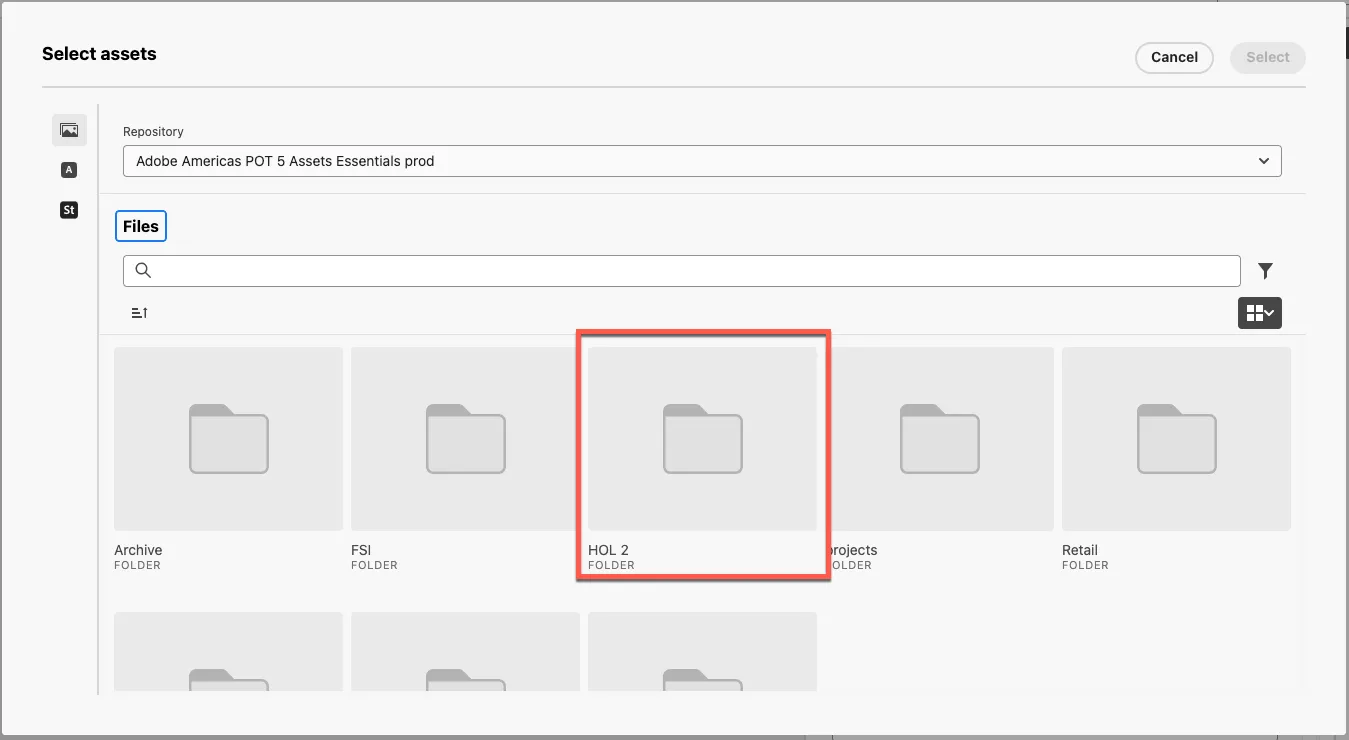
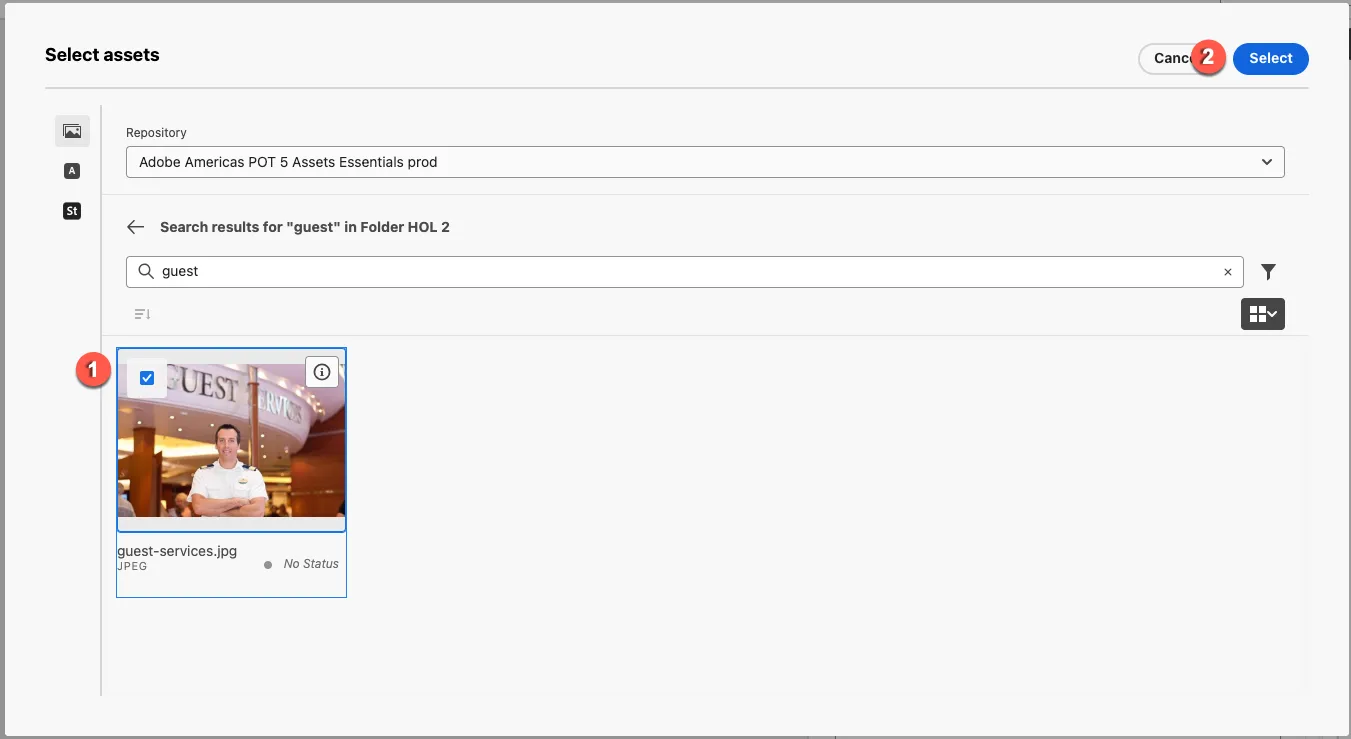
Select the guest services image from the Assets Essentials repository. The image can be found in the HOL2 folder.
-