Agent App Integration
In this exercise you'll use our demo Agent Interface to understand the types of information that Adobe Experience Platform can share with an Agent about a prospect or existing customer before making an outbound contact. This is a view that could be expected only AFTER the initial conversion to ensure that Bajaj has the customer data which may not be shared prior to the first policy being purchased.
For our use case we have sent our high value and high risk renewal customers to agents for priority contact.
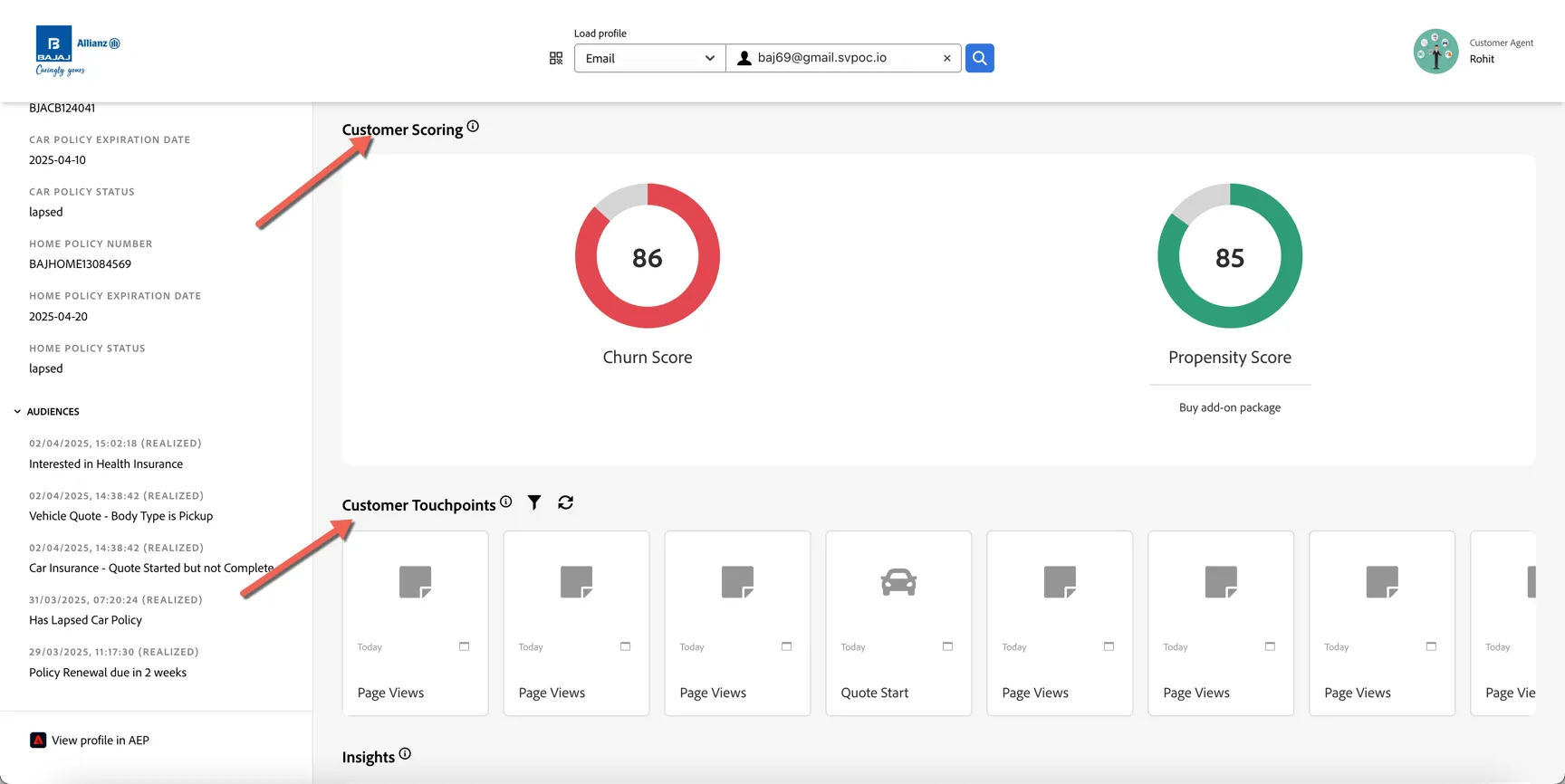
Before dialing the customer the agent can lookup the customer profile to understand:
- What the customer has been viewing on line recently
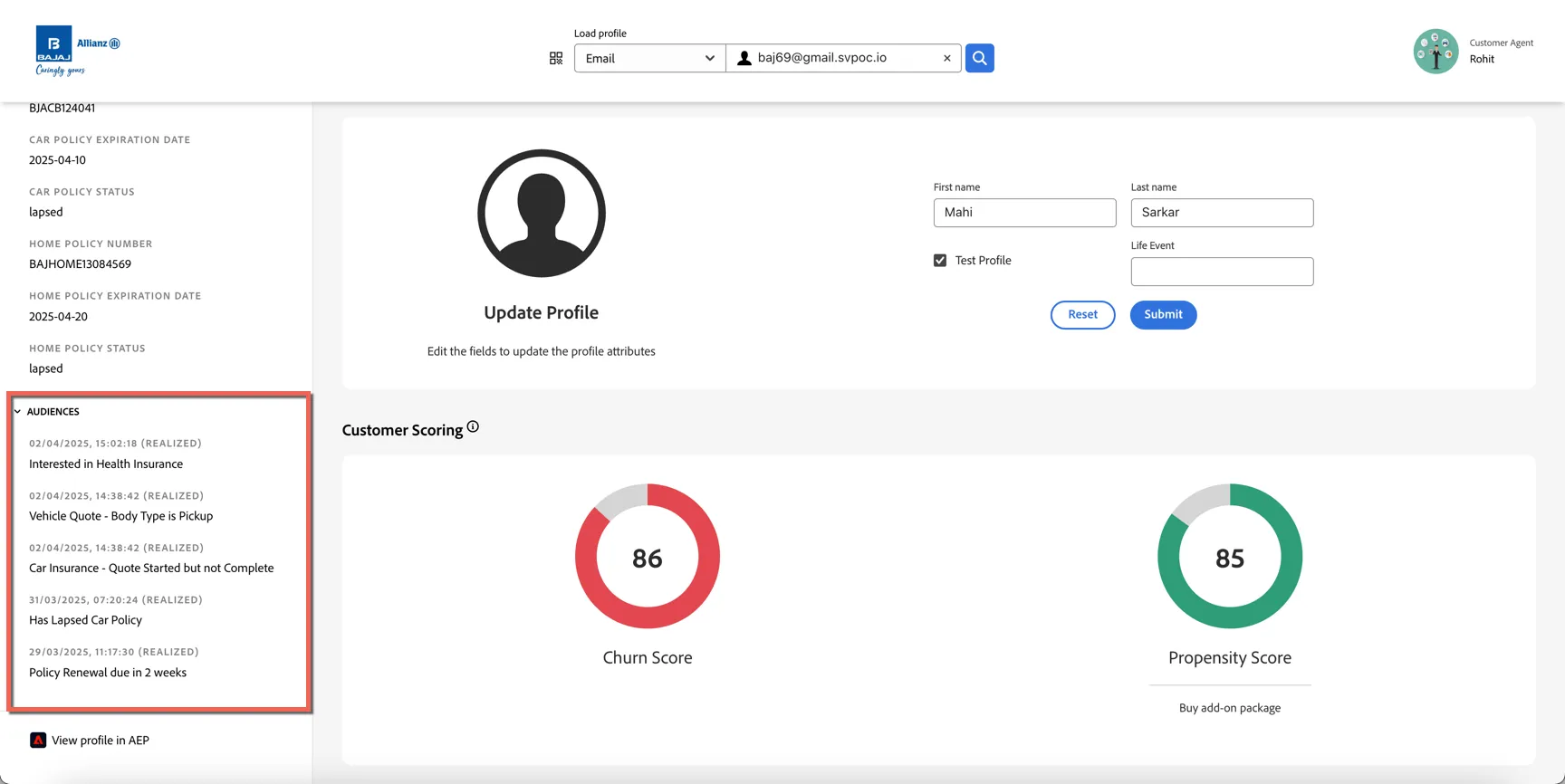
- What Audiences the customer is currently a part of
- Any AI based churn or propensity scores which they can leverage to direct the customer to products they might be interested in if renewal seems unlikely.
Click to open the agent app here: https://dsn.adobe.com/p/bajaj-agent
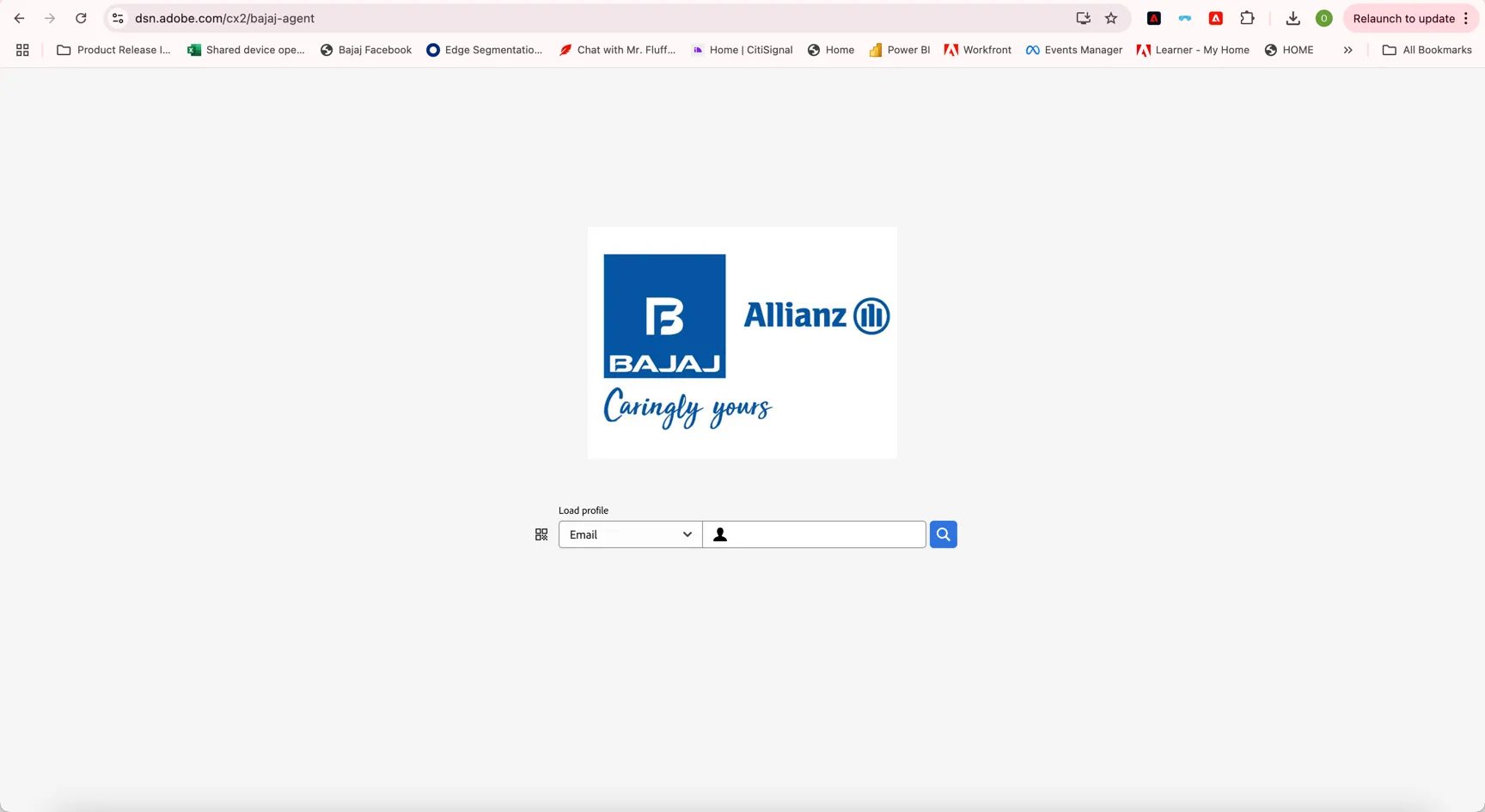
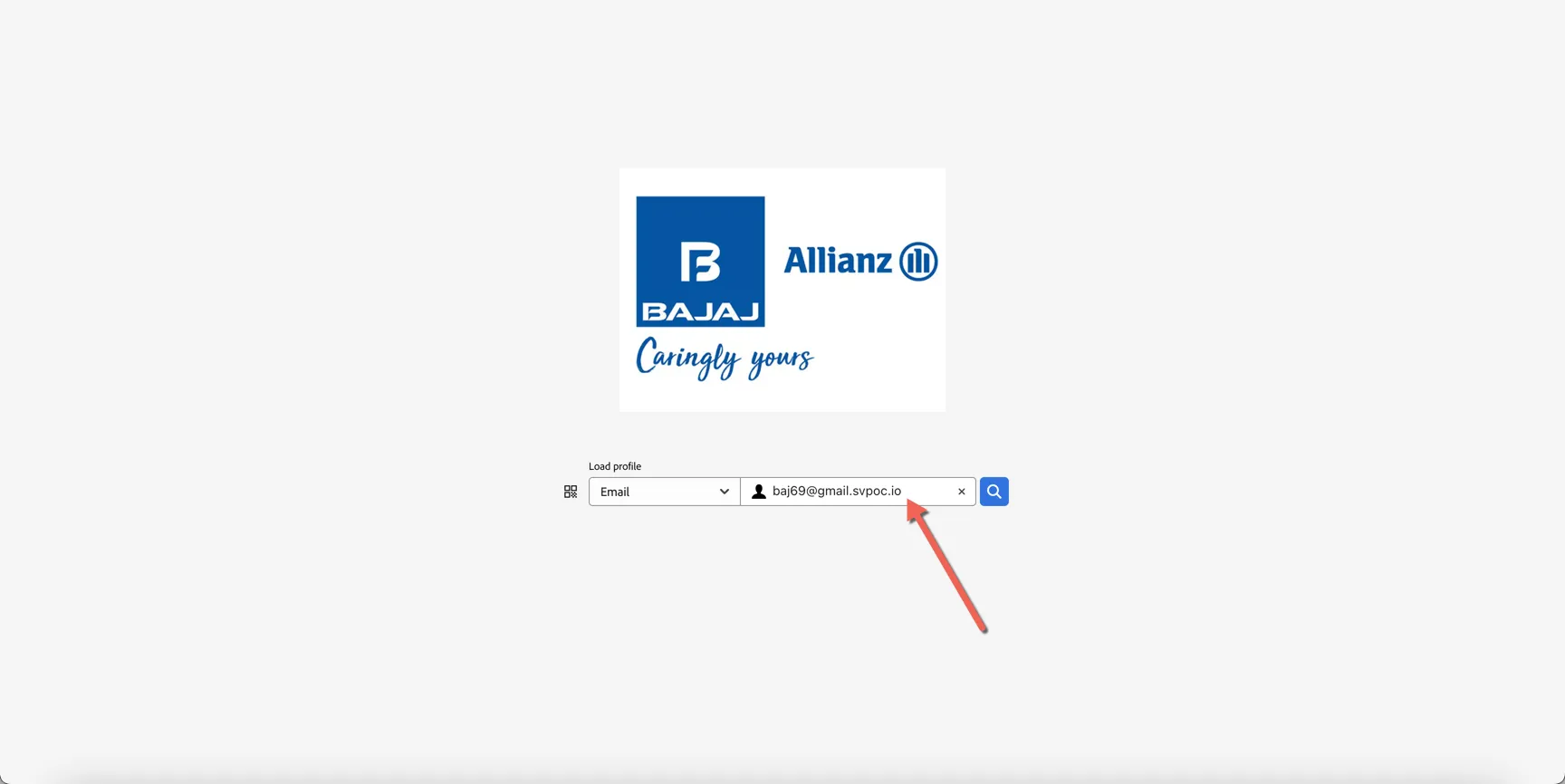
Use the email address or phone number from your Customer Profiles to lookup your profile.
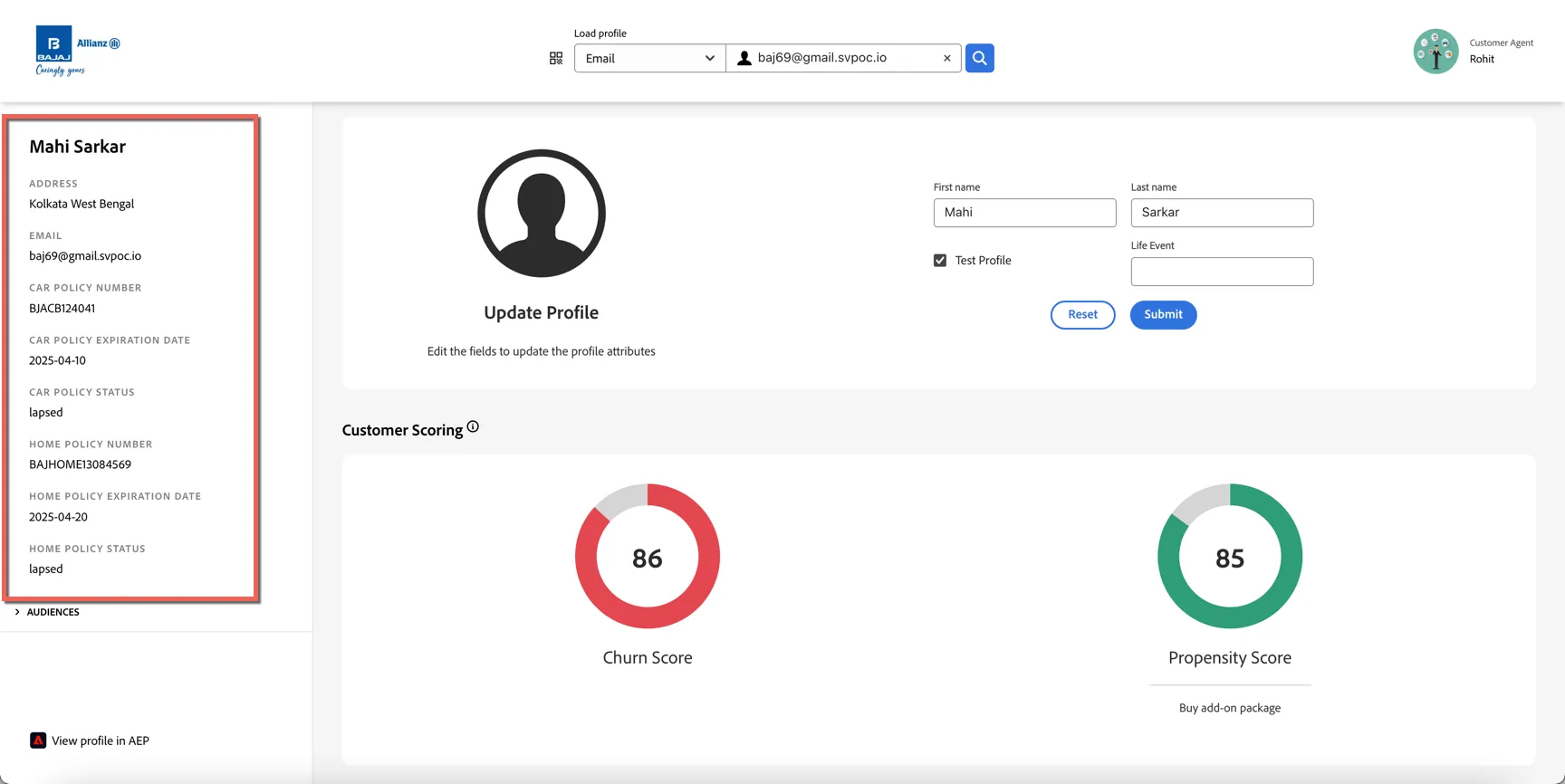
In the left panel we can see some selected attributes from the profile.
Under this we can see which audiences the customer is currently a part of
In the main panel we can see the AI Generated Scores for churn and propensity. Along with the customers interaction history across channels. Having access to this rich data will help agents understand what the customer is interested in most.
Scrolling down the agent can also collect survey feedback directly from the customer and send it back to AEP.
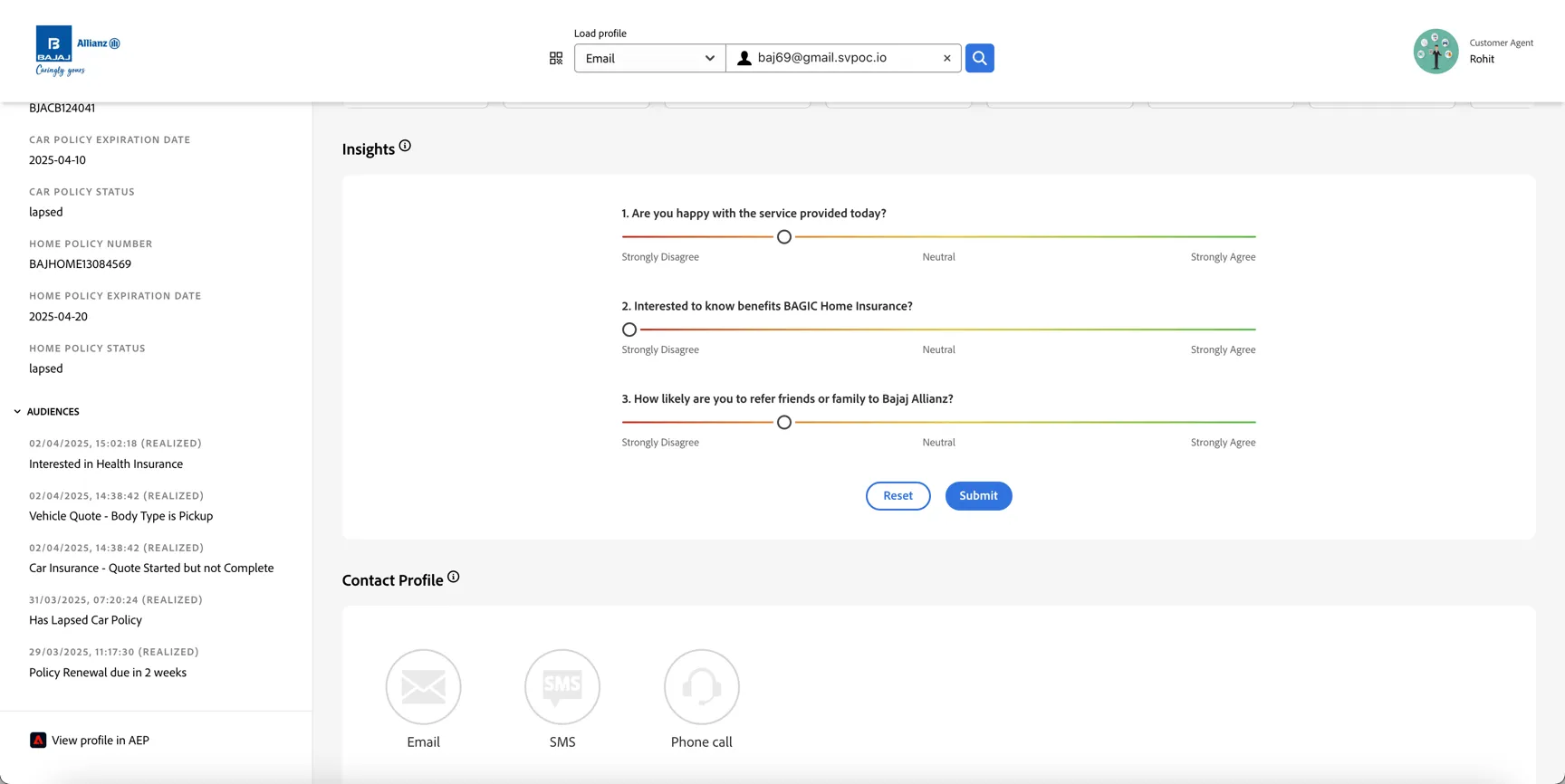
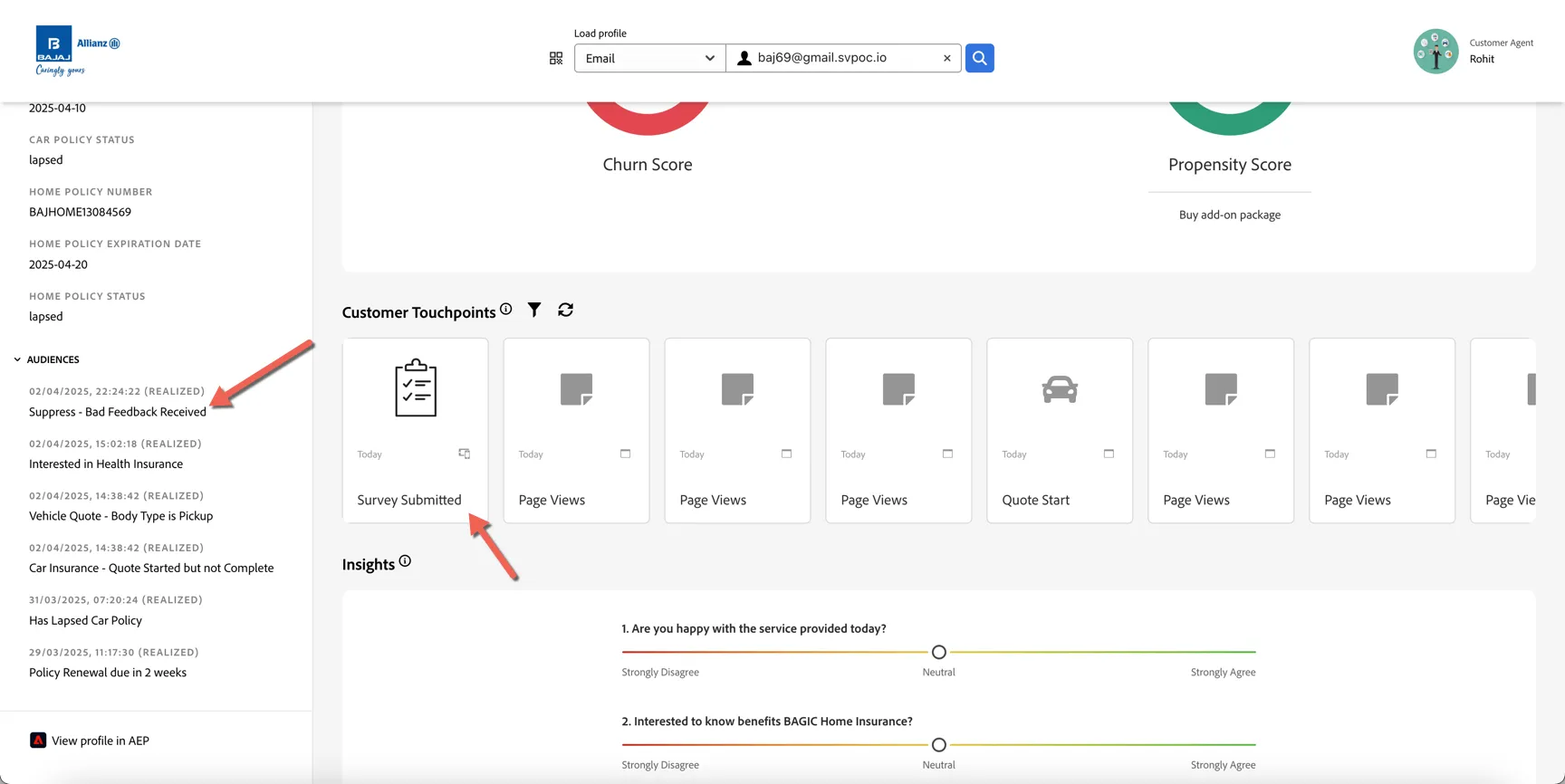
This feedback can be used to immediately influence the audiences that the customer is part of. If you submit negative feedback, refresh the browser and you'll see the customer enter into a suppression segment to prevent further marketing campaigns from sending until the issue is resolved.
Congratulations you've completed the lab on Agent App Integration.