Customer Experience
In this exercise you'll start the car insurance quote on the website as if you were a customer.
You'll learn:
- how to look up a profile in Adobe Experience Platform and view it's events.
- View the identity graph and understand how anonymous and known profiles are stitched.
Lookup your Profile
We've pre-loaded some fake customer profiles into our lab environment. Copy the phone number (or email address) from the Customer Profiles page that matches your lab user number.
Open Adobe Experience platform and browse to the Customer -> Profiles page. Click to the Browse tab.
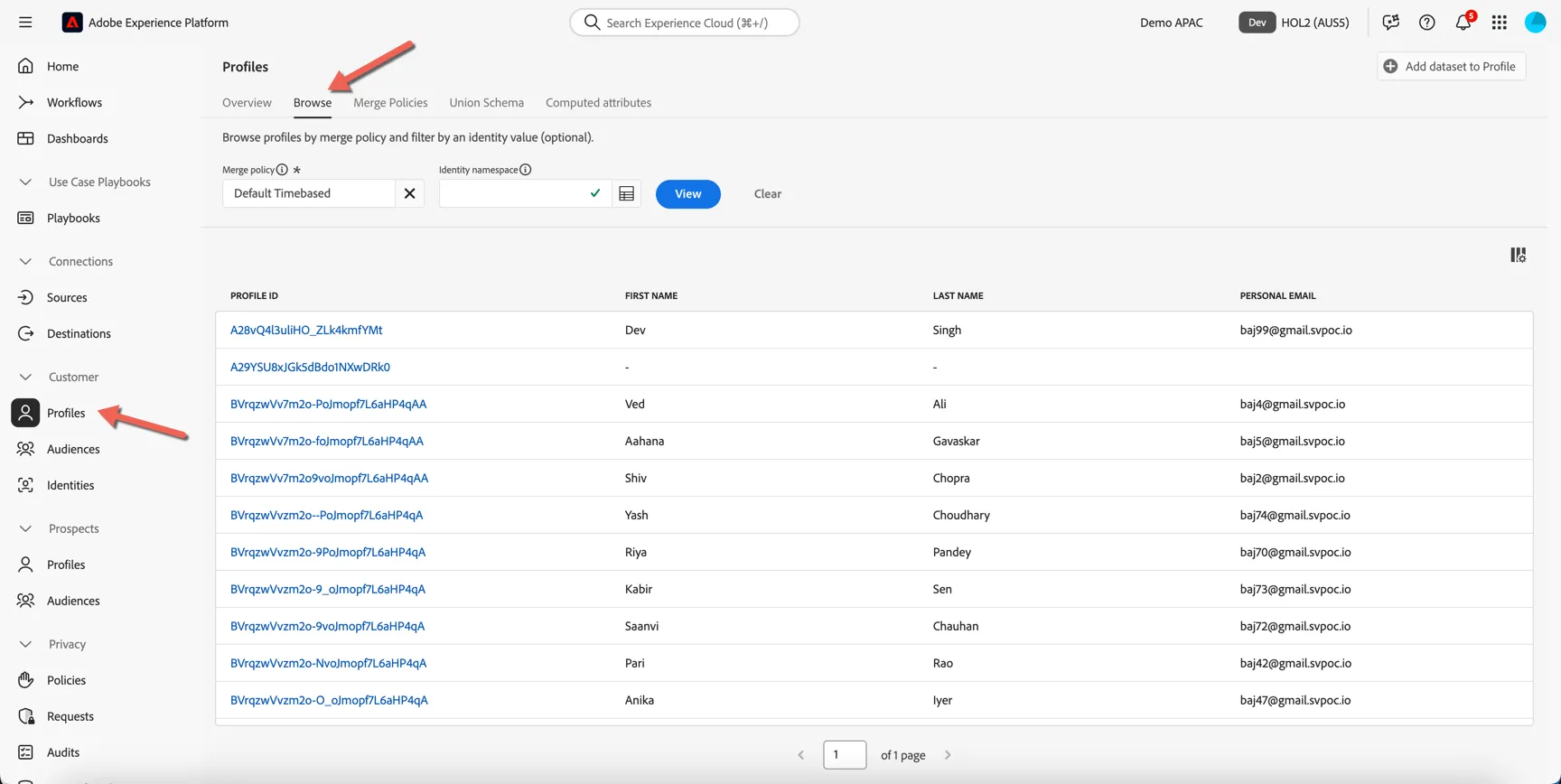
Select Phone as the identity namespace that we will use to lookup the profile.
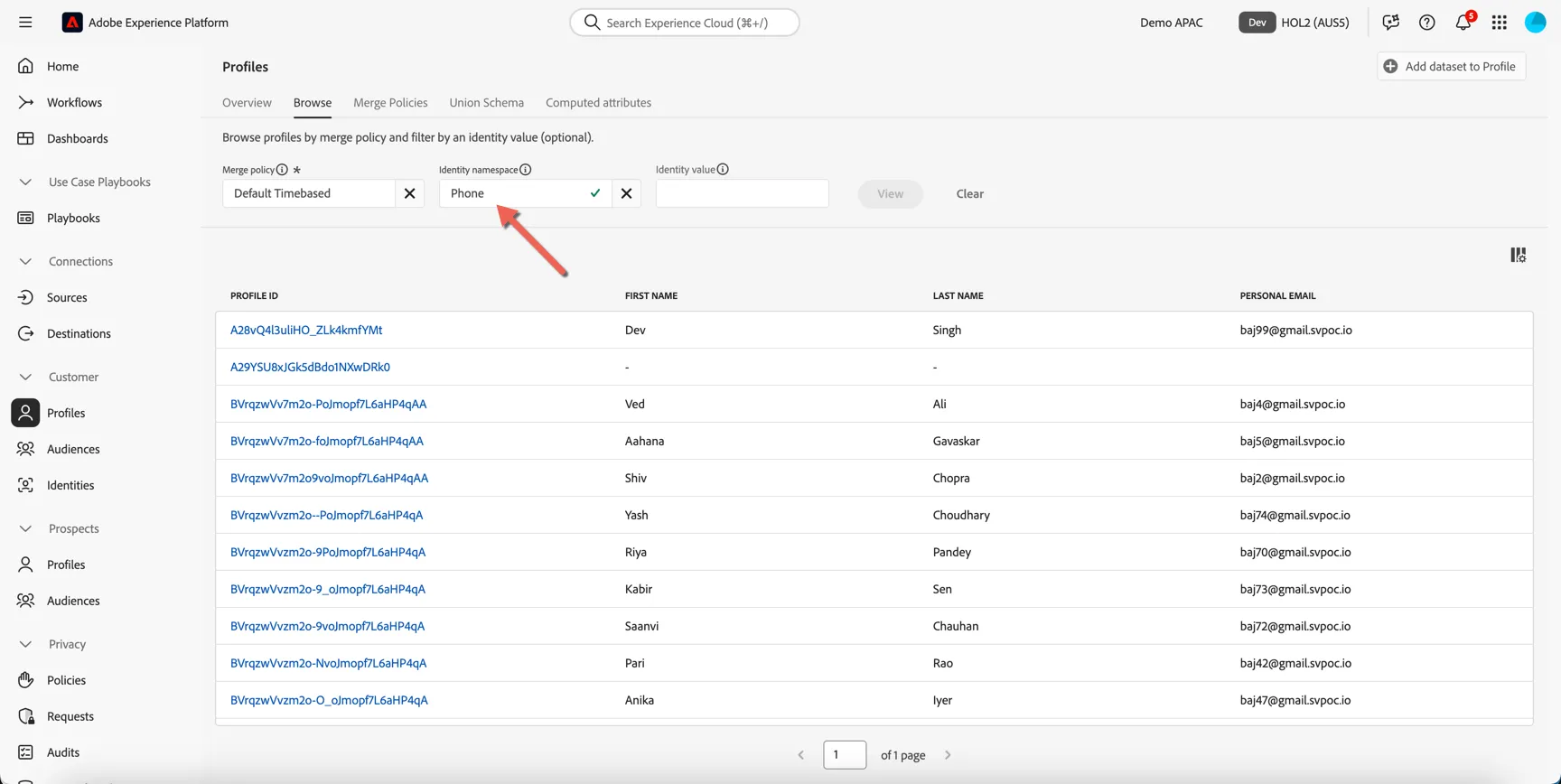
Insert the phone number you copied from the Customer Profiles page into the Identity value field. Then click View.
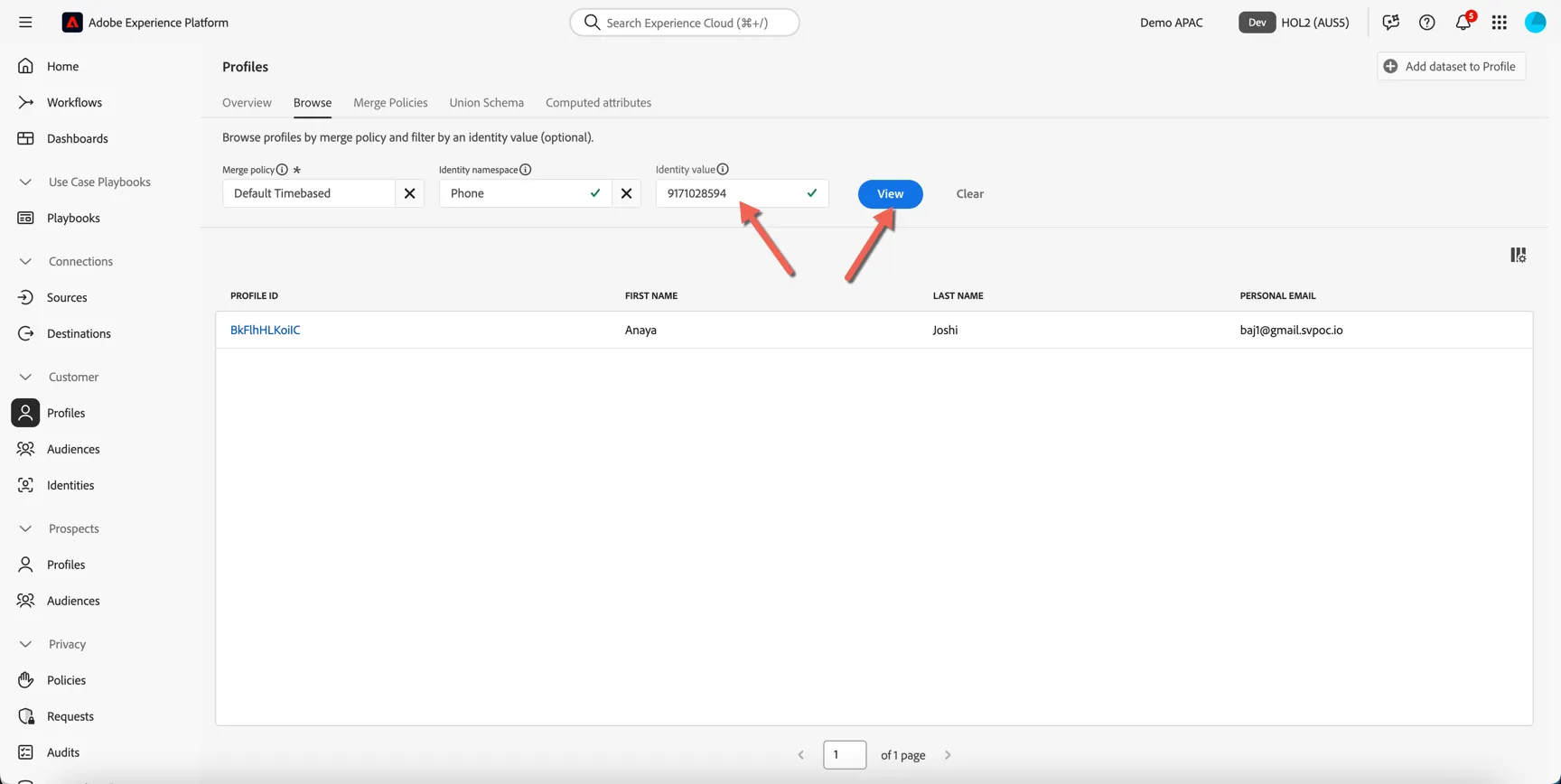
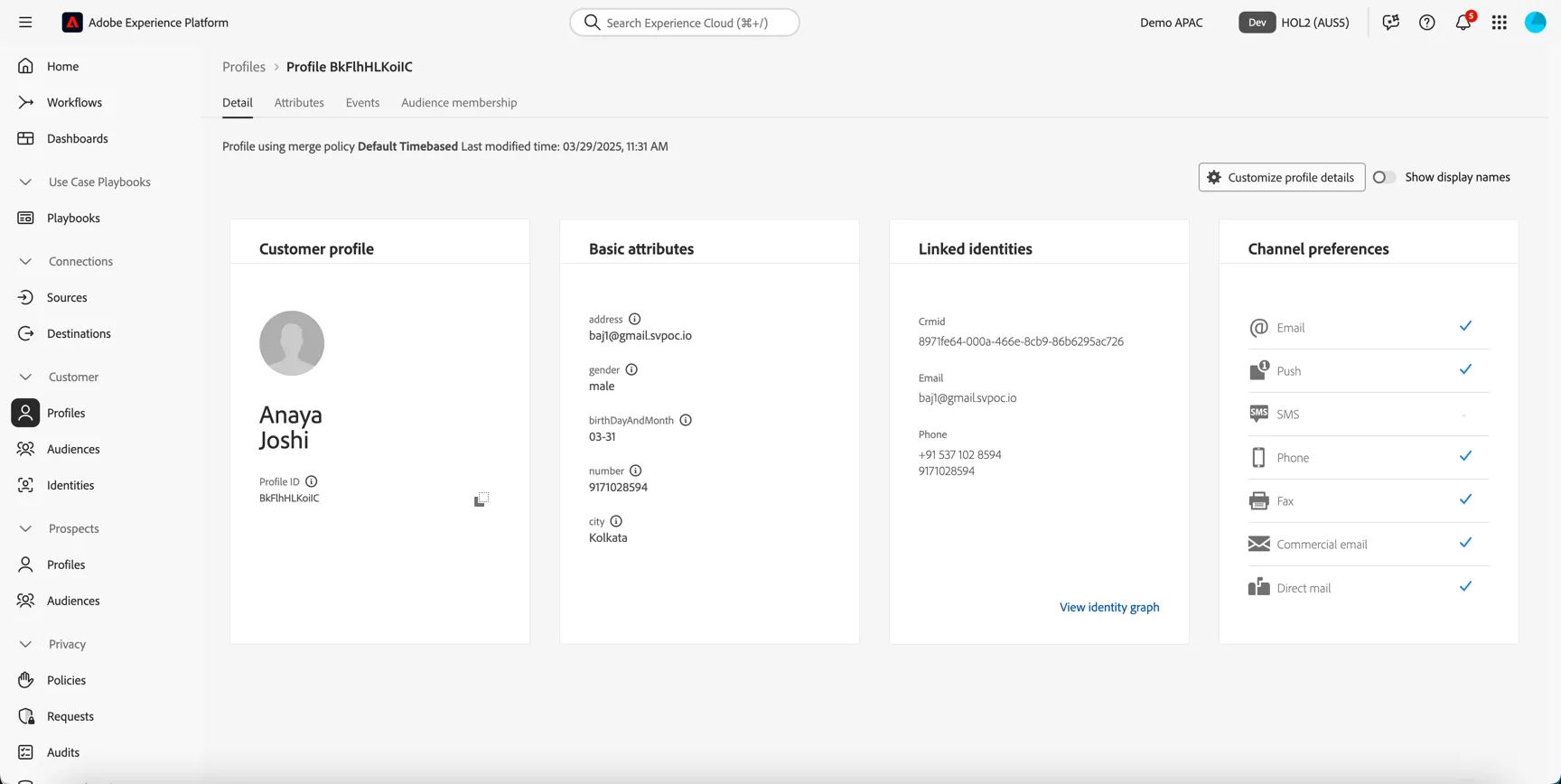
Click to open the profile. The dashboard will show some basic information about the person, this view can be customized.
Click to the Attributes tab. Here you will see the merged view of all attributes collected for profile.
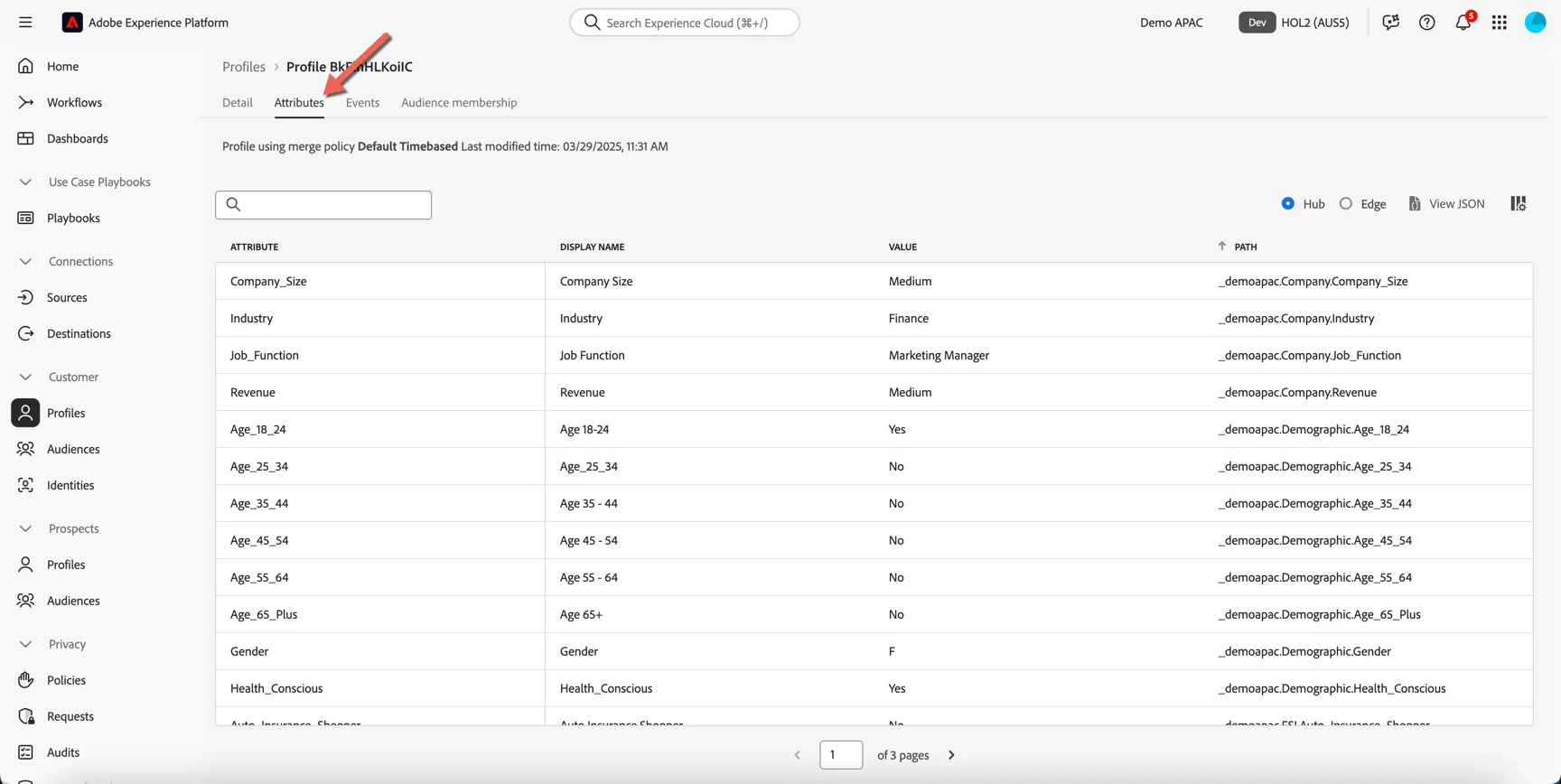
Click to view JSON.
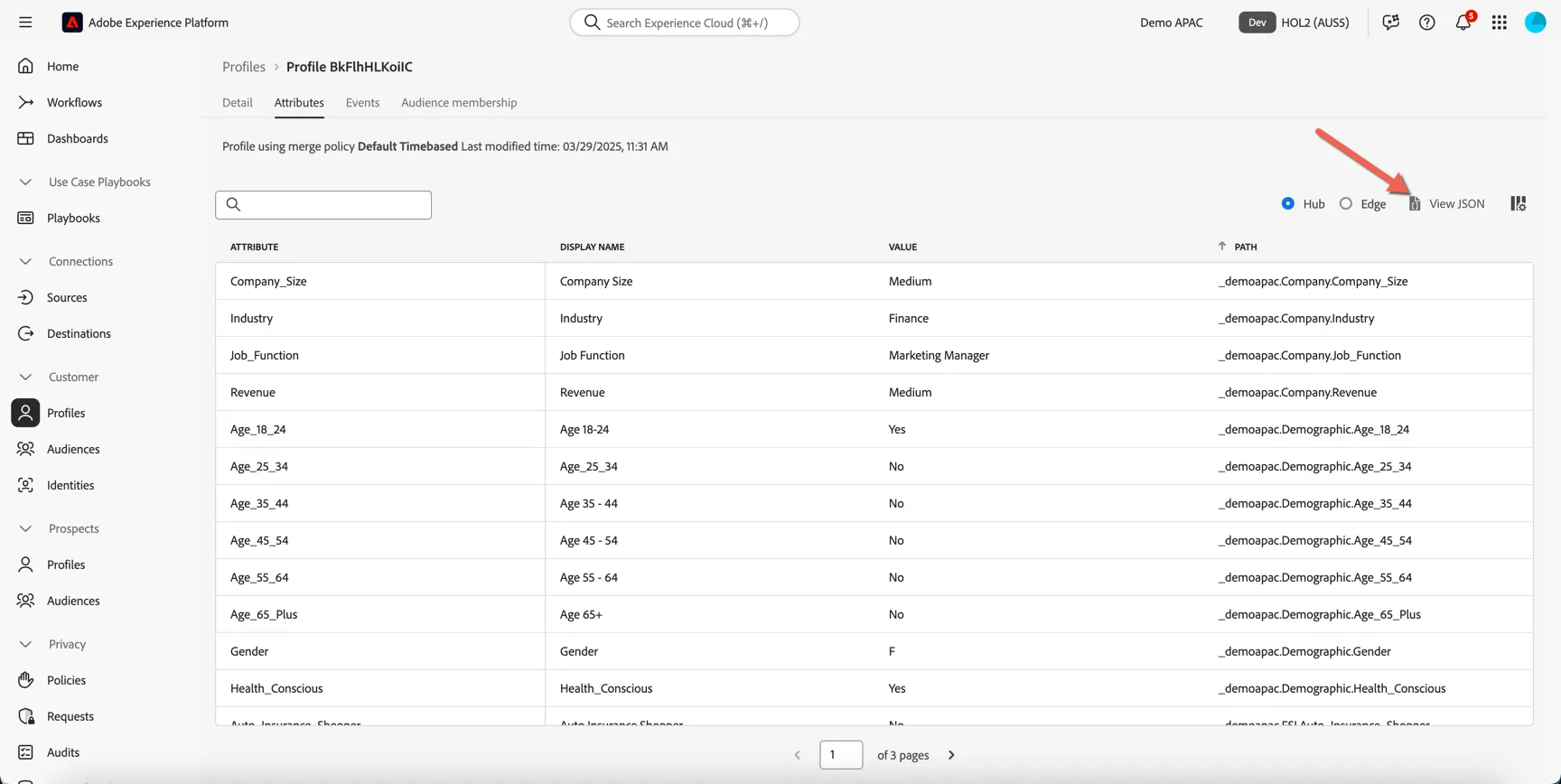
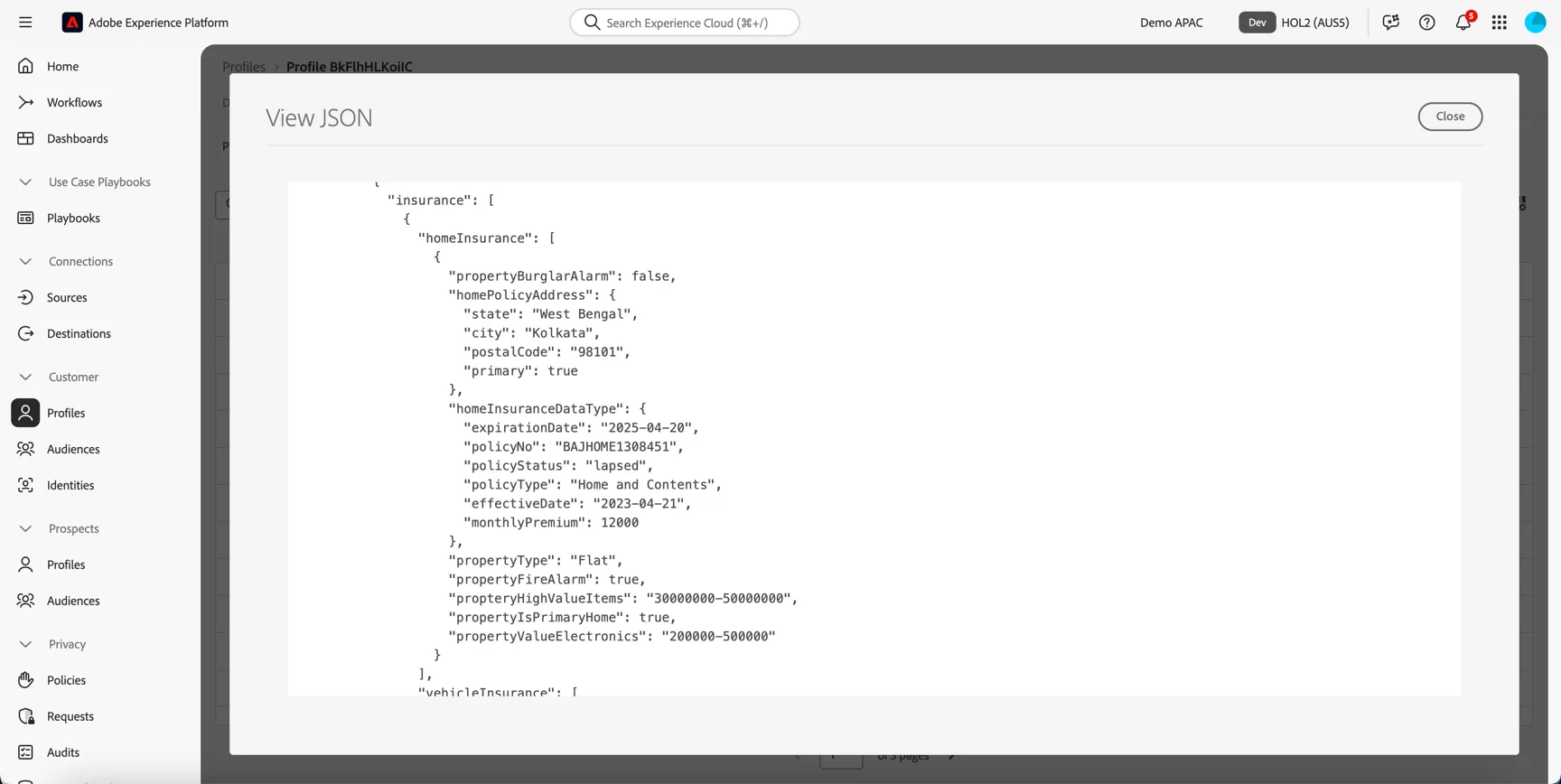
This view shows the complex nature of the data that can be supported, scroll to see the details of the car and home policies currently held by your profile.
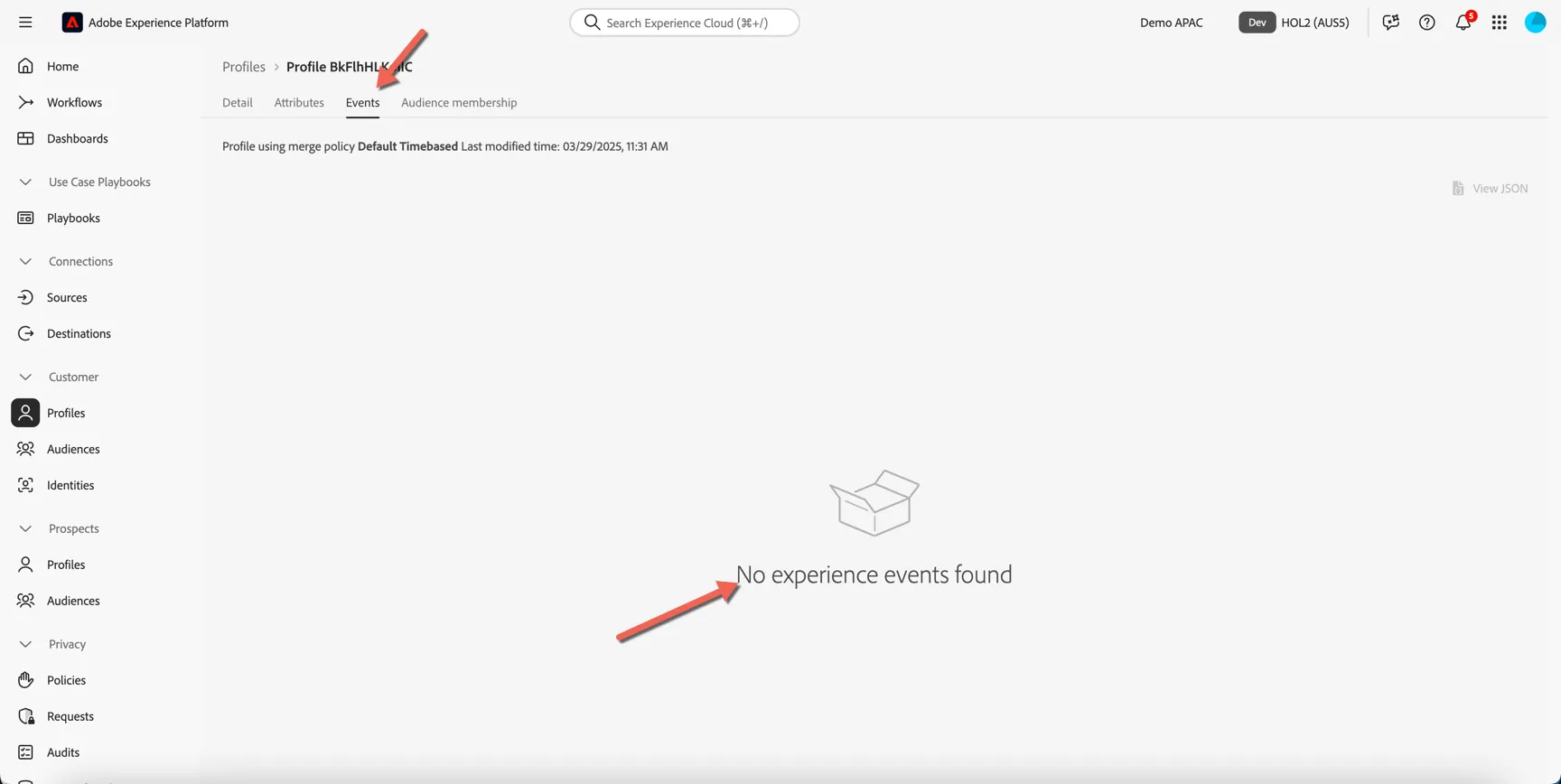
Close the JSON view and click to the Events tab. This is where you'll see the behaivoral events collected for the profile. Currently this tab will be empty, we only have offline data loaded.
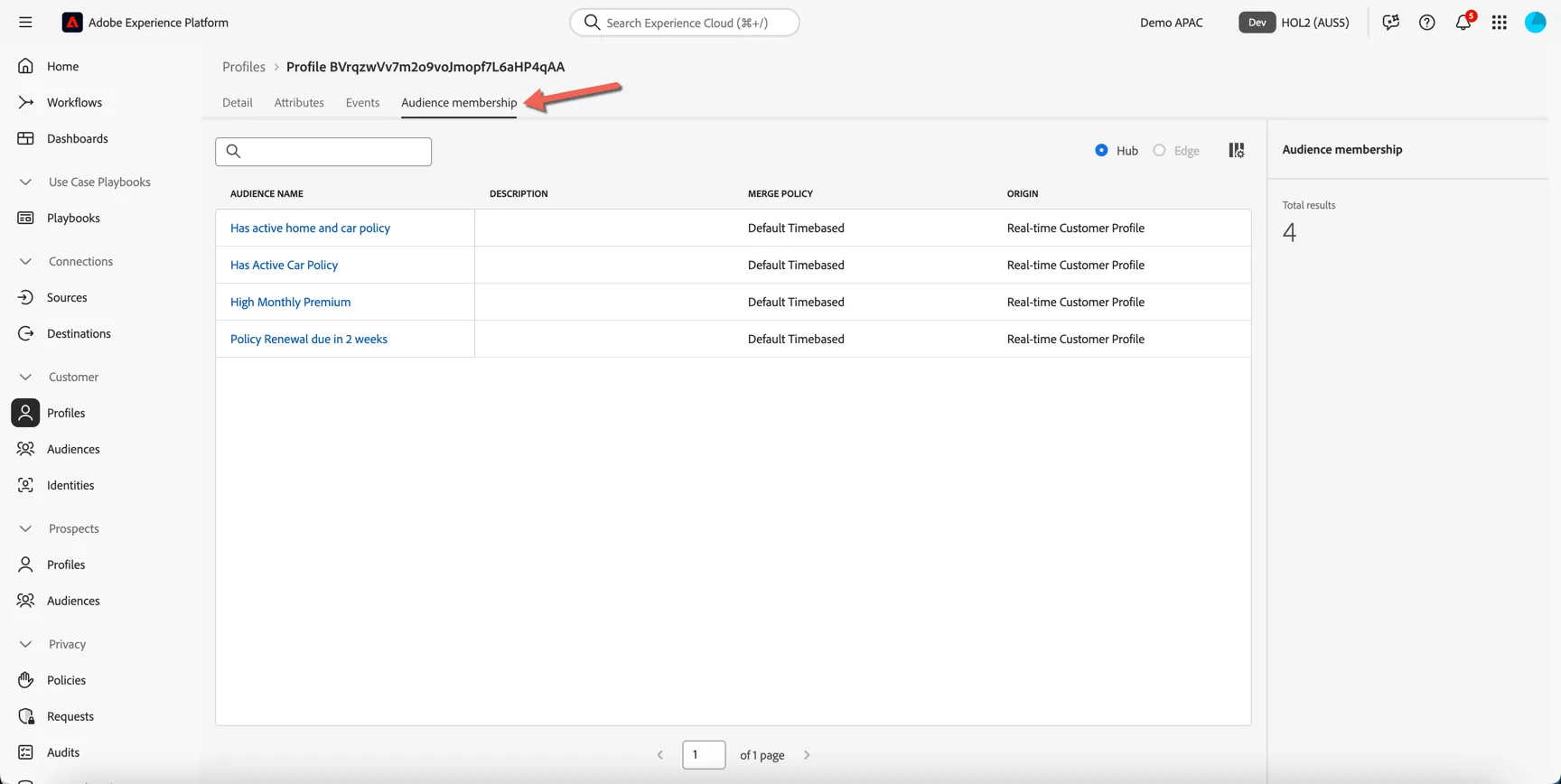
Click now to Audience membership. Here you can see which audiences the profile is currently a member of. An audience is a group of profiles based on the current state of their attributes and events, we'll learn how to define an audience in the next exercise.
Visit the website
Ensure you've completed the Website Setup steps before proceeding further.
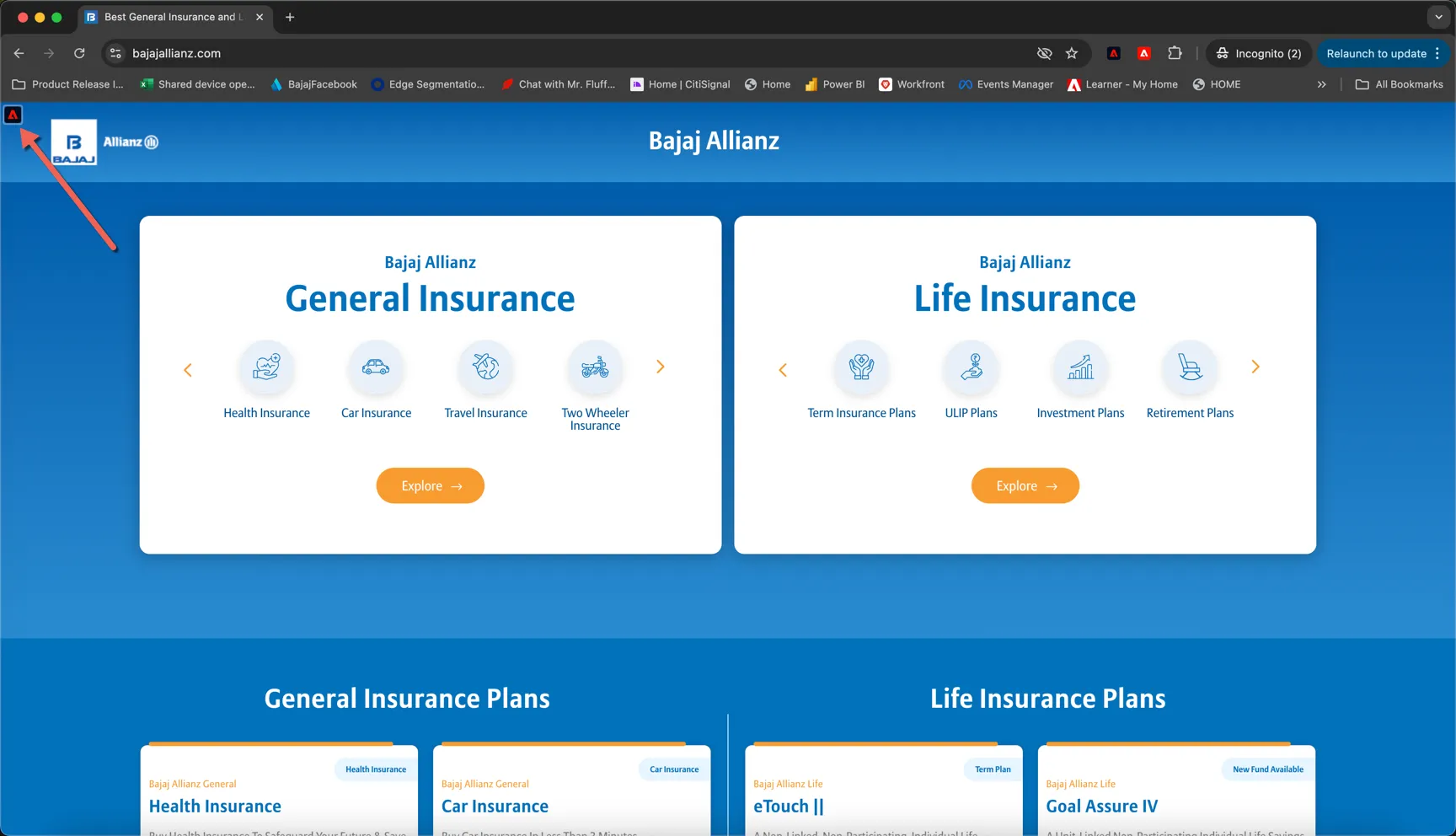
In your chrome browser click on the Adobe icon in the top left of the website:
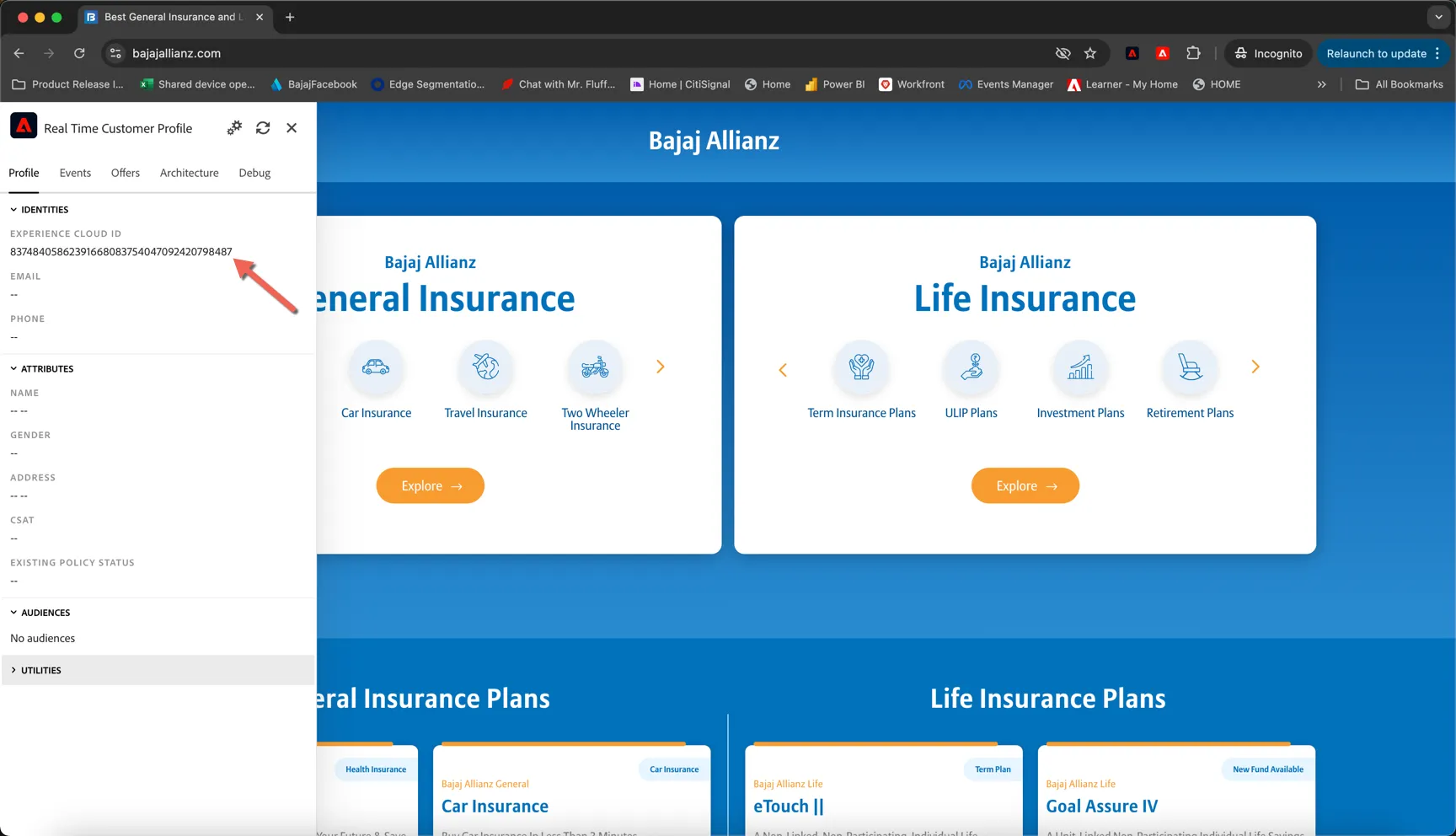
This opens our xray panel, which is a demo widget to show the data being collected into Adobe Experience Platform. You can see right now, we don't know much about you, we have just an anonymous cookie id. Adobe's ECID.
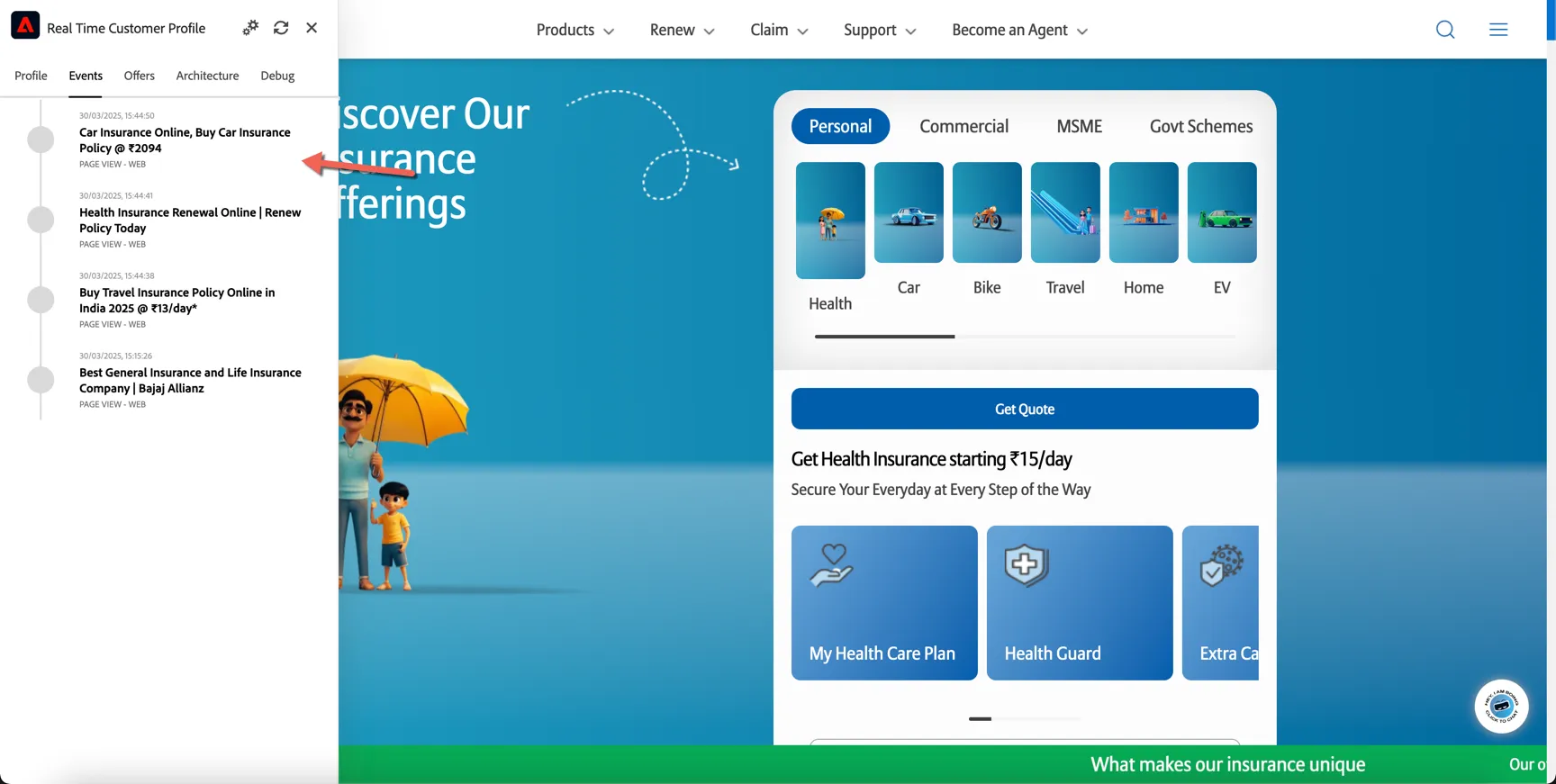
Close the panel and click around a few pages on the site, then reopen the xray panel. Change to the Events tab, you'll see the that each page view is being tracked as an event tied to the ECID.
Right now we are considered a pseudonymous profile in Adobe Experience Platform. You can look up the profile in AEP using the ECID if you like. Pseudonymous profiles can be used for onsite personalisation but we need to stitch ECID to a customer identifier before we can do much else with it.
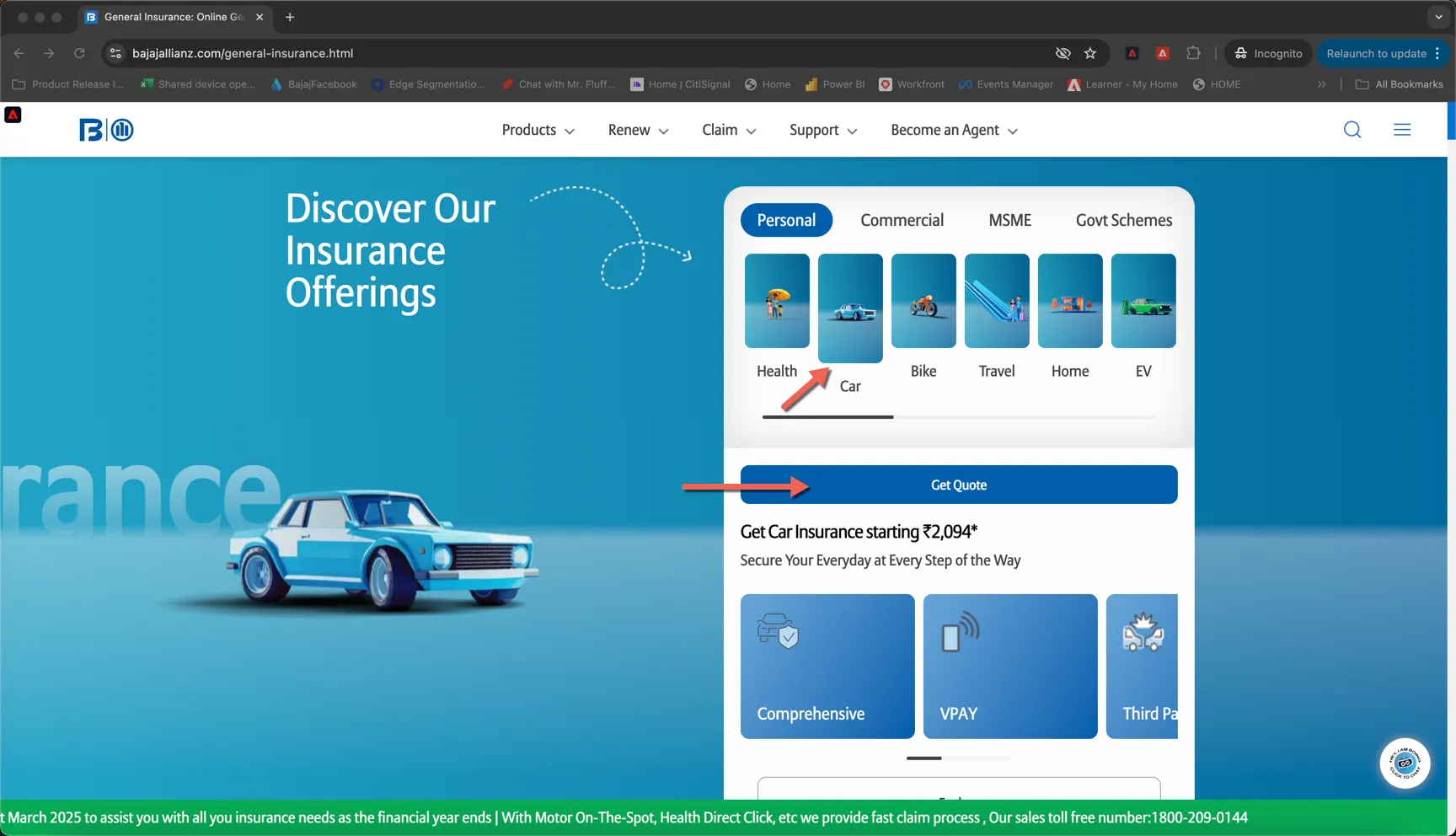
Click to start a car insurance quote.
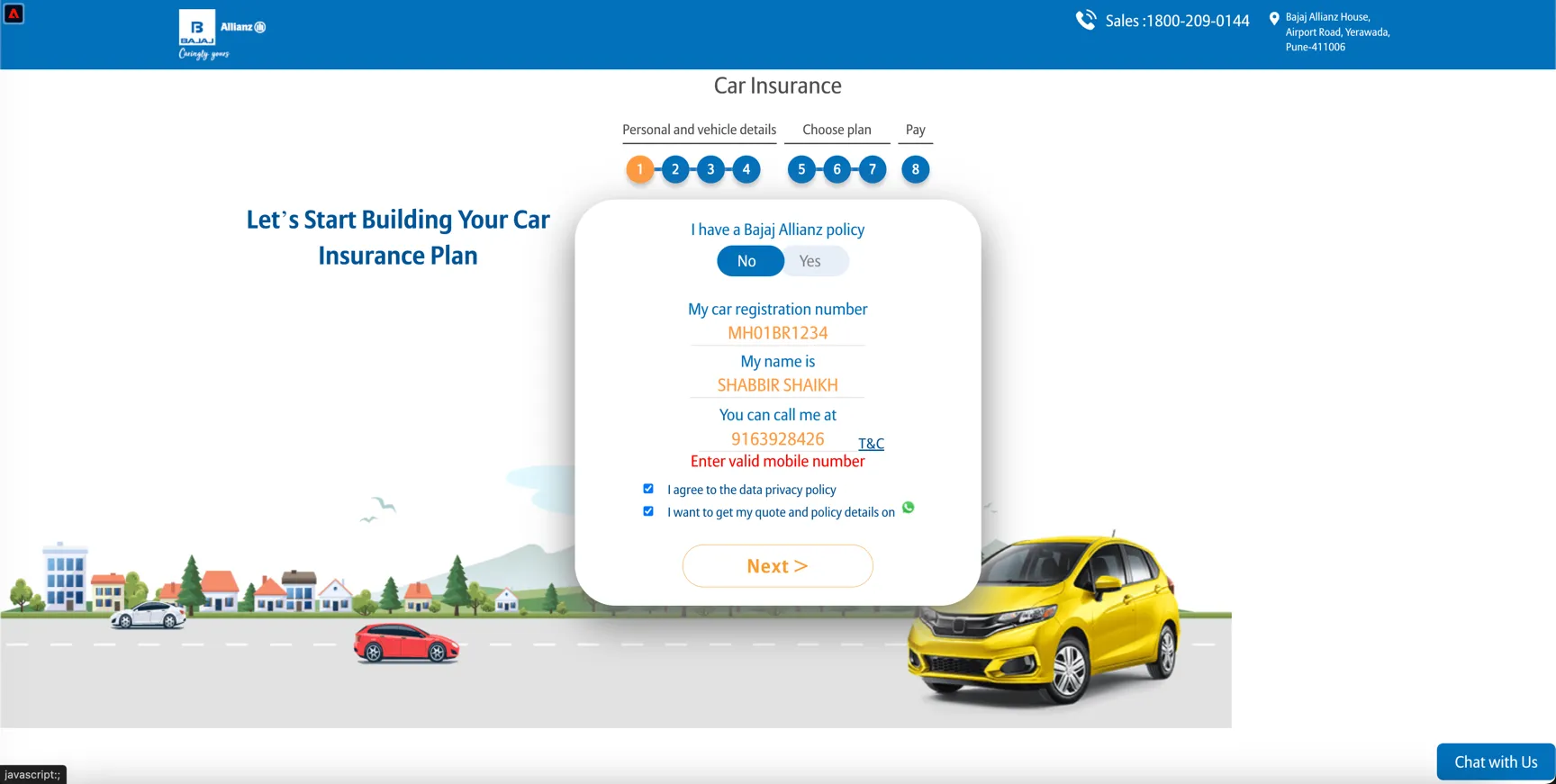
Add your rego number and use the phone number from your profile.
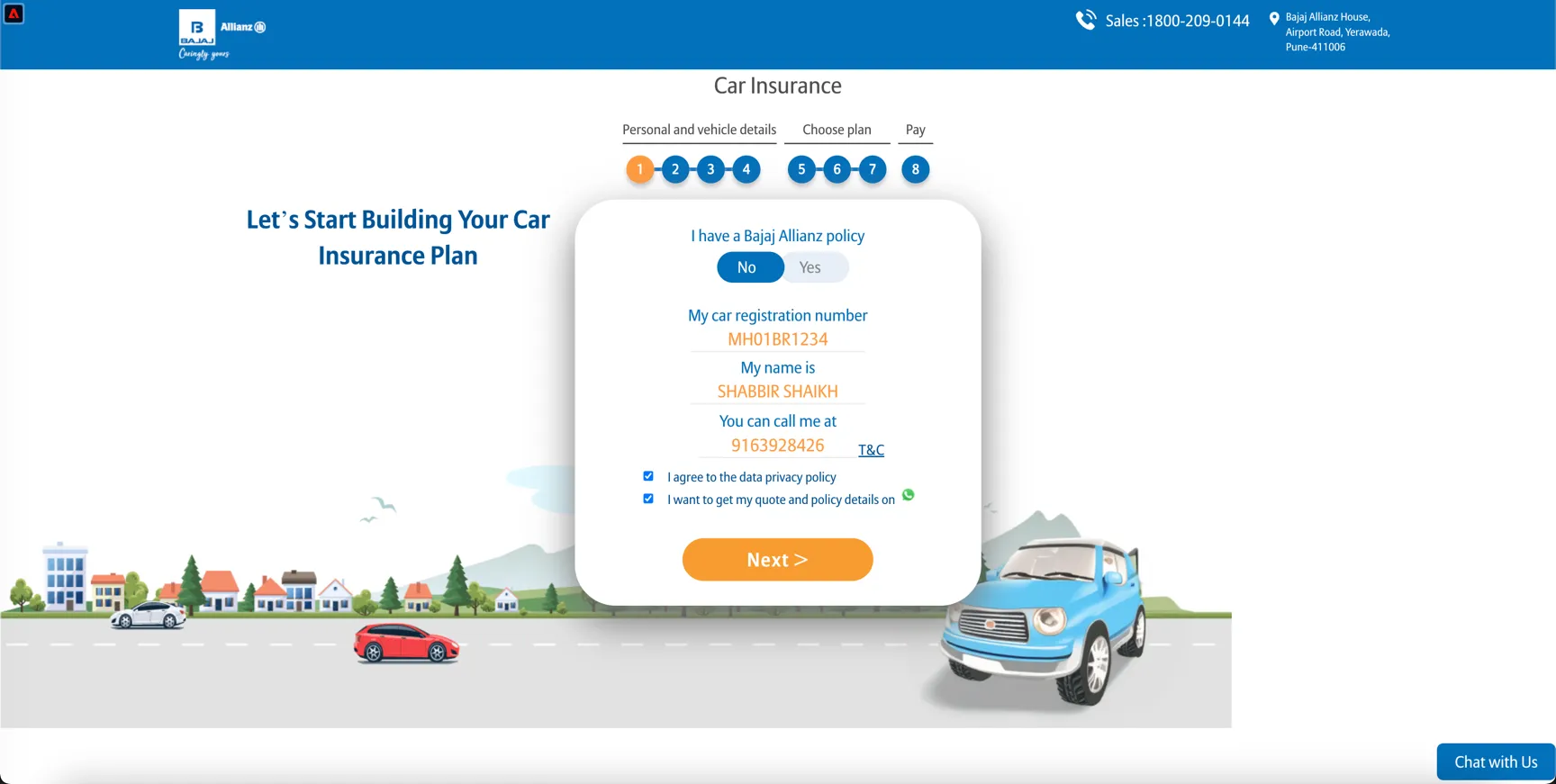
Click on Next >
This has sent a Quote Start event to Adobe and we've used the body type SUV from that event to personalize the image behind the form.
This event will now stitch the pseudonymous browse profile with your known profile.
Visualise the Identity Graph
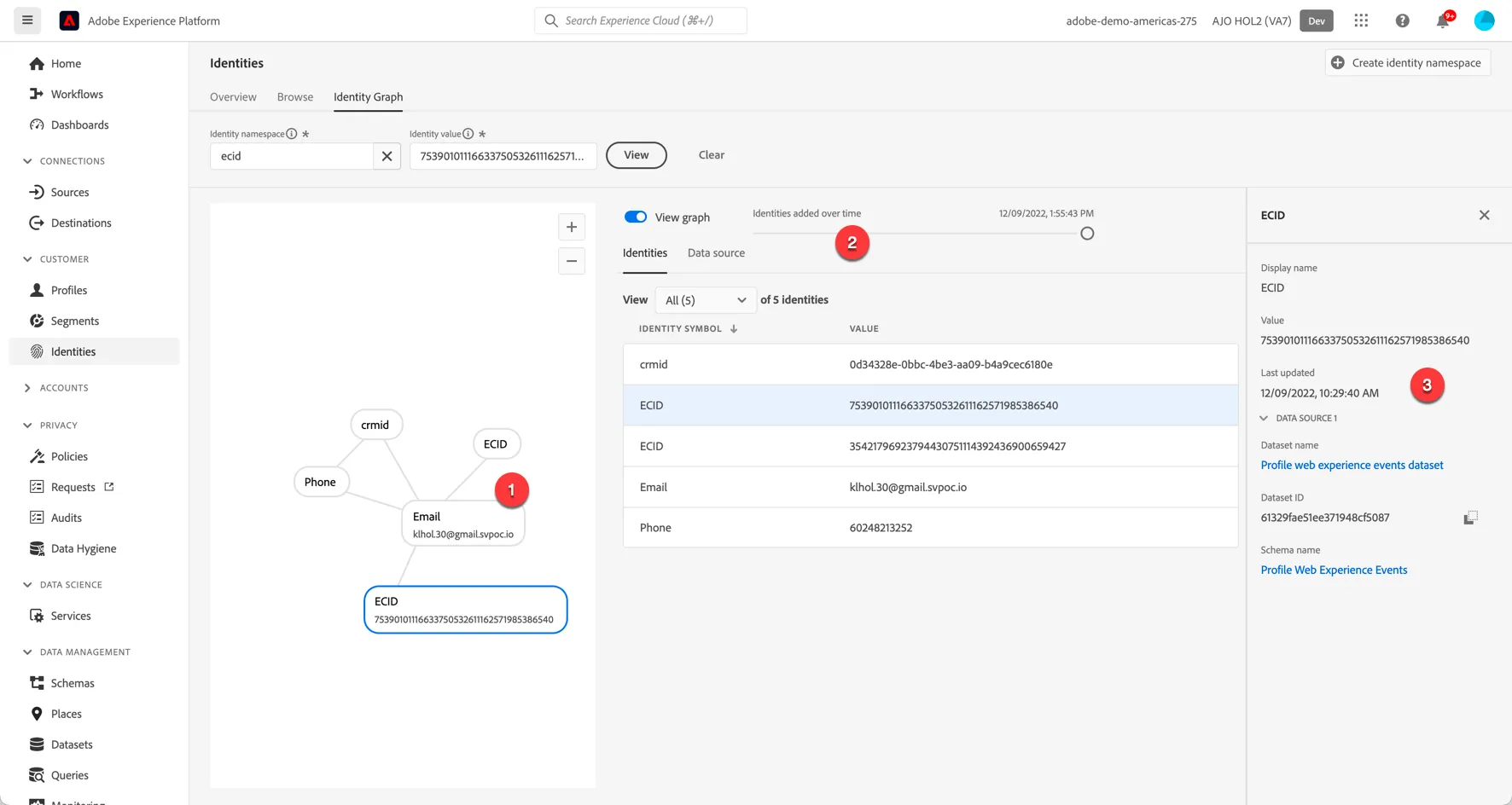
Return to AEP and refresh the profile view. On the details tab you have the Linked identities. Click the link at the bottom of this panel to View Identity Graph:
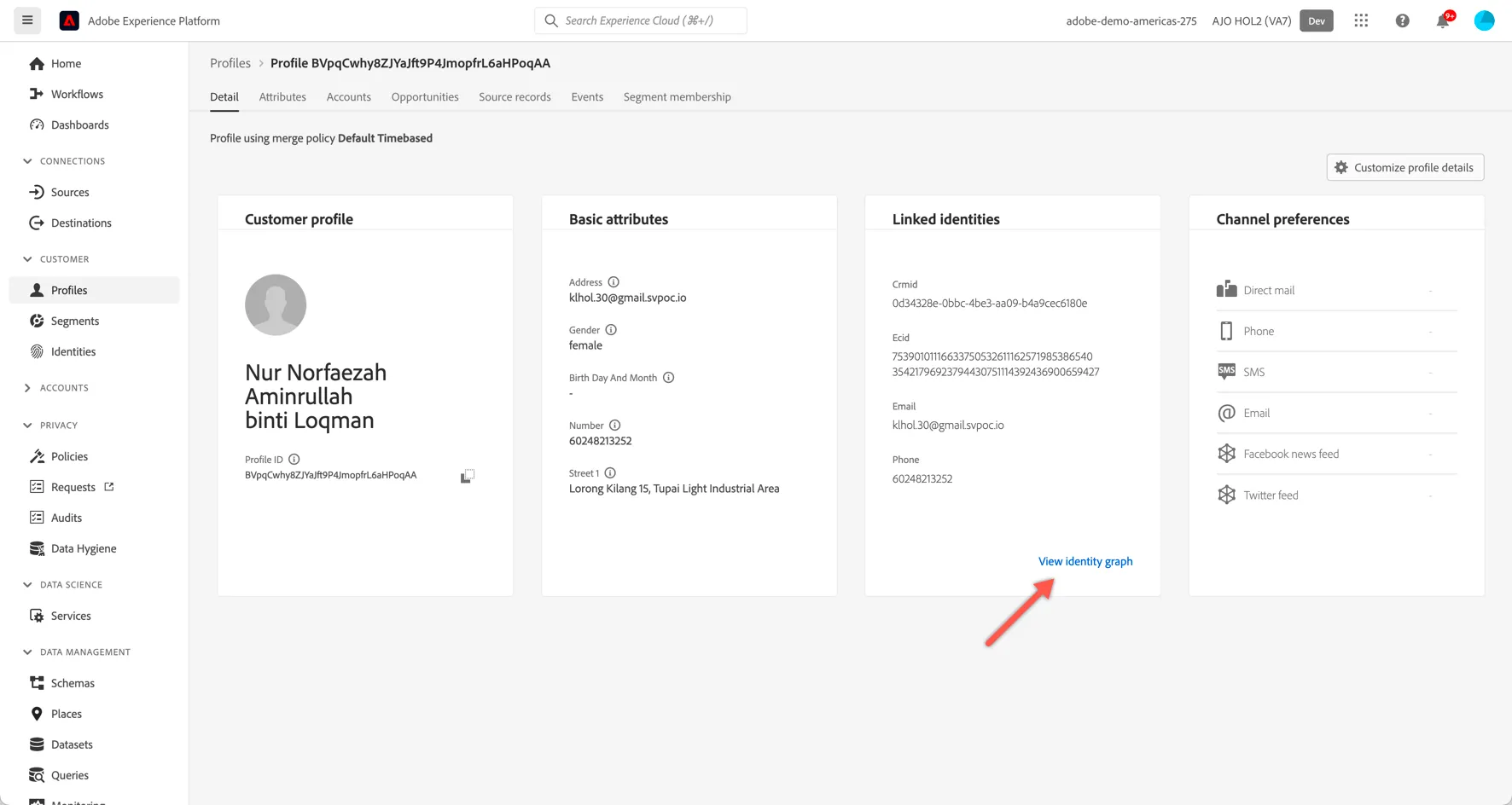
Explore how the identities have been linked (1), how the graph has grown over time (2) and which datasets (ie. source systems and/or channels) each of the identity values have originated from (3).
Stitching of new identities can take a couple of minutes, if you don't see your ECID appear immediately, wait for a minute and refresh the page again.