[App] Data in Audience
8 min
Overview
This section is an Appendix; it describes how to personalize a message with data provided by an audience; this is an example of how to use Adobe Journey Optimizer to leverage data provided by the federated audience.
Save data in audience
In the menu on the left side:
- Click on Audiences to see a dashboard overview with information on a specific audience.
- Click on Federated compositions at the tab bar to see an overview of all existing federated compositions.
- Open the composition named bouessay - Profiles with recommendations coming from the DWH
- This composition flow is based upon the datawarehouse model named Luma Datawarehouse Model - Recos. It means that 1..N recommendations (or coupons or something else) have been calculated and linked to a customer (account).
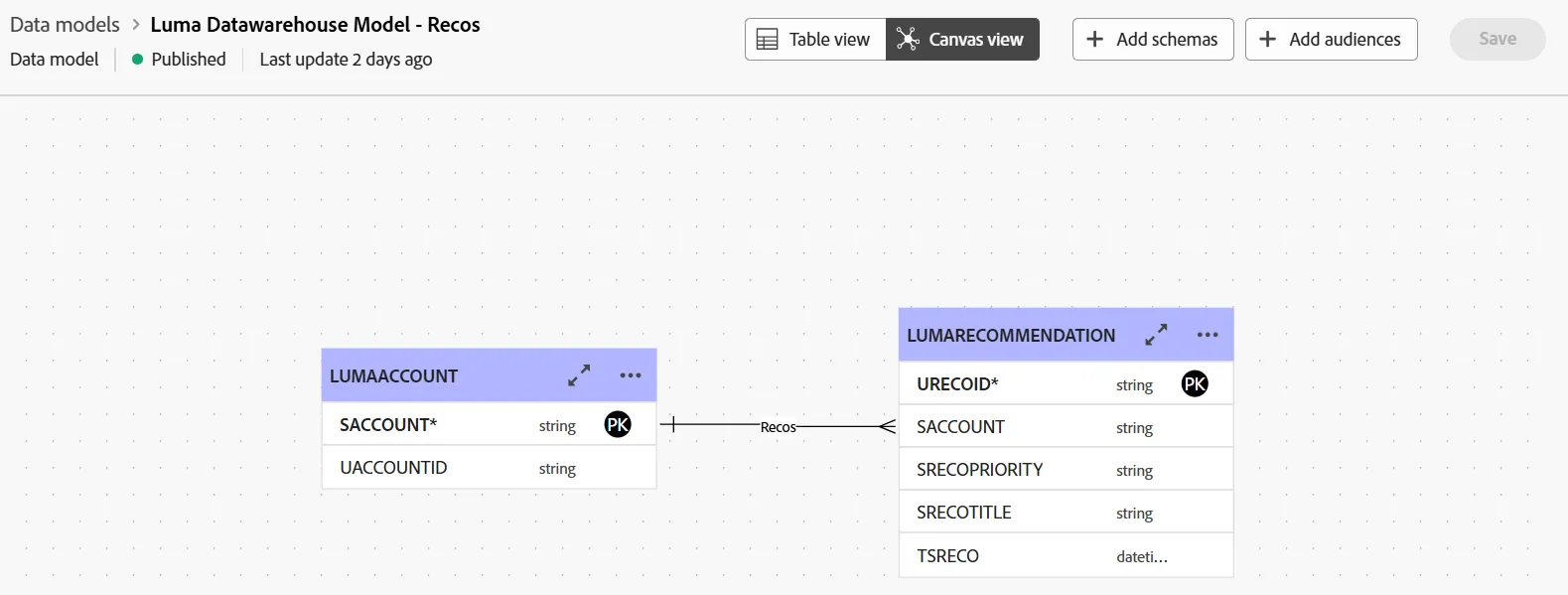
- In the composition flow, look at the activity named Enrichment: this activity has been set to collect 3 recommendations for a profile
- Look at the different ways to filter and sort the collection of records
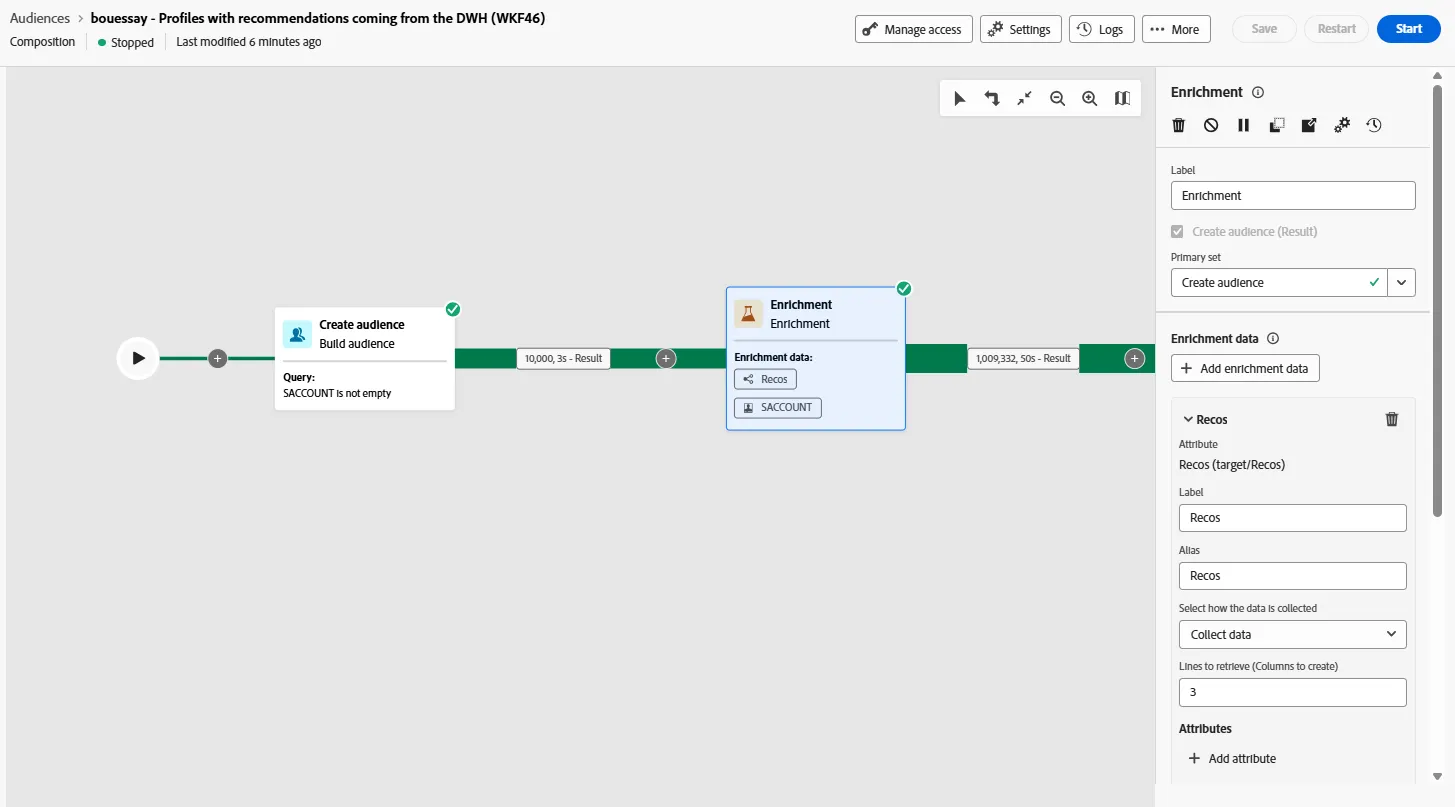
- The last activity saves the data in AEP in the audience named bouessay - Profiles with recos
- Go to the dataset linked to this audience
- Click on the Preview dataset button to look at the data
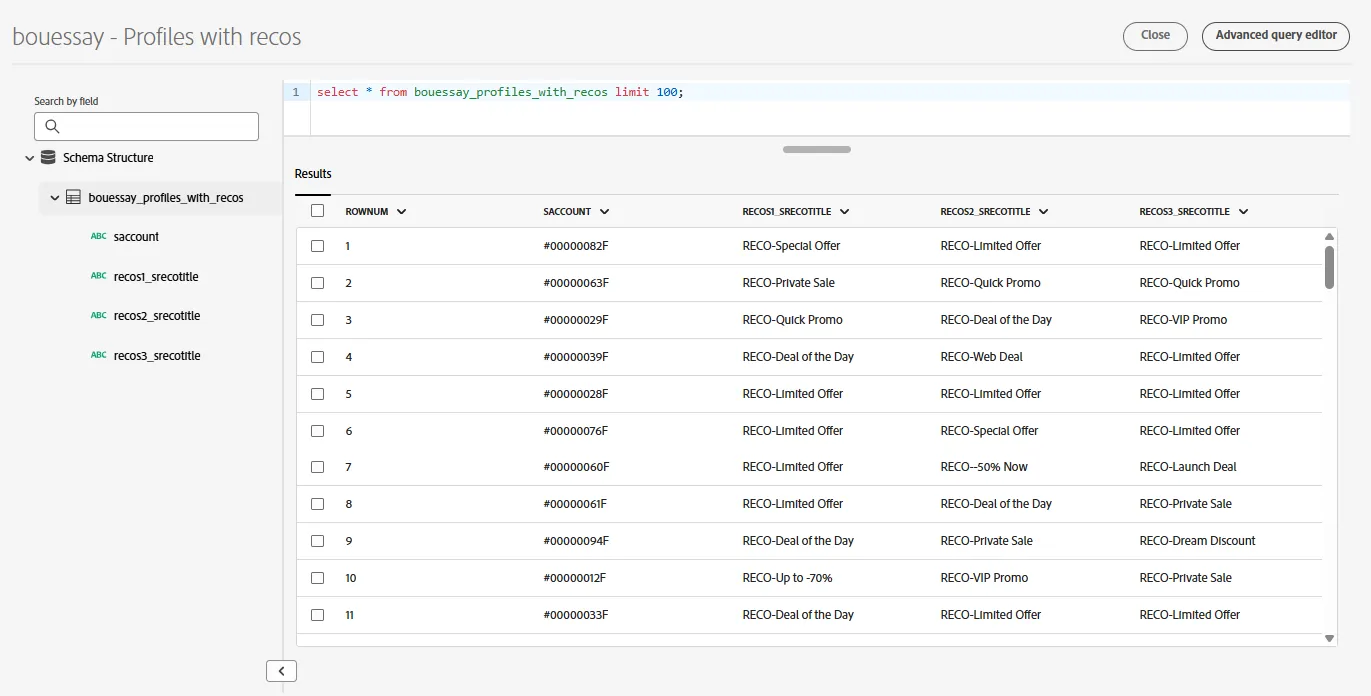
- The marketer can leverage these data in order to personalize a message with this content
Read data from audience
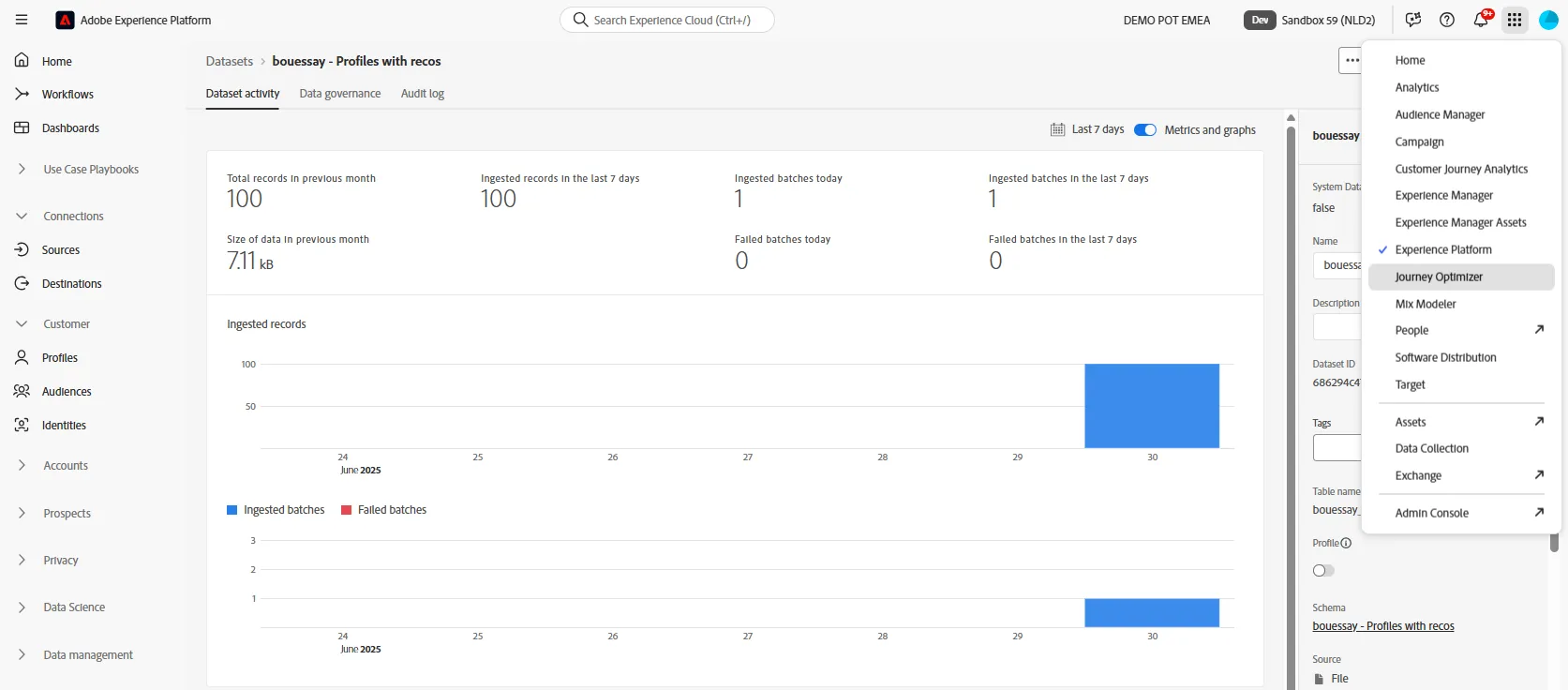
- Switch to the Adobe Journey Optimizer application by clicking on the square icon on the right top corner:
- Click on Create Journey button and name it [your name] - Upload data and personalize message
- Start the journey with the Read audience activity
- Set Audience = bouessay - Profiles with recos
- Set Namespace = Demo System - CRMID (crmid)
- Continue with an action like the Push notification
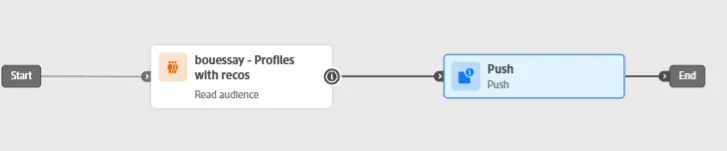
- Click on Edit content button
- Click on the Profile icon of the Title input field in order to launch the personalization screen
- Write the word upload in the search box
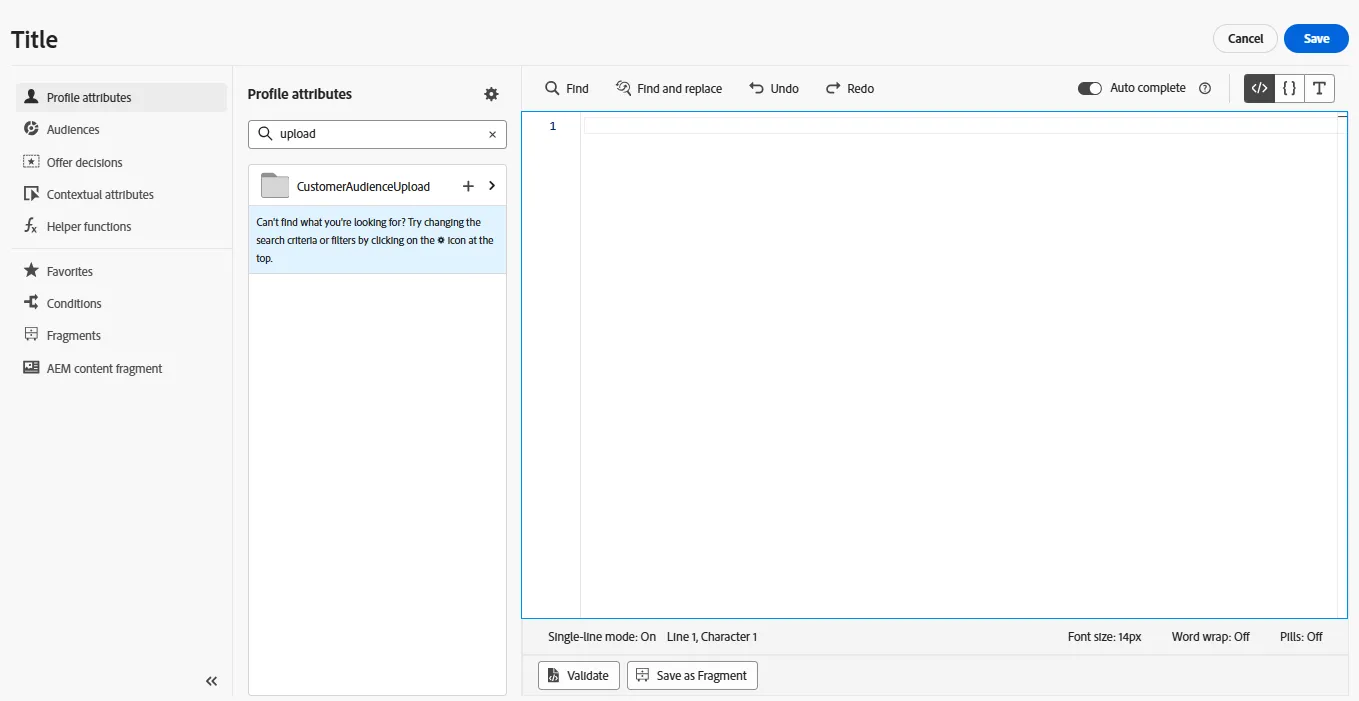
- Click on the CustomerAudienceUpload name
- Click on the name of the audience that will be uploaded by the Read audience activity
- Add one of the recommendations that are provided by the audience
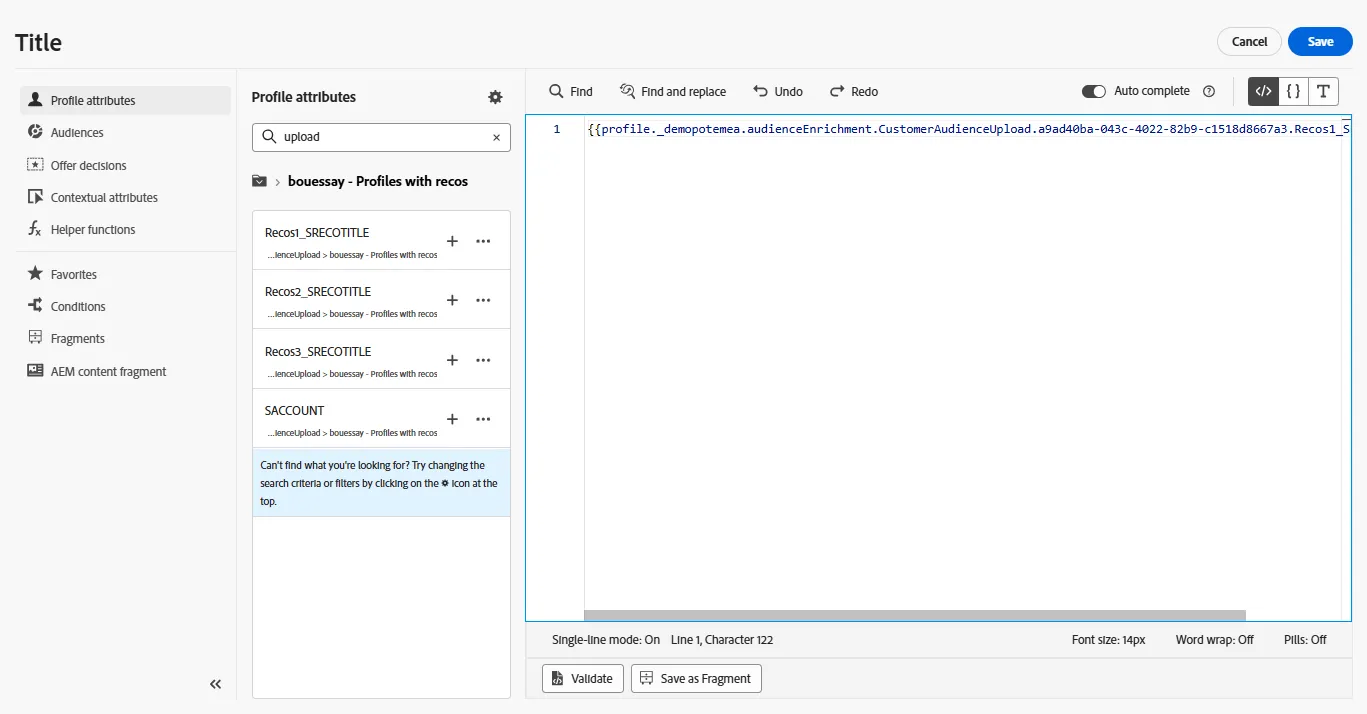
You know how to put federated data inside an audience and how to access this data to personalize a message delivered by Adobe Journey Optimizer.
FAC Audience data is written in data lake, hence if needed one can also use Data distiller to work with this dataset outside of FAC.