Lab: SMS Designer
1 min
This lab will walk through the steps for creating a SMS Message within the context of a Journey in Adobe Journey Optimizer.
NOTE: Some exercises may vary during the actual Hands on Lab versus what is listed in the Archbee Page, due to industry setup and / or Presenter preferences.
Create a New SMS Message
- Click on the SMS Message in your Journey
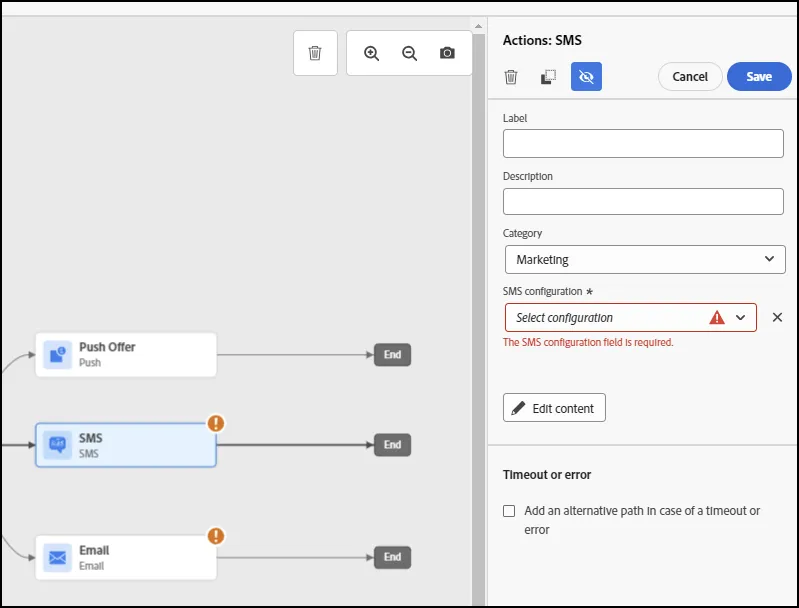
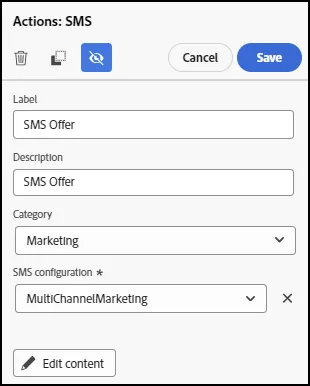
- Add a Label and Description. Set the SMS Configuration to "MultiChannelMarketing"
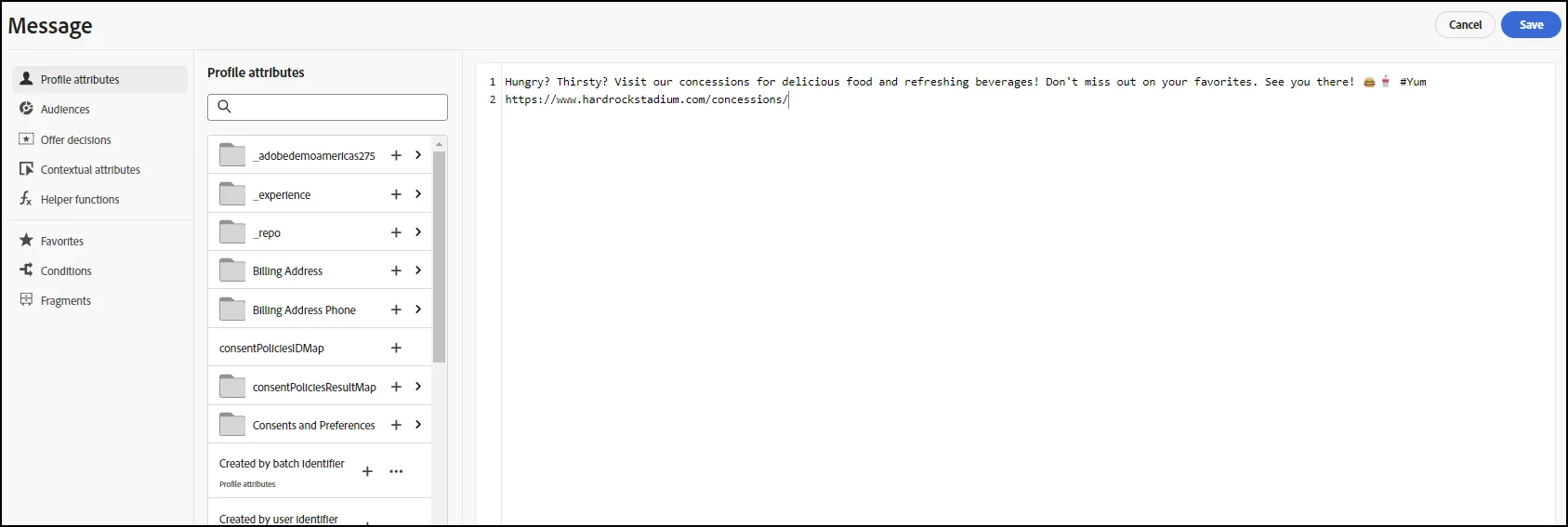
- Click on the Edit Content button. Add a message:
We used the following message: "Hungry? Thirsty? Visit our concessions for delicious food and refreshing beverages! Don't miss out on your favorites. See you there! 🍔🥤 #Yum https://www.hardrockstadium.com/concessions/"
- Click Save
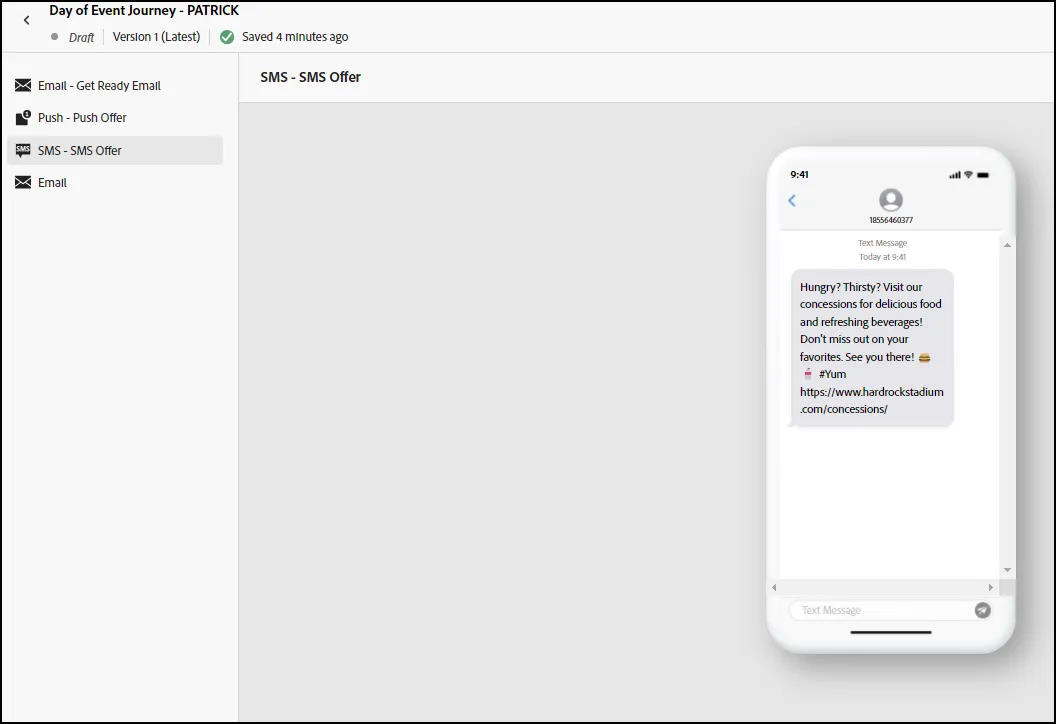
- Your SMS Message should appear as follows:
- End of Lab