Website logo
Getting Started
Access
Website Setup
Re-engage and Personalization
Customer Experience
Website personalisation
Retargeting on Social
Lead Generation & Optimize CaC
Real time Journey
Lead Conversion & X-sell
Dealer experience
Offer Creation
Insight
Analyze the journey
Conclusion
Docs powered by Archbee
Getting Started

Access

2 min
  1. Go to Adobe Experience Platform 
  2. When prompted for authentication, use the following Adobe ID. Do not use your own email address. Also, sign-out from all Adobe instances that might be open.

Credentials to access the lab:

Password for all users is: tata@2025

Lab #

Name

Login Email

01

[email protected]

[email protected]

02

[email protected]

[email protected]

03

[email protected]

[email protected]

04

[email protected]

[email protected]

05

[email protected]

[email protected]

06

[email protected]

[email protected]

07

[email protected]

[email protected]

08

[email protected]

[email protected]

09

[email protected]

[email protected]

10

[email protected]

[email protected]

11

[email protected]

[email protected]

12

[email protected]

[email protected]

13

[email protected]

[email protected]

14

[email protected]

[email protected]

15

[email protected]

[email protected]

16

[email protected]

[email protected]

17

[email protected]

[email protected]

18


[email protected]

19


[email protected]

20


[email protected]

21


[email protected]

22


[email protected]

23


[email protected]

24


[email protected]

25


[email protected]

26


[email protected]

27


[email protected]

28


[email protected]

29


[email protected]

30


[email protected]


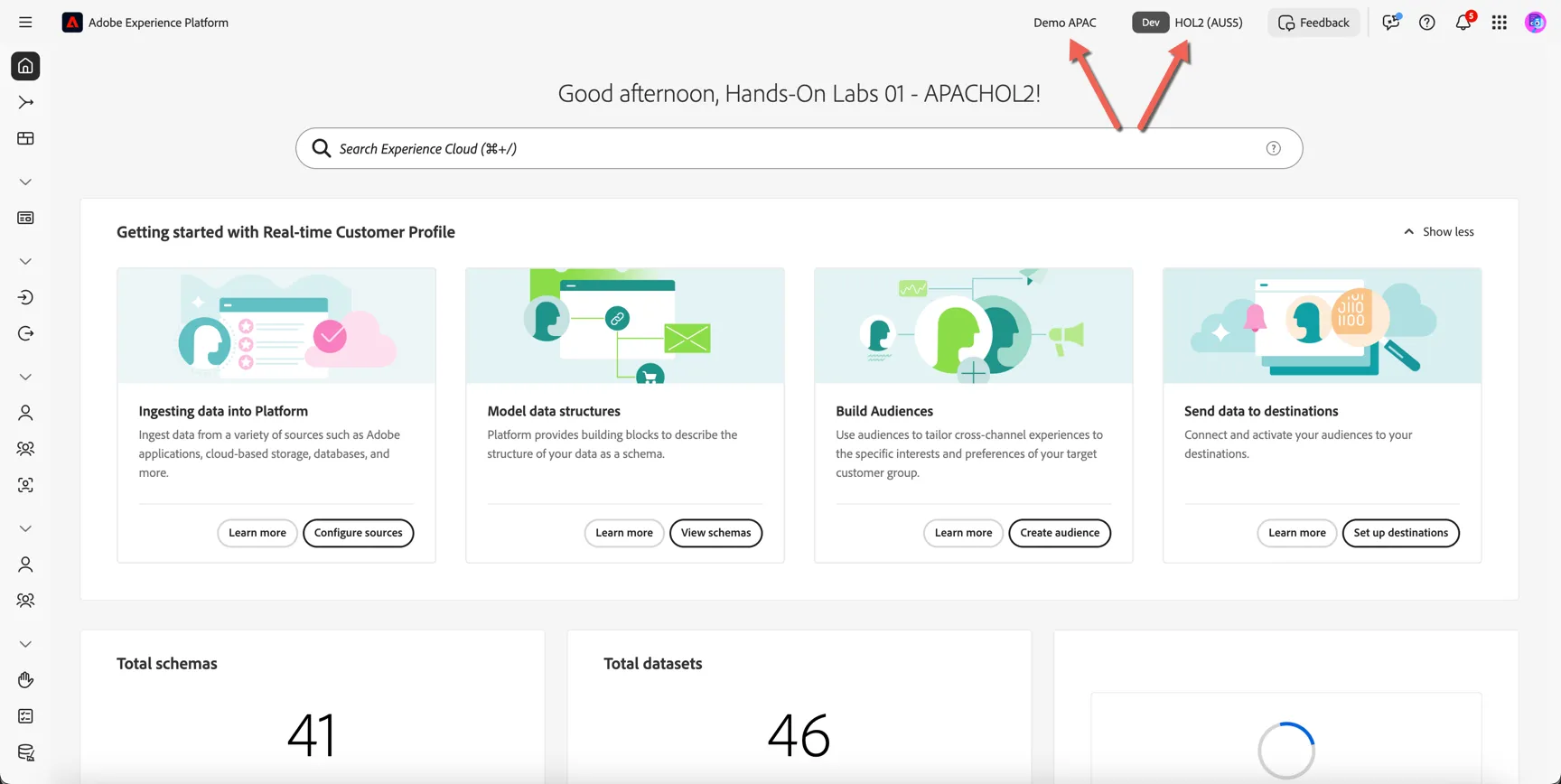
Ensure you are in the right sandbox. On the top right you should see...

  1. Demo APAC, indicating the organisation.
  2. hol3, indicating the sandbox
Document image

Updated 14 May 2025
PREVIOUS
Getting Started
NEXT
Website Setup
Docs powered by Archbee