Configuring an event
3 min
To open Adobe Journey Optimizer, click on nine dots on the top bar and select Adobe Journey optimizer. Check the Welcome! section.
Event overview
To get an overview of all events in Adobe Journey Optimizer:
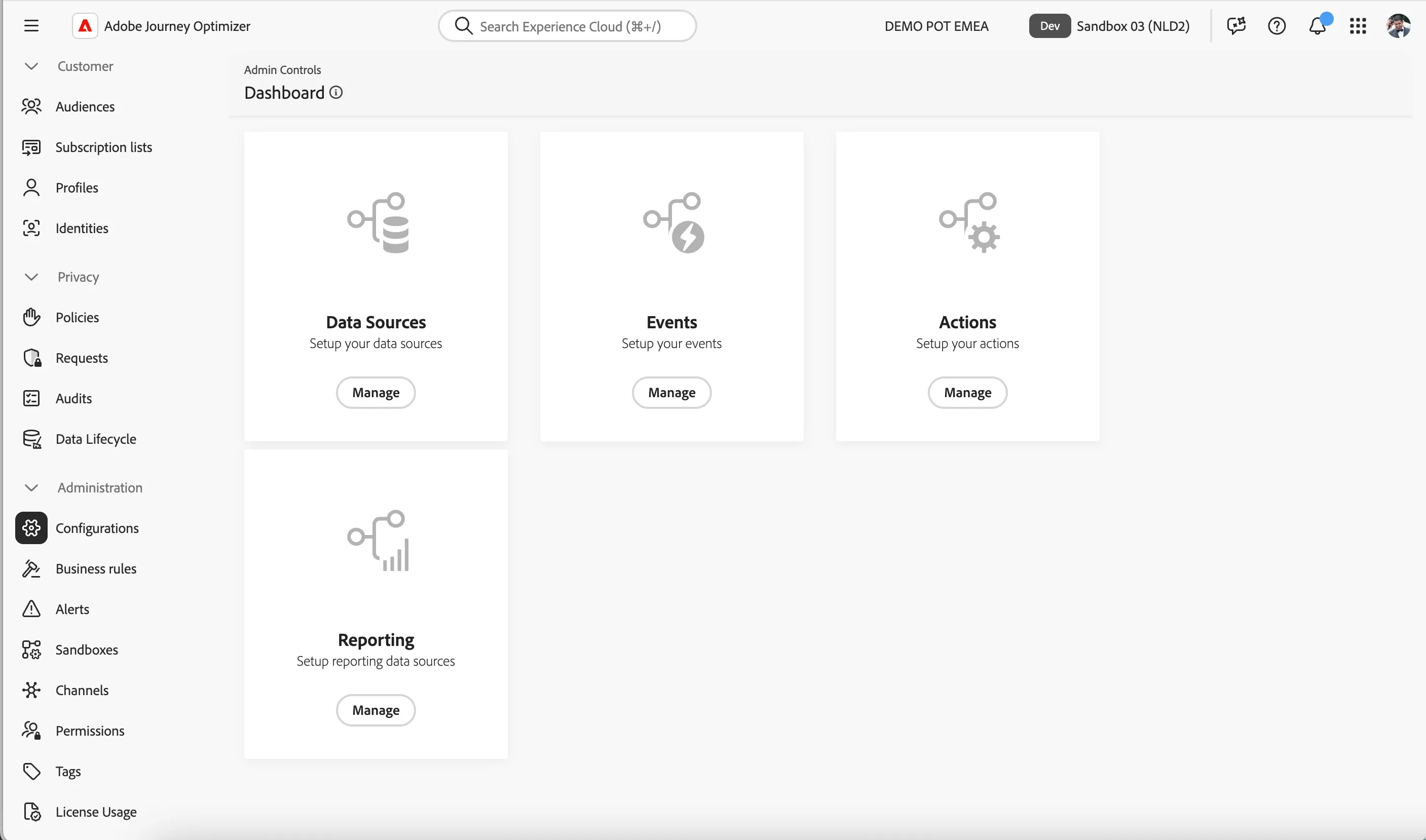
In the menu on the left side, under Administration, click on Configurations. You will see a set of tiles. Click on Manage in the Events tile to get an overview with all existing events.
Configuring an event
We'll be configuring an event that we can use in our journey. The event should trigger whenever a customer books a flight.
To configure a new event, click Create Event. A menu will open on the right side.
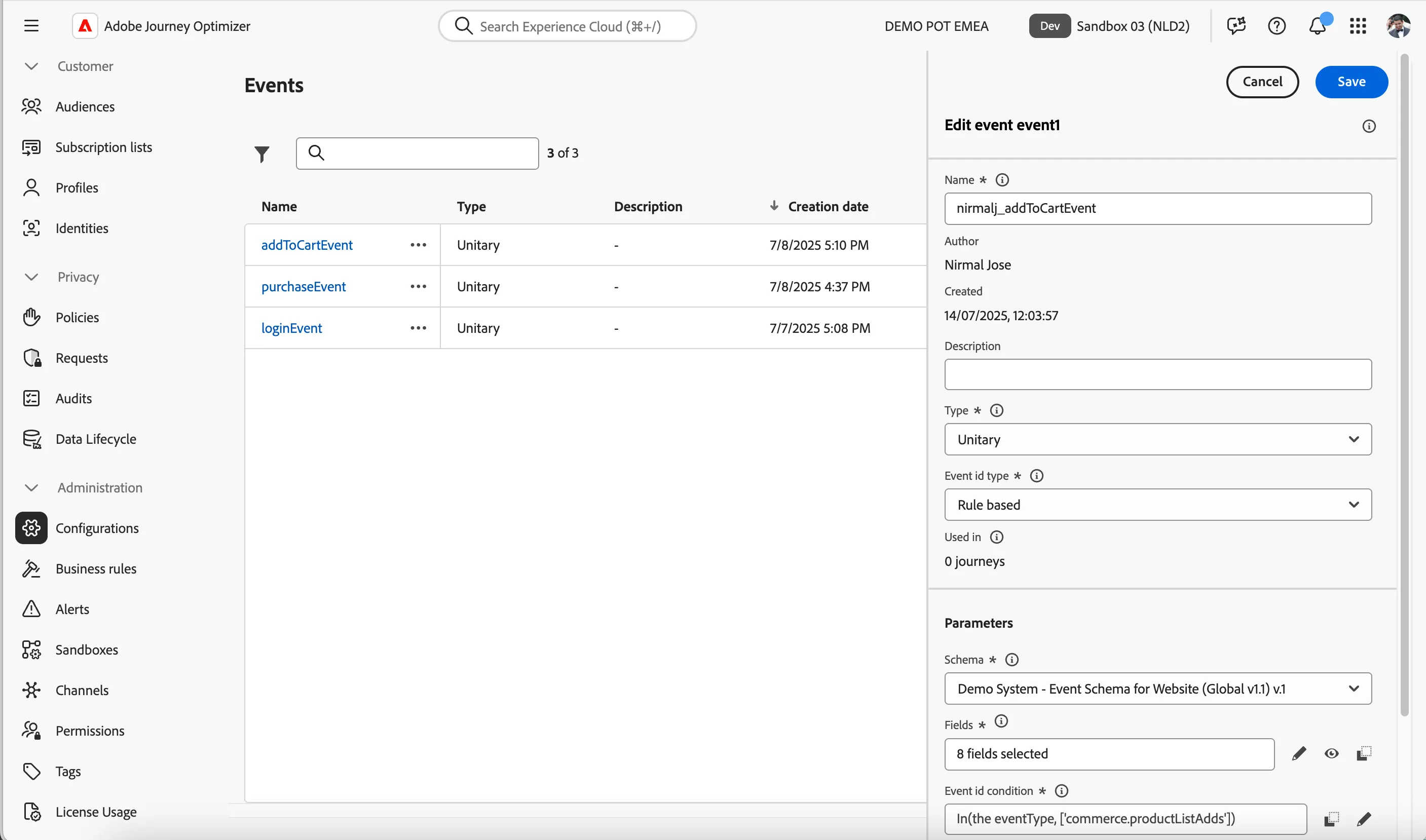
- Set the name to yourname_addToCartEvent.
- Keep Type as Unitary and Event id Type as Rule based.
- For schema, click on Select a schema and choose Demo System - Event Schema for Website (Global v1.1) v.1 in the dropdown.
- For fields, click on 4 fields selected, a pop-up window will open. In this window we can select the data fields we want to have available for the event.
- Scroll down (or use the search field) to find Event Type (eventType) and check the checkbox.
- Scroll down to the folder Product list items and check the following fields:
- Name (name)
- Price total (priceTotal)
- _demopotemea > core >imageURL (imageURL)
- Click Ok. The window will close and you should now see 8 fields selected.
- For the event ID condition, click on Add a condition. Another pop-up window will open.
- Drag the Event Type (eventType) from the left menu onto the right side.
- You'll be prompted to choose a value. Look for commerce.productListAdds. check this value then scroll back up and click Ok.
- The rule should now say Event Type (eventType) is equal to commerce.productListAdds. Click Ok to save and close the pop-up window.
- Check if the namespace is set to ECID (ECID).
- Check if the profile identifier is set to The ecid of core. If this is not set, select Context > _demopotemea > identification > core > ecid.
- Your screen should look like the image below. Click Save at the top right corner.