Lab: Basic Journey
5 min
description: >-
  We will create a journey that reads an audience (Users that attended to a
  webinar) and send them an email to download the webinar session. We will react
  depending on how users interact the email.
Create a Journey
- Navigate to Journeys.
- Click on “Create Journey”.
- Provide a Name: "Basic Journey - Webinar Follow ups - INITIALS". Unclick “Allow Re-Entrance.” Click Ok.

Define the Audience
Under Orchestration Node, drag the “Read Segment” onto the Canvas.
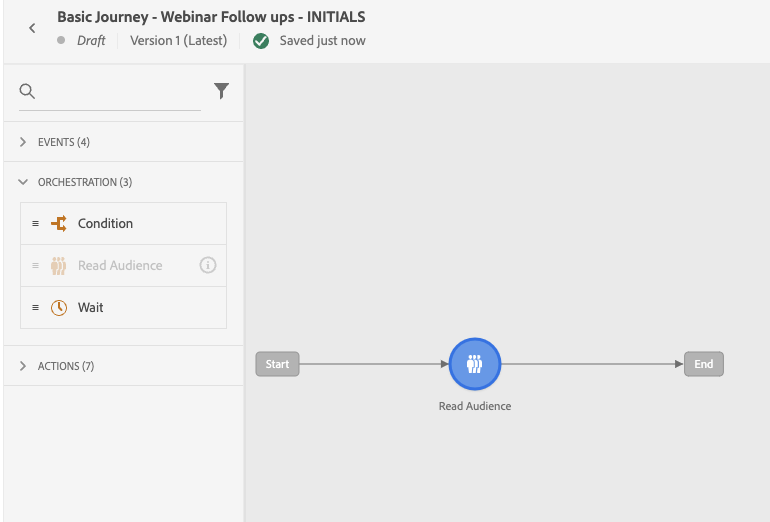
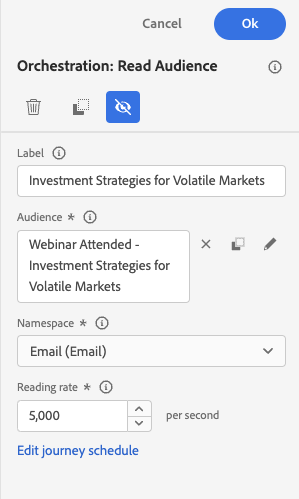
- Change the label, as appropriate. Click on Select a Segment.
Journey Actions and Reactions
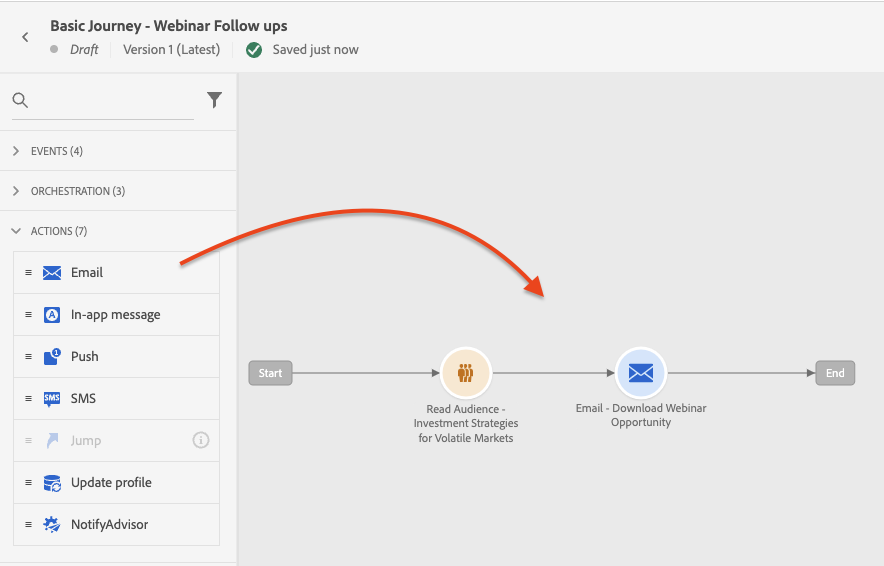
Drop an Email Action Node into the Canvas next to your Read Audience node. Label "Download Webinar Opportunity" and set the category as "Marketing" and the email surface as "MultiChannel".
Drag and Drop a Reaction Node (under the event dropdown), and place it next to our email node.
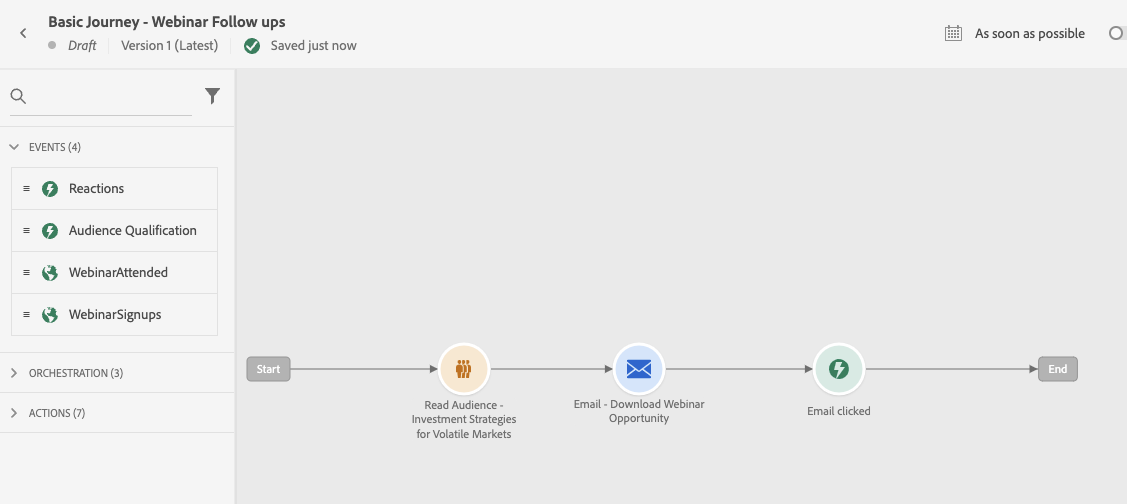
- Check the box "Define the Event Timeout" and leave it as 1 day. Then, set the timeout path. Click Ok.
- Drag an email to each path from our reaction. Label the one in the time out as "Download Reminder". Label the other one as "Talk to an Advisor". Make sure both of them have a category of "Marketing" and the email surface as "MultiChannel."
- Click Ok. Your journey should look like this:
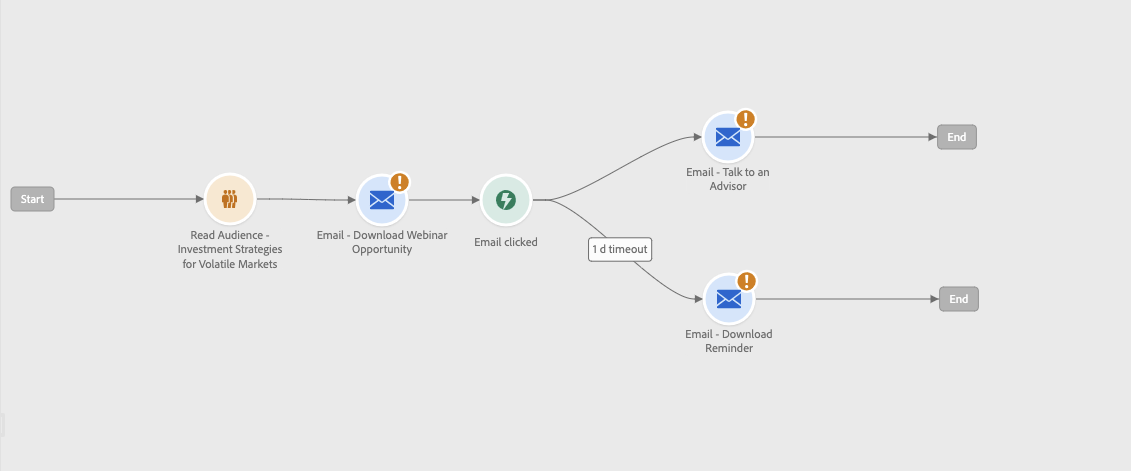
Journey Marketer Friendly Warnings
- Click Edit Content Once button on Each email. Then back into the journey.
- Once the warnings on the nodes are gone. Click on the red warning sign next to the Test Mode Toggle.
The entering into edit content set the message into the journey so that cleared the node warning. Now this allows Journeys to start displaying more in-depth content warnings:

- We will be addressing some of these in our next module.