Lab: Creating an Offer
3 min
description: >-
  This set of labs will walk through the steps needed to create a Personalized
  Offer and a Fallback Offer in Adobe Journey Optimizer.
Create a Personalized Offer
Click on “Offers” from the Left Menu.

Click on Create Offer.

Select “Personalized Offer”.

For the name of the Offer, type “Request Consultation - INITIALS”.
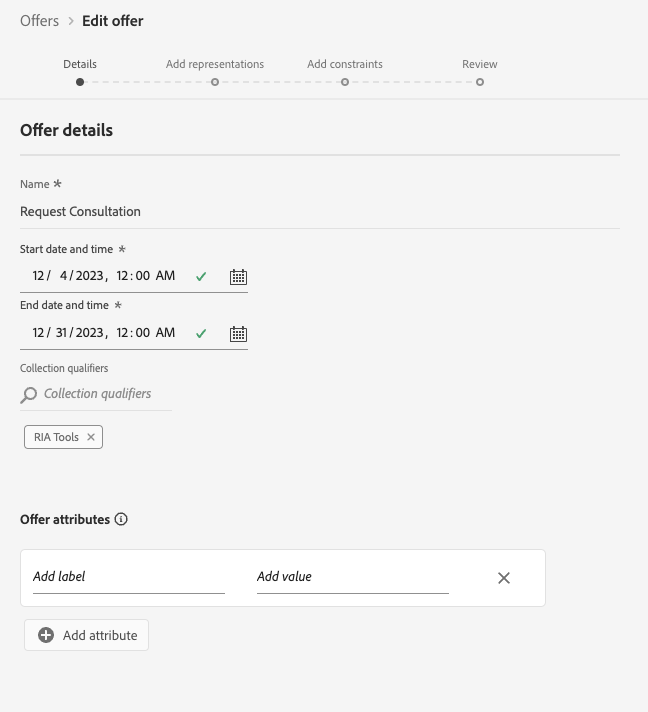
Populate the date ranges for Start and End Dates.

- Add tags. – Example: RIA Tools - Initials. Click “Next”.
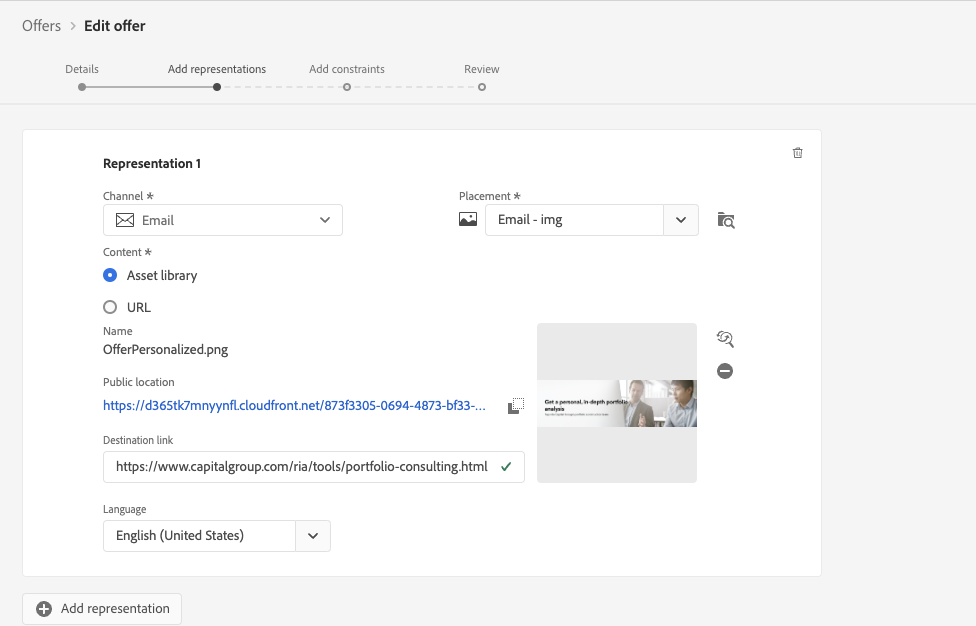
- Select Email as the Channel.
Select
Email – Image - Initials
as the Placement.

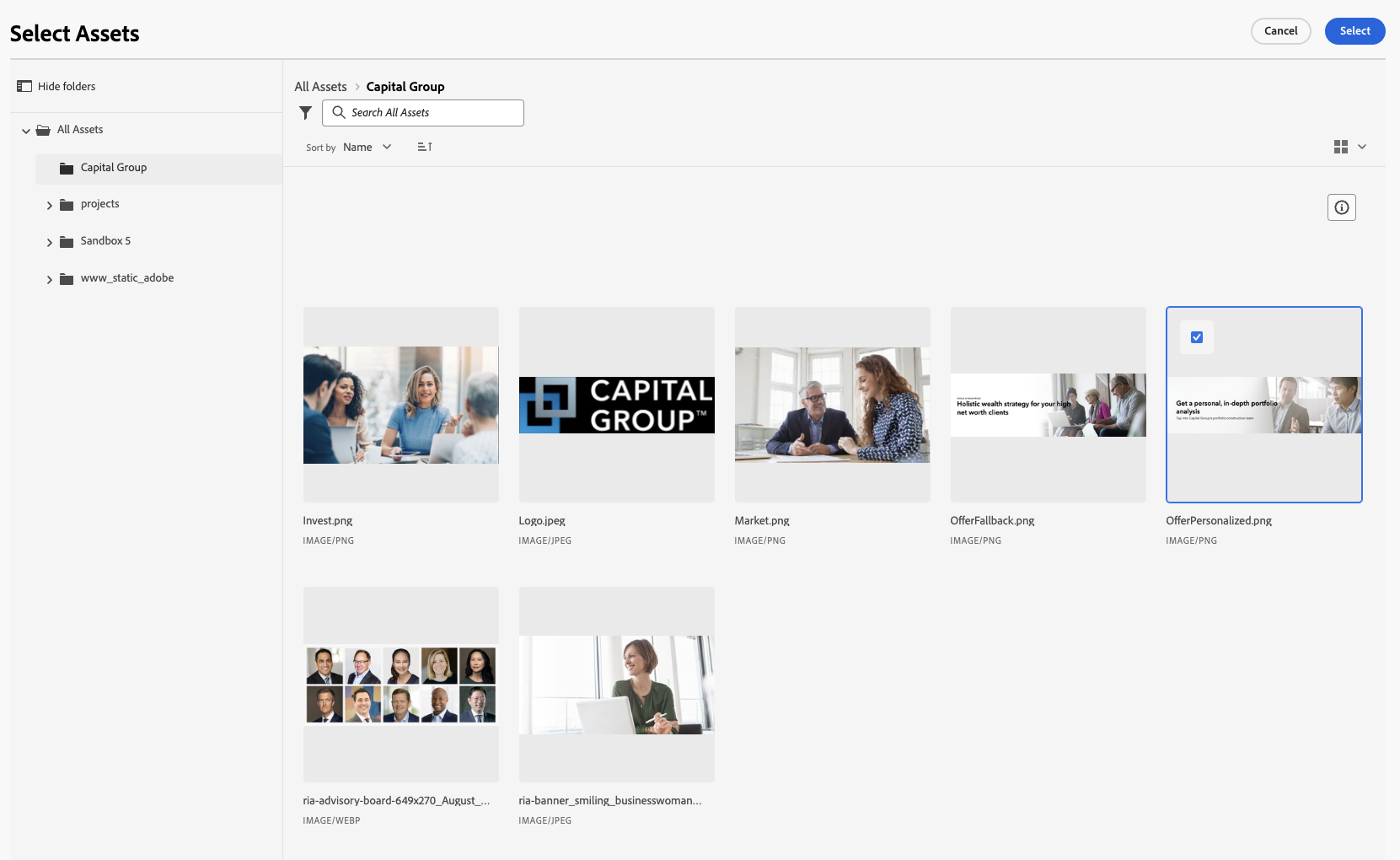
- Select the Assets Library.
Click Browse.

Search for an appropriate Image. Click Select.
Provide a Destination Link (
). Click Next.
Set Offer Eligibility. Select Eligibility Constraint "Visitor Who Fall Into one or multiple audiences":

Select "Select Interested - Portfolio Consultation" as the criteria:

- Set Priority: 0. Set No Capping. Then Click Next.
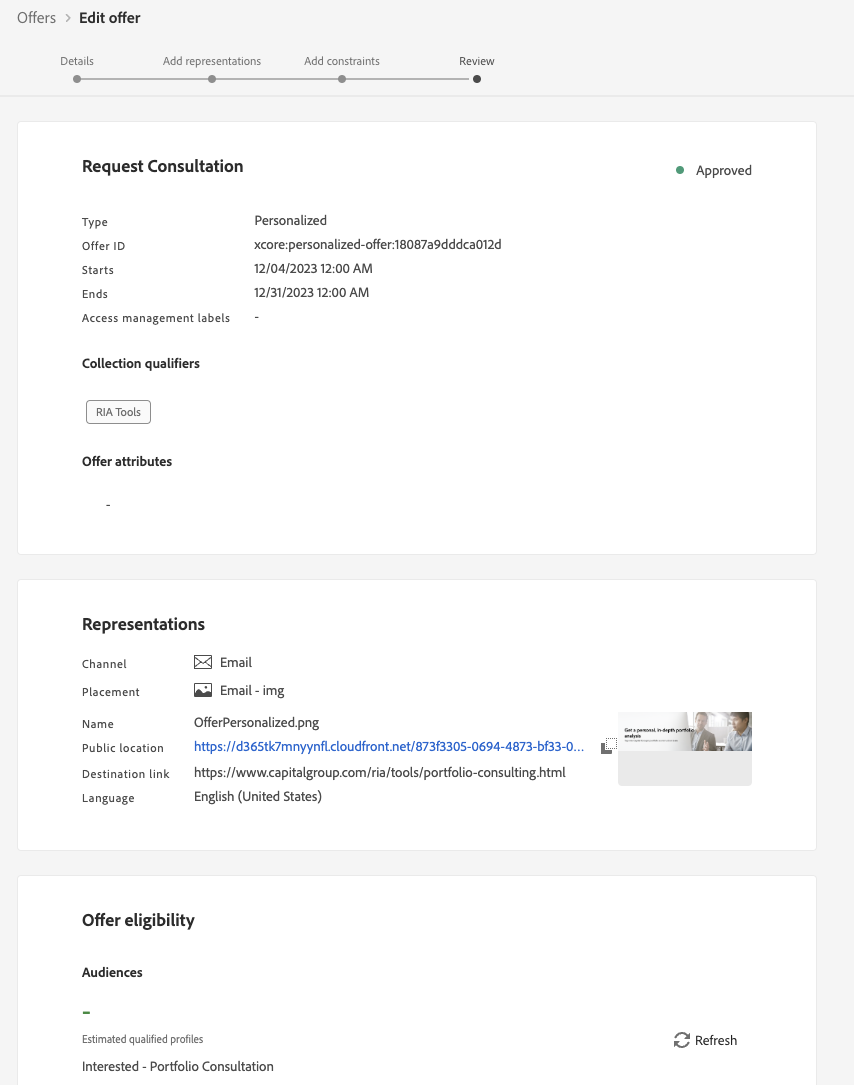
Review your Offer Details. Click Finish and Save and Approve.
Create a Fallback Offer
Click Create Offer.

Select Fallback offer. Click Next.

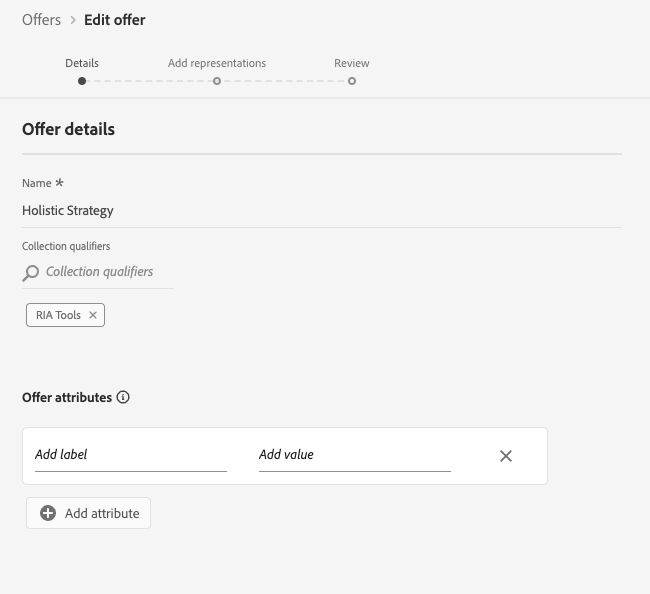
- Name offer "Holistic Strategy - Initials"and provide your collection qualifier. Click Next:
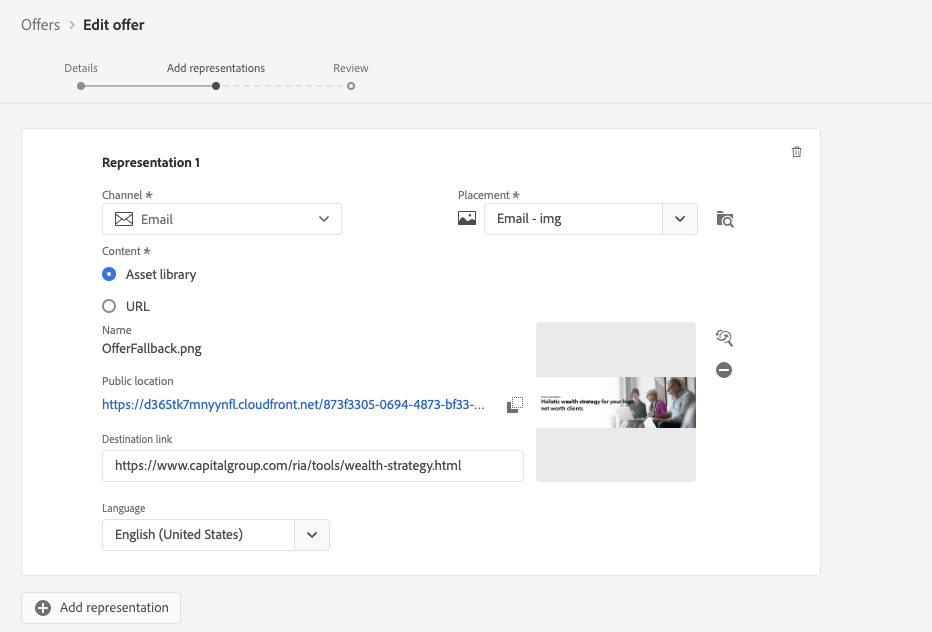
Select Email for Channel, and Email - Image for Placement. Click Browse.

- Choose an image and provide a destination link (https://www.capitalgroup.com/ria/tools/wealth-strategy.html) . Click Next:
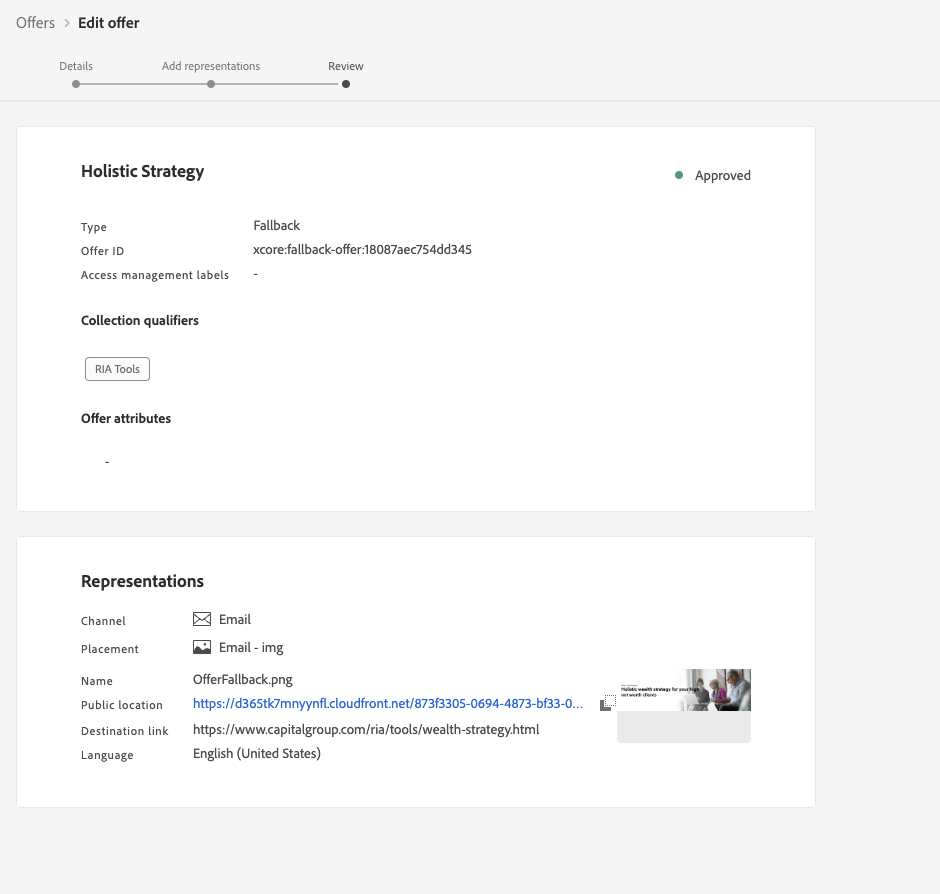
- Review fallback offer. Click Finish. Click Save and Approve:
- End of Lab