CJA: Exporting KPIS to Google Cloud Platform
2 min
On Adobe Experience Platform we have different way of export data. We could pick a dataset with raw data from the platform, or create a new one with computed metrics with SQL, and export through a RT-CDP destination connector.
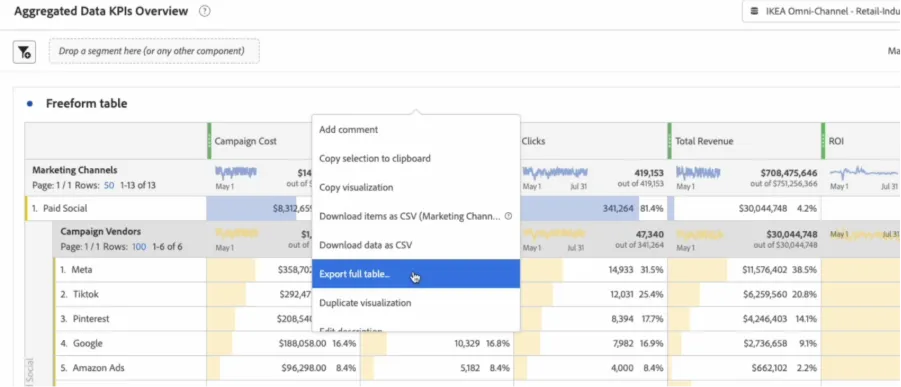
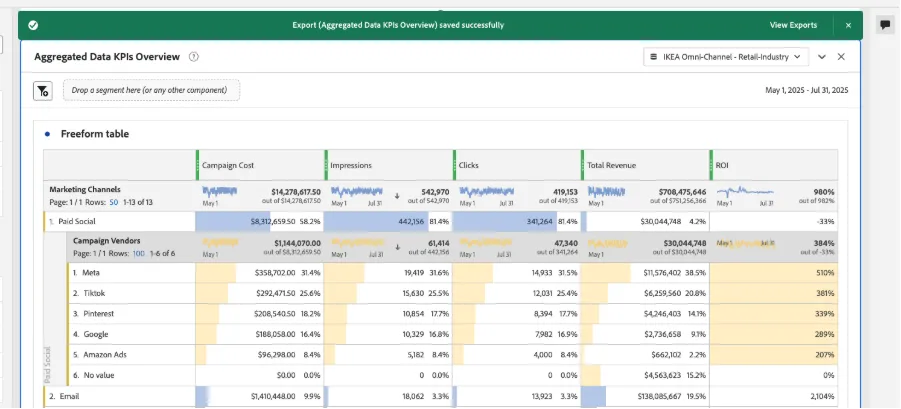
We can also export full tables from CJA with the same processed data we can see in the table. Once we have created the table, we do right-click on the table and click on ‘Export full table…”
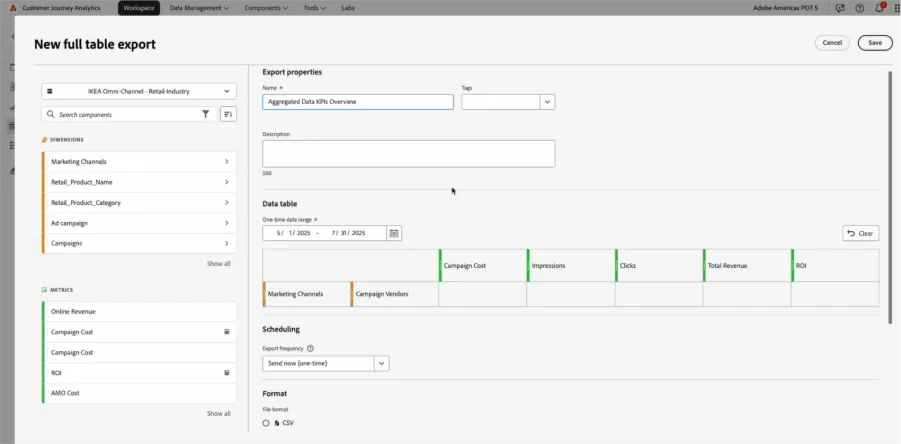
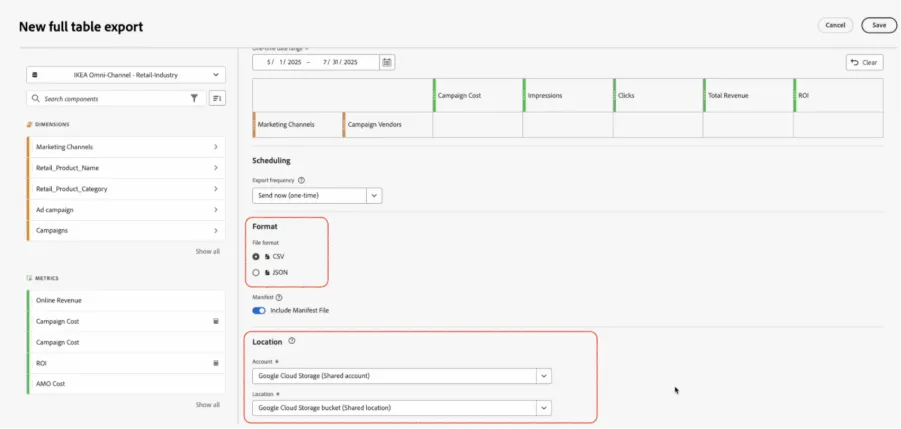
We will define the export properties and the location of the table we are sending
We’ll see a success message:
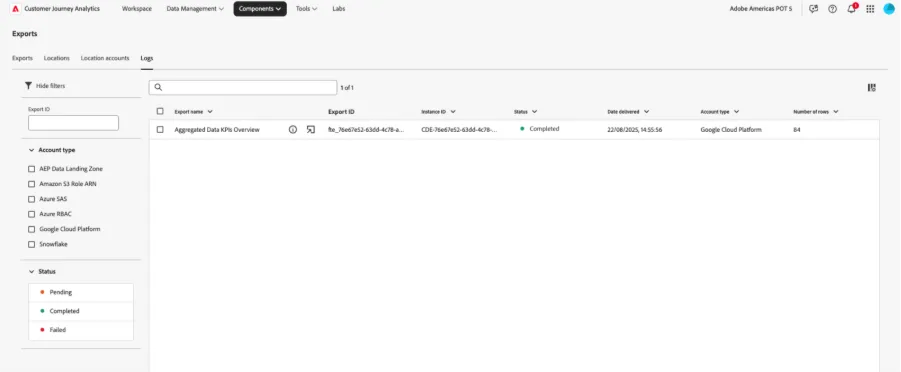
Under export logs we can see our file has been ‘Completed’
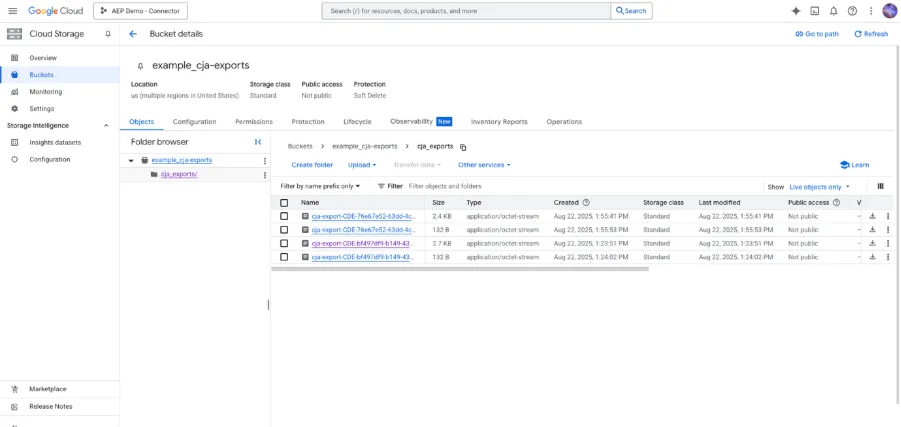
In Google Cloud Platform we can now see our .csv file