Agentic authoring of a page
Overview
In this exercise, you will continue working with the TravelBrew landing page created in the previous Document Authoring exercise.
Instead of manually editing the page, you will use Experience Workspace and natural-language prompts to enhance the existing page. You will add a new card, personalise the FAQ section and update the page SEO metadata, and preview the completed page.
Adding a new feature card
- Open the Experience Workspace agent.
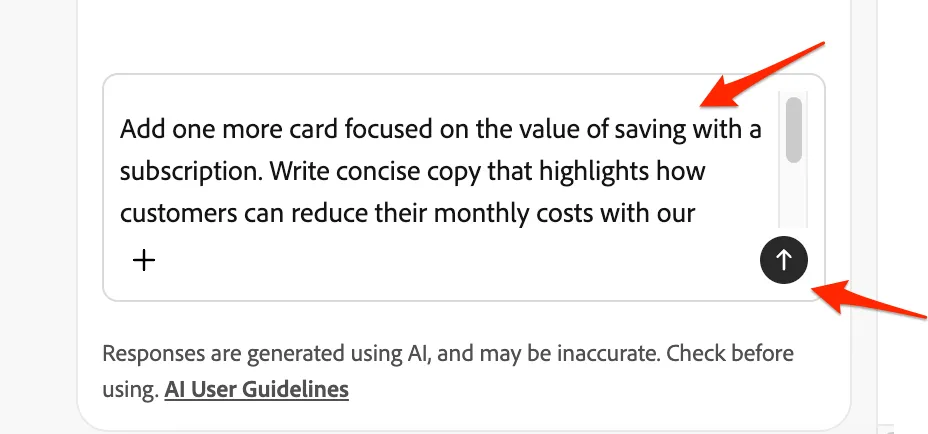
- Enter the following prompt: Add one more card focused on the value of saving with a subscription. Write concise copy that highlights how customers can reduce their monthly costs with our subscription options. Select an existing image from the asset library that best supports this message.
- The agent will read the page content and propose an update; review it and approve the change:
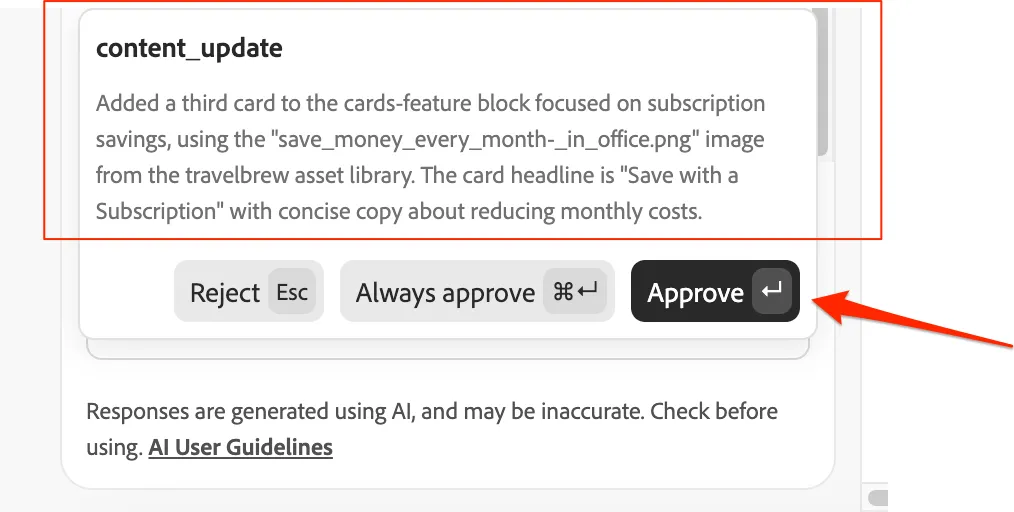
- When approved, the agent will update the change and the page is updated.
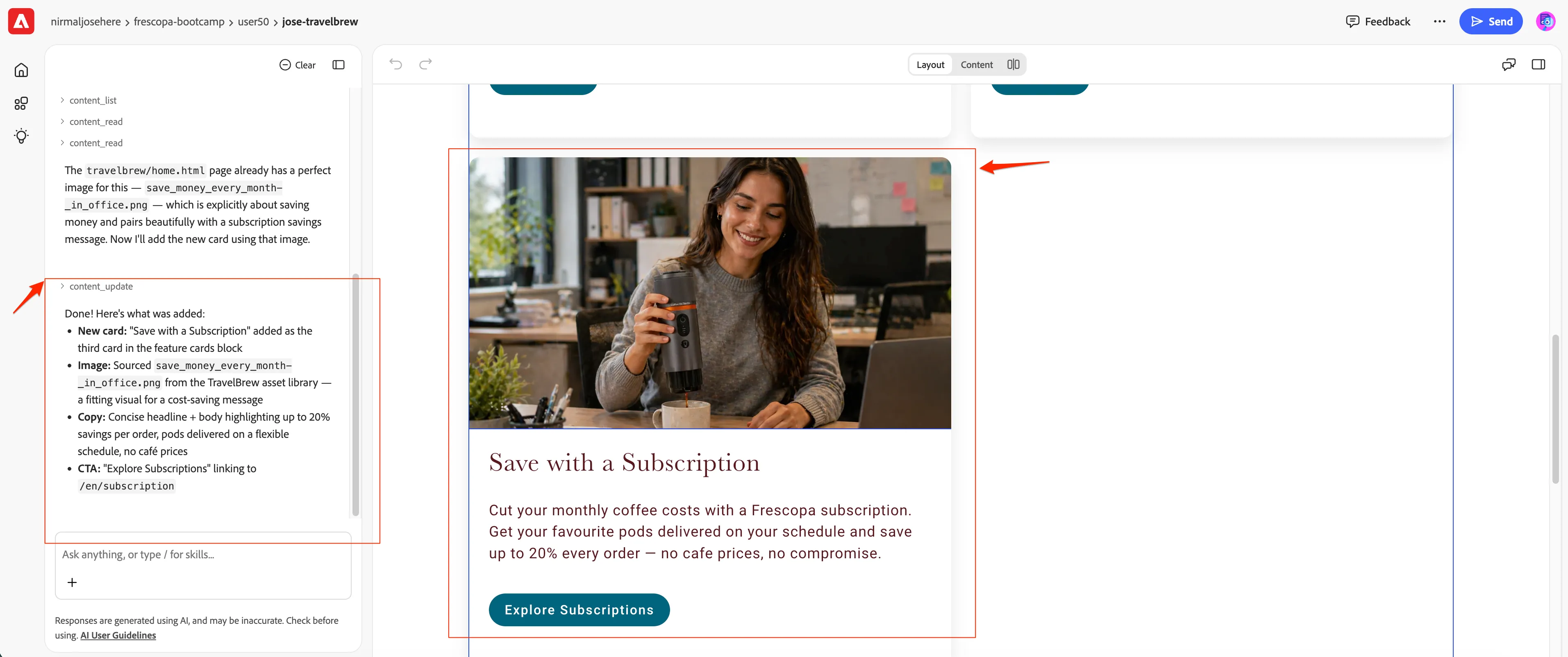
Content may vary as we didn't specify any, so the agent will create one.
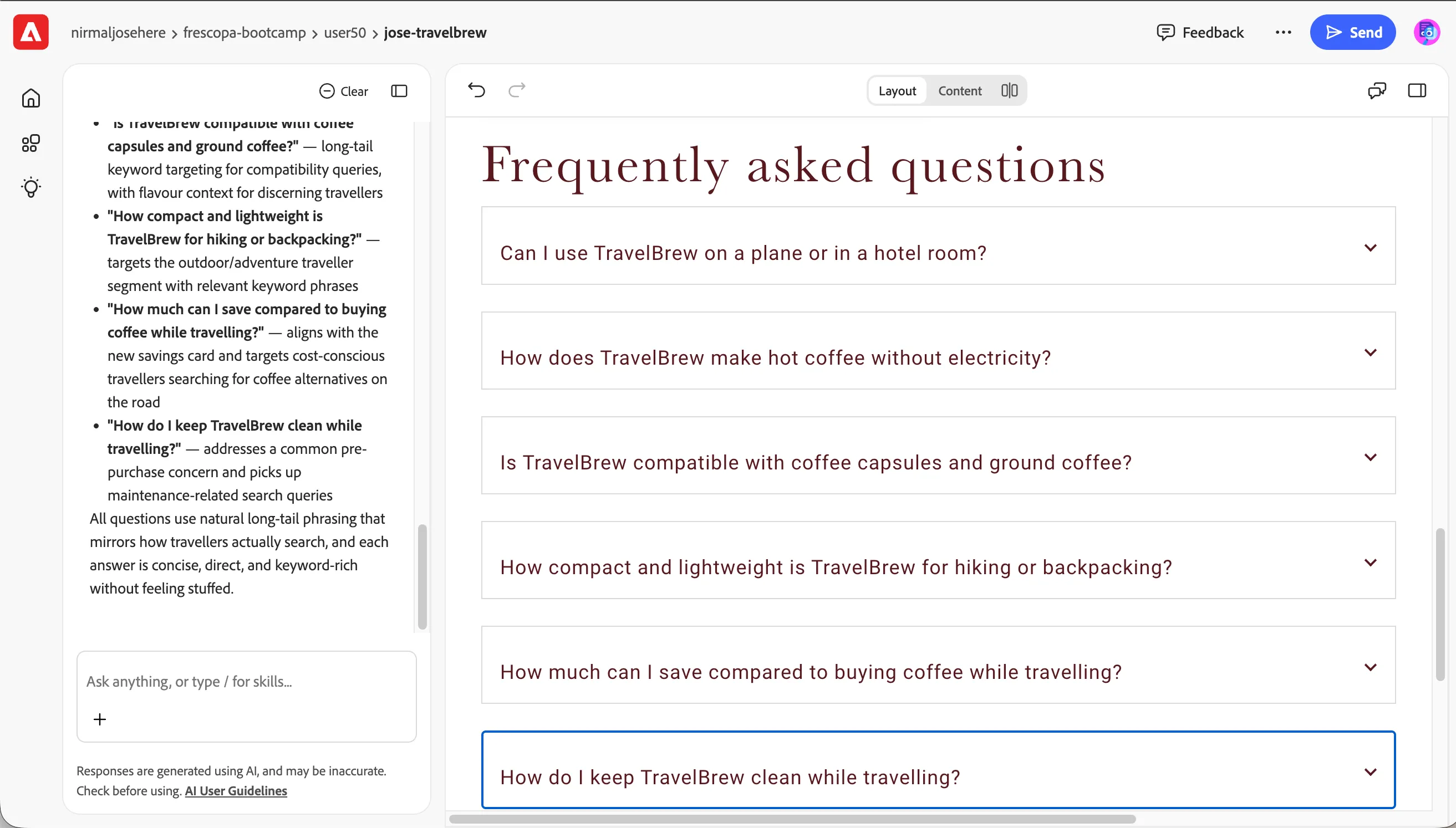
Optimise FAQ for travellers and SEO
We want to optimise the Frequently asked questions section for travellers and SEO. Lets ask agent to do it.
- Send this prompt: Optimise the FAQ questions and answers for travellers and SEO
The Agent will figure out on its own what type of style to use, what content to create, and how to place it.
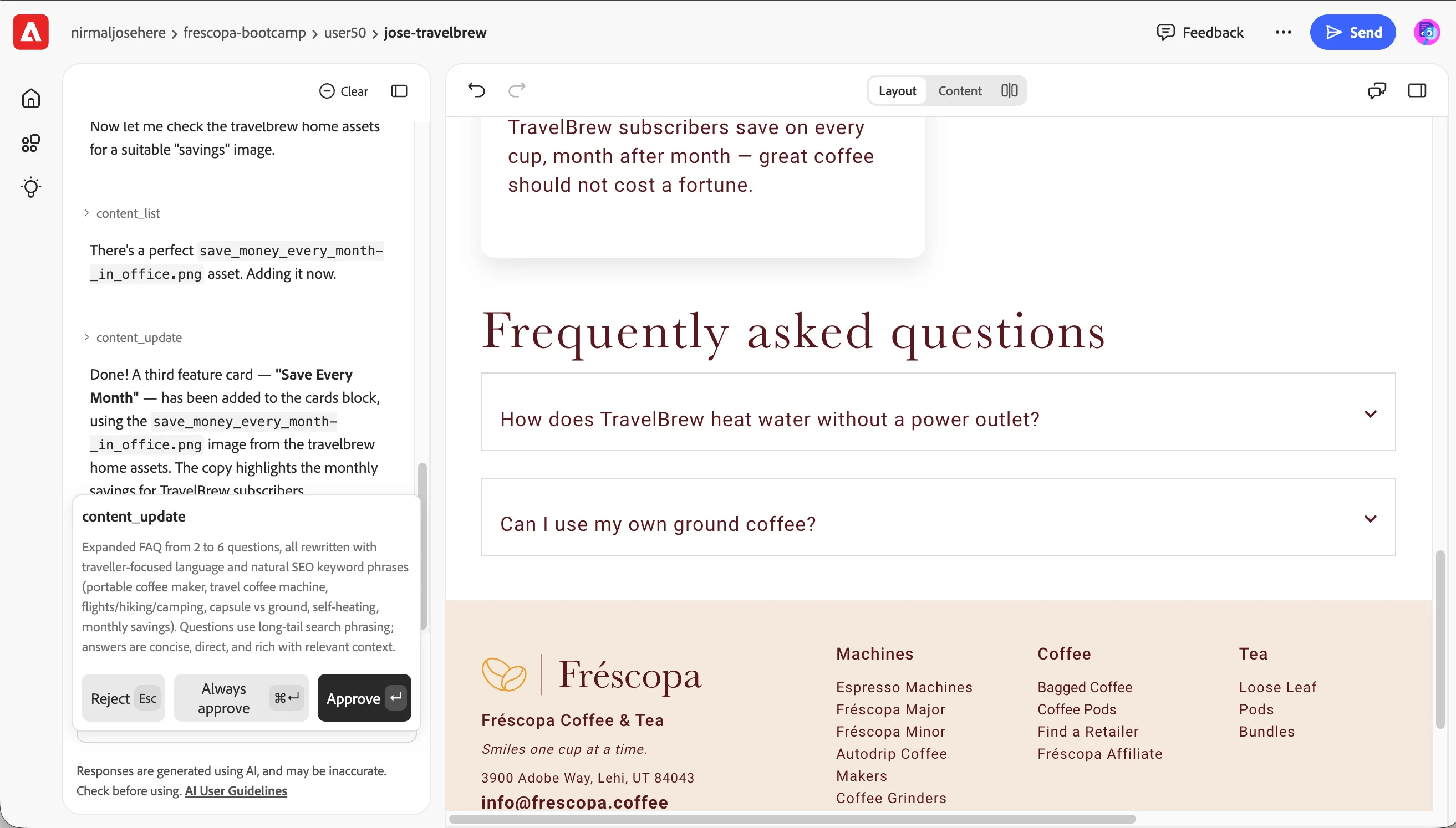
- Accept the changes:
- Refresh the page to see the result:
Update the page SEO metadata
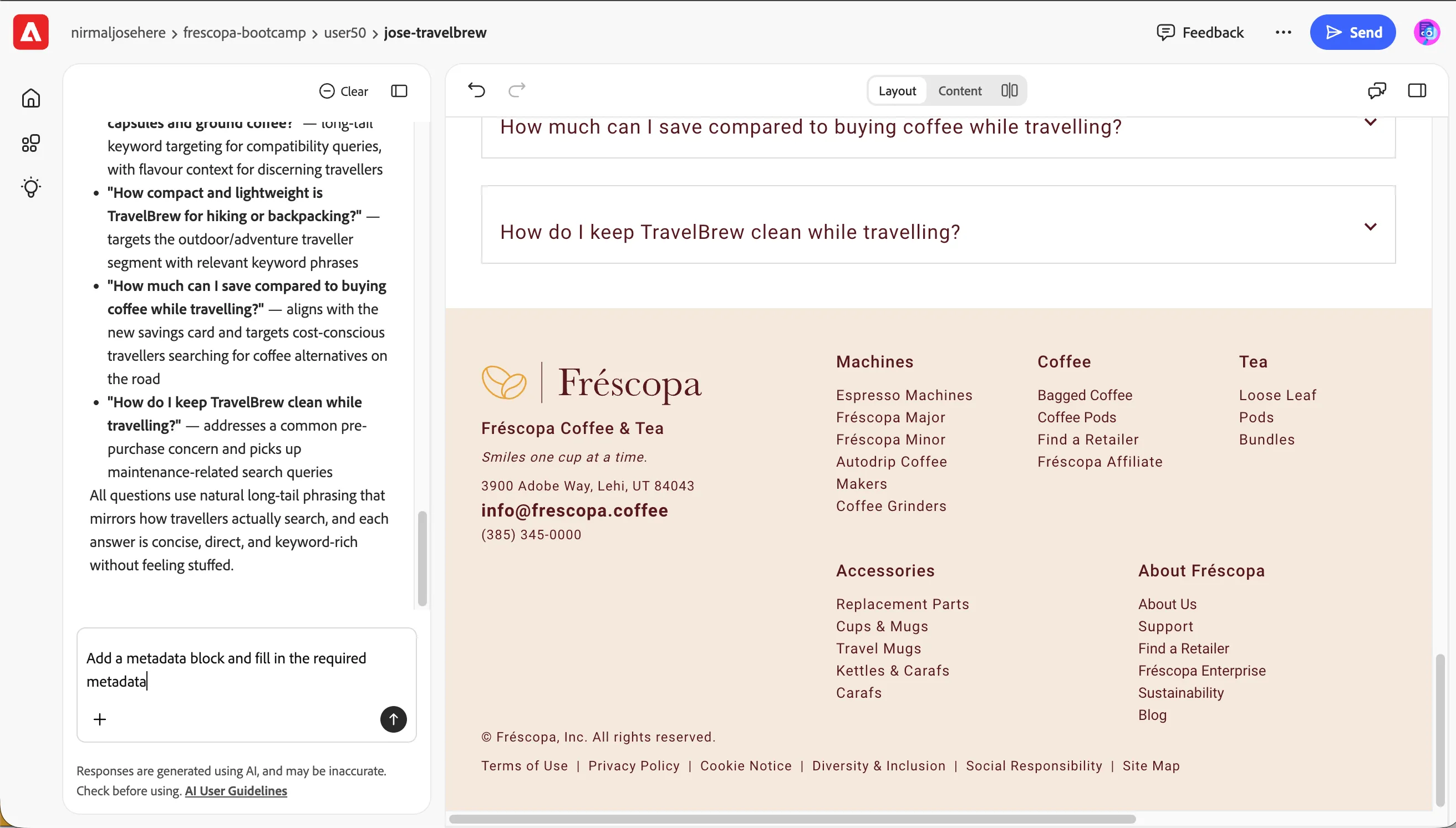
We want to ensure the page is optimised with SEO metadata. Lets make agent to update it.
- Send this prompt: Add a metadata block and fill in the required metadata
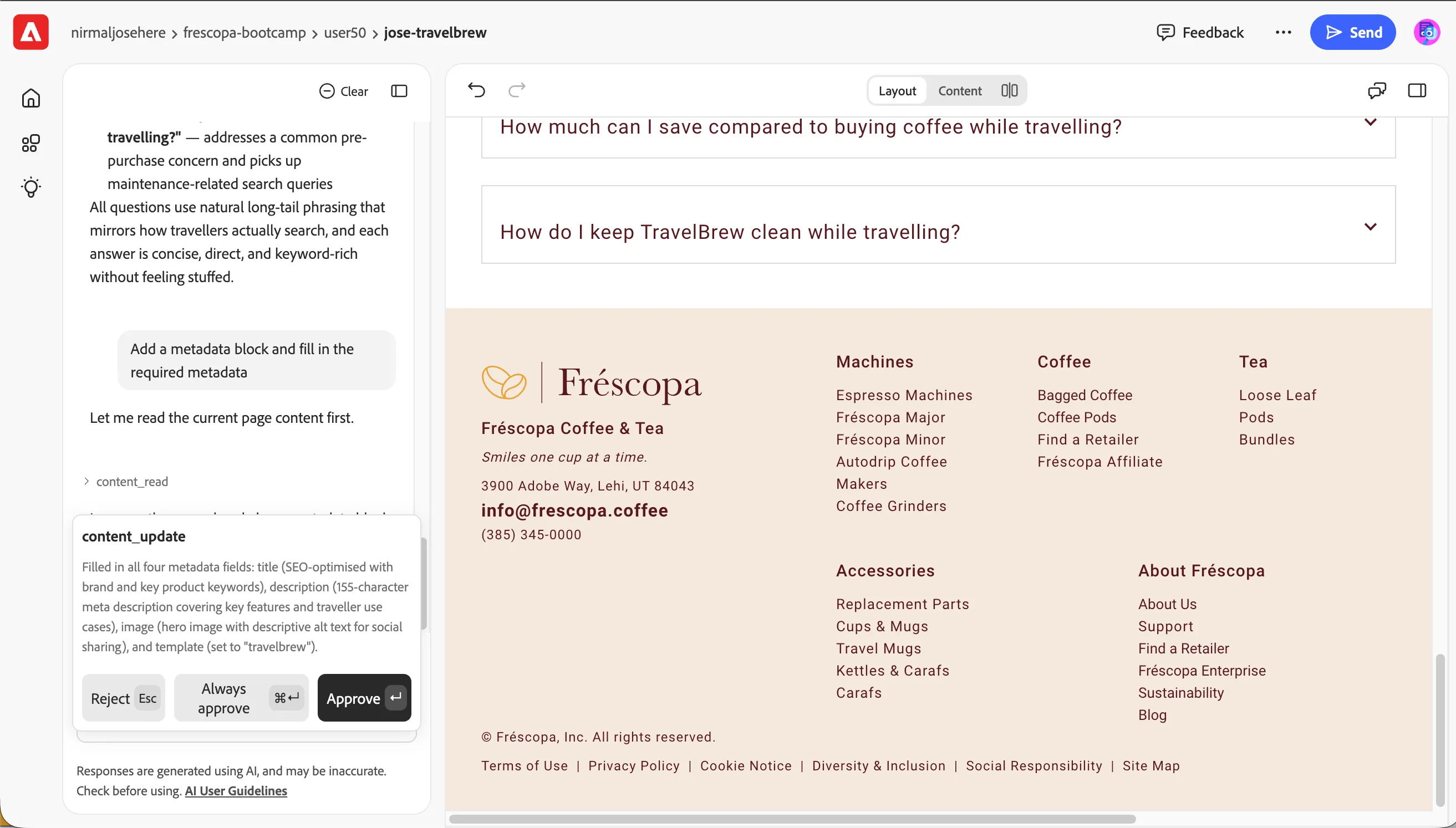
- We already had an empty metadata block as part of the template. Agent understands it and decide to update it rather than create another one. It does the plan and request your approval. Approve the changes
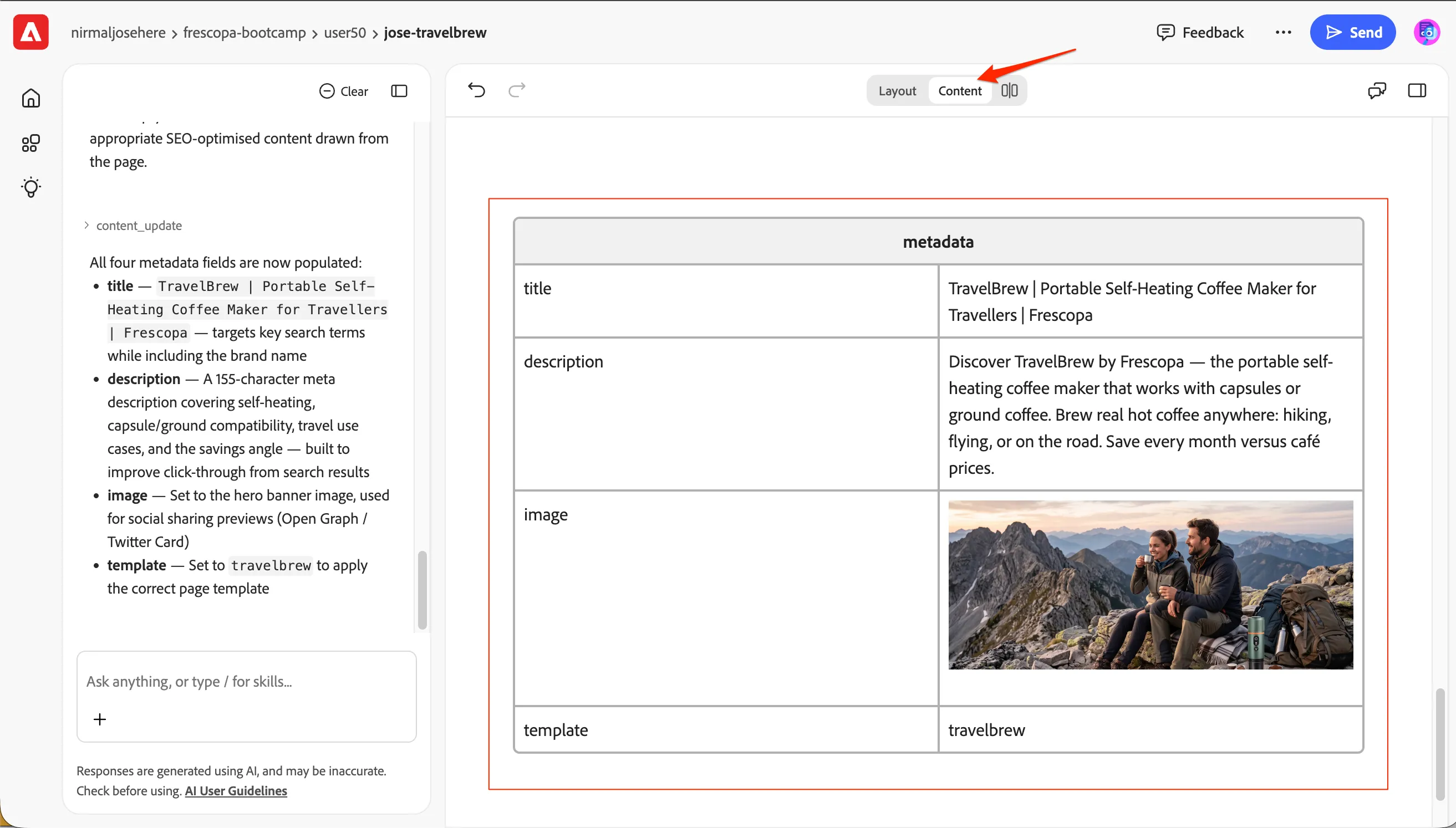
- Switch to content view mode and scroll to the bottom to see the updated metadata block.
Ask the Agent to Review the Page
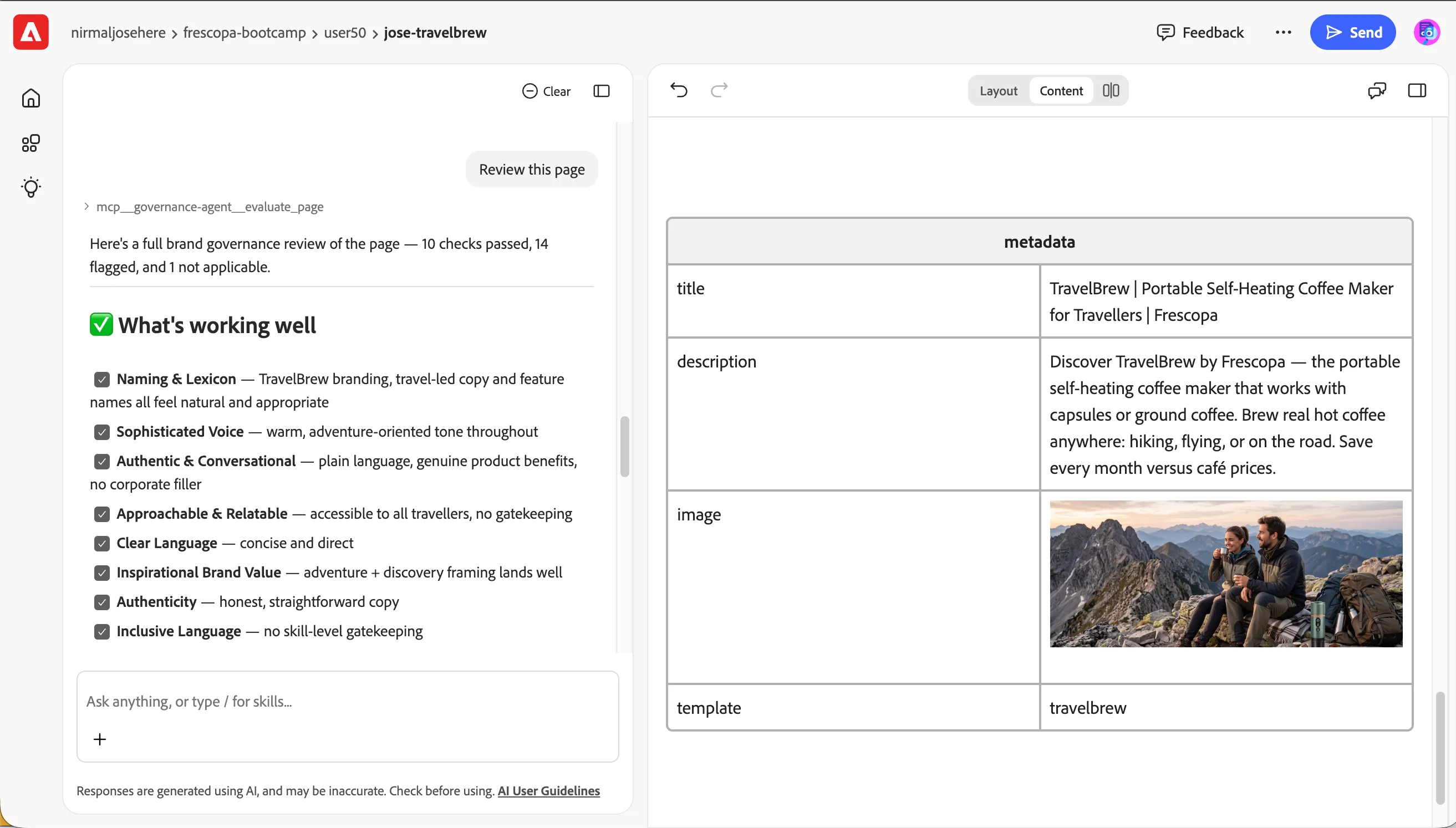
Before generating the final preview, ask the agent to review the page for quality and consistency.
- Send this prompt: Review this page.
We have configured Brand Guidelines before, so all our tools follow the same guidelines.
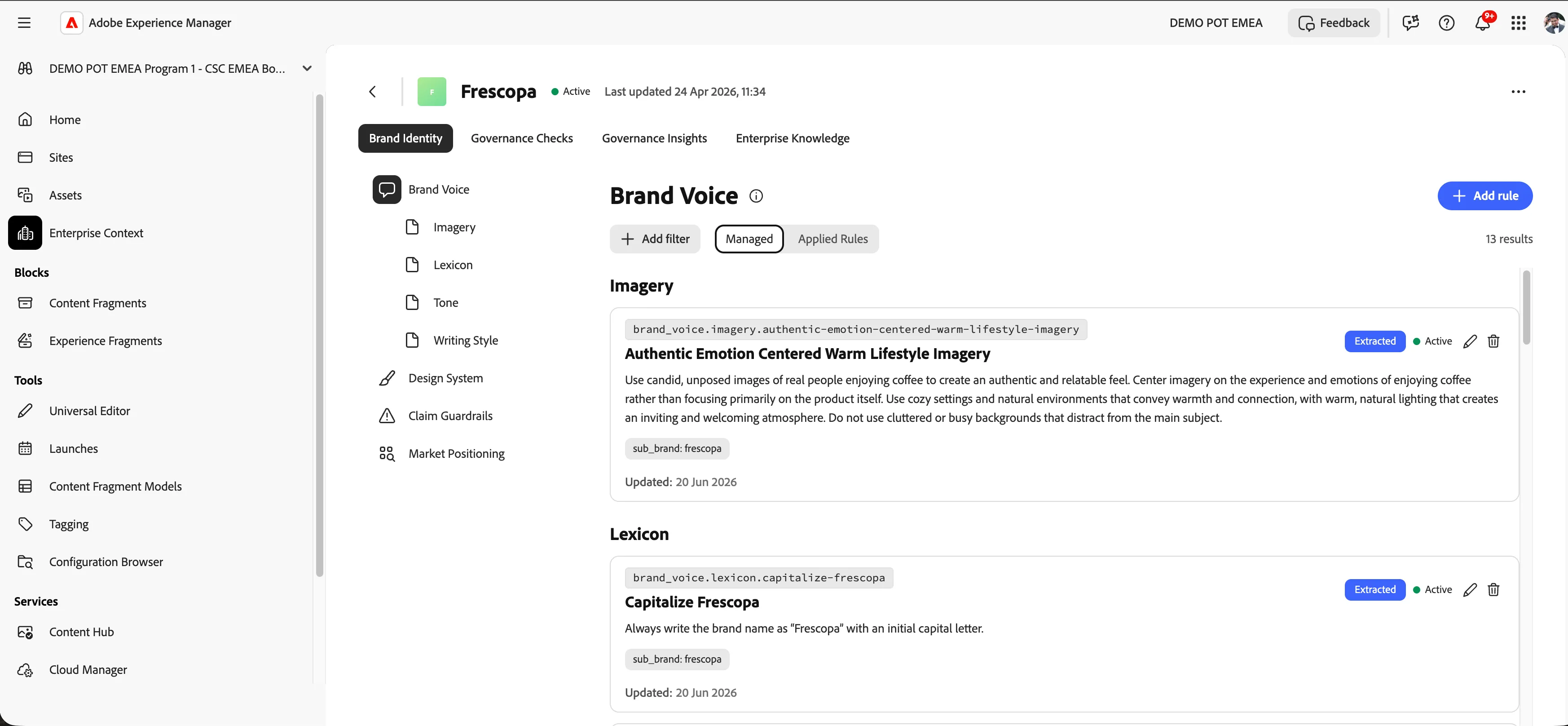
- Review the review and recommendations. If the agent identifies an issue, you can ask it to correct that specific issue as well.
Preview the page
- Ask the agent to preview the page: preview the page
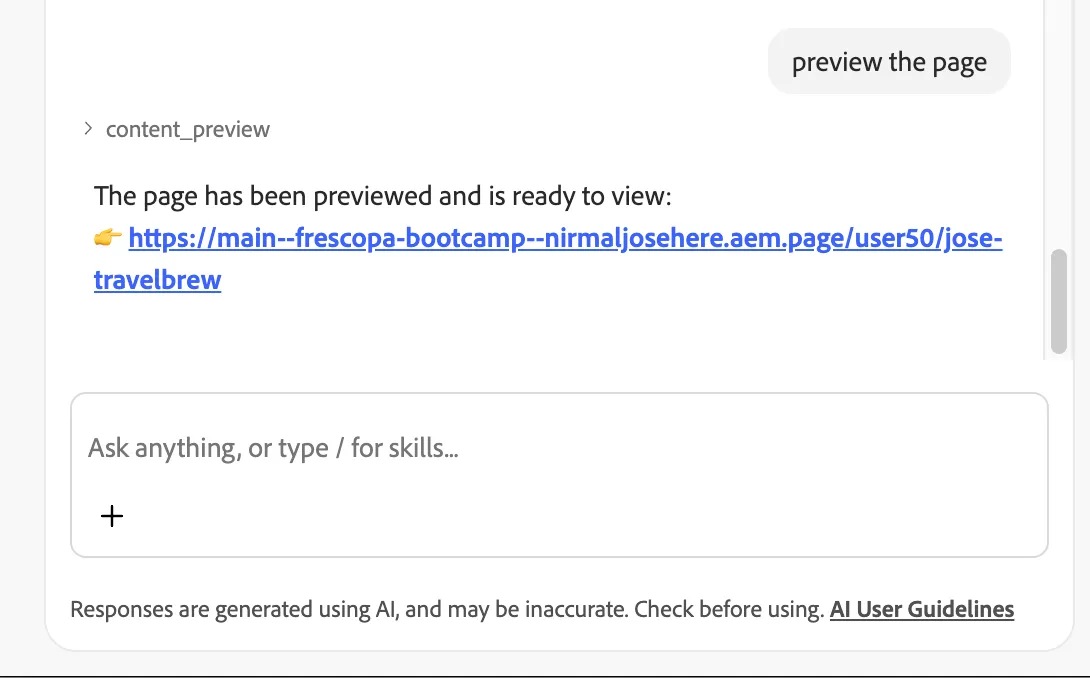
- The agent returns you the preview URL so you can take a look.
Conclusion
You have successfully extended the TravelBrew Landing page using Experience Workspace.
This exercise demonstrates how Experience Workspace can help authors make targeted page updates without manually editing every content element. The agent accelerates the authoring process, while the author remains responsible for reviewing the content, structure, accessibility, and final presentation.