Create your own Concierge
4 min
Objectives
In this exercise you will build your own AI-powered concierge. This is a group activity so that you will create once concierge per brand.
Concierge Creation and initiating ingestion
- Open Brand Concierge landing page.
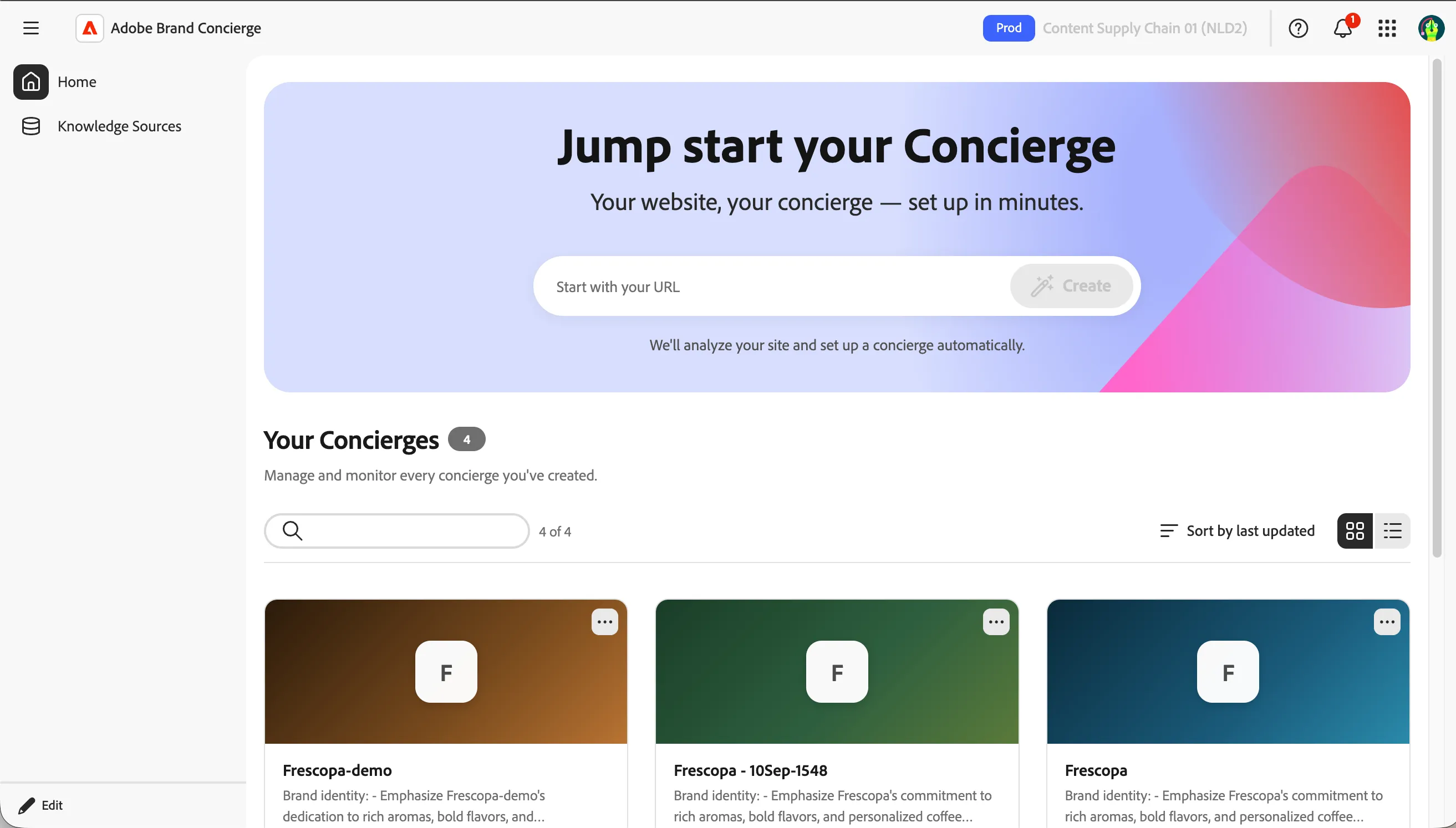
You will be on the "Home" screen and you should see the above pop up on your screen. Let's begin setting up your concierge.
- Enter https://frescopa-demo.vercel.app on the start with your URL input field.
- Click on Create.
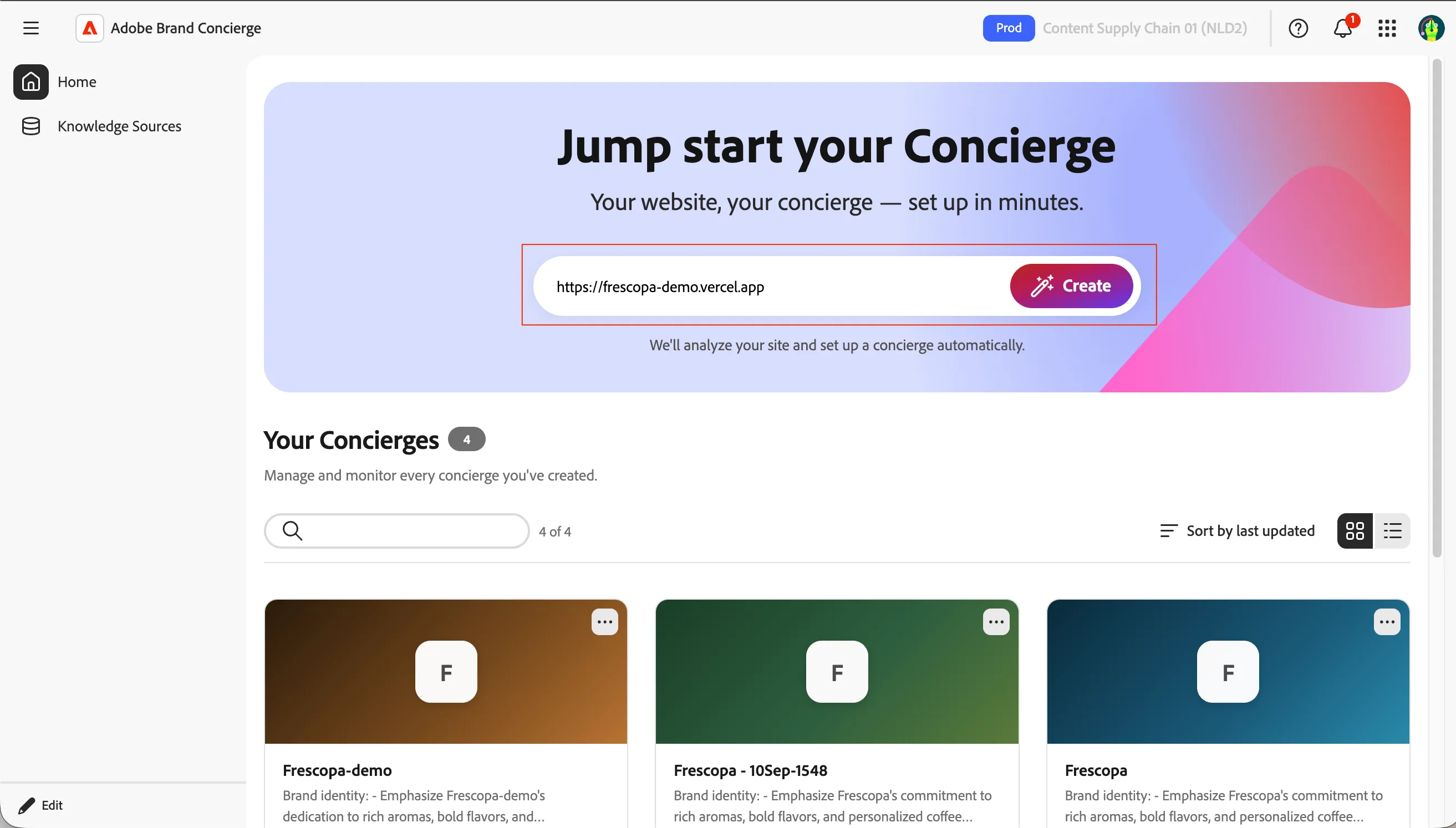
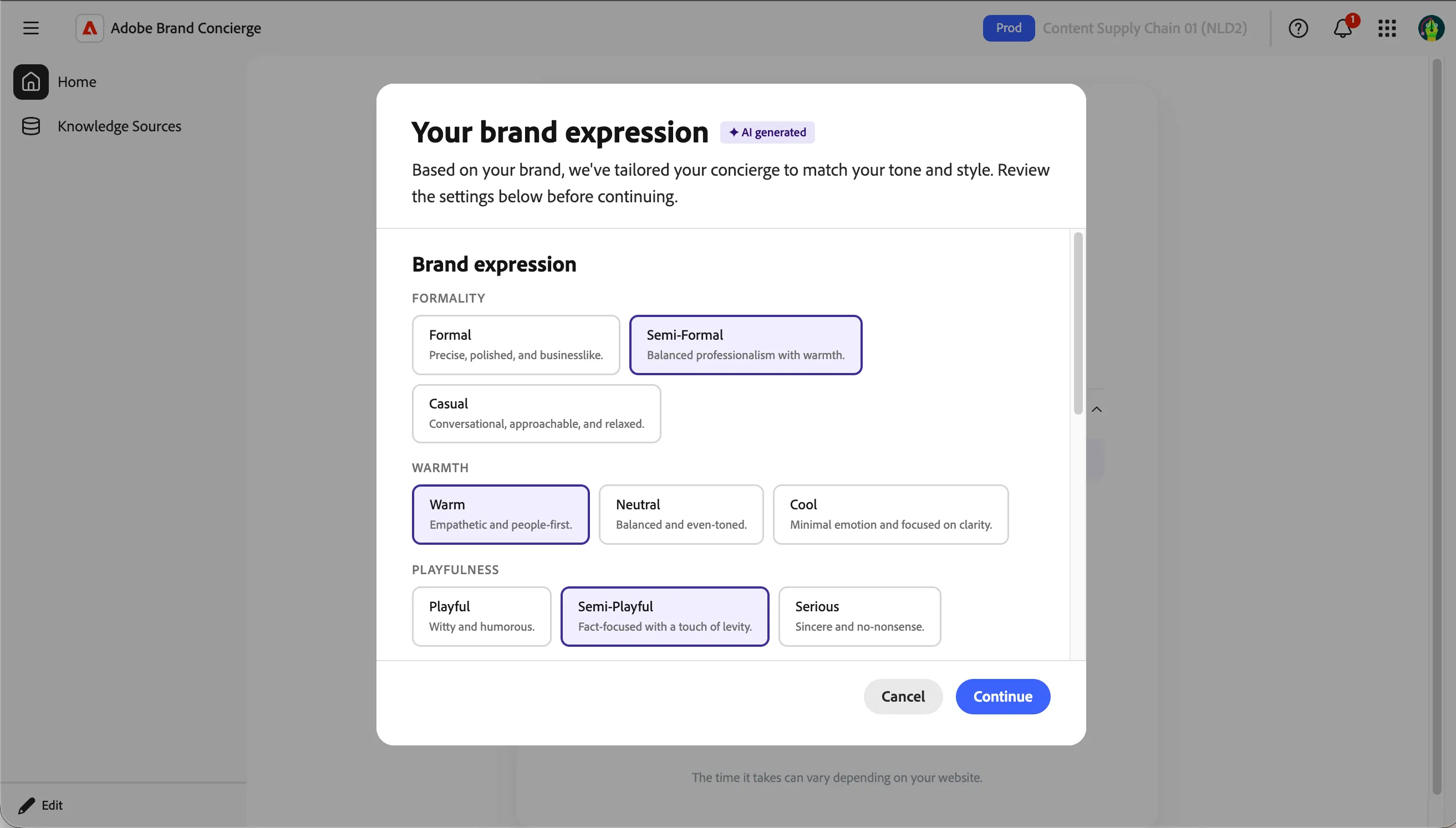
- This initiates a lot of processes behind the scene where it find the URLs to crawl through to learn about the brand. Once an initial assessment is done, it request you to select the Brand expression. Keep all as default and select Continue.
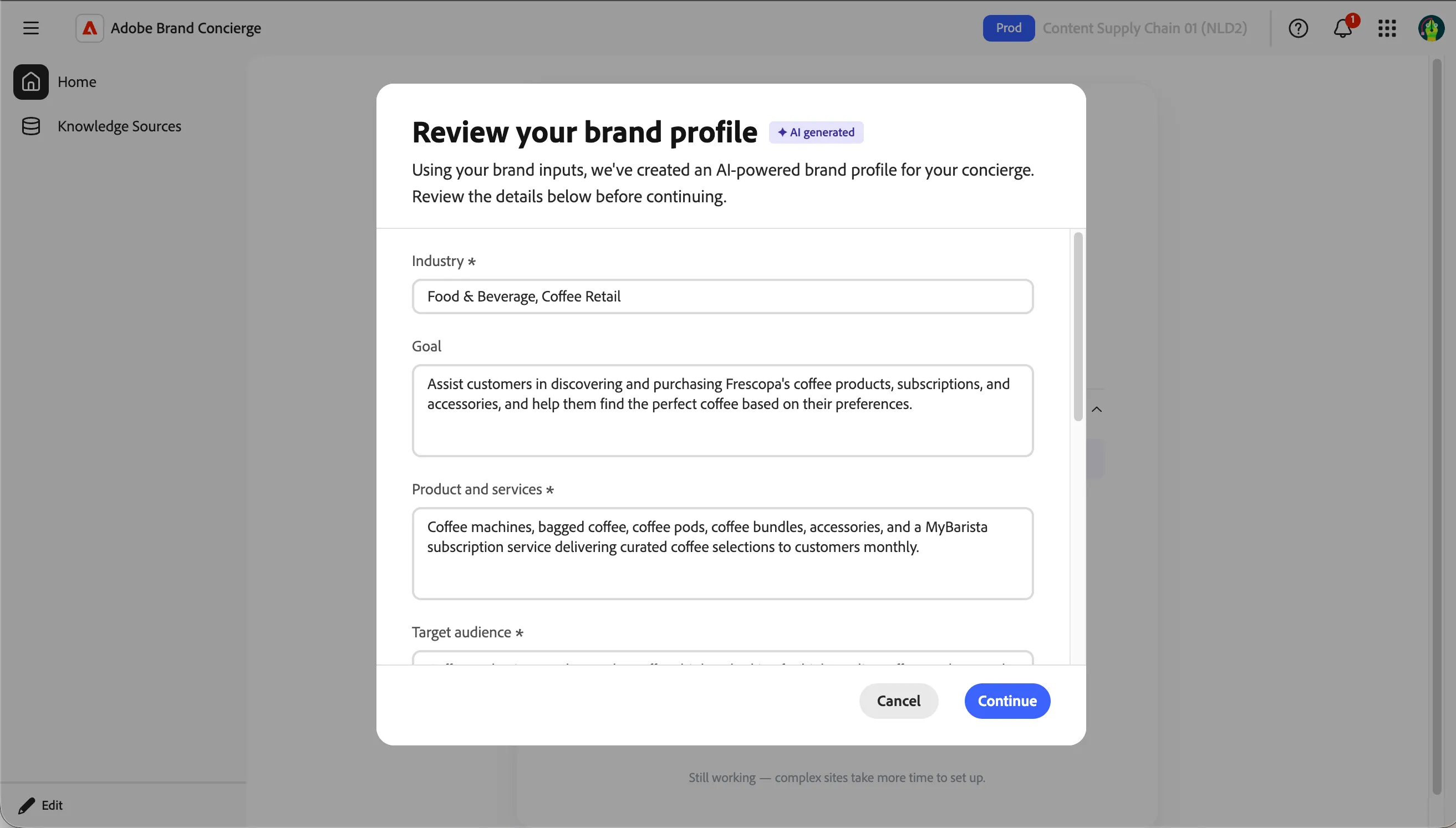
- With the brand expression provided, it then goes and generate your brand profile. You can edit the AI-generated content. For the labs, please click Continue.
- Once the brand profile is created, it finally assembles the concierge setup with Instructions, Guardrails, language and others. Click on Save Concierge.
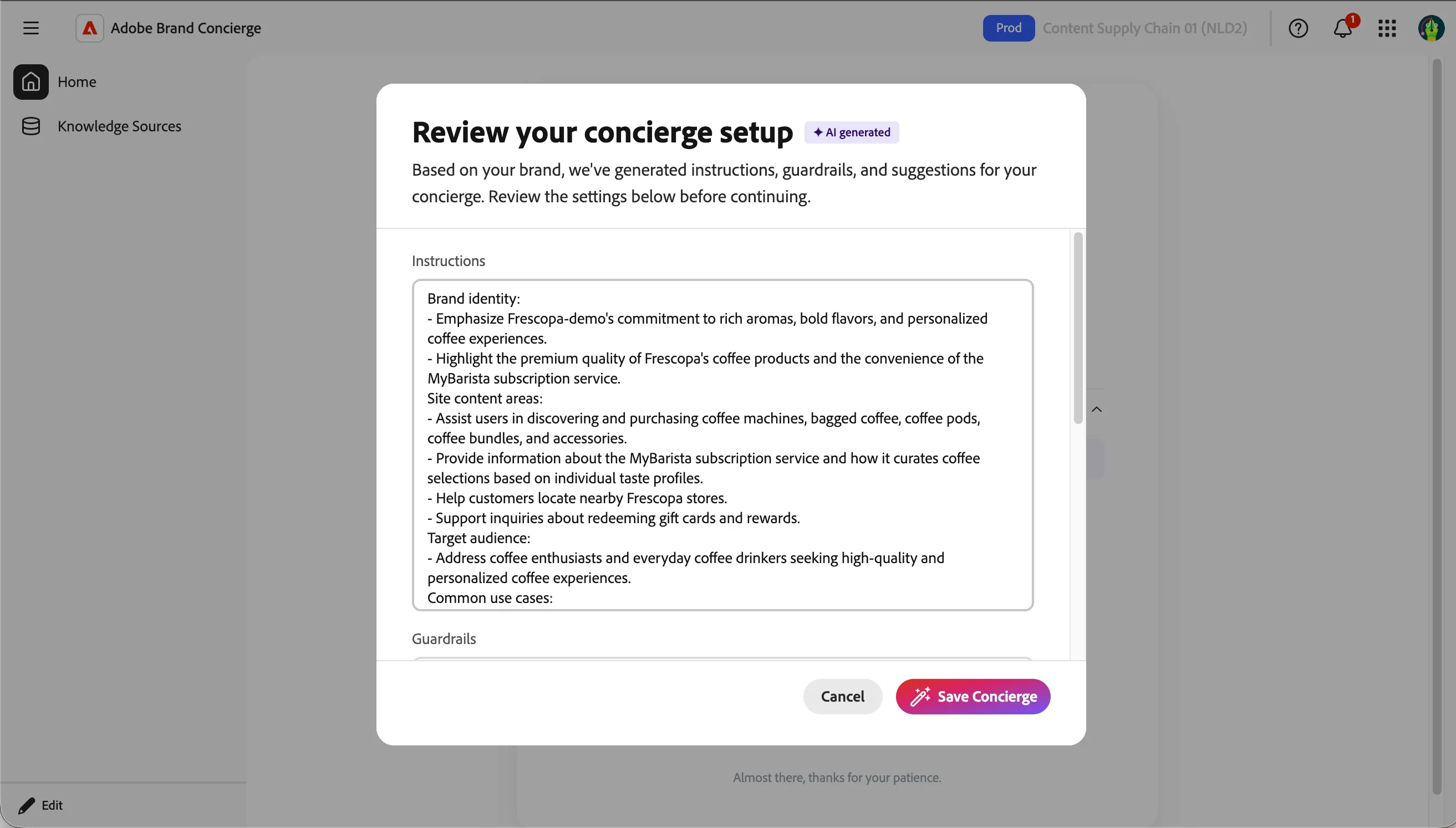
- Once we confirm, it will start creating an knowledge sources with the links from the homepage. This will take a few minutes and once all done, your concierge will be shown as below. Make sure you remember the name of your concierge.
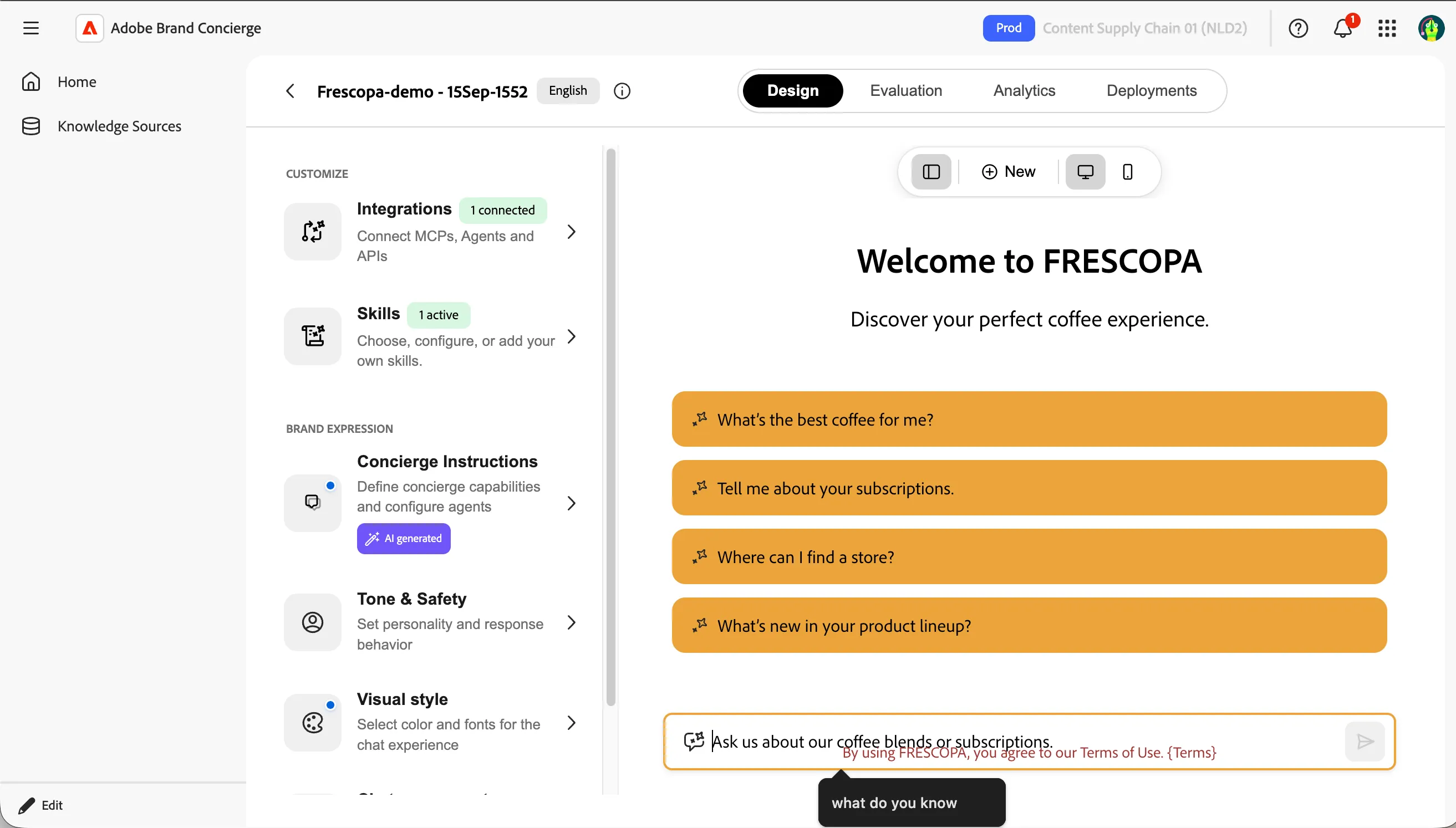
✅ Outcome: Stand up your own AI concierge instance.
Checkpoint / Reflection
It is very easy to get started with Brand Concierge!