Get familiar with agentic authoring
4 min
Introduction
Experience Workspace (EW) changes the authoring model from manual page construction to intent-based authoring.
You describe the experience you want, the agent helps create the structured page, and you remain responsible for reviewing and approving the final result.
Step 1 — Access Experience Workspace
- Your instructor will activate Experience Workspace.
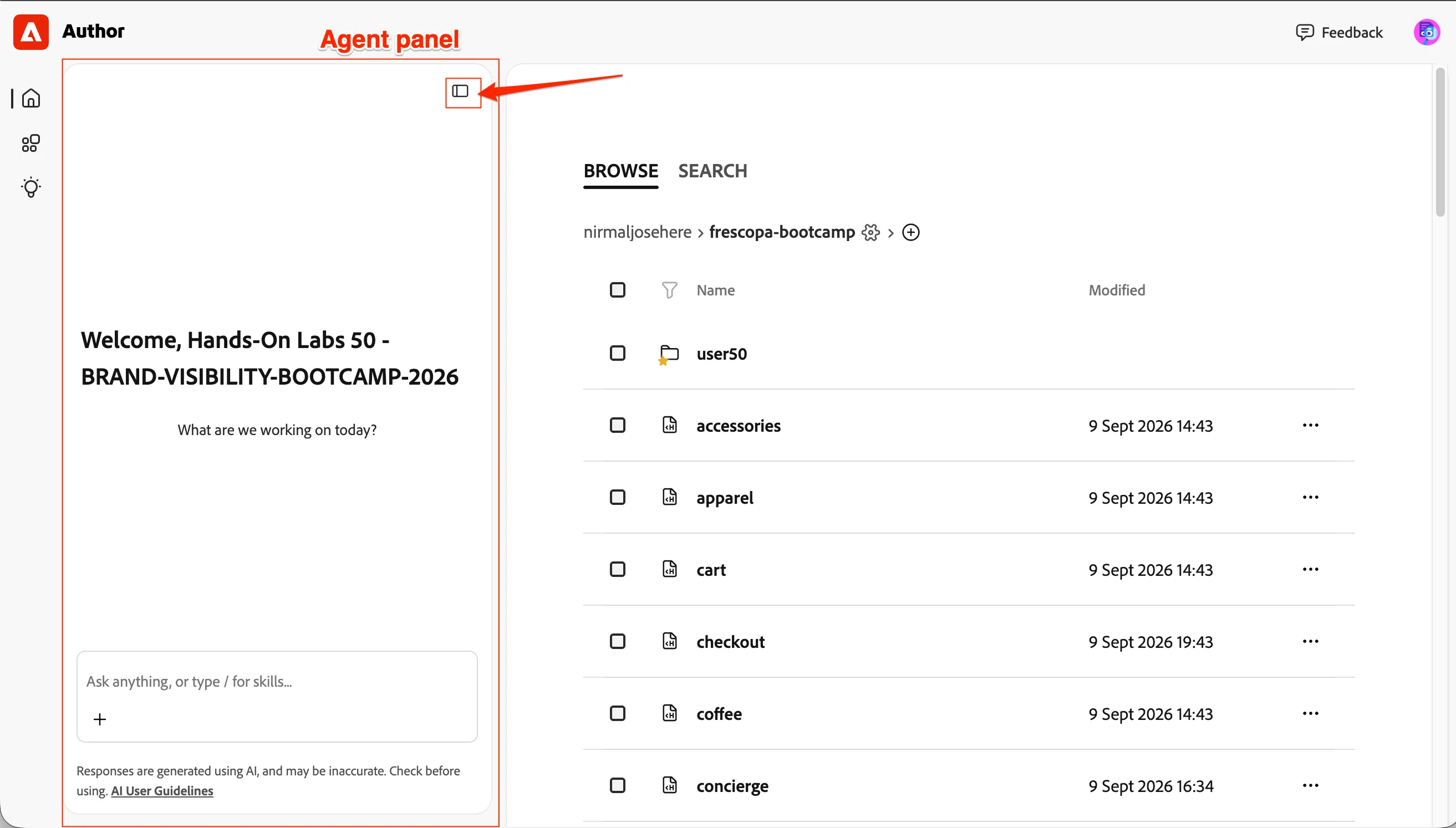
- Go to our Document Authoring, and refresh to get this view. If the agent is not showing, click Expand on the top-left.
- Let's start with a very simple question; enter this prompt: How many travelbrew pages are there in the user folders? Check every folder
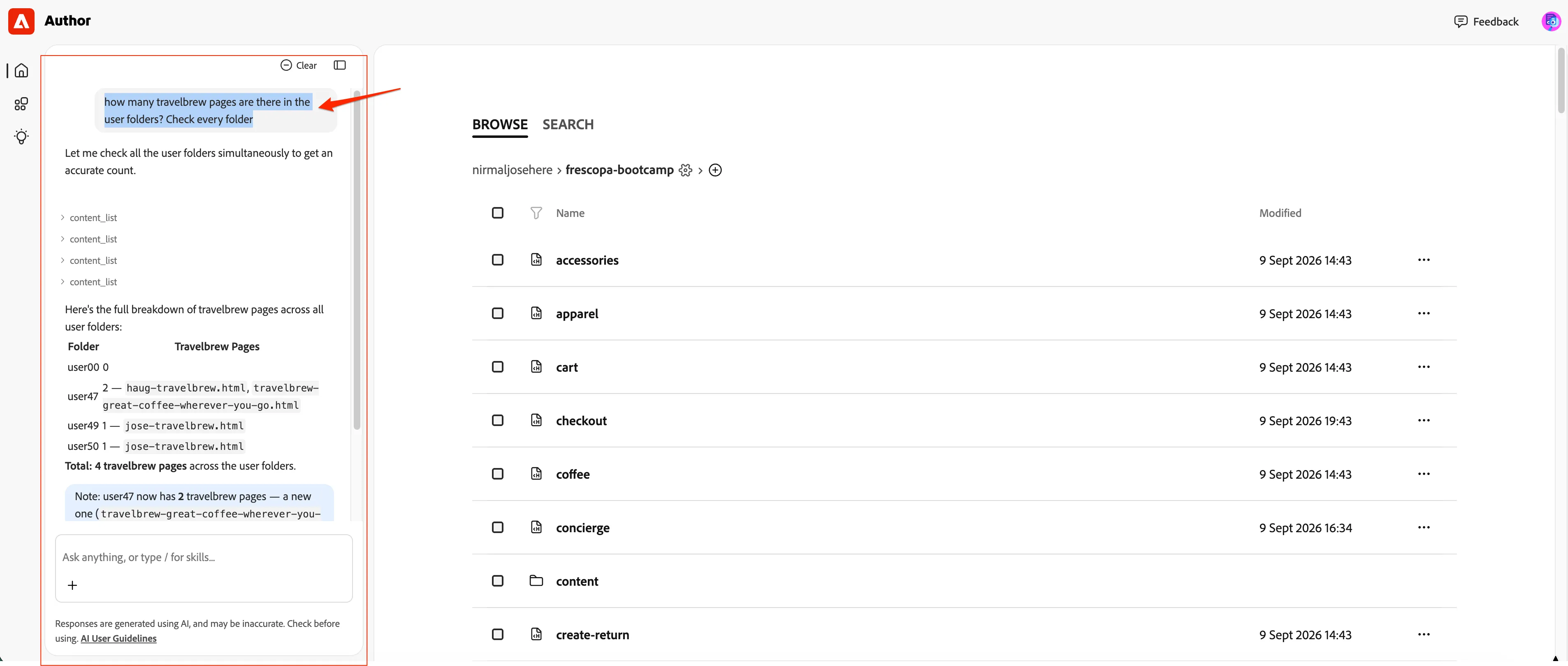
You can see the Agent reasoning using a set of tools and skills to provide you the best answer.
Step 2 — Navigate to your TravelBrew landing page
- Now let's navigate to: your Landing Page
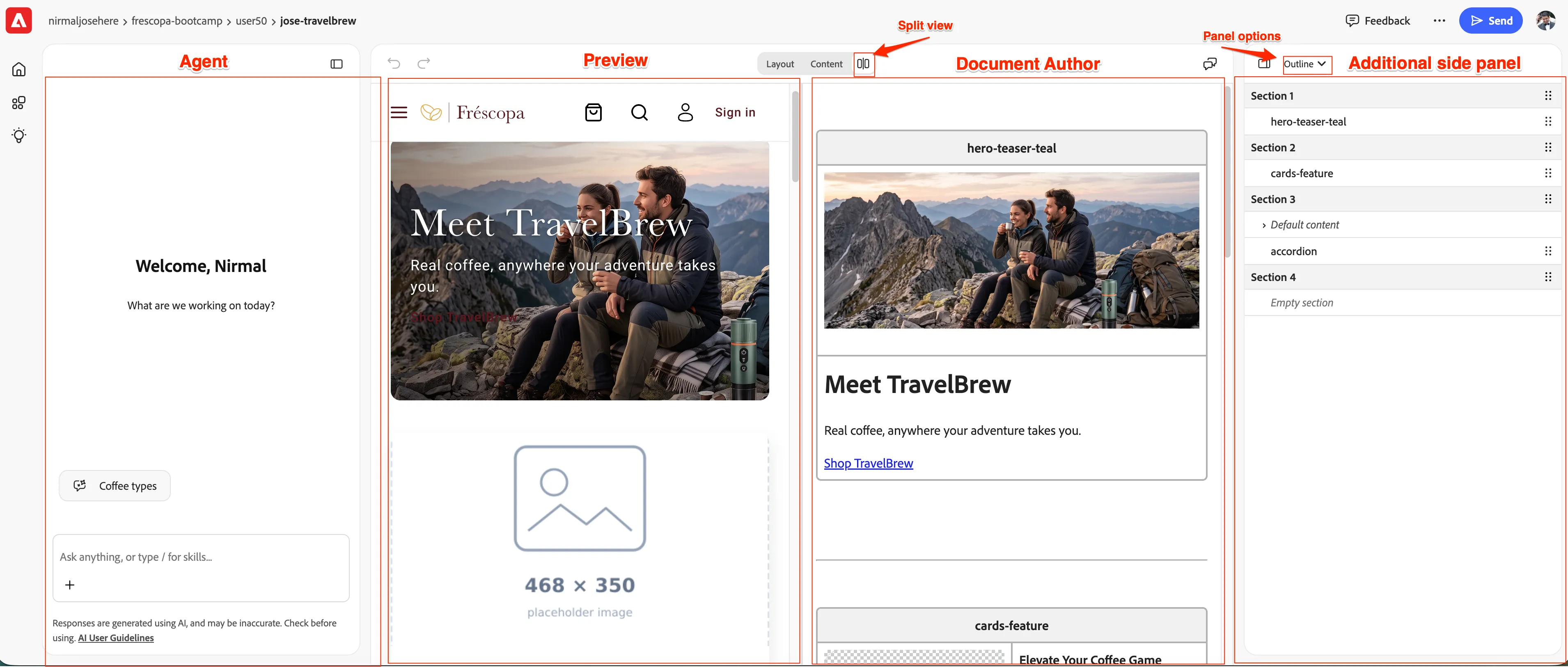
- You now see the Experience Workspace authoring; Here are all the elements you can expand on your screen:
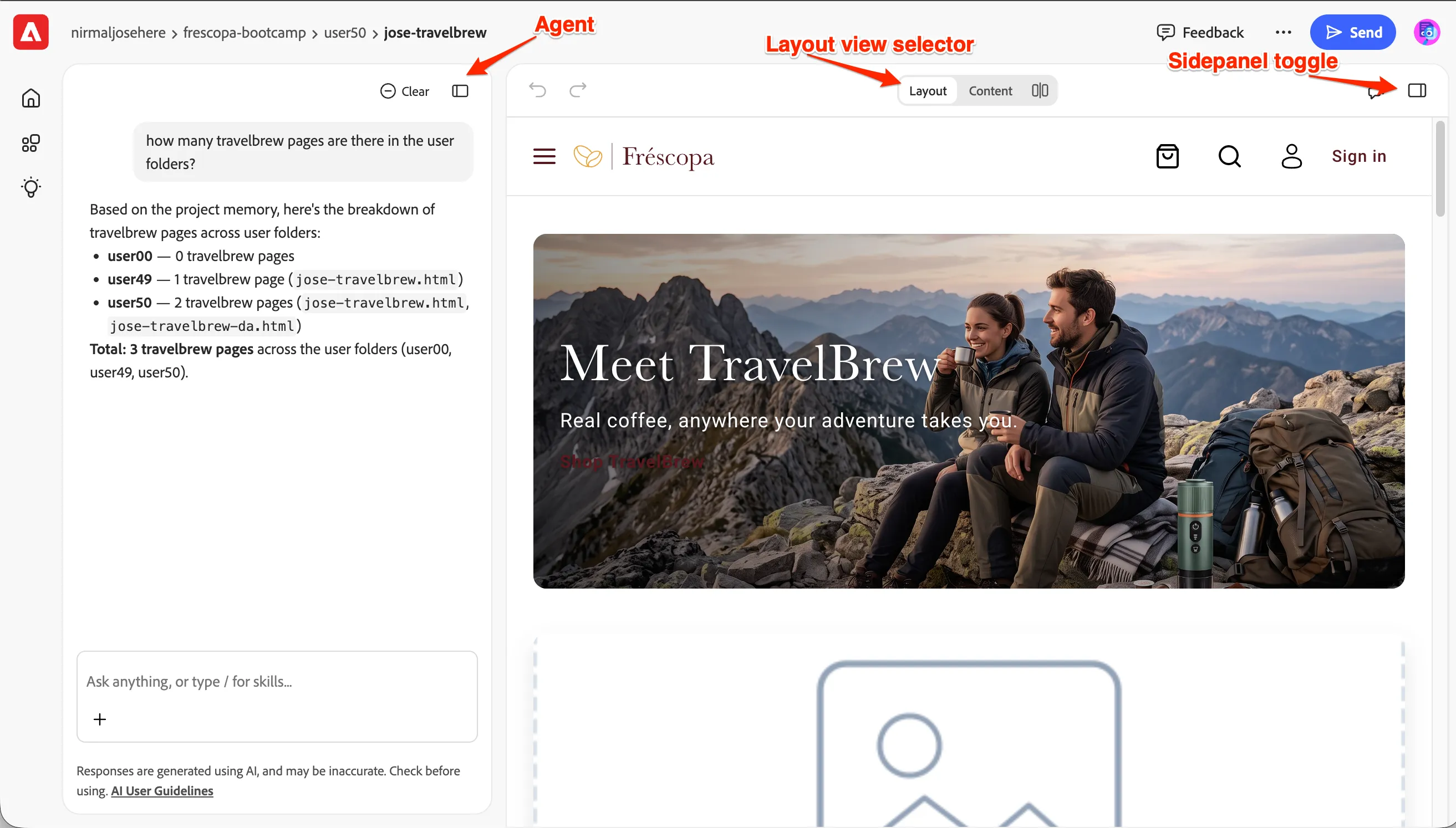
- For this lab, we will need just the Agent and Layout:
You are now all set in Experience Workspace. Do not close the page. In the next exercise, we will start authoring some content using EW.