Unified Customer Profile
Scenario
Based on our analysis we identified that offline sales are trending down. It's agreed that we need to:
- Run a retention campaign targeting at risk subscribers with limited time offers
- At the same time we'll run a brand recognition campaign
As part of the Marketing Operations team at Frescopa you have been tasked to define the target audiences for the planned campaigns. We shared an audience created from our analysis already but this is focusing on past behaviour, in this lab we will create an real-time Audience in Adobe Experience Platform to identify at risk subscribers when they land on the website, this audience will be used for same page personalisation by Adobe Journey Optimizer and Promotion qualification by Adobe Commerce.
Of course, we also support non Adobe solutions for real-time personalisation and e-commerce use cases, these are enabled through the Custom Personalisation destination connector. If you want to know more, ask one of the solution consultants nearby and we'll be happy to run you through it.
AEP UI
Switch to Adobe Experience Platform using the solution switcher:
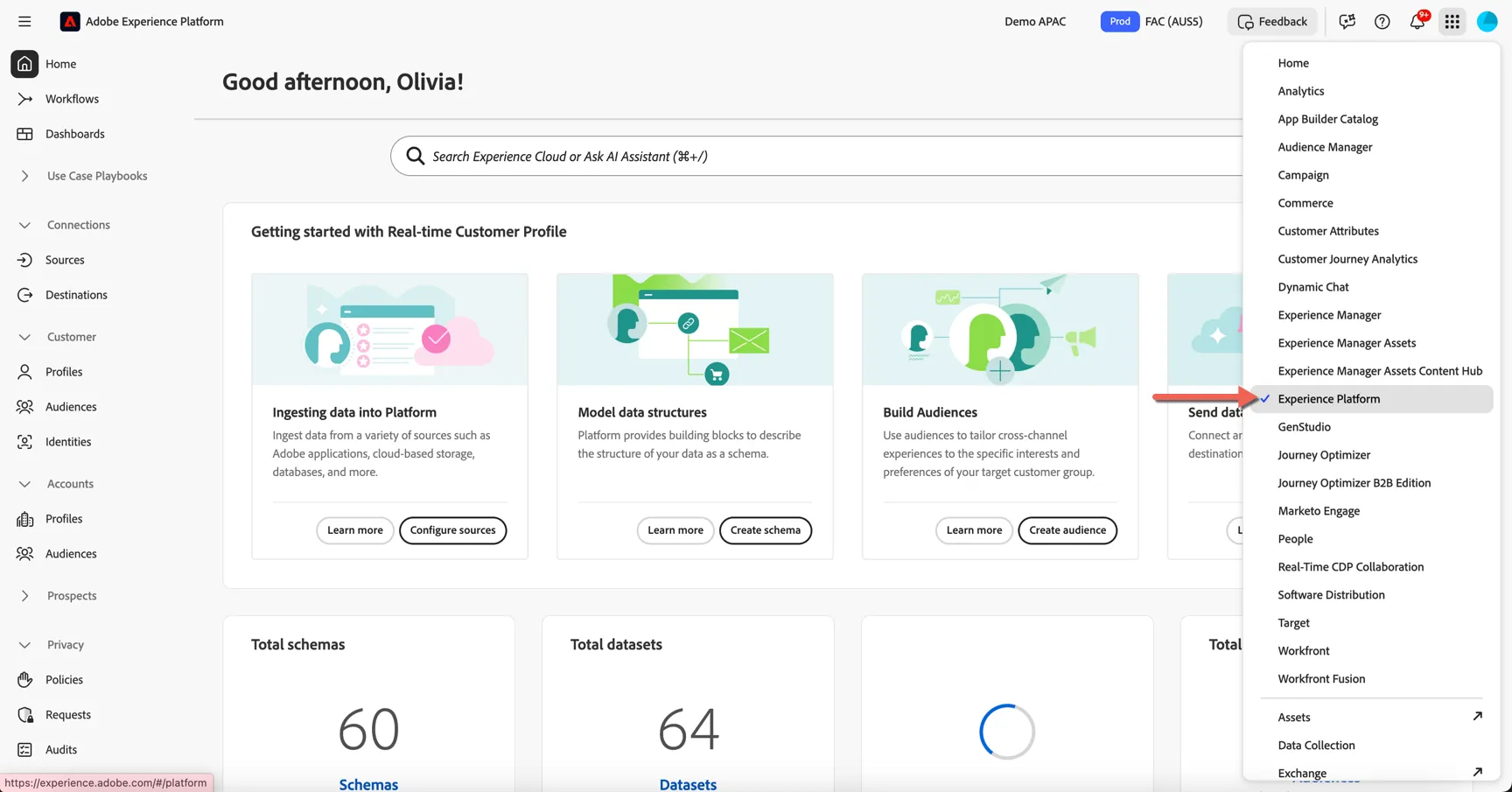
For this exercise we will use the FAC (AUS5) sandbox. Change to this sandbox if you are not already in there.
Data Collection
Before we start creating audiences for our use case, let's take a quick look at how streaming event data is ingested in real time, and how it can be used to personalize onsite experiences.
Open the Frescopa website in an incognito browser and click around a few pages.
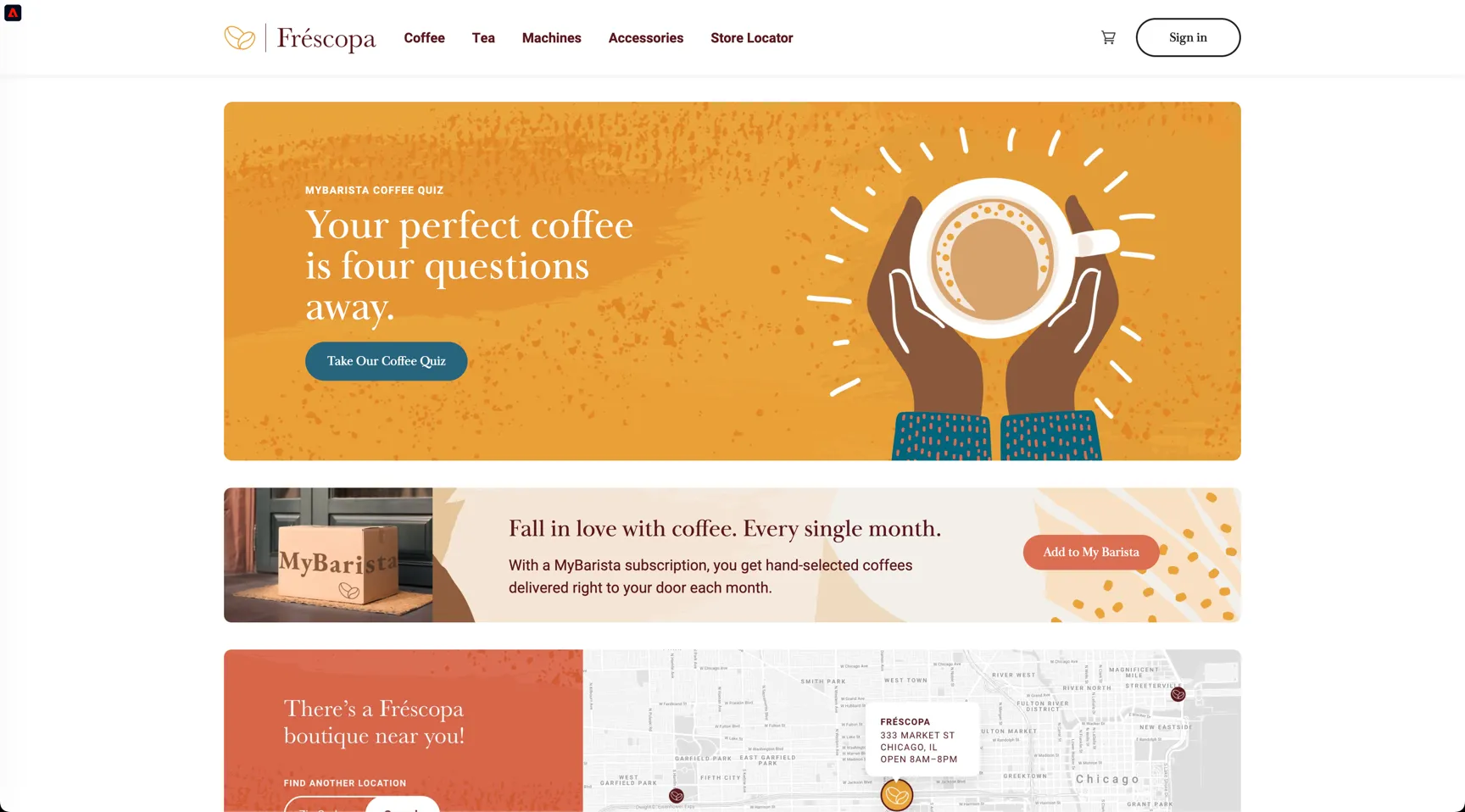
Adobe's SDK is implemented on the page and is collecting tracking events with every click.
Click on the Adobe Icon to open the profile viewer in the top left corner.
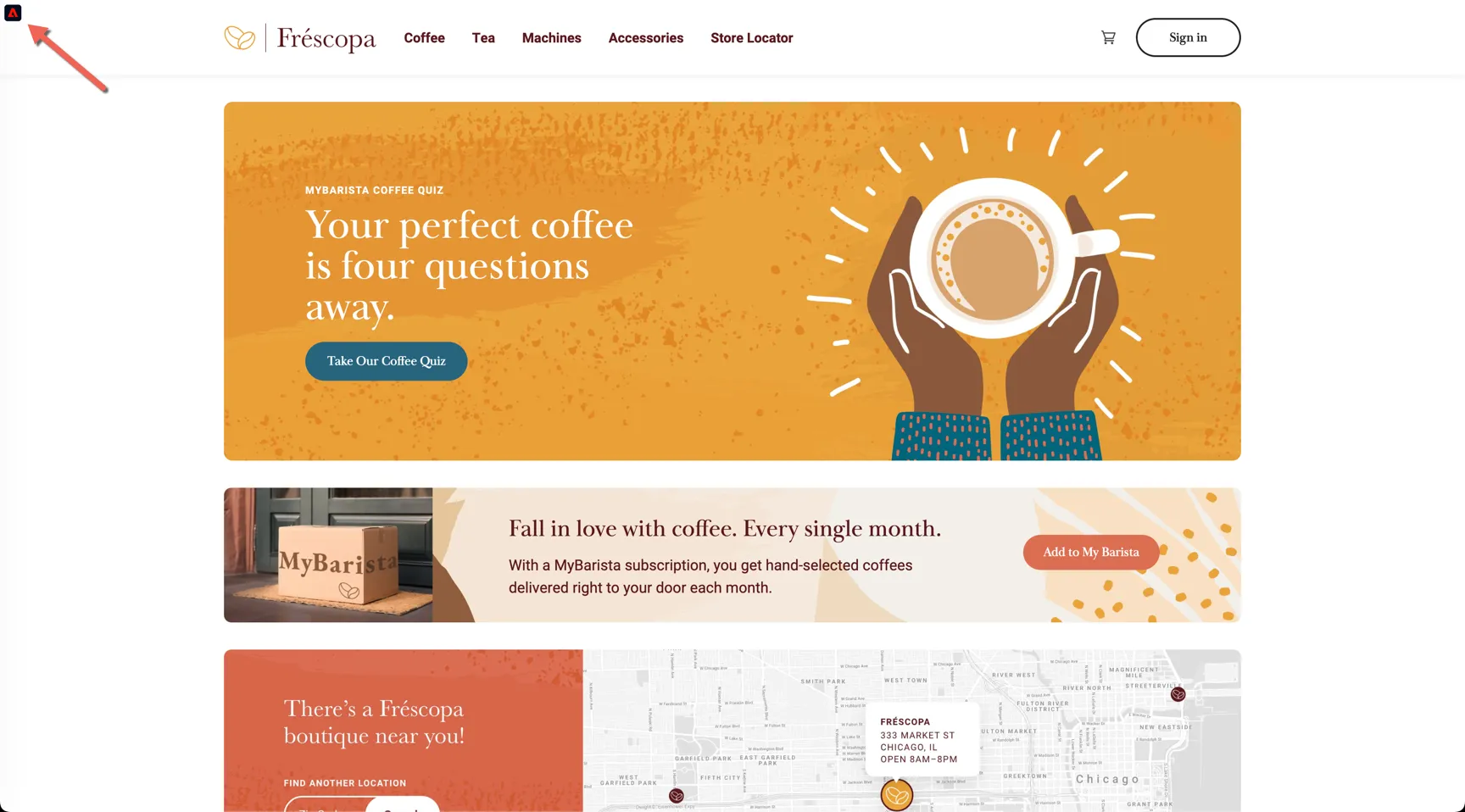
You can see that initially our profile is anonymous, we have only Adobe's Experience Cloud Id.
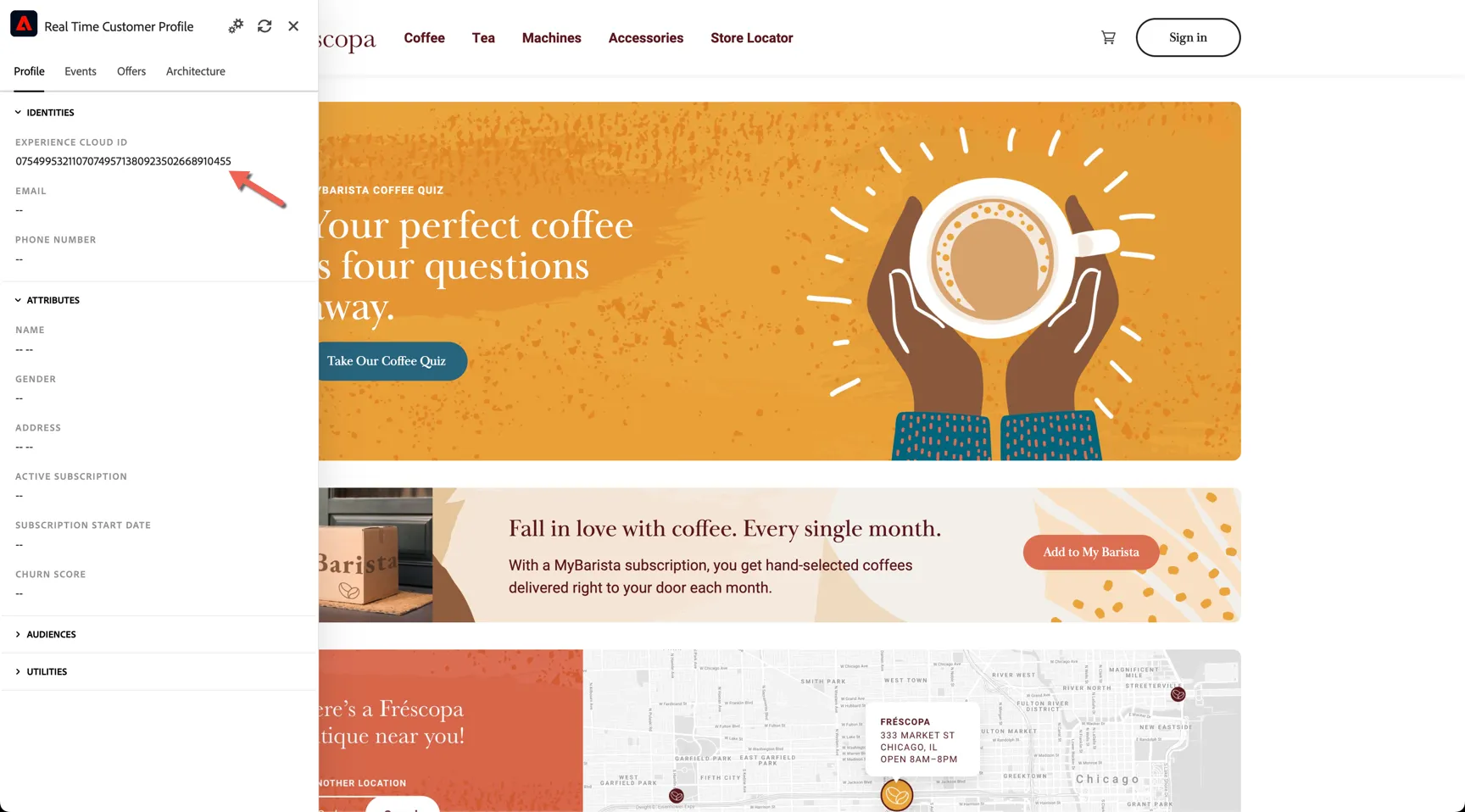
Click on the Events tab to see the events that have been recorded in real-time against the profile.
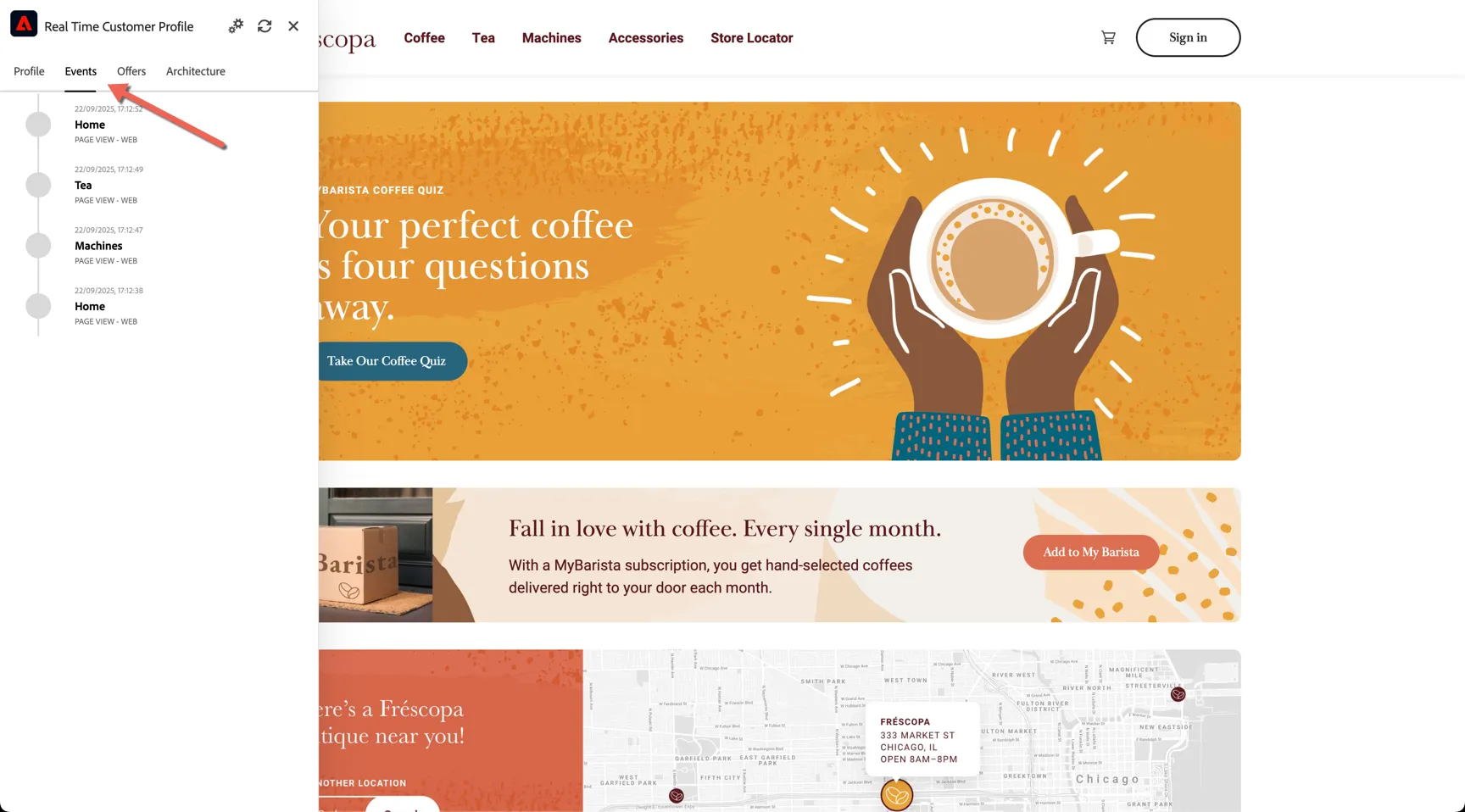
The profile will remain anonymous until a customer identifier is provided. Click on the Sign In button on the top right.
Use one of the email addresses below to authenticate on the website. No password is needed.
Firstname | |
|---|---|
Jocelyn | |
Gertruda | |
Jena | |
Mychal | |
Corilla | |
Luther | |
Boigie | |
Laurena | |
Simmonds | |
Emmanuel |
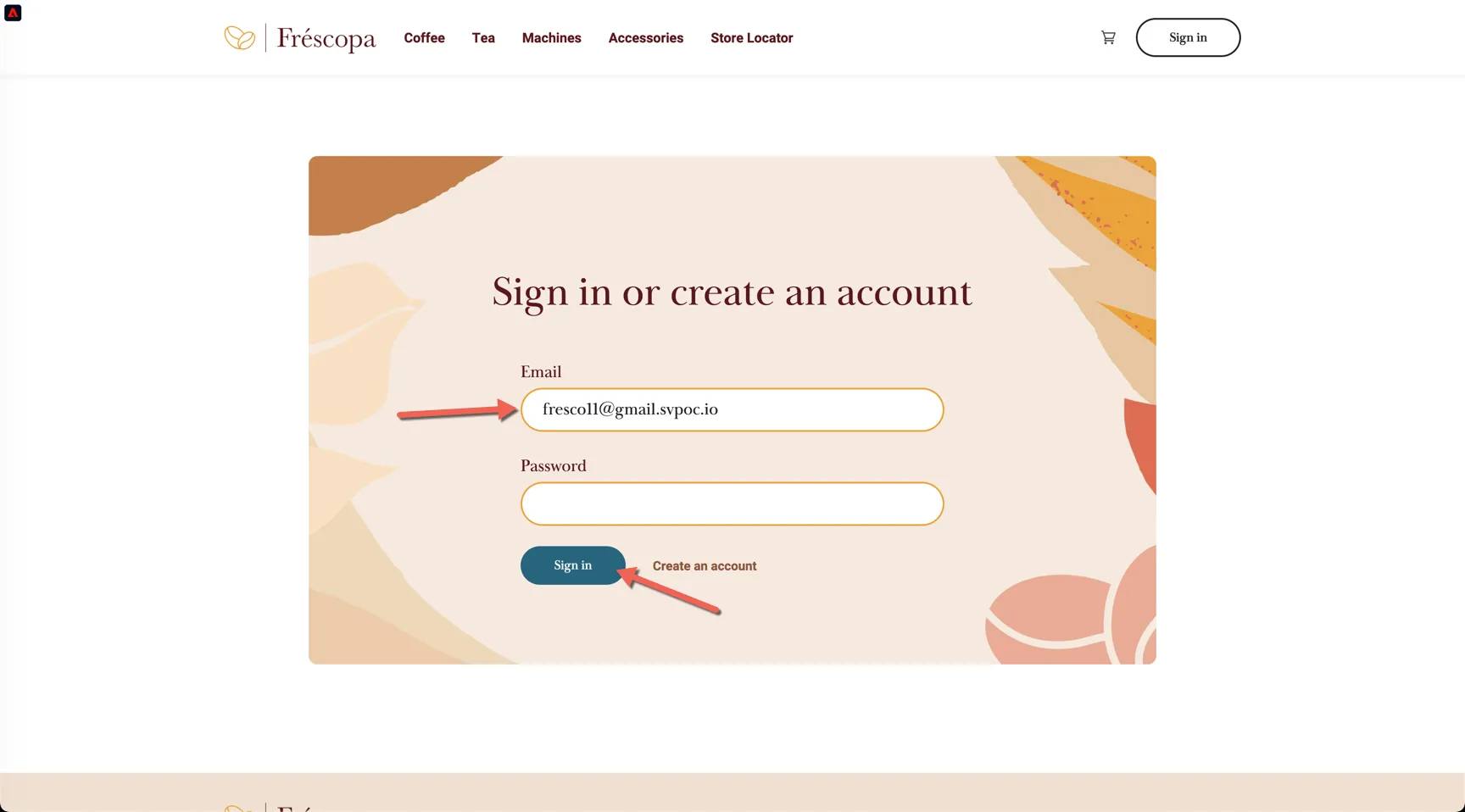
View the events tab again, the Web Signin event will trigger a new entry into the Identity Graph, stitching the ECID with the Email address.
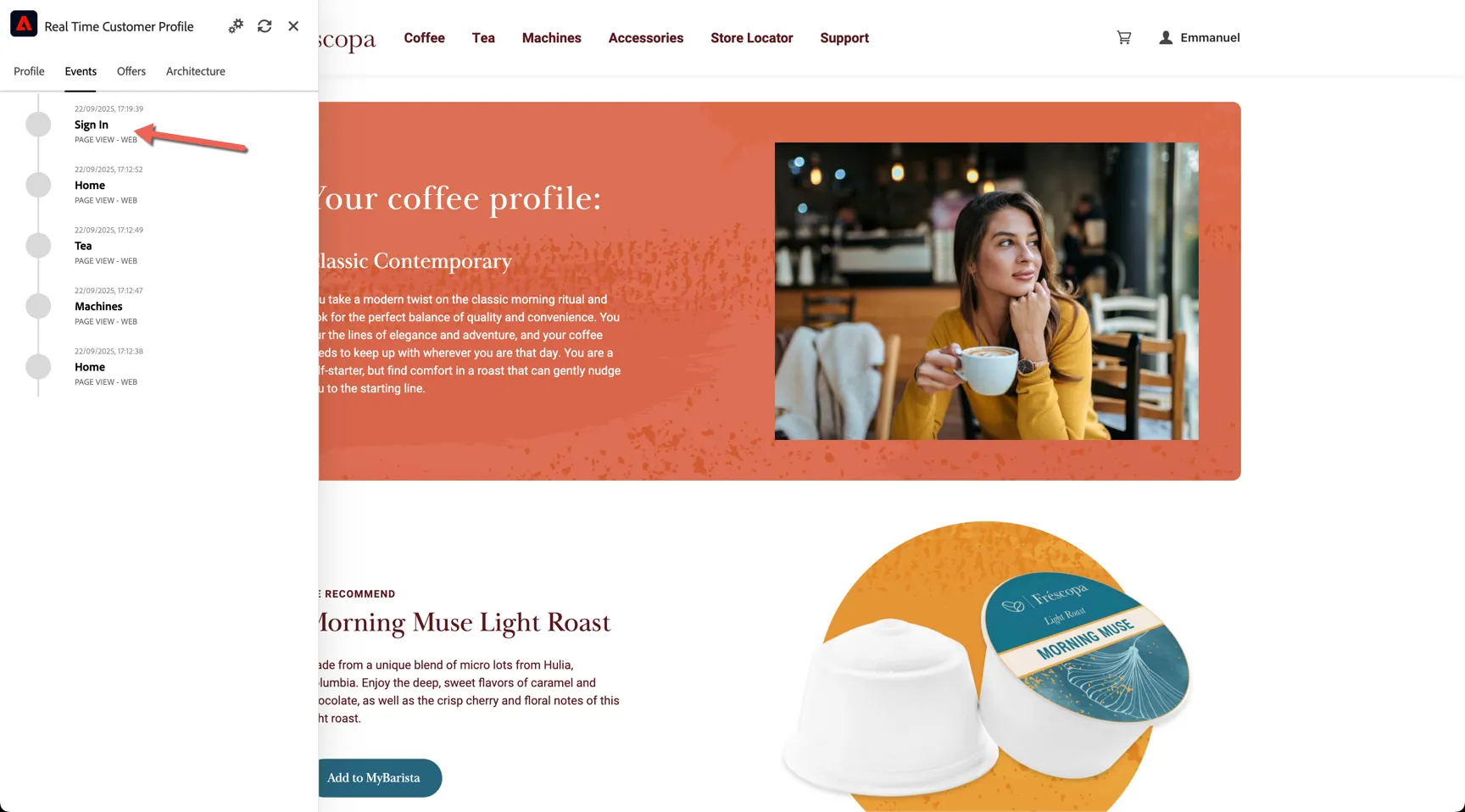
Stitching of new identities takes a few minutes, so you won't see the profile attributes update immediately here, but that doesn't mean we can't qualify for segments and personalise in real-time.
Click to view one of the Machine products.
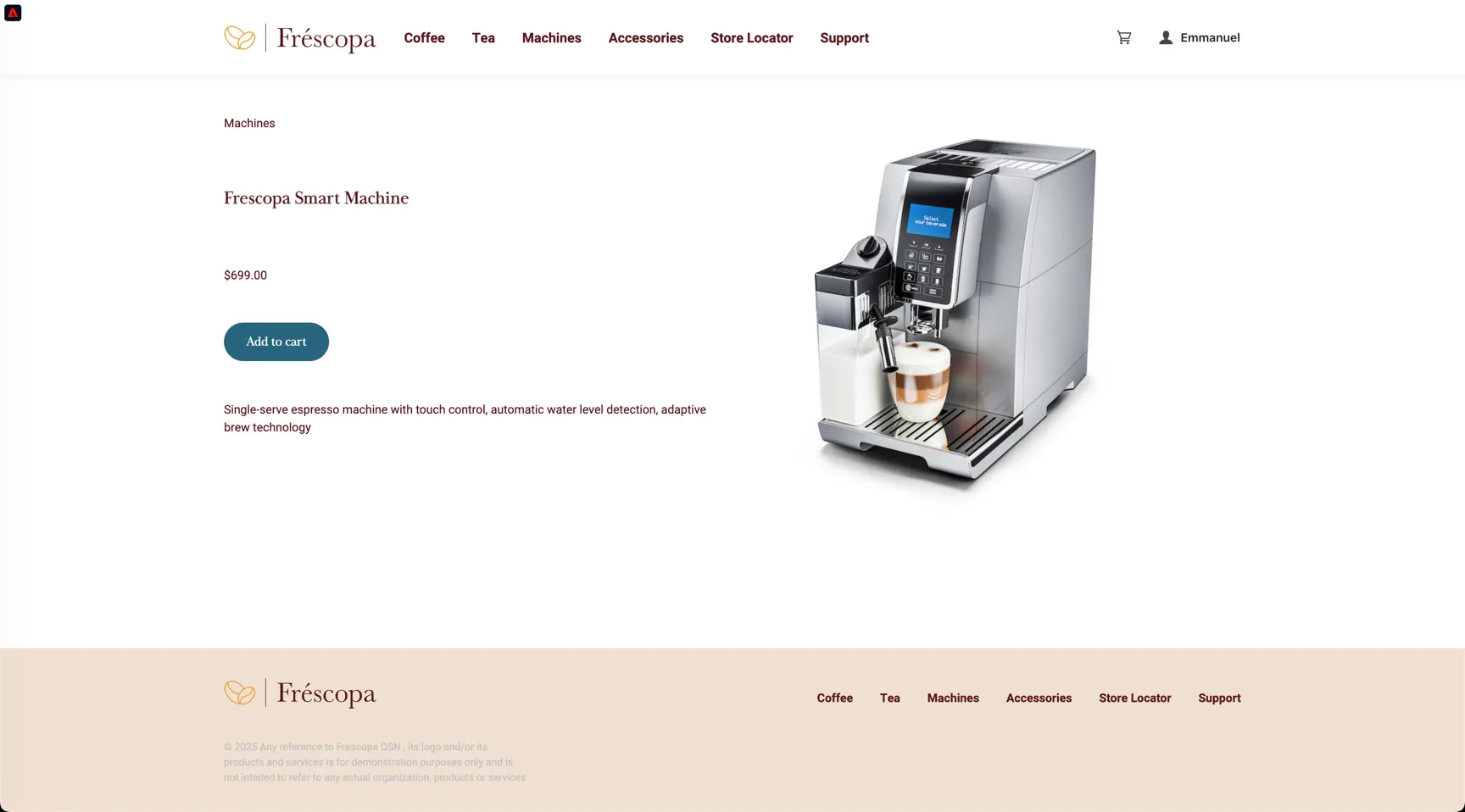
This will trigger a real-time audience qualification. Click on the Frescopa logo to return to the home page. The messaging on the banner image is updated.
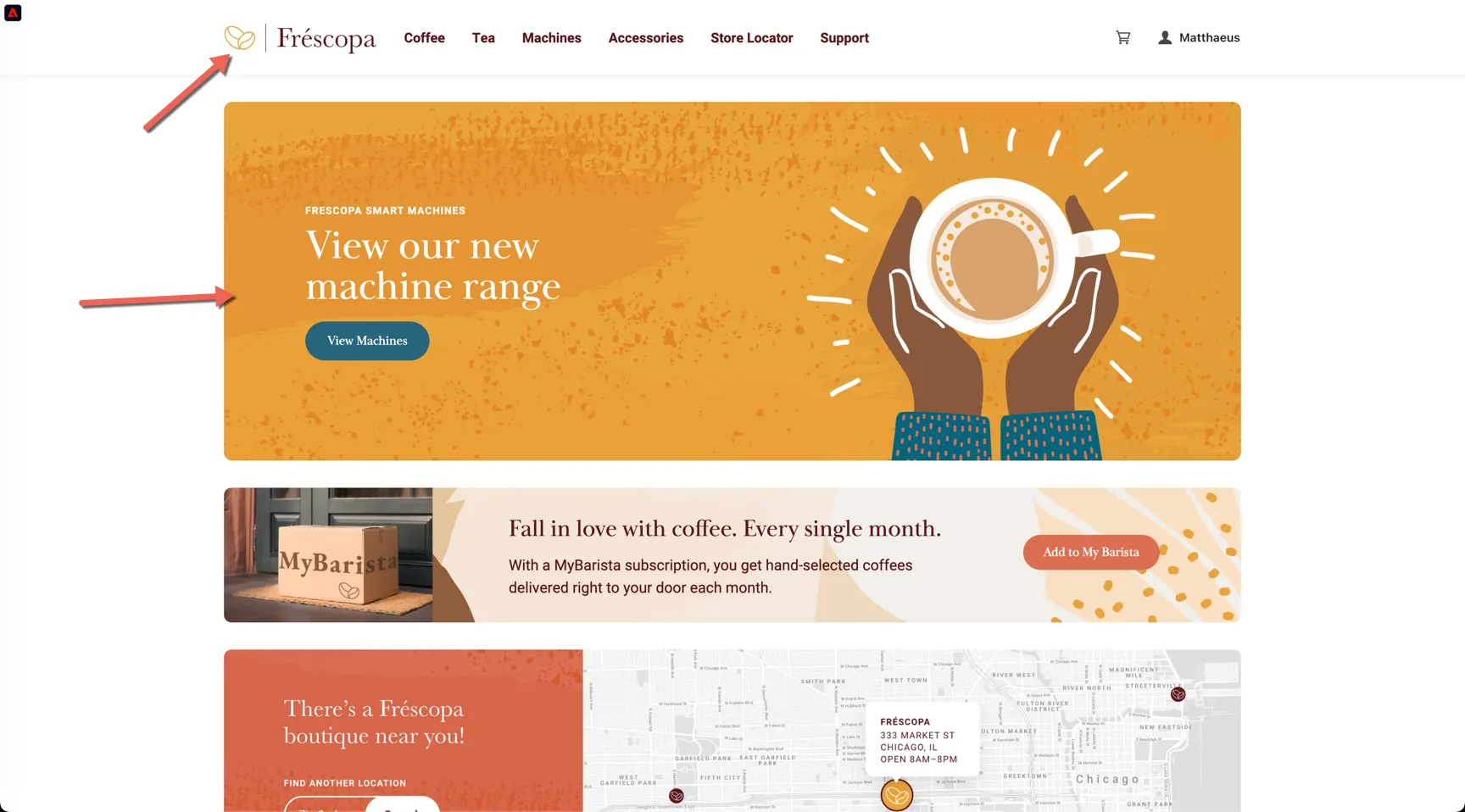
Note that some flicker is expected here on our demo website, proper implementation on a production website can avoid this side effect.
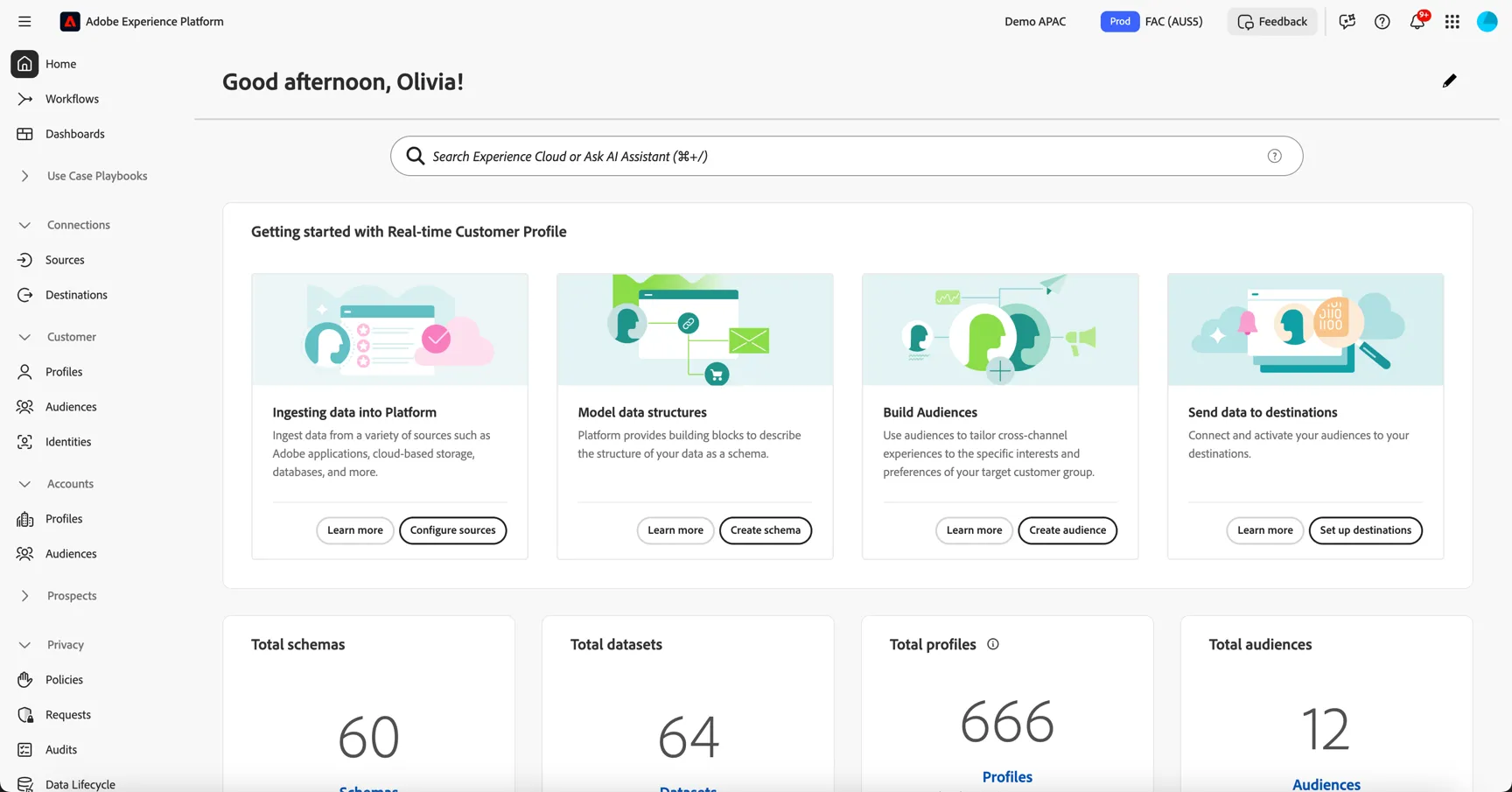
Now that you've seen the data collection and audience qualification in action, let's move on to viewing the profile in Adobe Experience Platform and creating some real-time audiences of your own.
Unified Customer Profile
The data collected from all of the source systems is unified into an actionable profile based on the identities collected from each source. Follow the instructions below to look up the profile you just authenticated with on the website.
Browse to Customer -> Profiles. The Overview dashboard shows insights on how many profiles exist in the sandbox along with the distribution of identities.
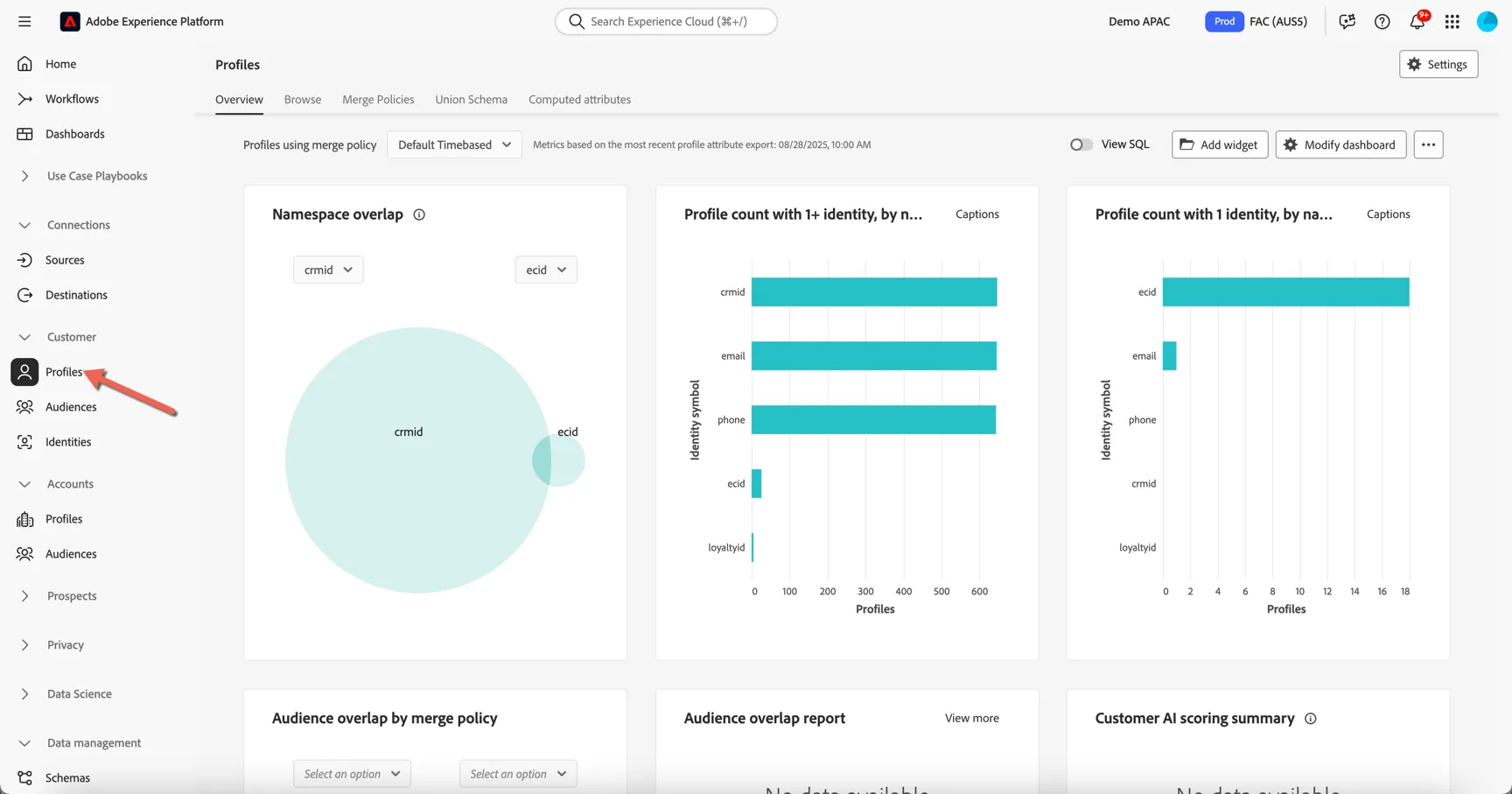
To lookup a specific profile, move to the Browse tab.
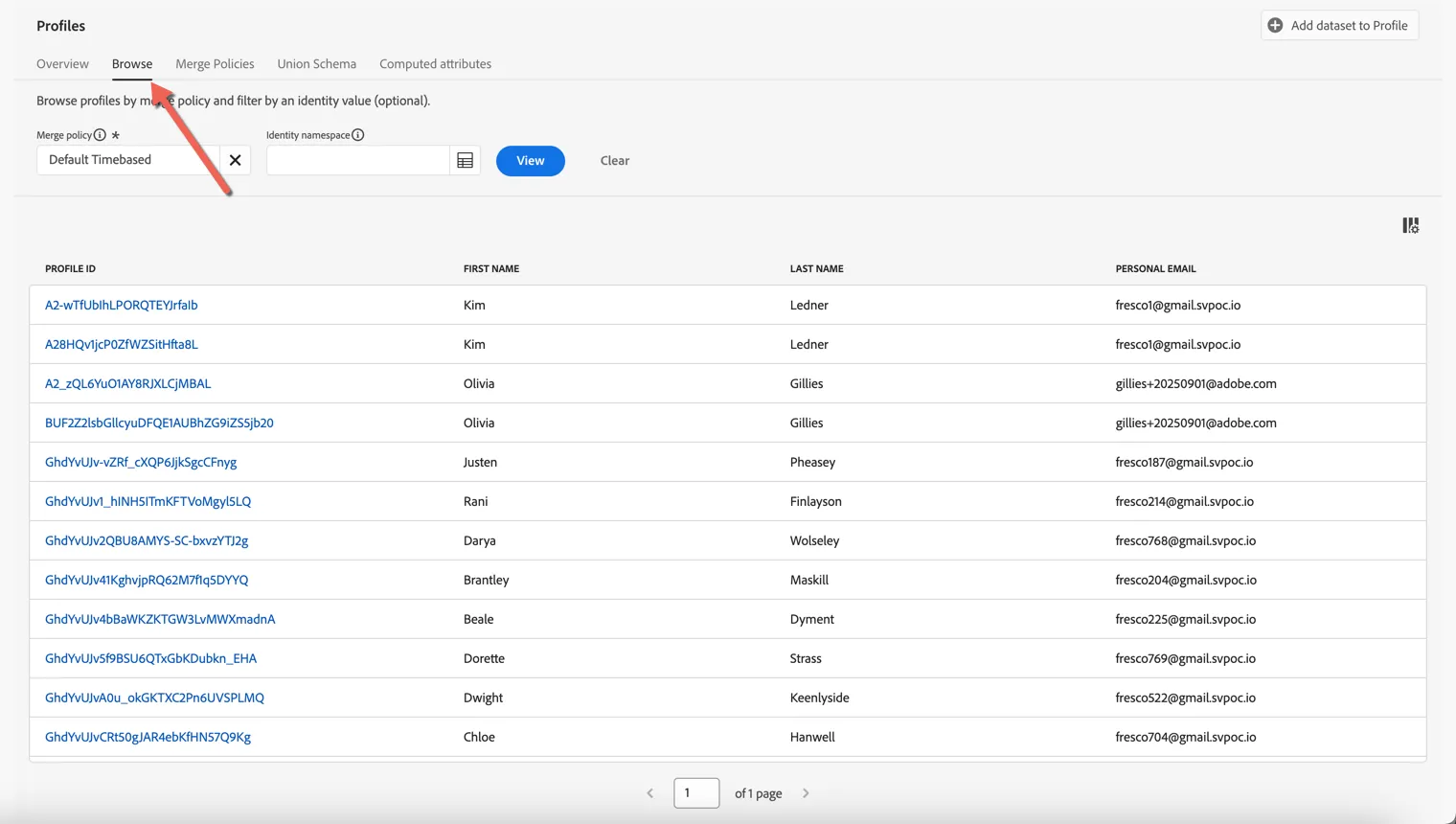
Profiles can be retrieved by any of the attributes which have been defined as "Identities". Which Identity Namespaces are leveraged depends on your organisations requirements. Frescopa are currently using a custom cross device id called Demo System - CRM ID as well as Email address to identify known users. Any user who's authenticated on the website will have one or more ECID cookies also. For this exercise we will use a known customer id to look up your profile.
First set the Identity Namespace to be Email or Demo System - CRM ID. Then use any of the customer id's below to look up their profile.
Demo System - CRM ID | |
|---|---|
1f7fea99-6480-496b-8e02-7222b7d99815 | |
47d28cfc-97fa-4854-b056-9664941d094c | |
7a6ac21e-980c-4122-bc0f-61f3a6823770 | |
b4bf11db-7207-4bce-a1d5-b9fb8d5eede9 | |
91b118eb-bfed-485d-b4dc-ecb2f80e4ed2 | |
43c197fd-f8cb-4349-ae32-de4489546d50 | |
2260b90a-d234-42a2-9a46-4587df890a02 | |
8c73783a-e44a-445a-a0f3-2a438bf880c1 | |
b9a7fbbe-2f84-40fc-aa52-ab477493f04a | |
5a8b0e88-eae1-44a0-9760-ccc90ff5f3cc |
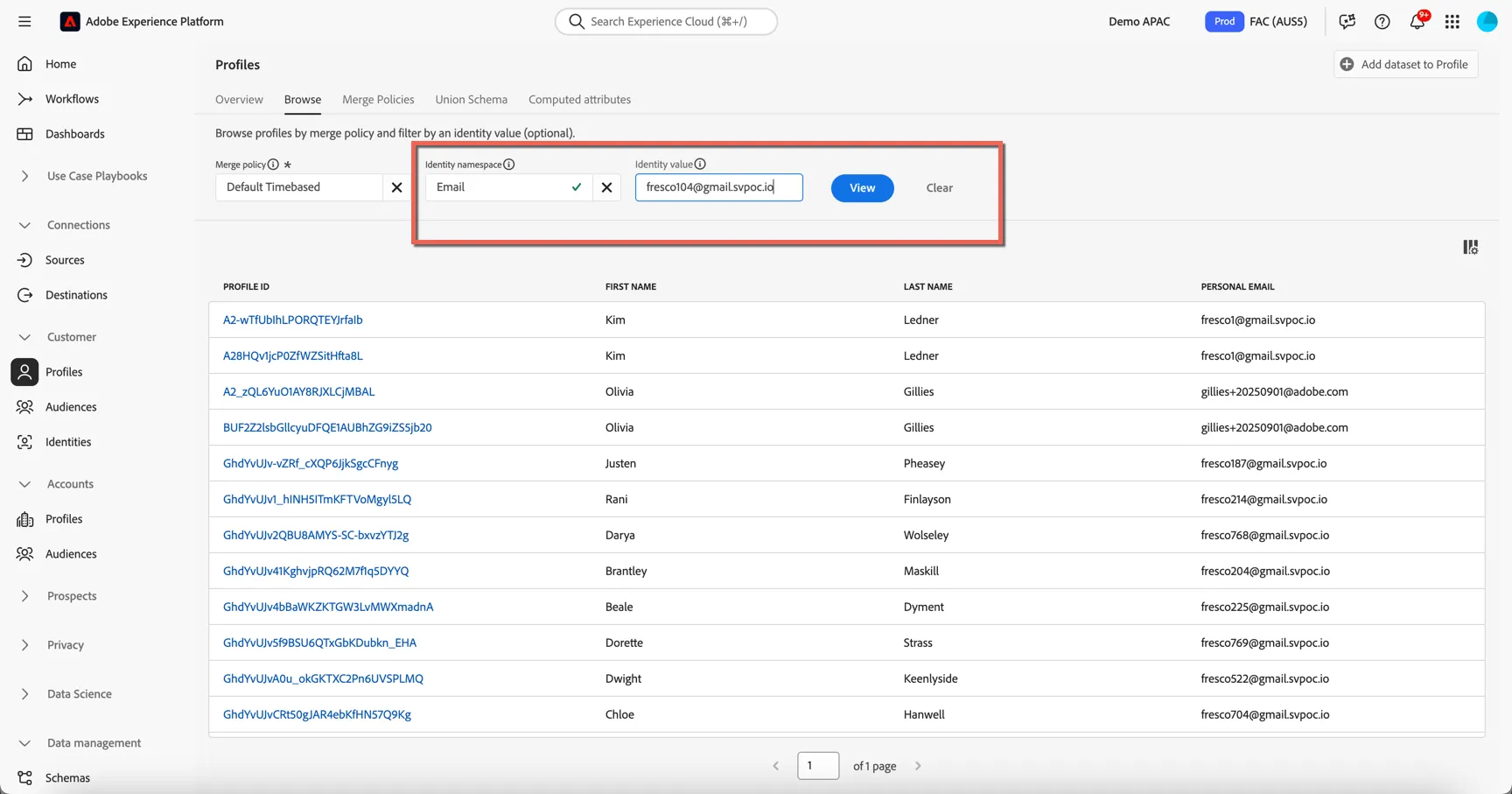
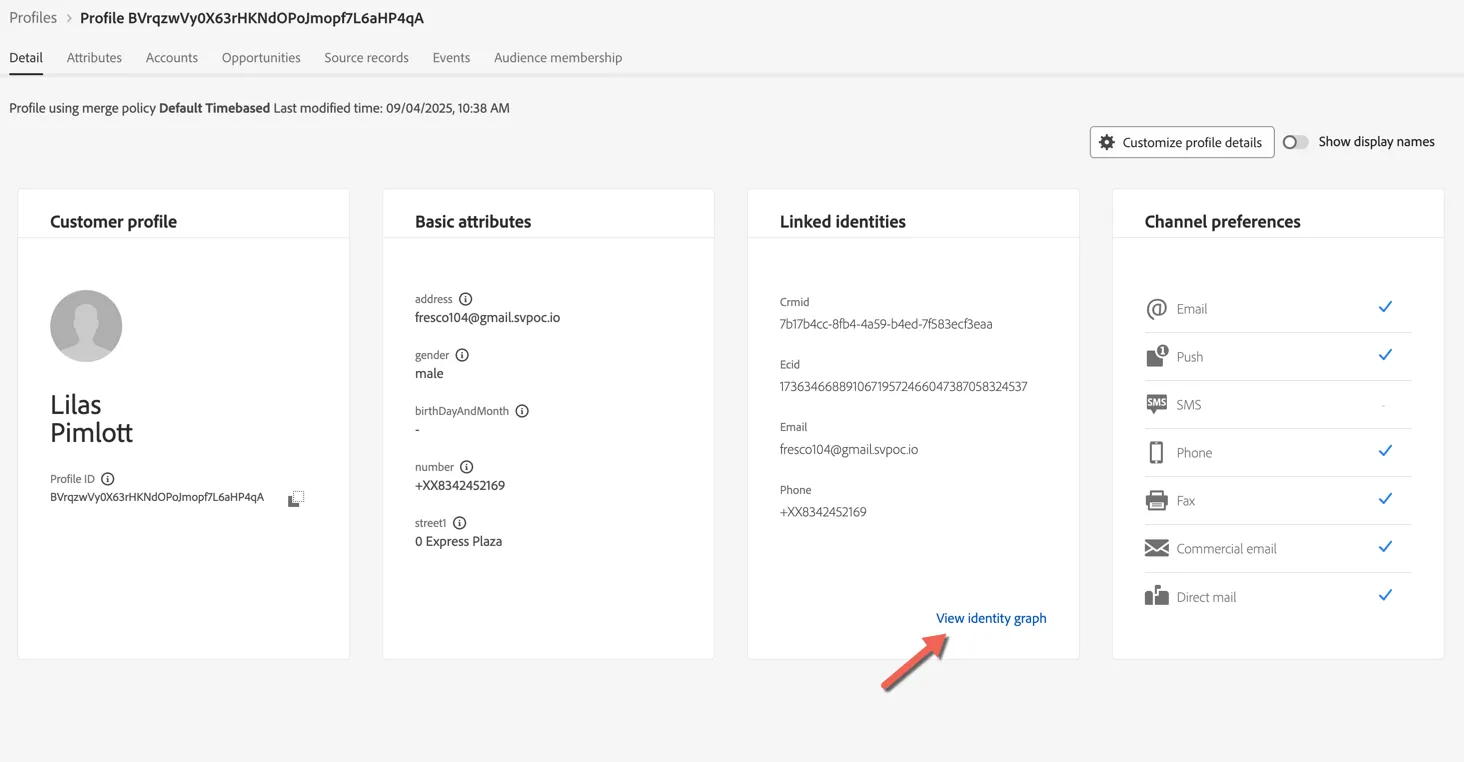
Click to View button to search for the profile, then click on the Profile Id to view the profile details.
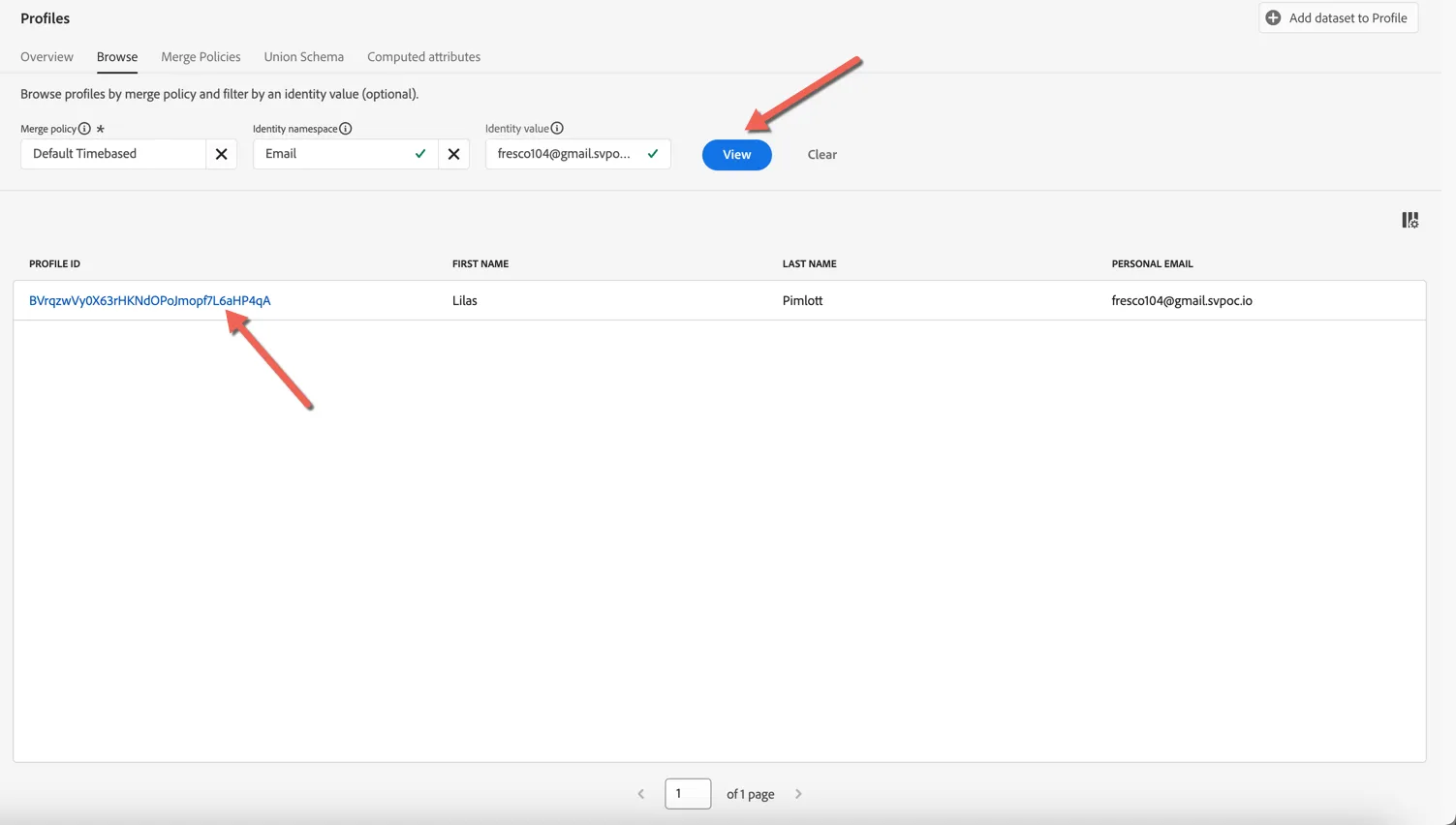
The Detail tab shows us some basic information about the profile, which fields are displayed here can be customized according to business needs.
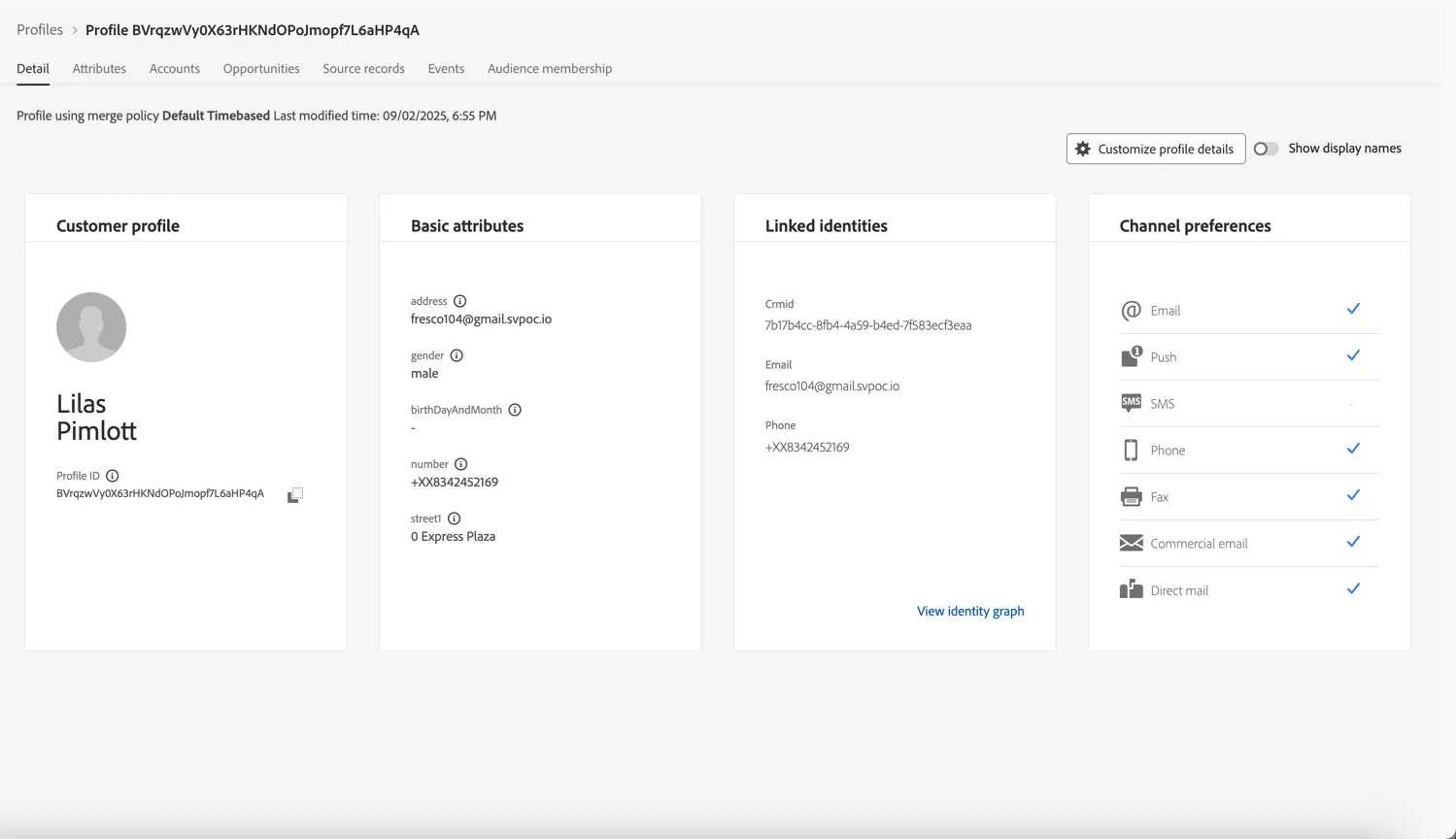
There are 2 main types of data collected against the profile, Attributes and Experience Events. Profile can change over time while Experience Events represent point in time interactions a profile has had with your brand, whether that's viewing a web page, watching a show, making a booking, calling the call center or visiting a store.
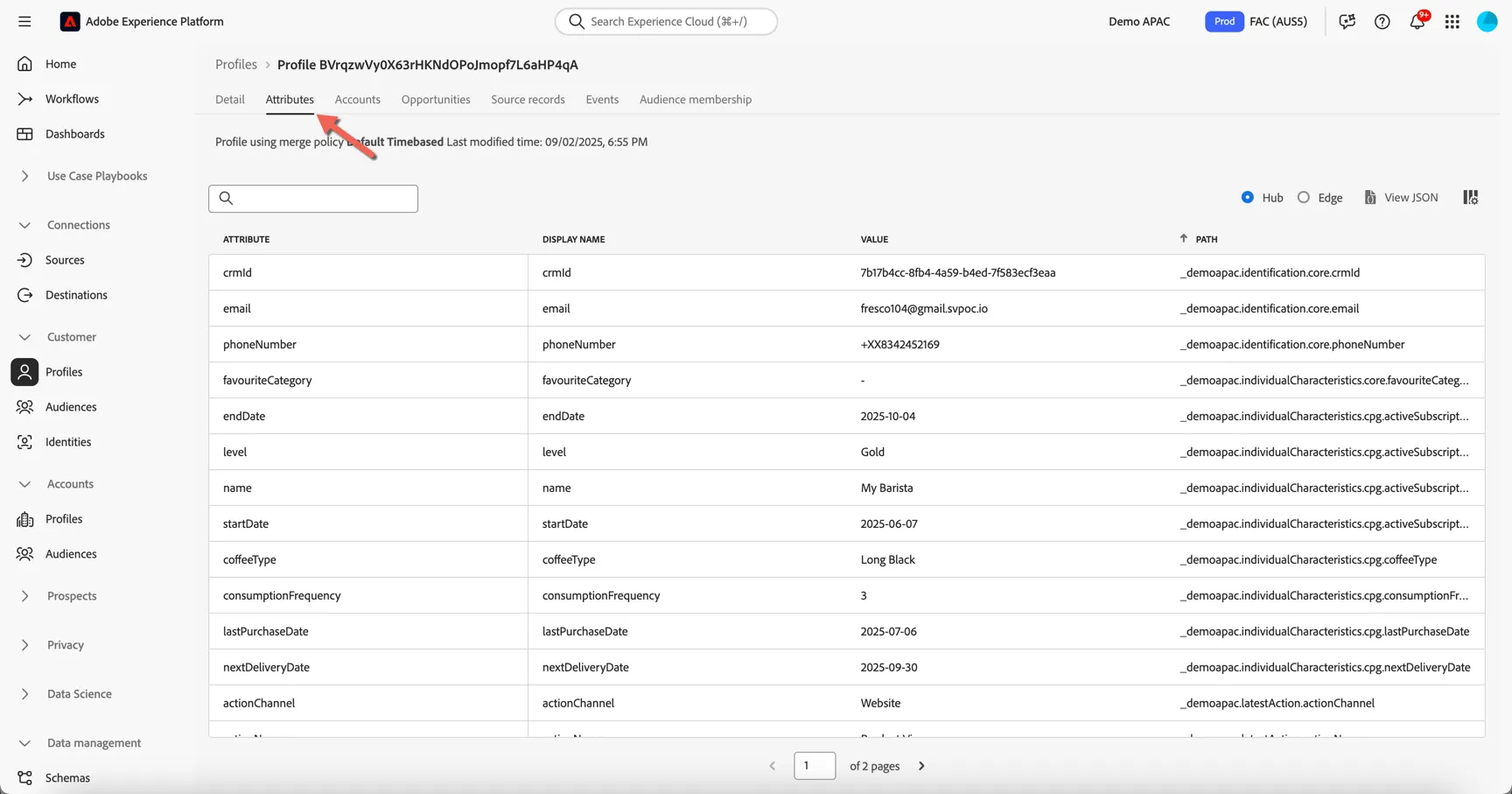
Click on the Attributes tab to view the full list of attributes ingested for this profile. These attributes can come from different source systems, Adobe Experience Platform will merge them in real-time.
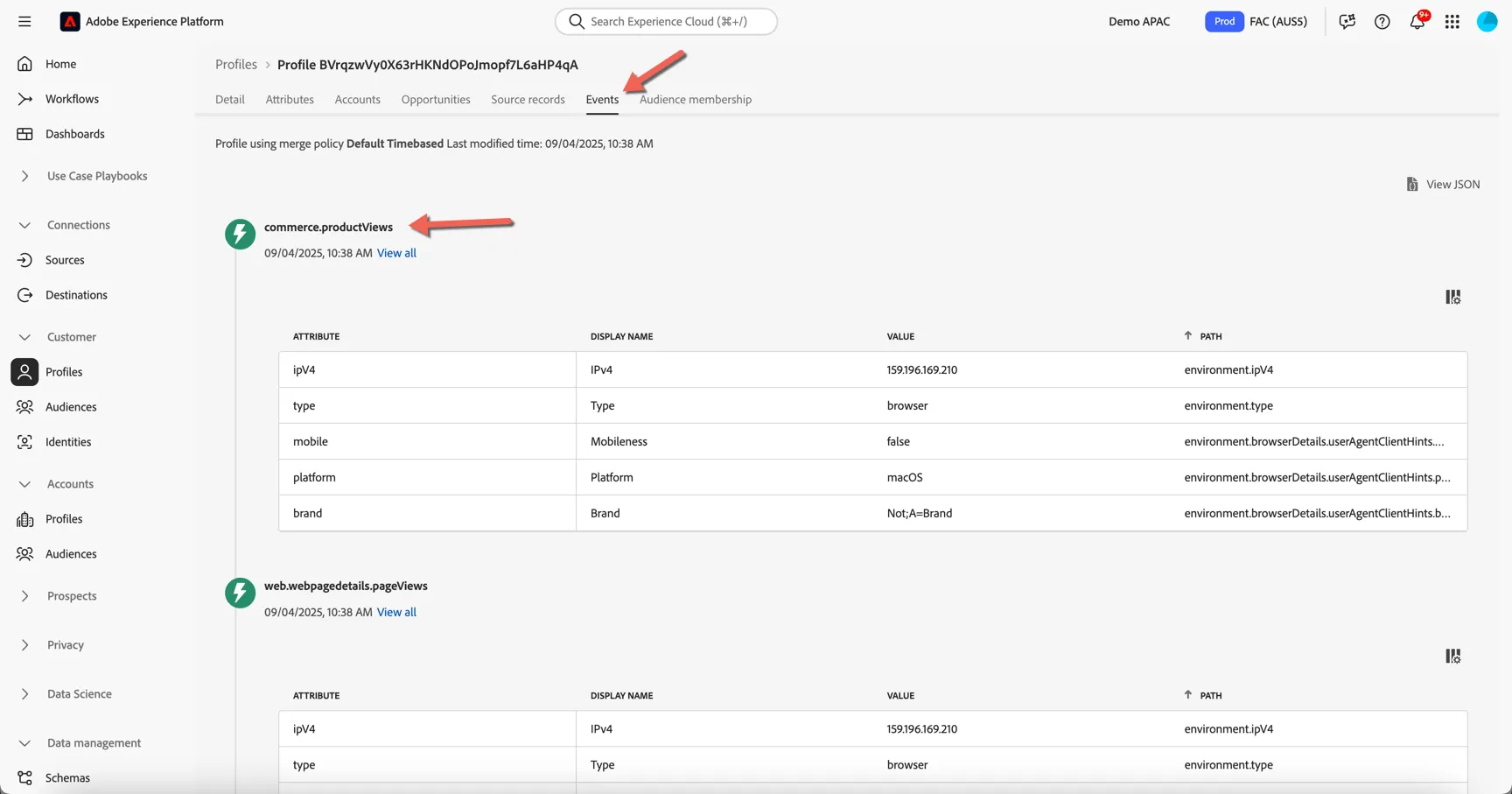
Click on the Events tab. Here you can see a chronological view of all the behavioural experience events coming from different source systems for this profile. These events are ingested in real-time from the sources like your website and mobile app.
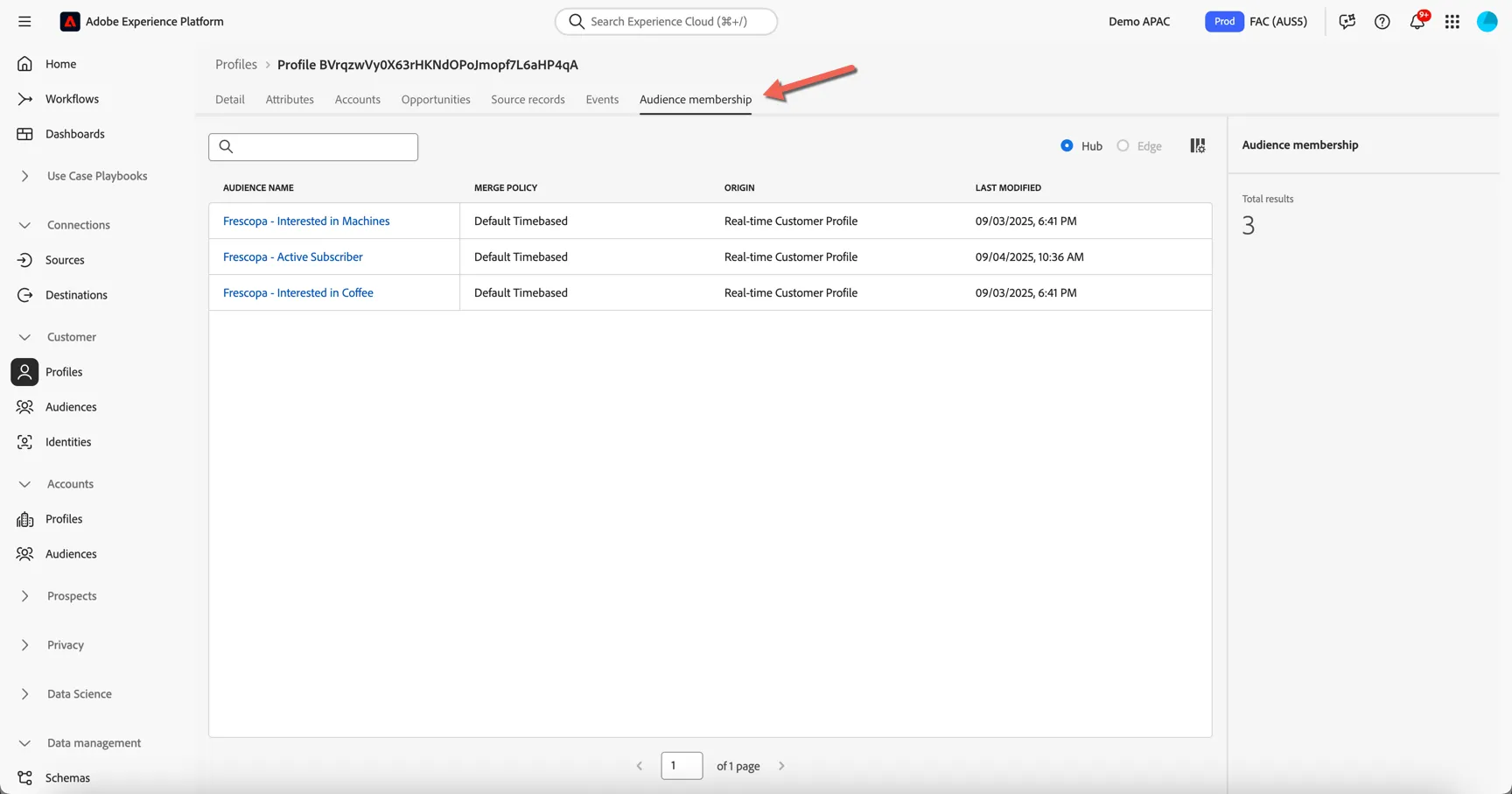
Move to the Audience membership tab. Here you can see which audiences the profile is currently a member of, this list will update as the profile moves in and out of audiences based on their attributes and behavior.
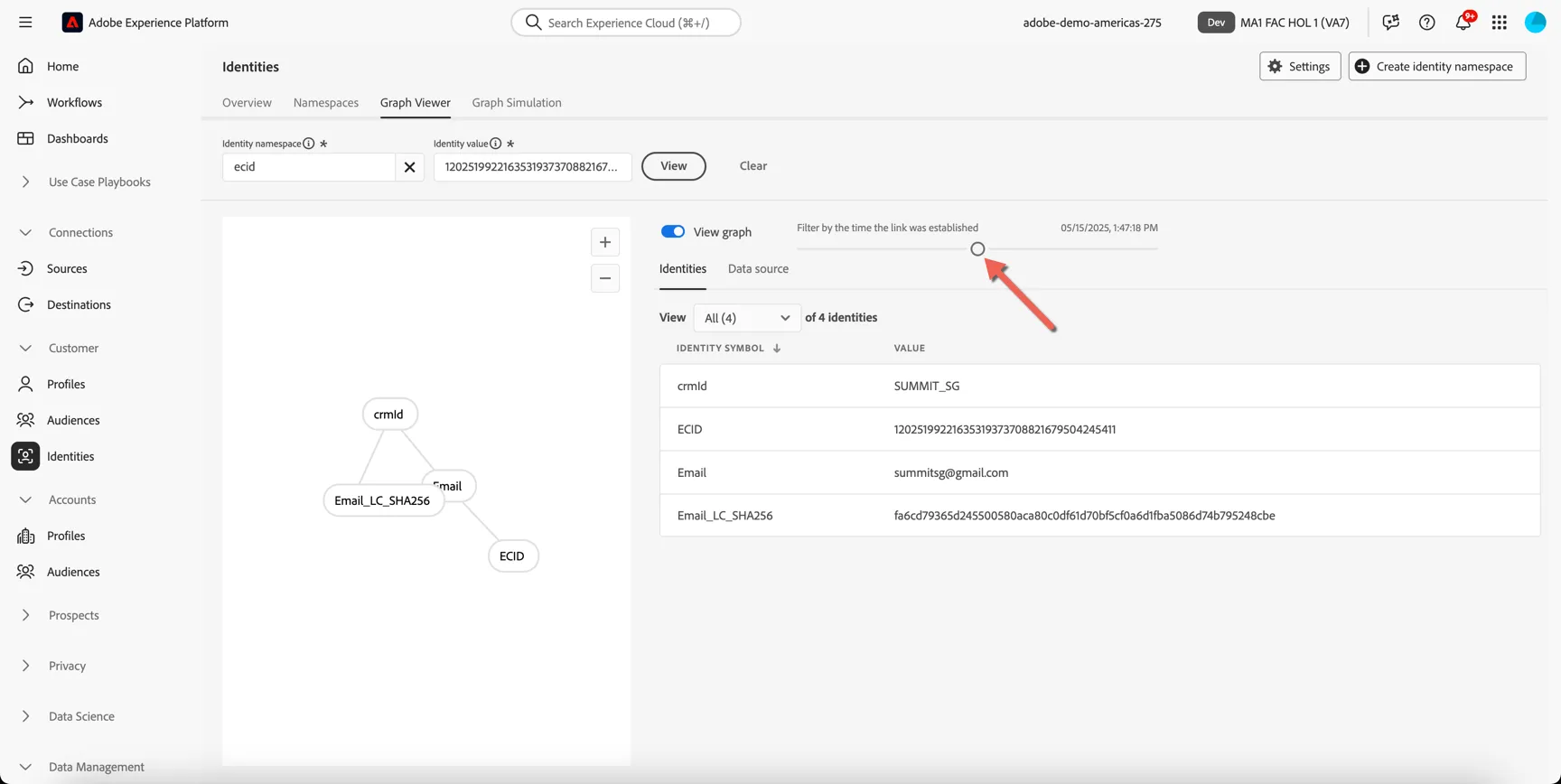
Lastly, return to the Details tab and click to view the Identity Graph.
Here you can see a visualisation of the Identity Graph linking all of the different sources of information together to create our profile. You can see that there are multiple ECID's or Cookie ID's attached to the profile, this represents the different devices that the customer has identified themselves on.
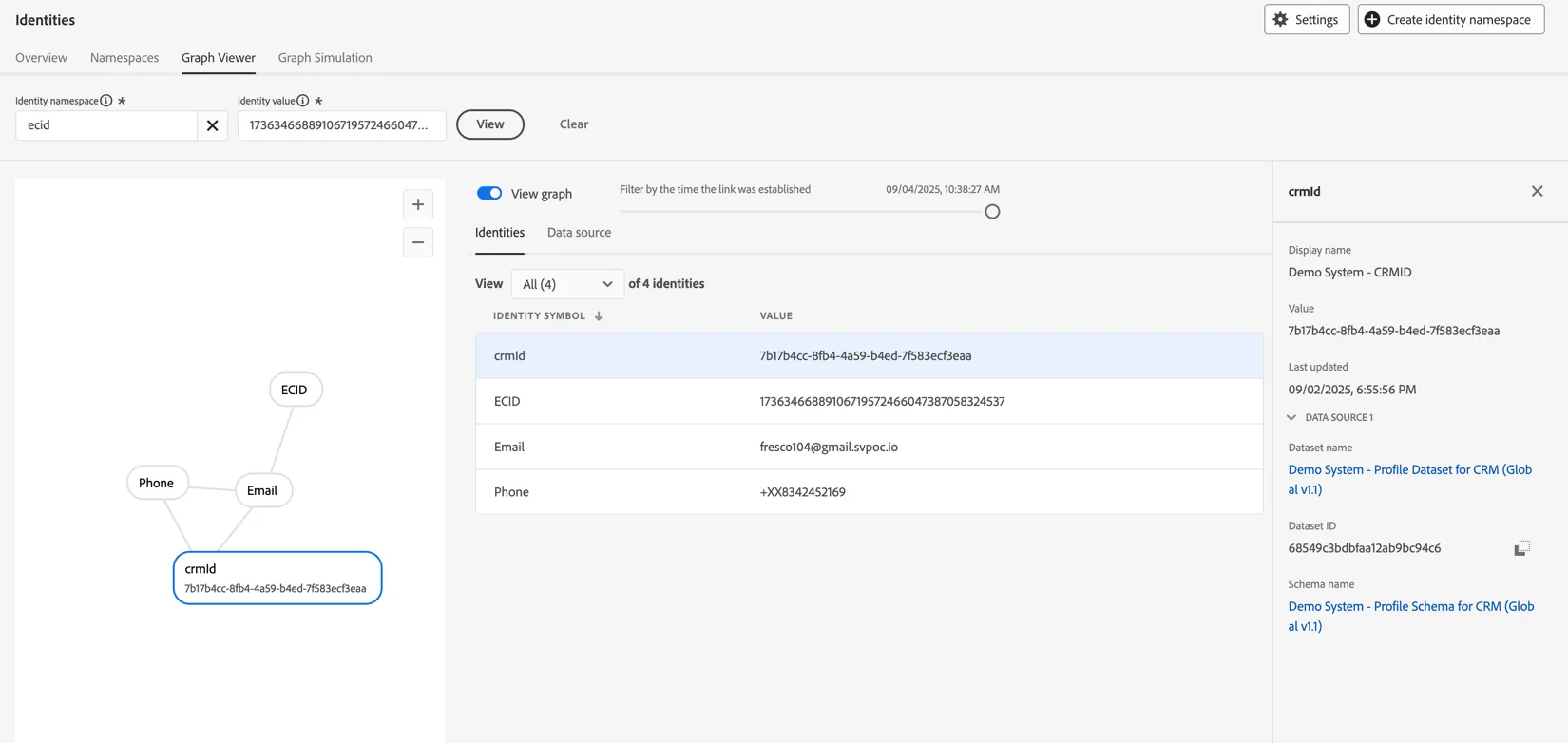
Use the slider to see how the graph grew as the profile interacted over time.