AEM Experience Generation
In this exercise you'll use Coworker's AEM Experience Generation skill to update a live Frescopa page and create a brand-new one — with Coworker doing the authoring and you approving the result in the document authoring.
Objectives
By the end of this exercise you will be able to:
- Review, preview, and accept agent-generated changes as a draft.
- Generate a new page referencing another page as example and using brief content.
- Update multiple pages with a new block and publish it
Create a new page using a brief
We want to create a new page from the brief and we have no templates but only have a reference page. No problem - coworker can do it for you.
- Start a New Chat.
- Download the below brief
- Ask Coworker to generate a fresh page like another reference page using the brief:
Prompt
Create a new Document Authoring page at /user{{USER_NUMBER}}/travelbrew-great-coffee-wherever-you-go onhttps://main--frescopa-bootcamp--nirmaljosehere.aem.live/, modelled on the block layout of /sustainability. Use the attached brief. Build it imageless (no DAM lookup, no image blocks), no video block. Preserve all copy verbatim.
We are going image less to save the DAM reference time for the lab. Ideal case, we can add the elements for image discovery too.
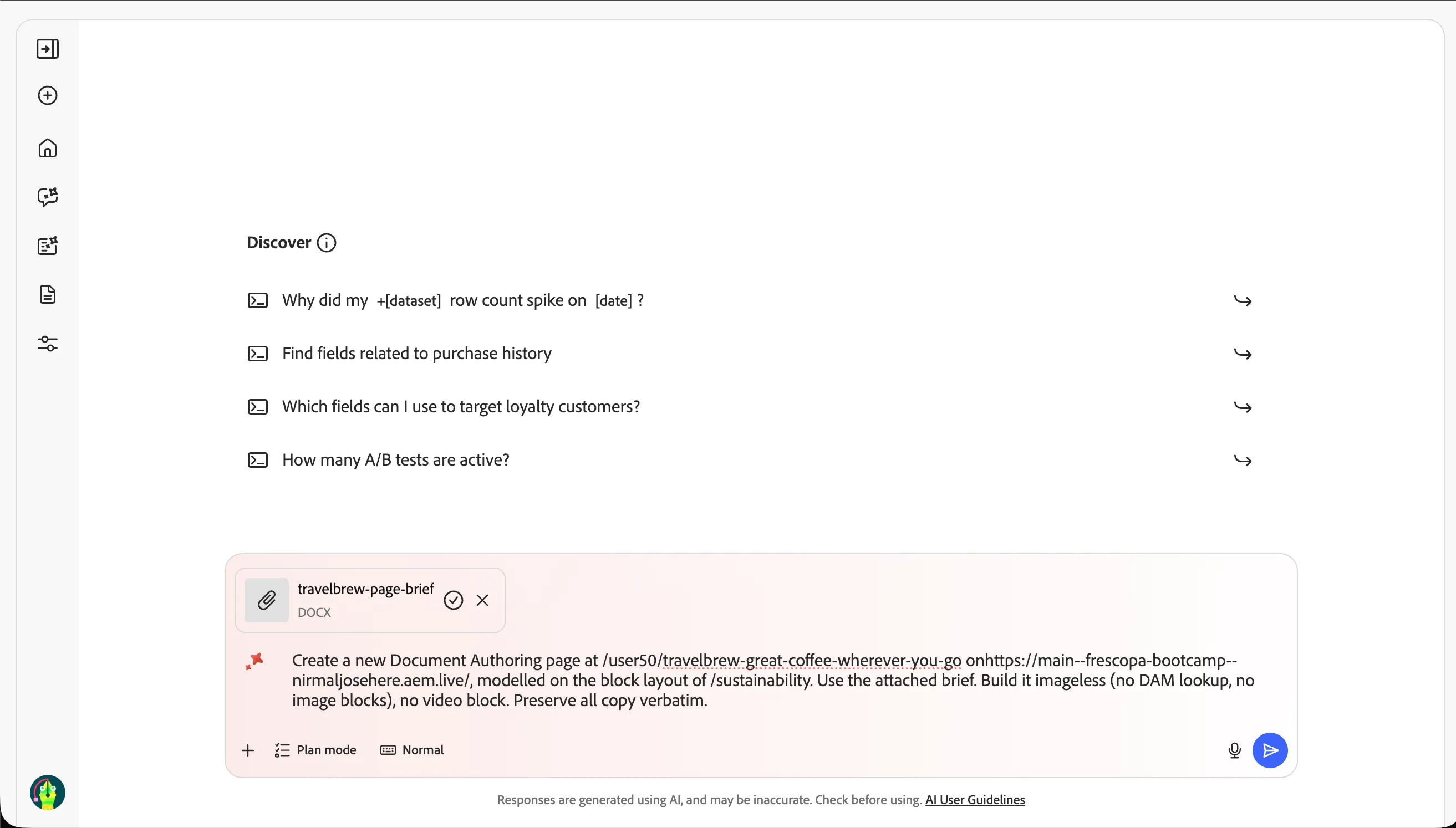
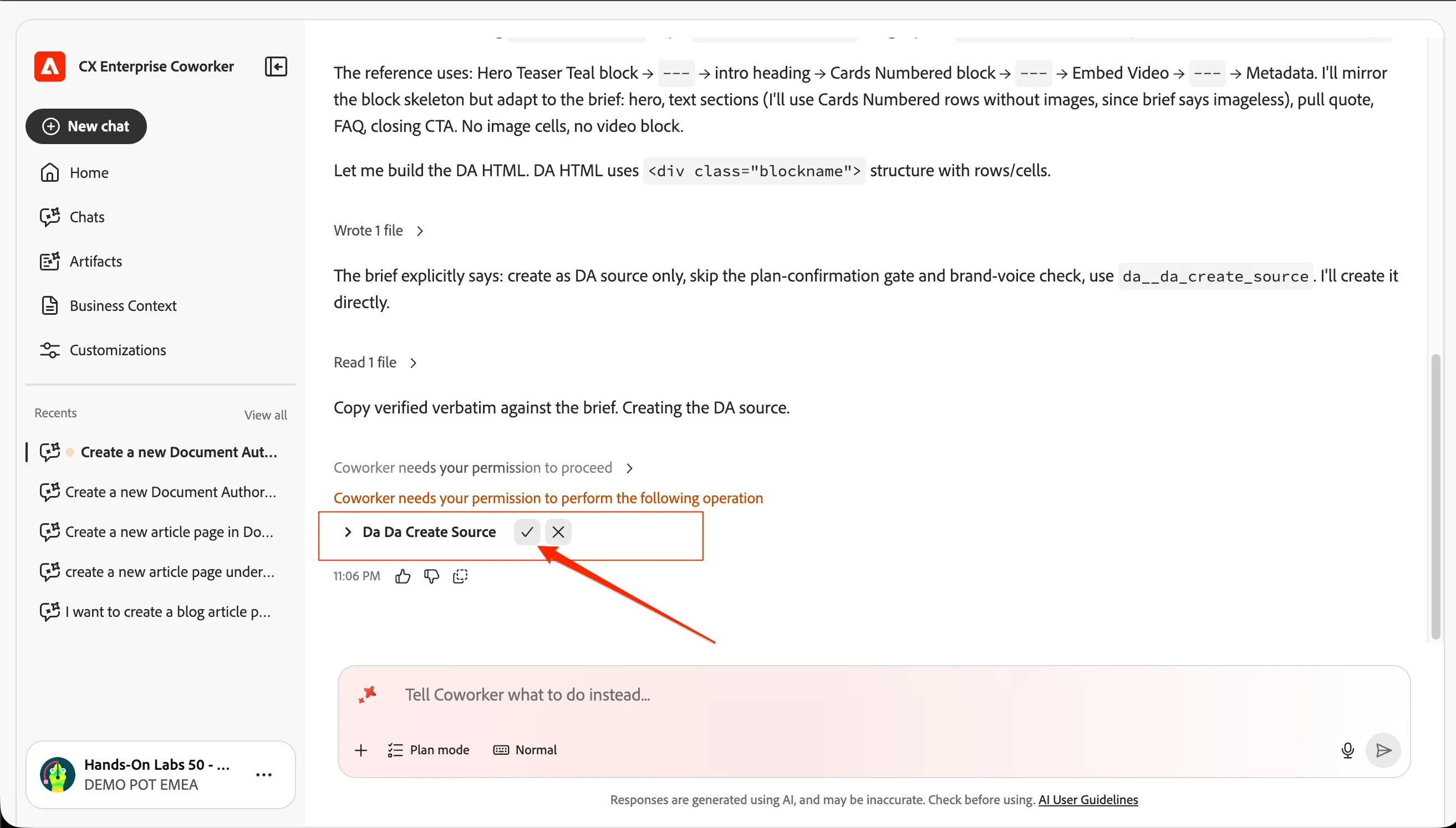
- Complete any forms or details Coworker requests. If will ask for a permission since its a create operation. Approve it by clicking on tick icon.
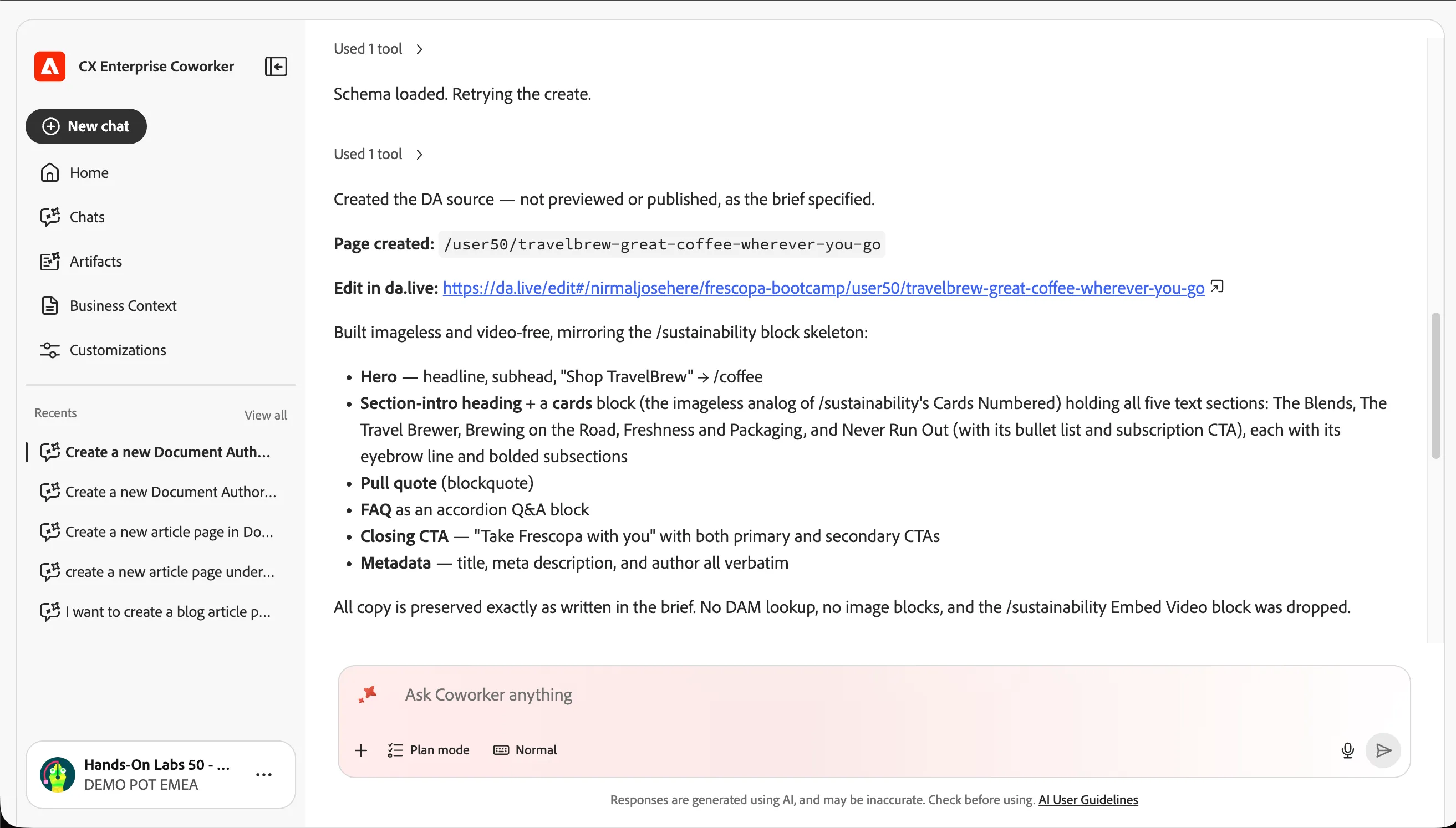
- Wait for background processing to finish.
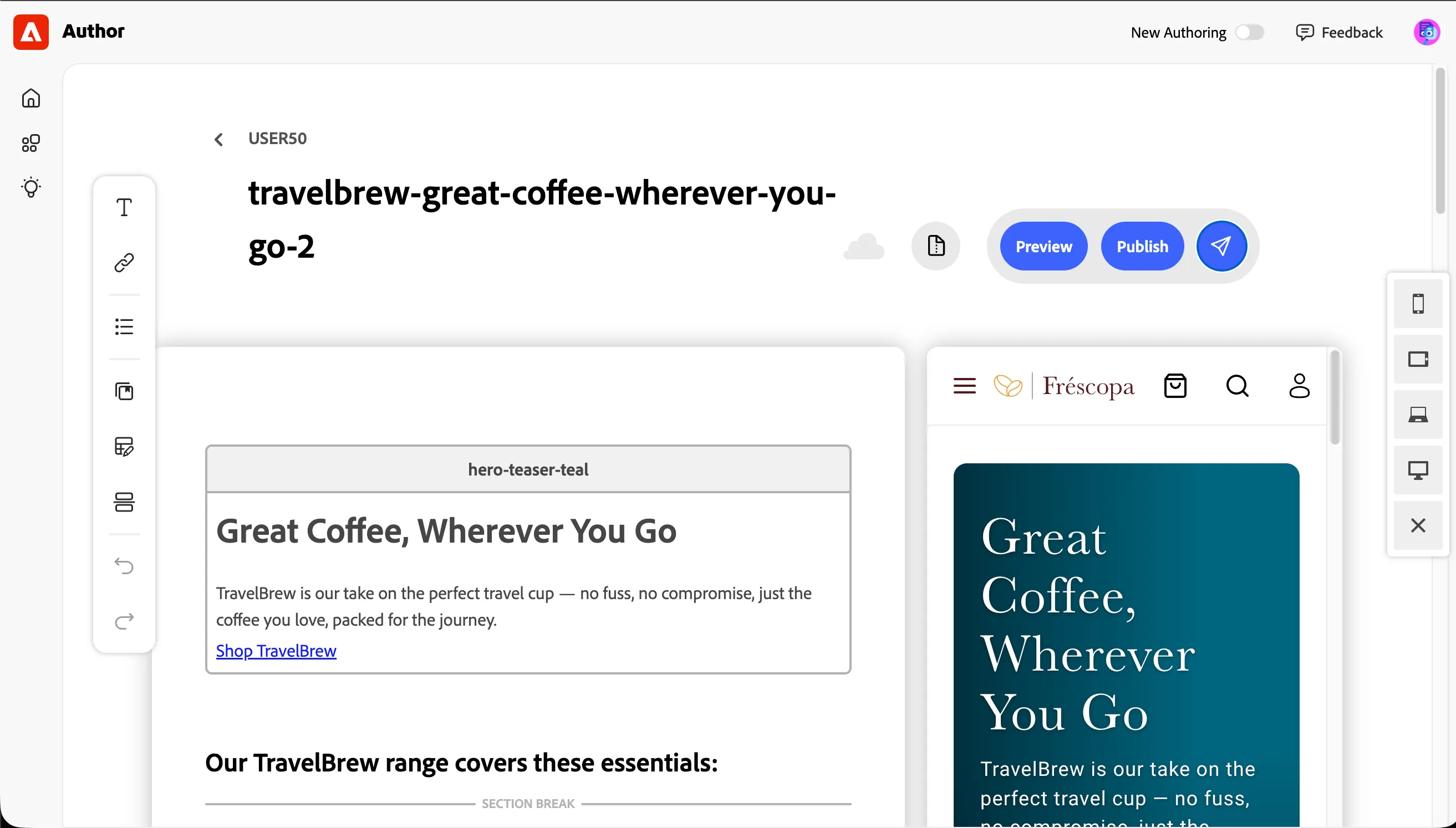
- Click Edit to open the generated page and handcraft the content.
- Preview and publish the page.
Updating multiple pages at once.
We want to embed a video to both the pages we created in the lab today.
- Start a New chat.
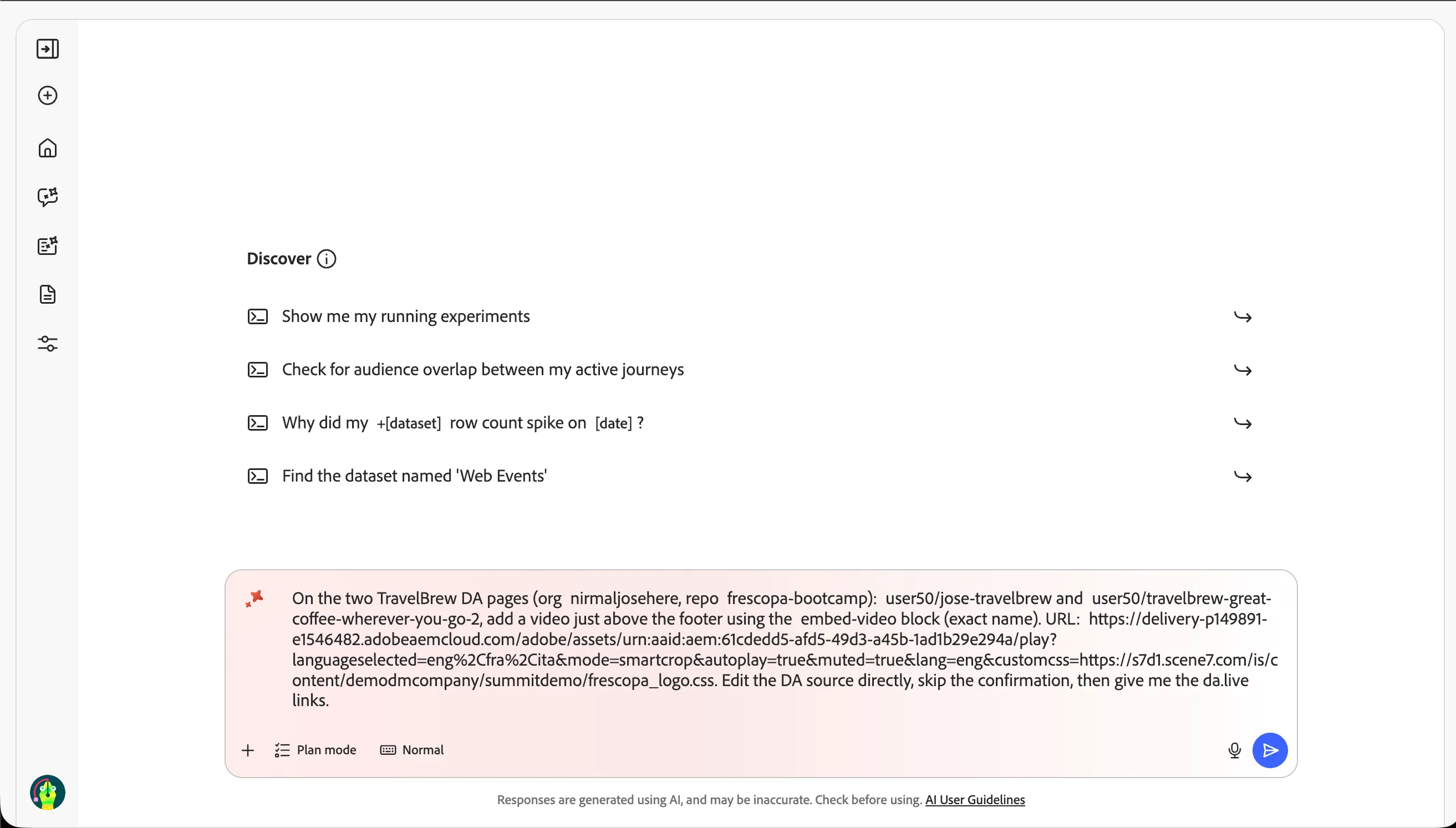
- Enter the below prompt.
On the two TravelBrew DA pages (org nirmaljosehere, repo frescopa-bootcamp): user{{USER_NUMBER}}/jose-travelbrew and user{{USER_NUMBER}}/travelbrew-great-coffee-wherever-you-go-2, add a video just above the footer using the embed-video block (exact name). URL: https://delivery-p149891-e1546482.adobeaemcloud.com/adobe/assets/urn:aaid:aem:61cdedd5-afd5-49d3-a45b-1ad1b29e294a/play?languageselected=eng%2Cfra%2Cita&mode=smartcrop&autoplay=true&muted=true&lang=eng&customcss=https://s7d1.scene7.com/is/content/demodmcompany/summitdemo/frescopa_logo.css. Edit the DA source directly, skip the confirmation, then give me the da.live links.
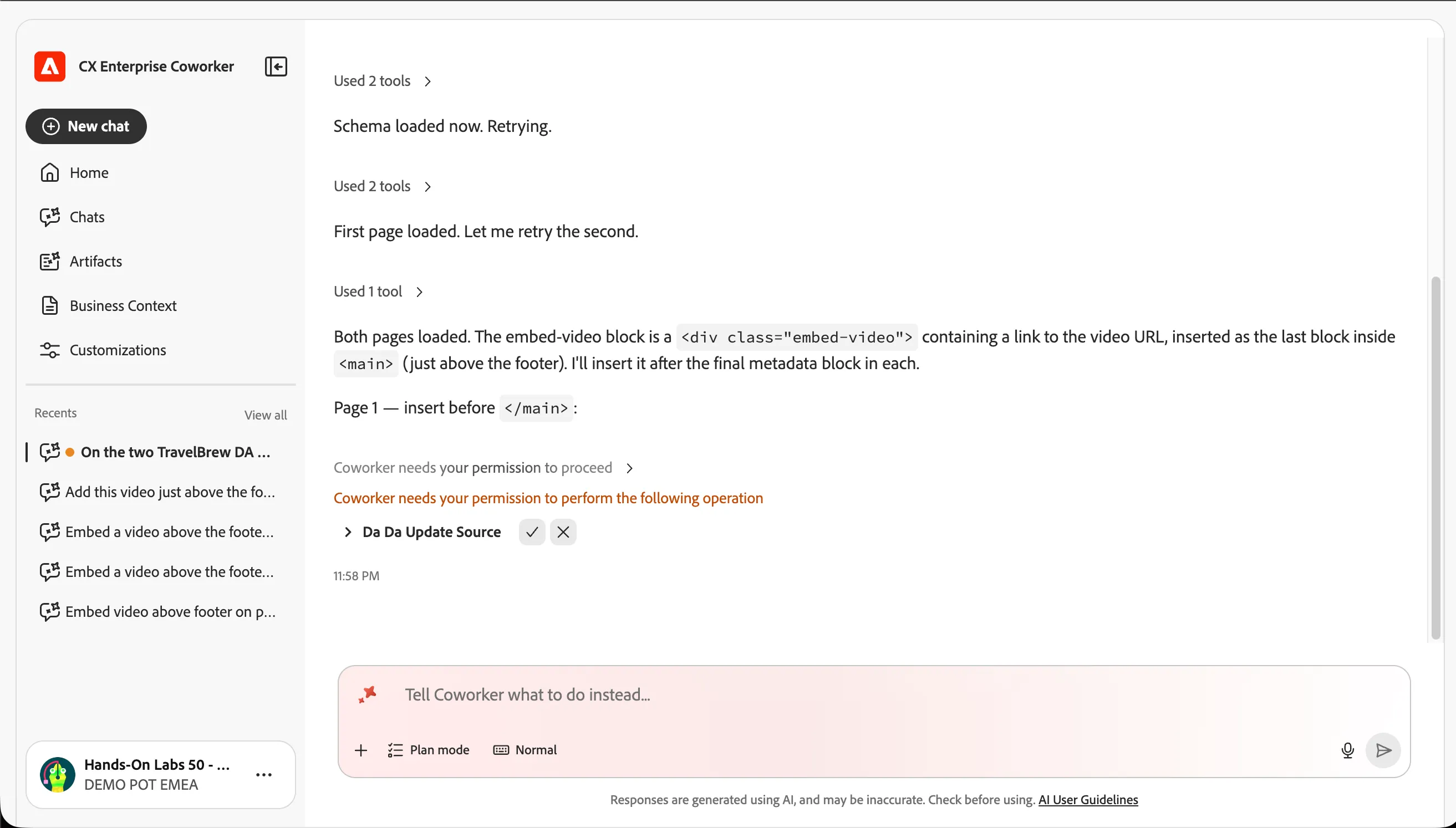
- Confirm the editing of the pages.
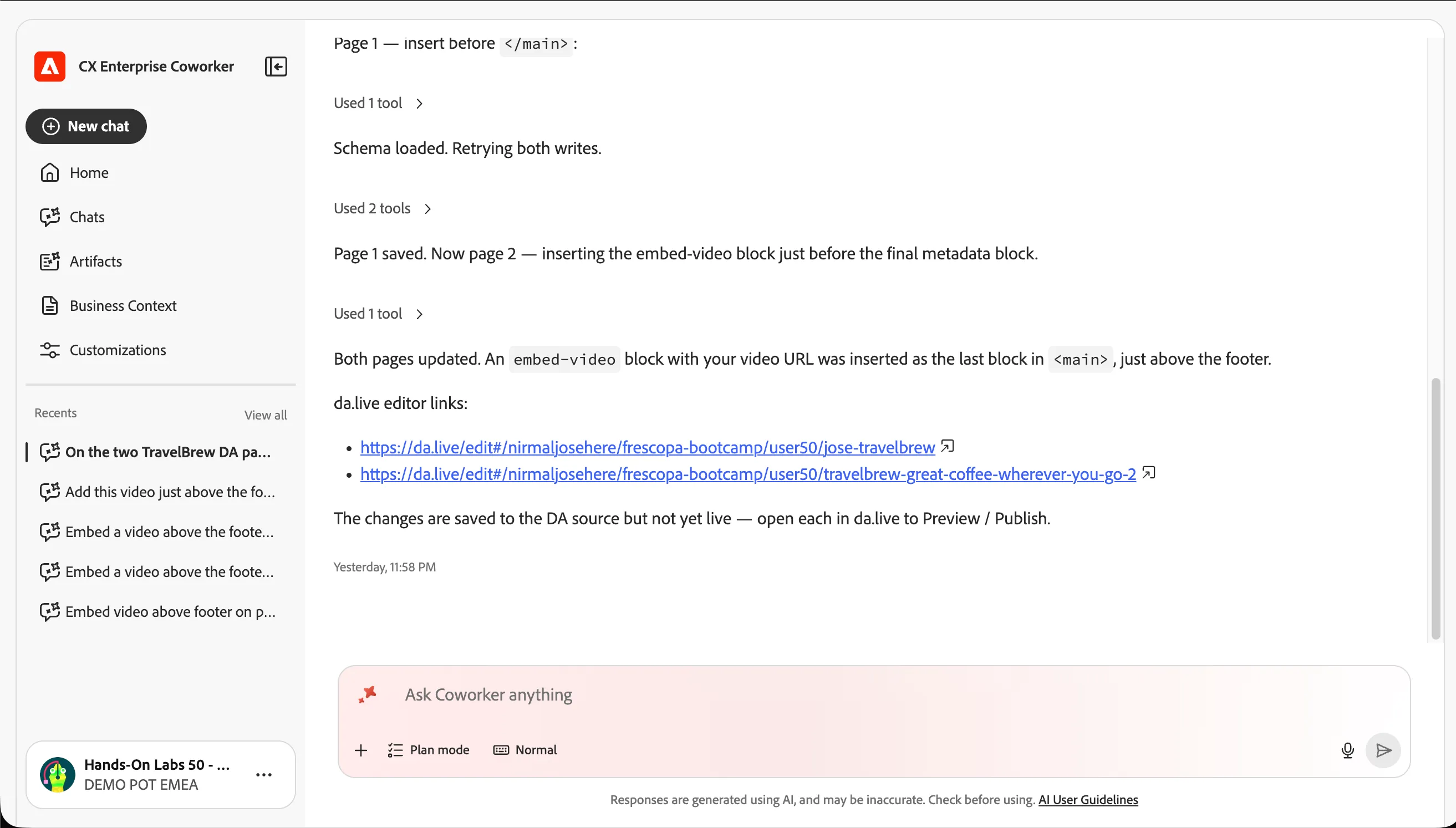
- Once completed, it will give you the DA edit links. Open them to see the blocks updated in both the pages.
Checkpoint / Reflection
- What changed? You moved from talking about content to shipping it — Coworker authored the page changes and you stayed in control through preview, draft, and publish.
- Full loop: Across these four exercises you discovered approved assets, optimised them for channels, governed copy/imagery/pages against the Frescopa brand, and generated live content — all grounded in Frescopa's Company Knowledge.
✅ Success — Exercise Complete You've used Coworker's Experience Generation skill to update and create Frescopa pages, closing the agentic authoring loop.